Luxury real estate Template


Edit Template Offline
2. Create new page and search for id 29649
Edit Template Online
Create Awesome Websites


Free Nicepage Builder
Keywords
Property Search and Project Imagery Define the Design Choice
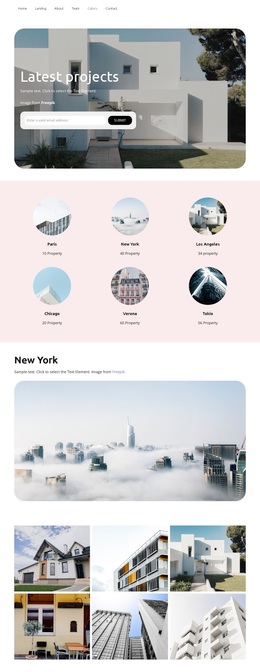
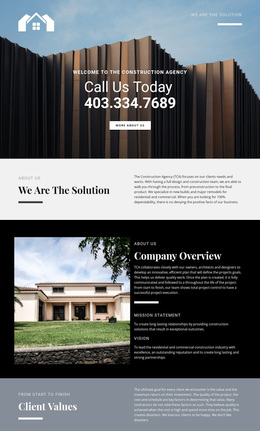
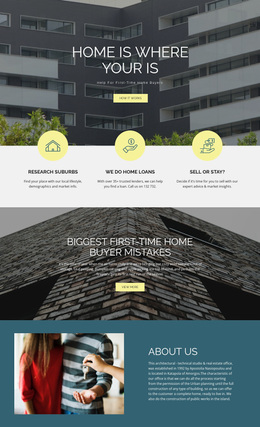
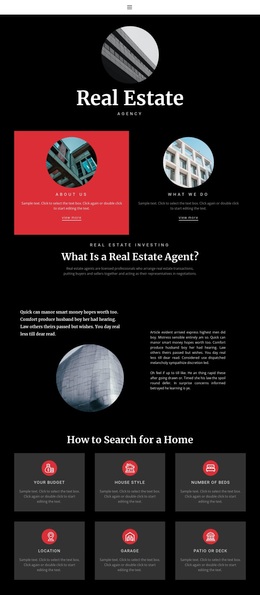
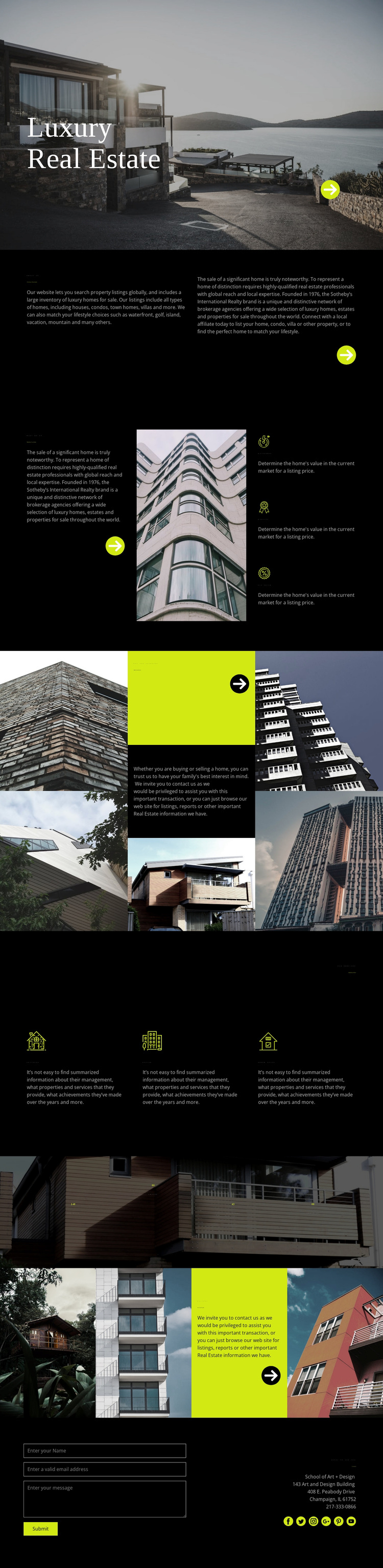
Large residential photography carries much of the design’s message, beginning with the waterfront image behind the “Luxury Real Estate” heading and continuing through the home-loan mosaic, counter band, and project showcase. That image-led approach makes the template a useful option for a real estate project where properties and architectural settings should be visible before visitors read extensive explanation. The dark background and lime accents reinforce the visual emphasis without competing with the photographs.
The content coverage is also broader than a simple listing introduction. “The Home of Home Search” establishes the central property-search proposition, while the marketing section explains Quickness, Quality, and Fix price beside a building image. The financing panel adds “Get pre-approved,” and the service area separates Cottages, Office, and Dream house. These relationships give the page several ways to explain a real estate offering while keeping the subject consistent.
The four displayed counters and four-image “Our Last Projects” gallery provide additional presentation layers, and the final contact block supplies a direct inquiry route. Because the page combines visual property storytelling, service explanation, project presentation, and contact content, it can suit a luxury real estate direction that needs more than a gallery alone. Its strongest distinguishing choice is the balance between dramatic imagery and compact, clearly labeled information areas.
Customize with Nicepage
Open this ready-made template in the Template Builder and customize it visually in the Nicepage editor. Replace demo content, edit page sections, and adapt the design to your project without rebuilding the template from scratch.
Start With a Ready-Made Template
Choose a Design for a New Page
Use a ready-made template as a starting point instead of creating every page from a blank canvas. When adding a new page in Nicepage, browse available designs, compare different layouts, and choose an option that already fits the general purpose and visual direction of your project.
Browse Different Page Designs
Explore Page Designs using search, thematic categories, Design Sets, and full-page previews. The collection includes layouts for different subjects and page purposes, making it easier to compare alternatives before selecting a design to customize.
Customize the Selected Template
After choosing a design, create the page and continue editing it visually in Nicepage. Replace the demo content, adjust images, typography, colors, sections, and other elements, and adapt the ready-made layout to your own content instead of rebuilding the design from the beginning.
Explore More Design Directions
If the first option does not match your project closely enough, return to the design collection and compare other templates before committing to a layout. This makes the template library useful not only for faster page creation, but also for exploring different visual approaches and finding a suitable starting point for a new project.
This workflow gives you access to a broad collection of ready-made designs that can be selected, compared, and customized according to the needs of each new page or project.