
930 Food & Restaurant WordPress Themes











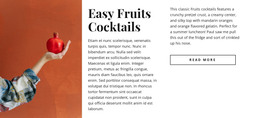
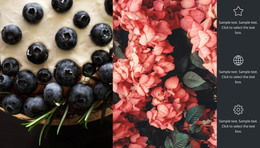
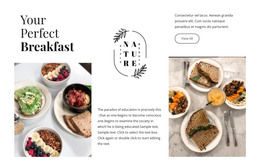

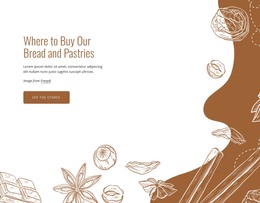










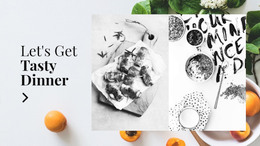
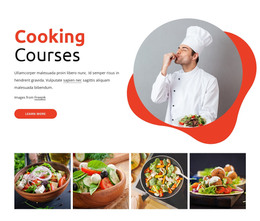

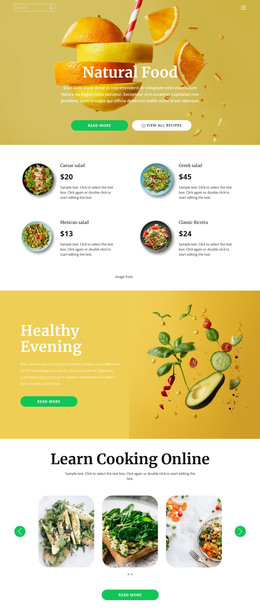
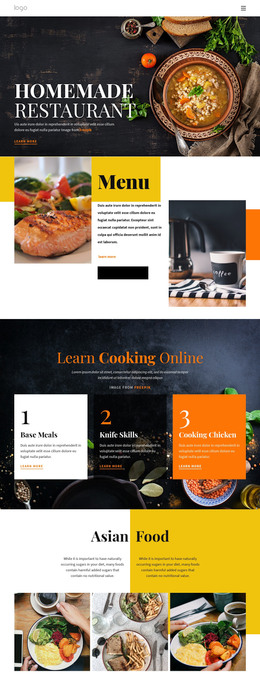


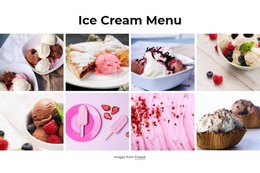



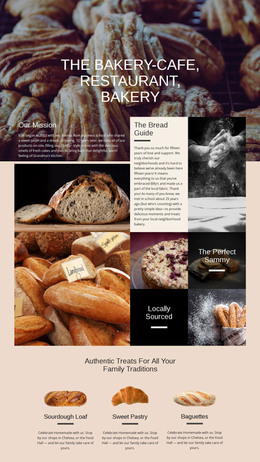

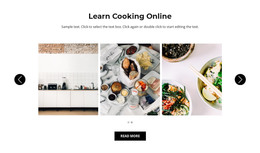
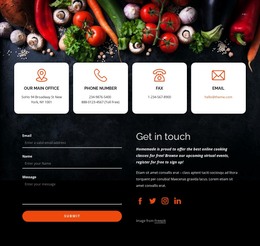










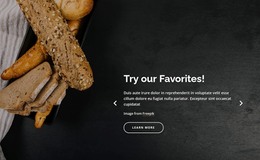



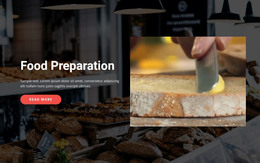



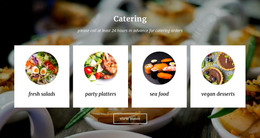











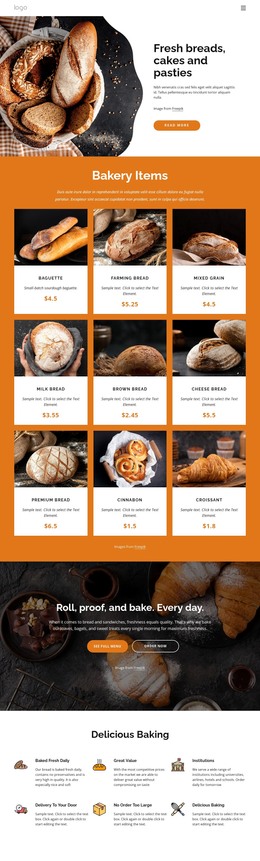
Modern Food & Restaurant WordPress Themes
Frequent menu changes, chef news, seasonal offers, and new food content can make a restaurant site difficult to maintain when design and CMS structure work against each other. Food & restaurant WordPress themes address that problem with a visual system that keeps recurring content manageable while brand styling stays under controlled WordPress and Nicepage workflows.
Who Can Use Flexible Restaurant WordPress Themes?
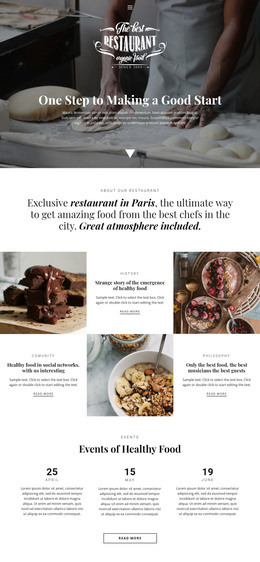
Restaurants can combine menu pages, chef profiles, blog content, and venue information inside one CMS. Food producers may need educational posts and product stories, while spice or snack brands often depend on editorial content alongside commercial pages. WordPress suits these businesses when regular updates matter as much as the initial visual design.
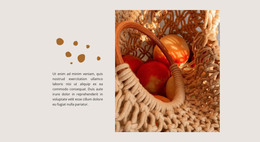
A producer can extend culinary storytelling with spice-focused website ideas. At the same time, orchard or ingredient brands may use apple-oriented layouts to give harvest stories, recipes, and product information a more specific visual character.
The Nicepage workflow begins in the Desktop Application or Online Builder, where you can prepare and refine the design before deploying it to WordPress. The documented WordPress application workflow covers exporting and uploading the Nicepage Theme, Plugin, and Pages to a WordPress site.
Advanced Features for Culinary WordPress Sites
Nicepage enhances WordPress by giving the design layer its own visual controls while WordPress continues to manage CMS content.
- WordPress Theme export carries the site's visual framework into the CMS.
- The Nicepage WordPress Plugin provides visual page editing inside WordPress.
- Site Style controls can adjust Colors, Fonts, Header, Footer, Blog, and Post Page Templates.
- Blog Post layouts can present chef updates, recipes, restaurant news, ingredient stories, or events.
- Post Details layouts give individual culinary articles a consistent presentation.
- Responsive Modes help refine menus, posts, imagery, and calls to action across desktop, tablet, and phone views.
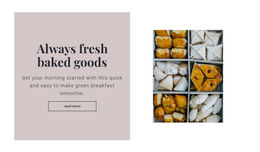
Snack brands can take a different visual direction through popcorn website concepts. Yet, the CMS logic remains the same: recurring content should fit an established visual system instead of forcing editors to redesign every new page.
Premium WordPress Management for Restaurant Teams
Do: define Theme styling, Header, Footer, Blog, and Post layouts before multiple editors begin routine content work. Don't: give every restaurant staff member unrestricted design control just because WordPress supports multiple users. Nicepage User Roles can help limit what collaborators change, which is useful when staff only need to update content, orders, or statistics.
Nicepage also supports direct Theme work inside WordPress. The documented WordPress Theme editing workflow describes Site Style controls for Colors, Fonts, Header, Footer, Blog, and Post templates through the Plugin. This approach can reduce unnecessary movement between routine CMS updates and larger visual changes.
For restaurant teams, that separation has practical value. A content editor may replace a menu announcement or publish a chef story, while a designer retains control over the broader visual language. If WooCommerce is part of the project, Nicepage can also support WordPress eCommerce pages without changing the core CMS workflow.
User-Friendly WordPress Questions for Food Businesses
Will restaurant layout changes survive Nicepage Plugin or Theme updates?
Yes. According to the supplied Nicepage knowledge base, visual adjustments, block changes, and custom styling rules are preserved during Plugin or Theme updates, so established production layouts remain intact.
Can restaurant staff get limited access without full design control?
Yes. Nicepage User Roles can give collaborators specific permissions. Clients or staff can access functions such as Orders, Site Statistics, or limited Editor work without unrestricted control over the layout grid.
How can a restaurant publish chef stories or food updates in WordPress?
Use WordPress Posts with Nicepage Blog Posts and Post Details layouts. This gives recurring chef stories, food news, recipes, event updates, or ingredient articles a consistent visual structure within the restaurant site.
Can I edit the Nicepage Theme directly inside WordPress?
Nicepage supports direct Theme editing in WordPress through the Plugin and Site Style workflow. Theme-level controls include Colors, Fonts, Header, Footer, Blog, and Post Page Templates. The supplied documentation also distinguishes this workflow from project export from CMS plugins.
Free WordPress Route for a Growing Food Brand
A restaurant CMS should make regular updates easier without sacrificing the site's visual character. Choose a suitable design, refine the Theme and page structure in Nicepage, install the Theme and Plugin in WordPress, and let the CMS handle ongoing content.
- Establish the restaurant's visual system and core pages.
- Refine responsive layouts and WordPress-specific content views.
- Move into the CMS workflow and keep future updates within that structure.
Start for free and prepare a WordPress site that can grow with menus, stories, promotions, and new culinary content.





















































