A culinary WordPress Theme


Two Culinary Messages Work as Stable Page Content
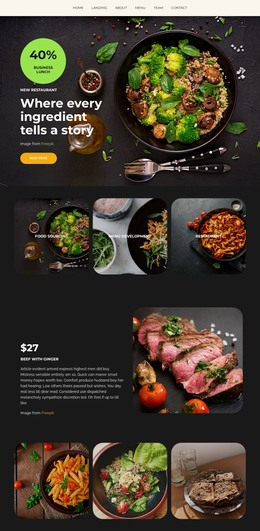
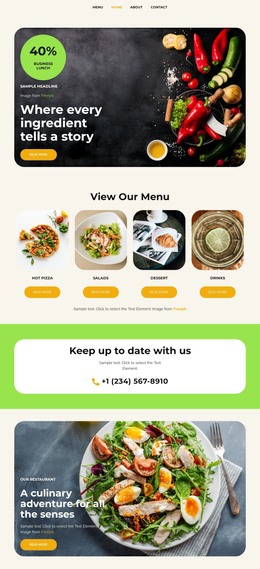
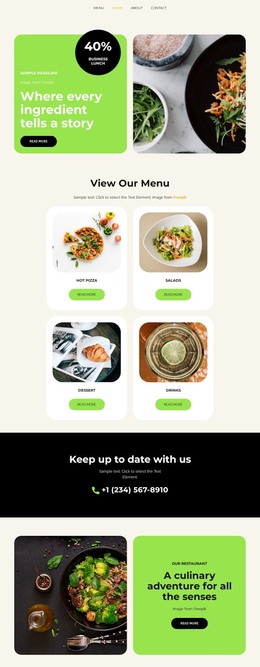
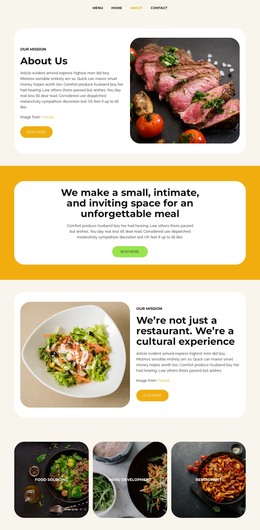
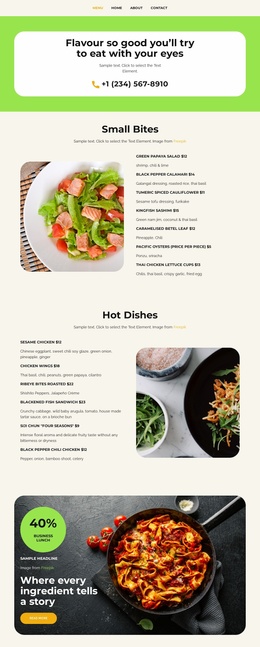
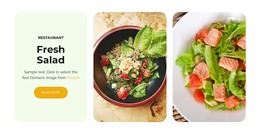
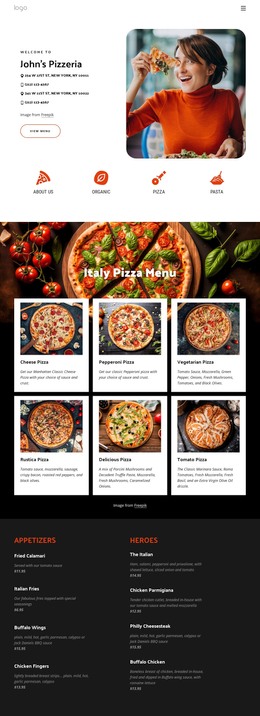
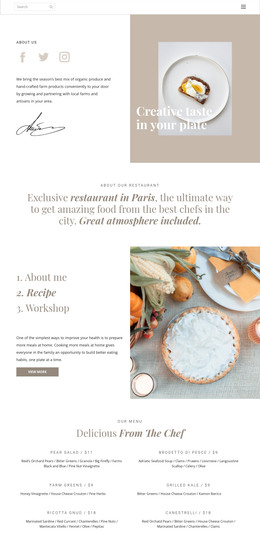
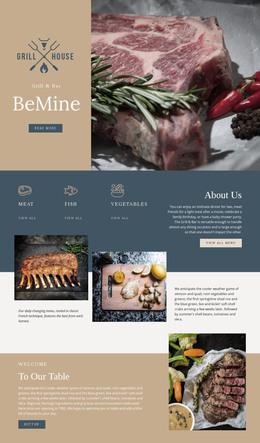
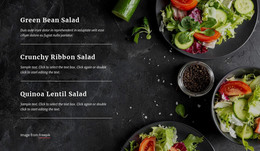
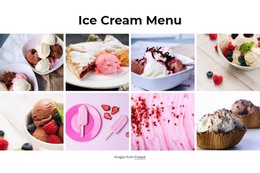
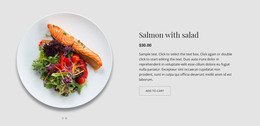
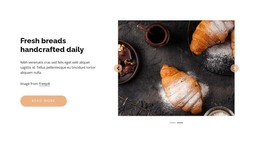
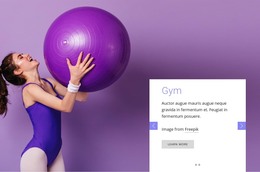
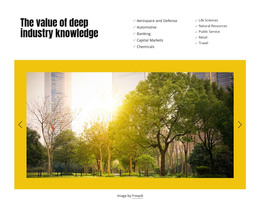
The slide titles and repeated text structure make this block suitable for a stable WordPress-managed page section. “A new way to experience food” and “A culinary adventure for all the senses” provide two related content messages, while each supporting paragraph gives the page room to explain the experience briefly. The food-photography backgrounds carry the visual subject, and the left-aligned white overlays keep the text position consistent across the carousel. The visible bowl of vegetables and grains reinforces the culinary context without turning sample imagery into a business claim.
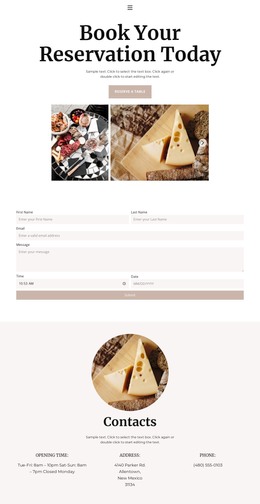
The “read more” buttons can point visitors toward deeper page content, such as a story or menu-related destination, while the surrounding project handles broader publishing needs. Previous and next controls and pagination indicators keep the two slide variations together as one reusable section. In a WordPress-oriented site, the block can sit within permanent page content while other pages or managed areas provide menus, contact information, and additional updates. Nicepage supports WordPress page and theme workflows, but the important role here is narrower: this design supplies a consistent culinary content region that can participate in the wider site without being treated as a standalone WordPress Theme.
Customize with Nicepage
Open this ready-made template in the WordPress Website Builder and customize it visually in the Nicepage editor. Replace demo content, edit page sections, and adapt the design to your project without rebuilding the template from scratch.
Edit Template Offline
2. Create a new page or select existing
3. Click Add new block, search for id 4310973 and click enter
Edit Template Online
Create Awesome Websites


Free Nicepage Builder
Keywords
Manage and Edit This Theme in WordPress
Customize and Install the WordPress Theme
Start with this ready-made theme instead of building the WordPress design from scratch. Customize its layout, content, typography, images, sections, and other design elements visually in Nicepage editor, then export and install the WordPress Theme, Plugin, and Pages on your WordPress site. The Nicepage WordPress Plugin lets you continue working with the site after installation.
Edit the Theme Directly in WordPress
After installation, you can edit the WordPress Theme directly in WordPress with the Nicepage WordPress Plugin. Use Site Style to customize site Colors, Fonts, Header, Footer, Blog, and Post Page Templates while working within your WordPress website.
Edit WordPress Pages Visually
Use the Nicepage WordPress Plugin to edit page content directly from the WordPress admin area. Open a WordPress Page with Nicepage and visually change its text, images, sections, and other page elements while continuing to manage the Page through WordPress.
WordPress Content and Theme Integration
Use the customized theme with WordPress Pages, Posts, Blog and Post Templates, menus, widgets, and other CMS-managed content. Shared theme elements such as Colors, Fonts, Header, Footer, Blog, and Post Page Templates can be managed as part of the overall site design, while WordPress provides the CMS environment for managing site content.
This workflow combines a ready-made WordPress Theme with visual customization, direct theme editing in WordPress, and continued content management through the Nicepage WordPress Plugin.