About our production WordPress Theme


Edit Template Offline
2. Create new page and search for id 5221079
Edit Template Online
Create Awesome Websites


Free Nicepage Builder
Keywords
Company pages, service information, and recurring cards fit a content-managed theme structure
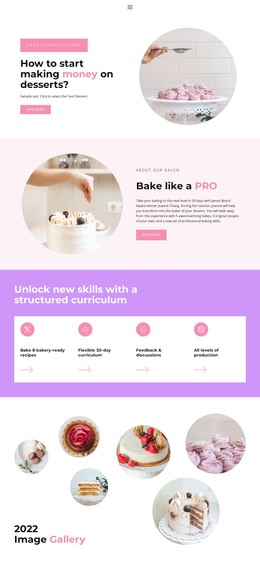
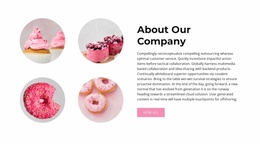
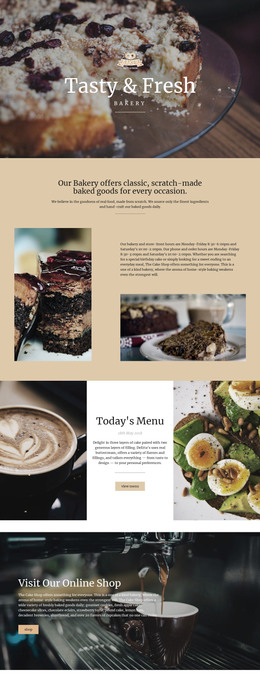
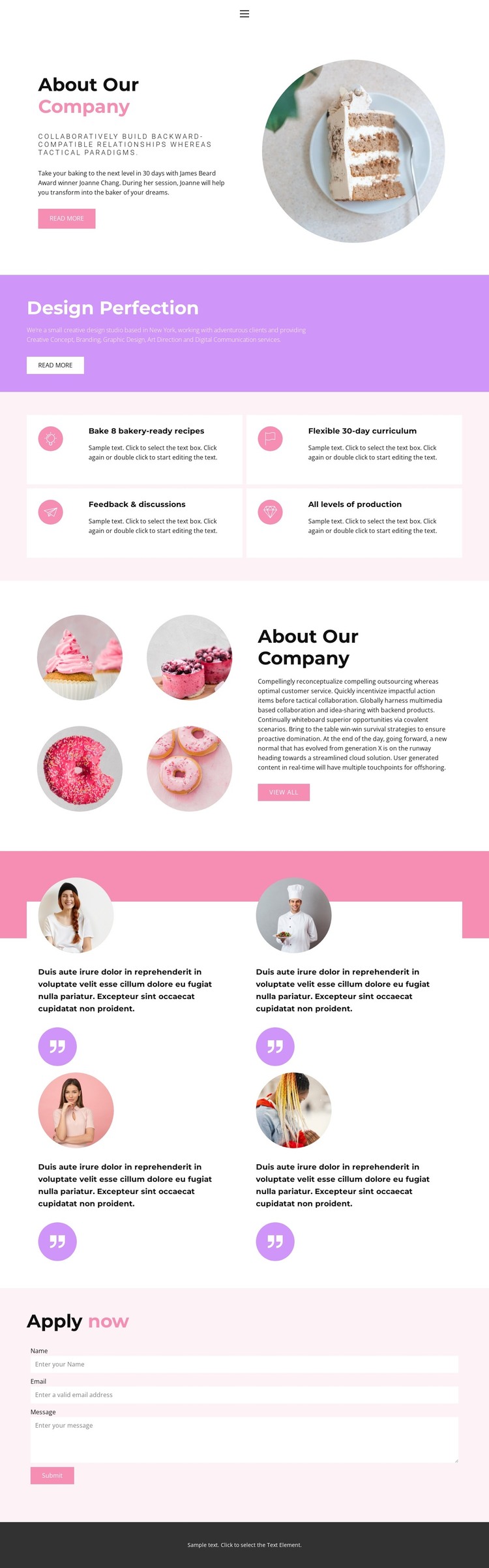
The page separates permanent company information from repeated content in a way that can be useful for a WordPress-managed site. The opening About Our Company section introduces the organization with text, a circular food image, and a Read more action. The later overview revisits the company through a text block and four circular food images, giving the design two related areas for page-oriented company content rather than one undifferentiated introduction.
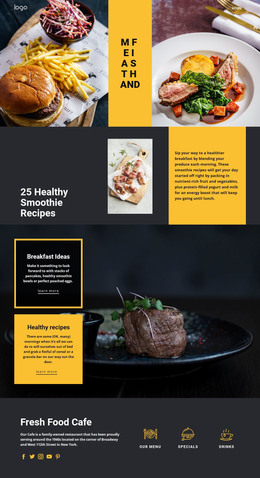
The five creative service categories—Creative Concept, Branding, Graphic Design, Art Direction, and Digital Communication—can be interpreted as a structured service presentation, while the four feature cards describe the baking education offer through recipes, curriculum, feedback, and production levels. Their repeated visual treatment makes the content easier to recognize as a group, but the analysis does not prove that WordPress Posts, categories, or service templates already exist. Those CMS structures should therefore be considered possible ways to organize future content, not existing template facts.
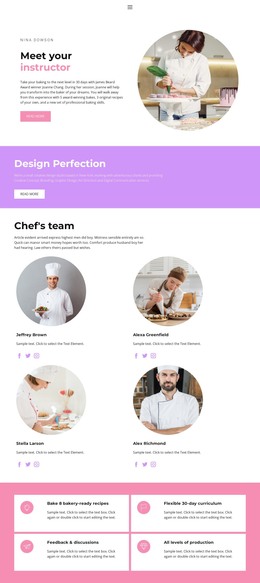
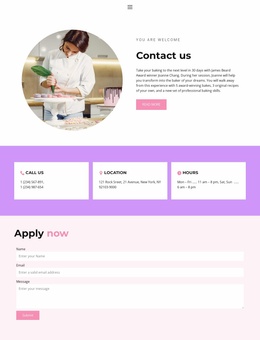
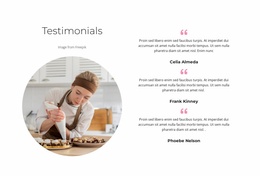
The four testimonial-style cards introduce a separate recurring content relationship, using portraits and quote marks to distinguish supporting voices from the company narrative. At the end, the Apply now section contains Name, Email, Message, and Submit fields, creating a page-level contact and application area. Navigation for Home, Landing, About, Team, and Contact supplies the site context around these sections. In a WordPress theme project, the value lies in mapping these concrete company, service, proof, and contact areas to managed content while preserving their shared visual direction.
Customize with Nicepage
Open this ready-made template in the WordPress Website Builder and customize it visually in the Nicepage editor. Replace demo content, edit page sections, and adapt the design to your project without rebuilding the template from scratch.
Manage and Edit This Theme in WordPress
Customize and Install the WordPress Theme
Start with this ready-made theme instead of building the WordPress design from scratch. Customize its layout, content, typography, images, sections, and other design elements visually in Nicepage editor, then export and install the WordPress Theme, Plugin, and Pages on your WordPress site. The Nicepage WordPress Plugin lets you continue working with the site after installation.
Edit the Theme Directly in WordPress
After installation, you can edit the WordPress Theme directly in WordPress with the Nicepage WordPress Plugin. Use Site Style to customize site Colors, Fonts, Header, Footer, Blog, and Post Page Templates while working within your WordPress website.
Edit WordPress Pages Visually
Use the Nicepage WordPress Plugin to edit page content directly from the WordPress admin area. Open a WordPress Page with Nicepage and visually change its text, images, sections, and other page elements while continuing to manage the Page through WordPress.
WordPress Content and Theme Integration
Use the customized theme with WordPress Pages, Posts, Blog and Post Templates, menus, widgets, and other CMS-managed content. Shared theme elements such as Colors, Fonts, Header, Footer, Blog, and Post Page Templates can be managed as part of the overall site design, while WordPress provides the CMS environment for managing site content.
This workflow combines a ready-made WordPress Theme with visual customization, direct theme editing in WordPress, and continued content management through the Nicepage WordPress Plugin.