The healthiest menu WordPress Theme


Stable Feature Content Sits Beside a Two-Image Visual Sequence
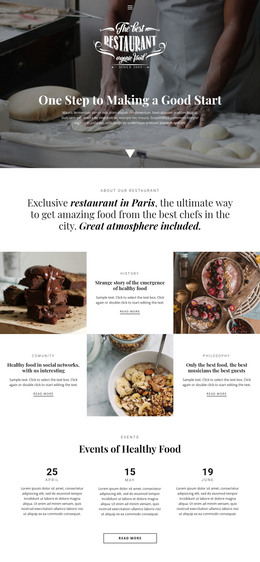
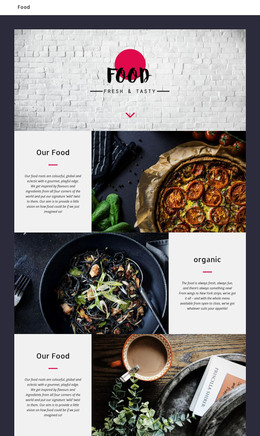
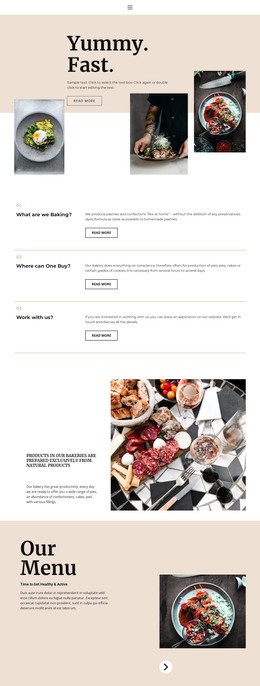
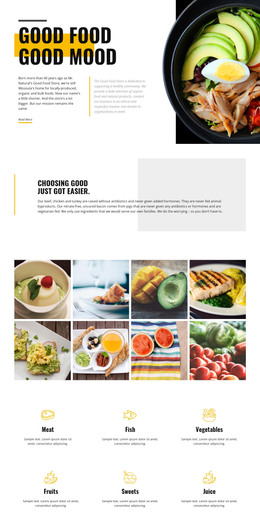
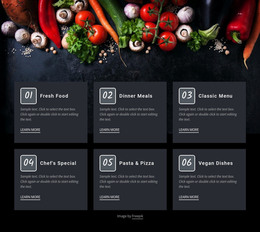
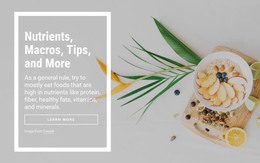
The block’s content is organized as a compact feature area rather than a long article or a collection of unrelated cards. Two large vertical photographs carry most of the visual presence: blueberries with greenery appear on the left, and red flowers with leaves occupy the center. A dark charcoal rail on the right provides a separate information region with three vertically stacked items. Each item follows the same internal pattern of a circular icon and centered supporting text, making the feature group easy to recognize as one repeated content unit.
In a WordPress-oriented project, this arrangement can function as stable page content for a features section while other CMS-managed areas support the wider site. The repeated sample wording should be replaced with the intended feature descriptions, but the three-position rail can remain intact as the visual framework. This interpretation emphasizes publishable section content: the images establish atmosphere, and the icon-led items give visitors concise supporting points without requiring the block to carry a complete page narrative. The section can be placed within a broader page and kept visually consistent with related content through the project’s wider design direction. The block contributes one reusable content region, not a standalone WordPress theme.
Customize with Nicepage
Open this ready-made template in the WordPress Website Builder and customize it visually in the Nicepage editor. Replace demo content, edit page sections, and adapt the design to your project without rebuilding the template from scratch.
Edit Template Offline
2. Create a new page or select existing
3. Click Add new block, search for id 58894 and click enter
Edit Template Online
Create Awesome Websites


Free Nicepage Builder
Keywords
Manage and Edit This Theme in WordPress
Customize and Install the WordPress Theme
Start with this ready-made theme instead of building the WordPress design from scratch. Customize its layout, content, typography, images, sections, and other design elements visually in Nicepage editor, then export and install the WordPress Theme, Plugin, and Pages on your WordPress site. The Nicepage WordPress Plugin lets you continue working with the site after installation.
Edit the Theme Directly in WordPress
After installation, you can edit the WordPress Theme directly in WordPress with the Nicepage WordPress Plugin. Use Site Style to customize site Colors, Fonts, Header, Footer, Blog, and Post Page Templates while working within your WordPress website.
Edit WordPress Pages Visually
Use the Nicepage WordPress Plugin to edit page content directly from the WordPress admin area. Open a WordPress Page with Nicepage and visually change its text, images, sections, and other page elements while continuing to manage the Page through WordPress.
WordPress Content and Theme Integration
Use the customized theme with WordPress Pages, Posts, Blog and Post Templates, menus, widgets, and other CMS-managed content. Shared theme elements such as Colors, Fonts, Header, Footer, Blog, and Post Page Templates can be managed as part of the overall site design, while WordPress provides the CMS environment for managing site content.
This workflow combines a ready-made WordPress Theme with visual customization, direct theme editing in WordPress, and continued content management through the Nicepage WordPress Plugin.