We are professional bakers WordPress Theme


Edit Template Offline
2. Create new page and search for id 4916555
Edit Template Online
Create Awesome Websites


Free Nicepage Builder
Keywords
Page Content and Recurring Bakery Areas Under One Visual Theme
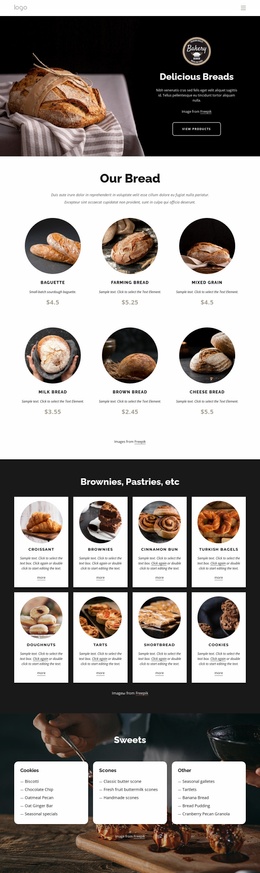
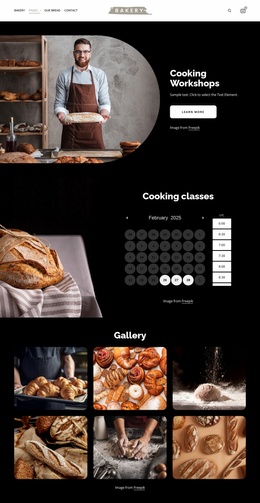
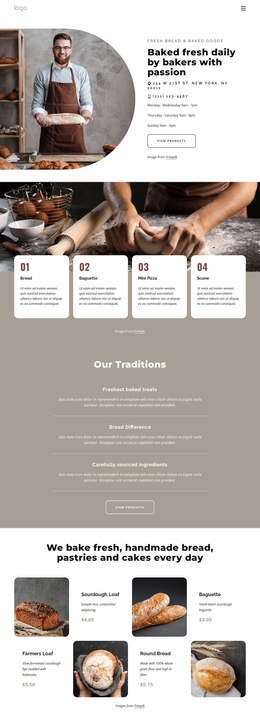
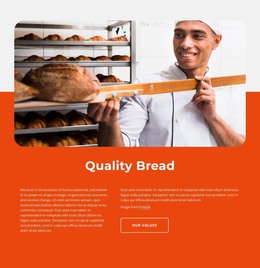
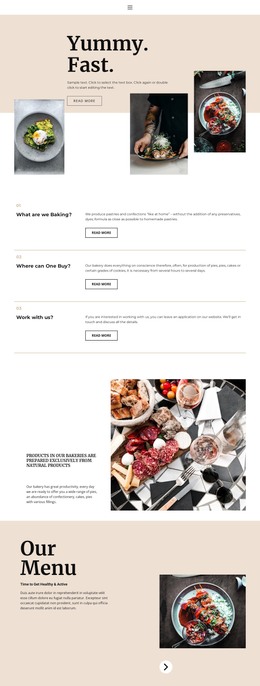
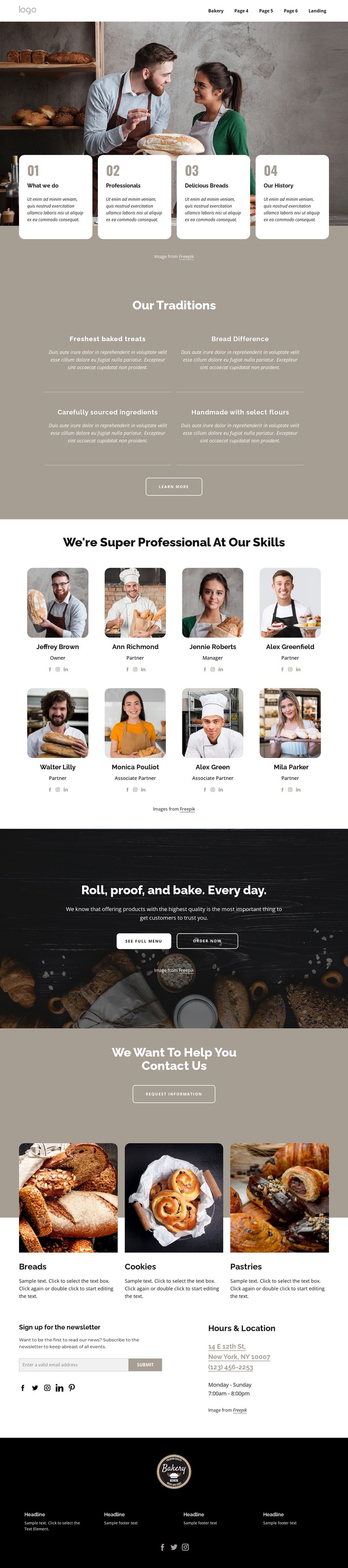
The page-oriented content is divided into durable information areas that can work together in a WordPress theme without assuming that specific posts or blog structures already exist. The four introductory cards establish the bakery’s overview, while Our Traditions groups statements about fresh treats, ingredients, selected flours, and the bread difference. The eight team cards create a recurring profile pattern with portraits, roles, and social links, making people-focused content a visible part of the page rather than a secondary detail.
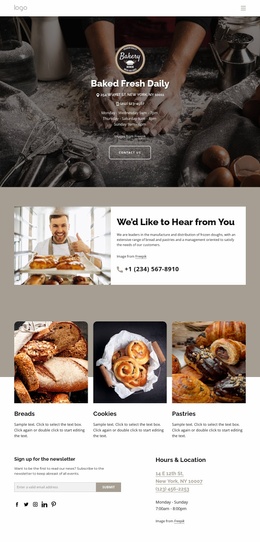
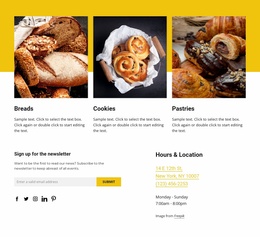
The three product categories—breads, cookies, and pastries—provide another clear content grouping, supported by ordering actions, menu access, and a separate information request. Newsletter signup, hours and location, social links, and the footer add practical site areas that can remain connected to the same visual direction. If the project later adds regularly updated bakery news or announcements, those additions would be a future content decision, not an existing verified component of this template. The WordPress interpretation therefore centers on maintaining a coherent relationship between permanent bakery information, repeated profiles, product categories, and customer communication. A WordPress Plugin is an optional product bridge when direct CMS editing is needed, but the template-specific strength comes first from its already defined page content and shared visual regions. The sample names and contact values should be replaced with the site owner’s real content.
Customize with Nicepage
Open this ready-made template in the WordPress Website Builder and customize it visually in the Nicepage editor. Replace demo content, edit page sections, and adapt the design to your project without rebuilding the template from scratch.
Manage and Edit This Theme in WordPress
Customize and Install the WordPress Theme
Start with this ready-made theme instead of building the WordPress design from scratch. Customize its layout, content, typography, images, sections, and other design elements visually in Nicepage editor, then export and install the WordPress Theme, Plugin, and Pages on your WordPress site. The Nicepage WordPress Plugin lets you continue working with the site after installation.
Edit the Theme Directly in WordPress
After installation, you can edit the WordPress Theme directly in WordPress with the Nicepage WordPress Plugin. Use Site Style to customize site Colors, Fonts, Header, Footer, Blog, and Post Page Templates while working within your WordPress website.
Edit WordPress Pages Visually
Use the Nicepage WordPress Plugin to edit page content directly from the WordPress admin area. Open a WordPress Page with Nicepage and visually change its text, images, sections, and other page elements while continuing to manage the Page through WordPress.
WordPress Content and Theme Integration
Use the customized theme with WordPress Pages, Posts, Blog and Post Templates, menus, widgets, and other CMS-managed content. Shared theme elements such as Colors, Fonts, Header, Footer, Blog, and Post Page Templates can be managed as part of the overall site design, while WordPress provides the CMS environment for managing site content.
This workflow combines a ready-made WordPress Theme with visual customization, direct theme editing in WordPress, and continued content management through the Nicepage WordPress Plugin.