Fresh bread handcrafted every day WordPress Theme


Edit Template Offline
2. Create new page and search for id 3284327
Edit Template Online
Create Awesome Websites


Free Nicepage Builder
Keywords
Menu Content and Bakery Information Fit a Page-Oriented Theme Structure
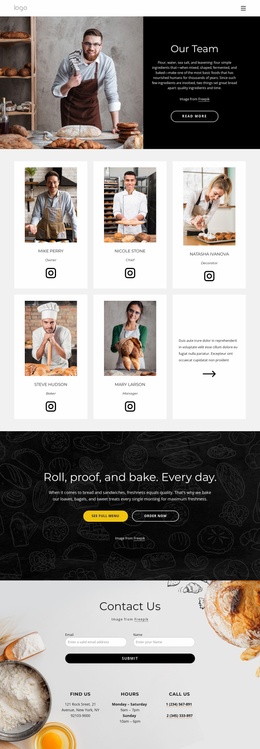
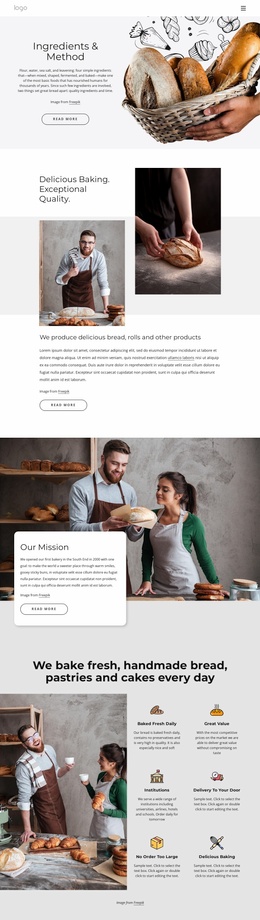
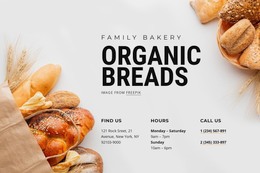
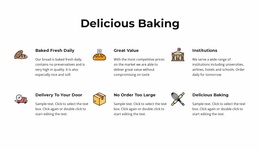
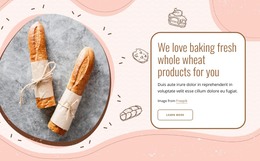
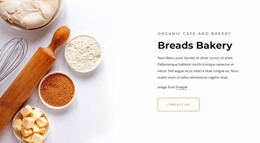
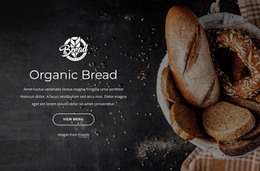
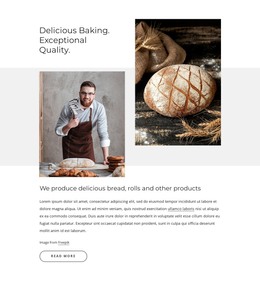
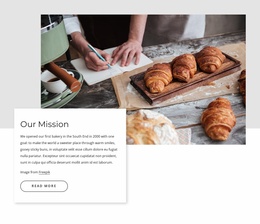
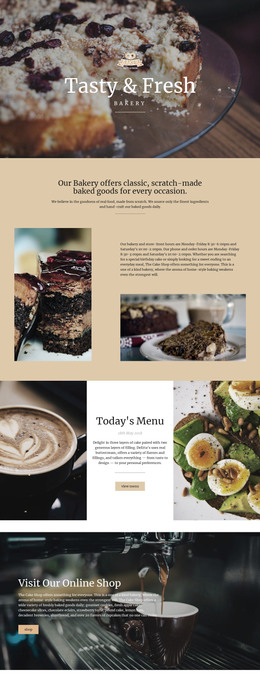
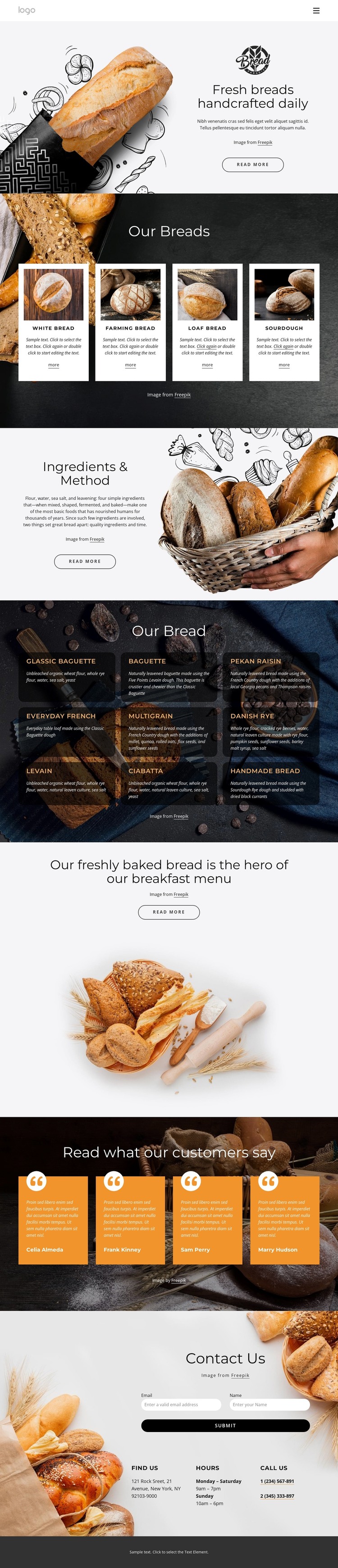
The page separates permanent bakery information into recognizable content areas. The hero introduces the subject, the four featured cards summarize bread categories, and the Ingredients & Method block provides explanatory content that can remain part of the bakery’s core page presentation. The nine-item menu adds a repeated content group with named varieties such as Baguette, Multigrain, Danish Rye, Levain, and Ciabatta, giving the design a natural place for organized product information without claiming that WordPress products or posts already exist.
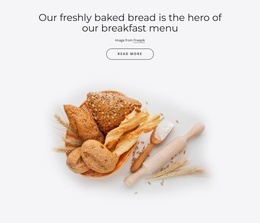
The four testimonial cards serve a different content role from the menu: they provide customer-oriented statements within the same visual system. Their displayed names and quotes are demo content, so they should be replaced or verified before publication. The breakfast promotion can likewise be adapted as page content rather than treated as a confirmed commercial claim. Navigation, mobile navigation, and the footer help keep these page regions connected as the site grows.
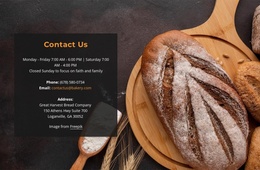
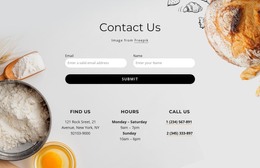
The contact block supplies practical permanent information through the form, location, opening hours, and phone groups. In a WordPress-oriented project, this combination can support a theme presentation where page content and recurring bakery information remain visually coordinated. If regularly updated editorial content is later added, it would need to be verified and structured separately; the current analysis confirms the bakery page areas above, not an existing blog or post system.
Customize with Nicepage
Open this ready-made template in the WordPress Website Builder and customize it visually in the Nicepage editor. Replace demo content, edit page sections, and adapt the design to your project without rebuilding the template from scratch.
Manage and Edit This Theme in WordPress
Customize and Install the WordPress Theme
Start with this ready-made theme instead of building the WordPress design from scratch. Customize its layout, content, typography, images, sections, and other design elements visually in Nicepage editor, then export and install the WordPress Theme, Plugin, and Pages on your WordPress site. The Nicepage WordPress Plugin lets you continue working with the site after installation.
Edit the Theme Directly in WordPress
After installation, you can edit the WordPress Theme directly in WordPress with the Nicepage WordPress Plugin. Use Site Style to customize site Colors, Fonts, Header, Footer, Blog, and Post Page Templates while working within your WordPress website.
Edit WordPress Pages Visually
Use the Nicepage WordPress Plugin to edit page content directly from the WordPress admin area. Open a WordPress Page with Nicepage and visually change its text, images, sections, and other page elements while continuing to manage the Page through WordPress.
WordPress Content and Theme Integration
Use the customized theme with WordPress Pages, Posts, Blog and Post Templates, menus, widgets, and other CMS-managed content. Shared theme elements such as Colors, Fonts, Header, Footer, Blog, and Post Page Templates can be managed as part of the overall site design, while WordPress provides the CMS environment for managing site content.
This workflow combines a ready-made WordPress Theme with visual customization, direct theme editing in WordPress, and continued content management through the Nicepage WordPress Plugin.