Your wellness journey begins here WordPress Theme


Edit Template Offline
2. Create new page and search for id 6439970
Edit Template Online
Create Awesome Websites


Free Nicepage Builder
Keywords
Service Links and Contact Content Create WordPress Page Areas
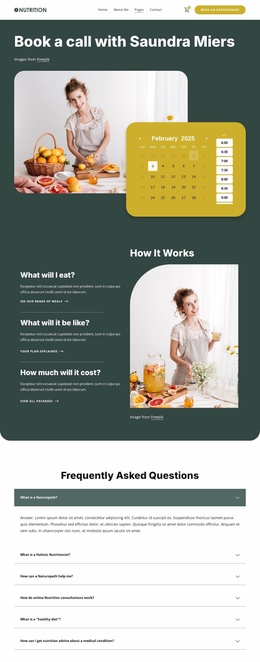
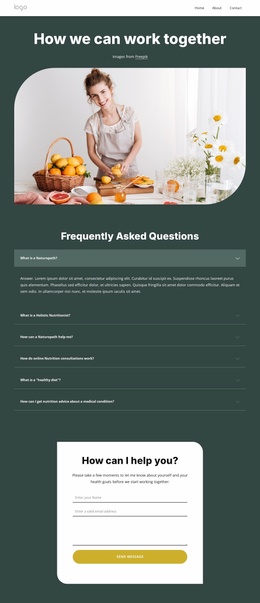
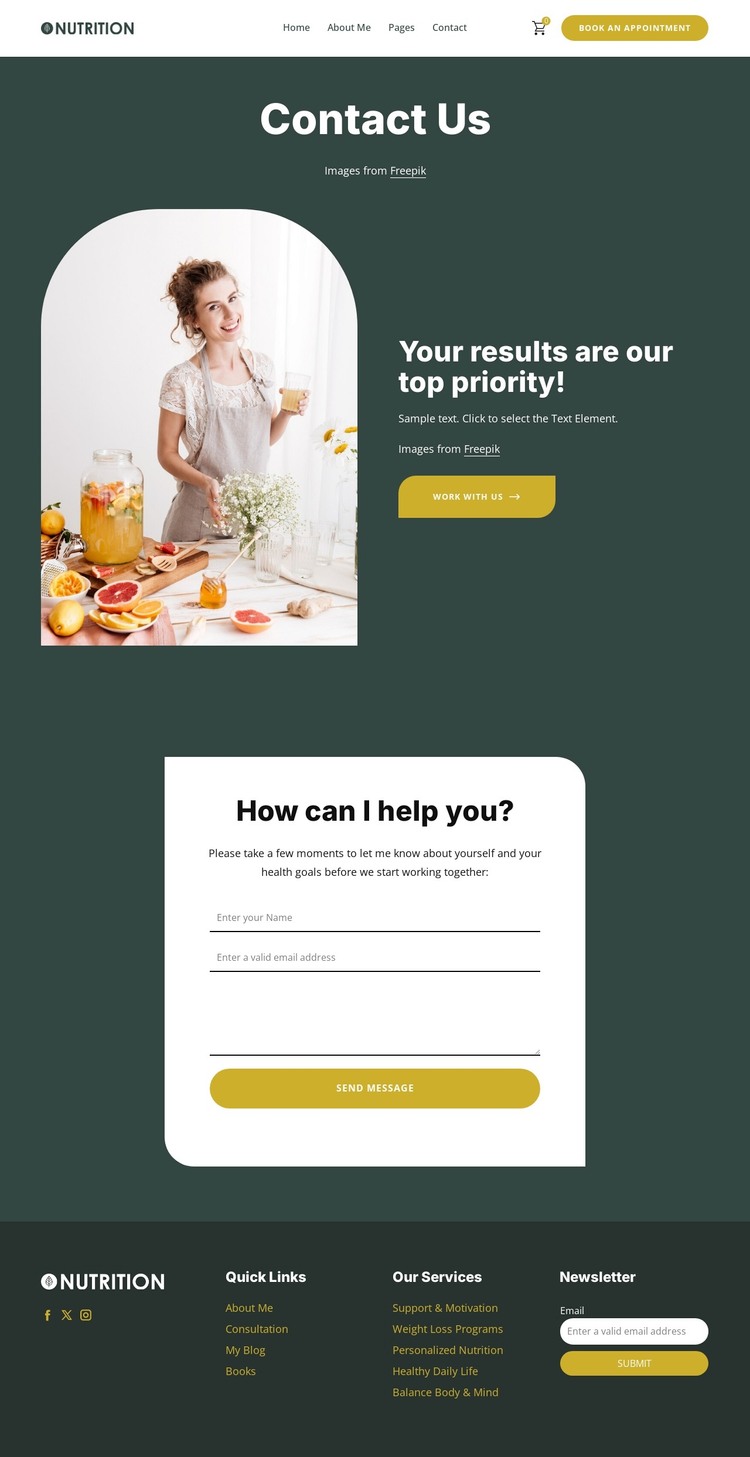
The contact inquiry form gives the design a clear permanent page-content area. Its health-goal prompt, name and email fields, message field, and Send Message action can remain the central communication section while the surrounding page text is adapted for a WordPress project. The header’s Book An Appointment action and the hero’s Work With Us link provide related destinations, but they do not need to be treated as separate competing messages; together, they frame the page around discussing wellness goals.
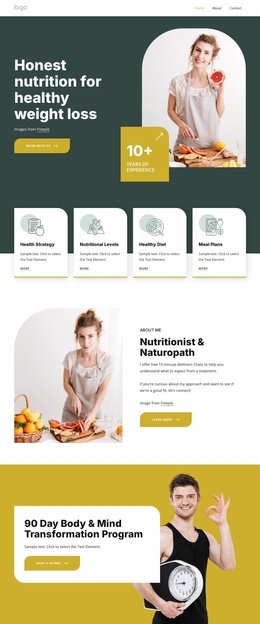
The footer offers a different content relationship. Quick Links and the service labels—Support & Motivation, Weight Loss Programs, Personalized Nutrition, Healthy Daily Life, and Balance Body & Mind—suggest several page-oriented categories that can be maintained as connected navigation or informational destinations. The Facebook, Twitter, and Instagram links add audience channels, while the newsletter signup provides a separate recurring communication area. These elements give the design more than a single form; they outline a small content environment around the contact page.
For a WordPress-oriented website, the visual system can therefore surround permanent page content with service navigation and regularly maintained communication areas. The design does not require an invented blog or post structure to be useful. Its strongest fit comes from the relationship between the contact page, service-related links, shared navigation, social destinations, and newsletter interaction, all kept within the same dark teal, white, and mustard visual direction.
Customize with Nicepage
Open this ready-made template in the WordPress Website Builder and customize it visually in the Nicepage editor. Replace demo content, edit page sections, and adapt the design to your project without rebuilding the template from scratch.
Manage and Edit This Theme in WordPress
Customize and Install the WordPress Theme
Start with this ready-made theme instead of building the WordPress design from scratch. Customize its layout, content, typography, images, sections, and other design elements visually in Nicepage editor, then export and install the WordPress Theme, Plugin, and Pages on your WordPress site. The Nicepage WordPress Plugin lets you continue working with the site after installation.
Edit the Theme Directly in WordPress
After installation, you can edit the WordPress Theme directly in WordPress with the Nicepage WordPress Plugin. Use Site Style to customize site Colors, Fonts, Header, Footer, Blog, and Post Page Templates while working within your WordPress website.
Edit WordPress Pages Visually
Use the Nicepage WordPress Plugin to edit page content directly from the WordPress admin area. Open a WordPress Page with Nicepage and visually change its text, images, sections, and other page elements while continuing to manage the Page through WordPress.
WordPress Content and Theme Integration
Use the customized theme with WordPress Pages, Posts, Blog and Post Templates, menus, widgets, and other CMS-managed content. Shared theme elements such as Colors, Fonts, Header, Footer, Blog, and Post Page Templates can be managed as part of the overall site design, while WordPress provides the CMS environment for managing site content.
This workflow combines a ready-made WordPress Theme with visual customization, direct theme editing in WordPress, and continued content management through the Nicepage WordPress Plugin.