Certified nutritionist WordPress Theme


Edit Template Offline
2. Create new page and search for id 6323852
Edit Template Online
Create Awesome Websites


Free Nicepage Builder
Keywords
Page Content and Repeated Service Themes Suit a Managed Practice Site
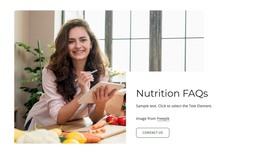
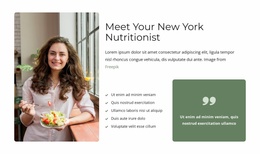
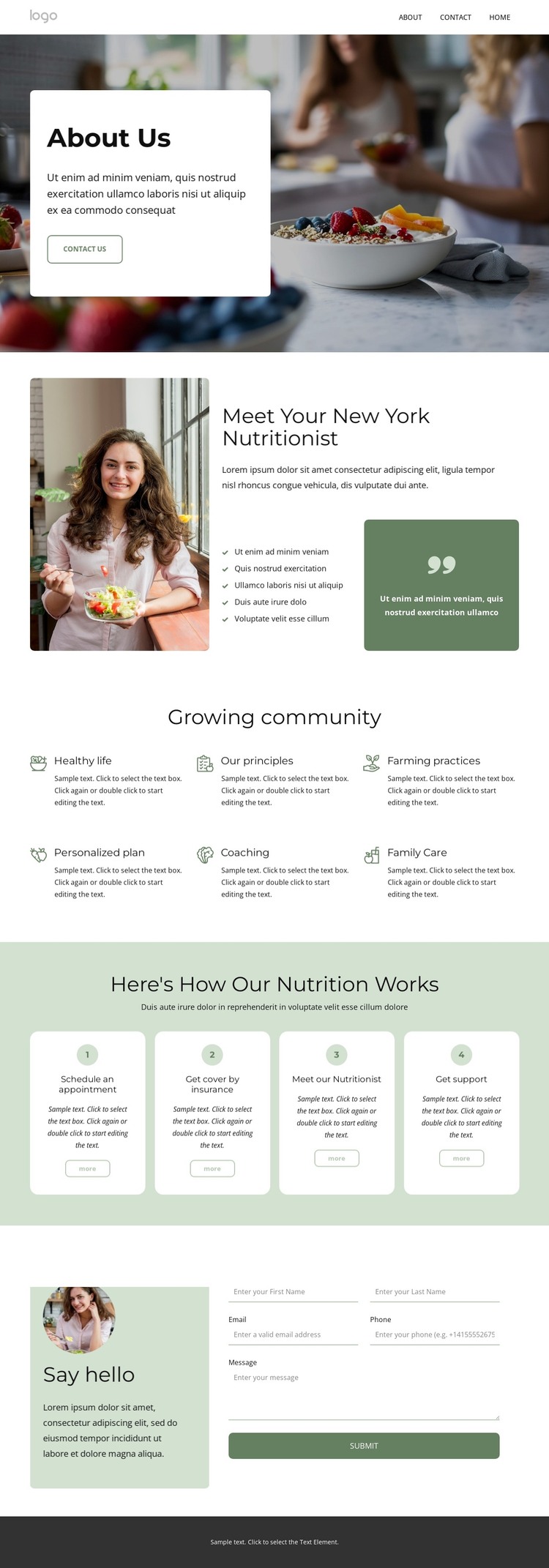
The design separates permanent informational content into clear areas that can work naturally within a WordPress-managed site. The About Us hero gives the practice an opening page section with food-and-wellness imagery, introductory copy, and a Contact Us action. The portrait section then supplies more durable page content through the nutritionist image, introduction, five-item list, and highlighted statement. These elements are better understood as the practice’s core profile information rather than as temporary promotional details.
The six community focus cards offer a second content relationship. Healthy living, principles, farming practices, personalized plans, coaching, and family care can be maintained as recurring service or approach themes while preserving the same card-based visual direction. The four numbered process cards add a practical explanatory layer, connecting appointment scheduling, insurance coverage, meeting the nutritionist, and receiving support. This gives the page a useful distinction between what the practice values and how a visitor may move through its support process.
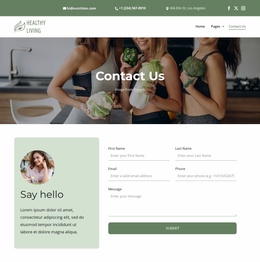
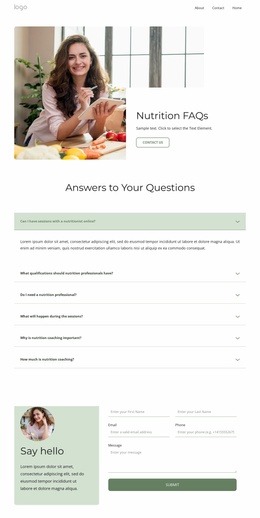
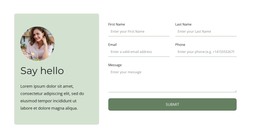
The contact area is also organized for ongoing page content, with an introductory panel beside a dedicated form. The footer adds shared site regions through quick links, contact details, social links, image credit, and a subscription control. If the project later includes regularly updated editorial content, that content would need its own verified WordPress structure; the analysis does not show an existing blog or post area. What this theme demonstrably provides is a coherent page foundation whose profile, service themes, process explanation, and communication regions can remain within one managed visual system.
Customize with Nicepage
Open this ready-made template in the WordPress Website Builder and customize it visually in the Nicepage editor. Replace demo content, edit page sections, and adapt the design to your project without rebuilding the template from scratch.
Manage and Edit This Theme in WordPress
Customize and Install the WordPress Theme
Start with this ready-made theme instead of building the WordPress design from scratch. Customize its layout, content, typography, images, sections, and other design elements visually in Nicepage editor, then export and install the WordPress Theme, Plugin, and Pages on your WordPress site. The Nicepage WordPress Plugin lets you continue working with the site after installation.
Edit the Theme Directly in WordPress
After installation, you can edit the WordPress Theme directly in WordPress with the Nicepage WordPress Plugin. Use Site Style to customize site Colors, Fonts, Header, Footer, Blog, and Post Page Templates while working within your WordPress website.
Edit WordPress Pages Visually
Use the Nicepage WordPress Plugin to edit page content directly from the WordPress admin area. Open a WordPress Page with Nicepage and visually change its text, images, sections, and other page elements while continuing to manage the Page through WordPress.
WordPress Content and Theme Integration
Use the customized theme with WordPress Pages, Posts, Blog and Post Templates, menus, widgets, and other CMS-managed content. Shared theme elements such as Colors, Fonts, Header, Footer, Blog, and Post Page Templates can be managed as part of the overall site design, while WordPress provides the CMS environment for managing site content.
This workflow combines a ready-made WordPress Theme with visual customization, direct theme editing in WordPress, and continued content management through the Nicepage WordPress Plugin.