The benefits of lemon water WordPress Theme


The Food Message Works as Stable WordPress Page Content
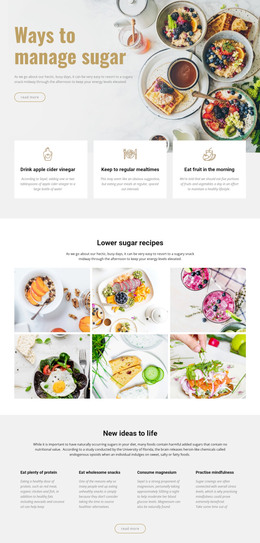
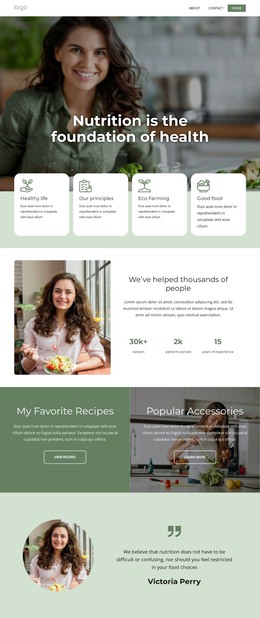
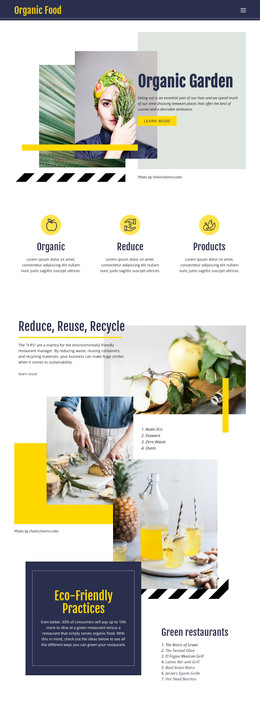
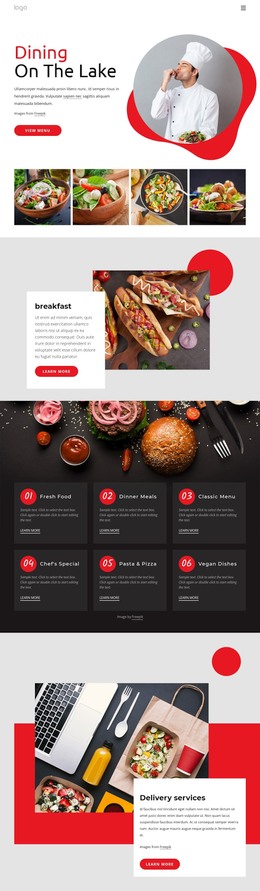
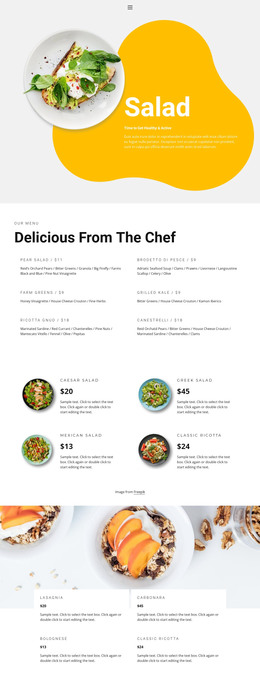
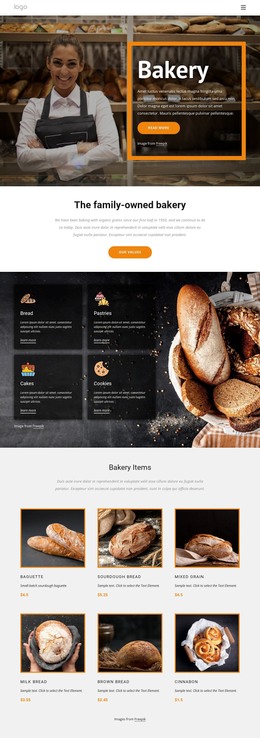
The section reads as durable page content rather than a stream of dated updates. Its main heading, “Always fresh baked goods,” establishes the subject, while the green breakfast smoothie paragraph provides a short supporting explanation. The “read more” link can lead visitors toward additional information, and the framed food image gives the message a visual anchor without introducing another content group. The result is a compact content unit with a clear reading order and a consistent image-to-text relationship.
In a WordPress-managed page, this block can occupy a stable food, breakfast, or restaurant-related section while the wider project maintains other page content around it. The block itself remains one reusable section, not a complete theme or website. Its two-column structure preserves a strong distinction between written information on the left and visual context on the right, while the taupe frame adds a recognizable treatment that can remain consistent when the section is reused. The white field, black text, serif heading, and generous spacing also make the content easy to identify as a permanent page area rather than an isolated promotional fragment.
Customize with Nicepage
Open this ready-made template in the WordPress Website Builder and customize it visually in the Nicepage editor. Replace demo content, edit page sections, and adapt the design to your project without rebuilding the template from scratch.
Edit Template Offline
2. Create a new page or select existing
3. Click Add new block, search for id 205489 and click enter
Edit Template Online
Create Awesome Websites


Free Nicepage Builder
Keywords
Manage and Edit This Theme in WordPress
Customize and Install the WordPress Theme
Start with this ready-made theme instead of building the WordPress design from scratch. Customize its layout, content, typography, images, sections, and other design elements visually in Nicepage editor, then export and install the WordPress Theme, Plugin, and Pages on your WordPress site. The Nicepage WordPress Plugin lets you continue working with the site after installation.
Edit the Theme Directly in WordPress
After installation, you can edit the WordPress Theme directly in WordPress with the Nicepage WordPress Plugin. Use Site Style to customize site Colors, Fonts, Header, Footer, Blog, and Post Page Templates while working within your WordPress website.
Edit WordPress Pages Visually
Use the Nicepage WordPress Plugin to edit page content directly from the WordPress admin area. Open a WordPress Page with Nicepage and visually change its text, images, sections, and other page elements while continuing to manage the Page through WordPress.
WordPress Content and Theme Integration
Use the customized theme with WordPress Pages, Posts, Blog and Post Templates, menus, widgets, and other CMS-managed content. Shared theme elements such as Colors, Fonts, Header, Footer, Blog, and Post Page Templates can be managed as part of the overall site design, while WordPress provides the CMS environment for managing site content.
This workflow combines a ready-made WordPress Theme with visual customization, direct theme editing in WordPress, and continued content management through the Nicepage WordPress Plugin.