Nutrition health coach WordPress Theme


Edit Template Offline
2. Create new page and search for id 6423592
Edit Template Online
Create Awesome Websites


Free Nicepage Builder
Keywords
Profile Content, Service Categories, and FAQ Topics Fit a WordPress Content Model
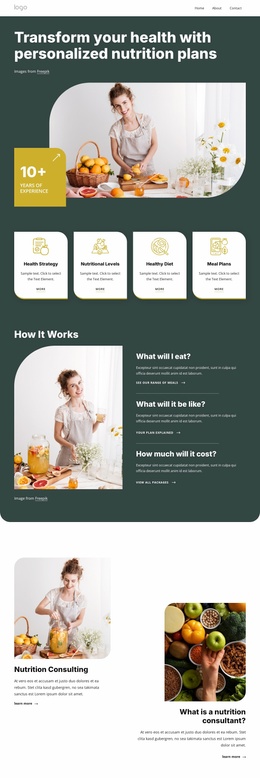
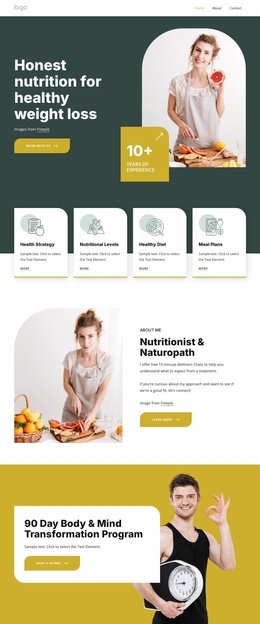
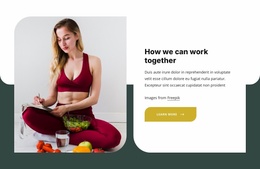
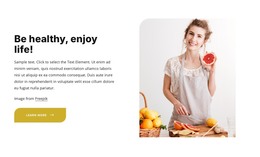
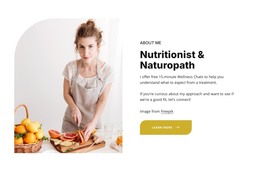
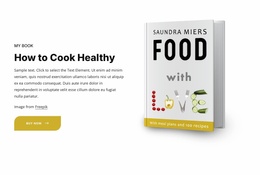
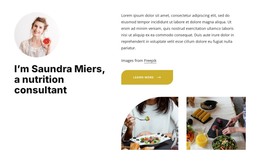
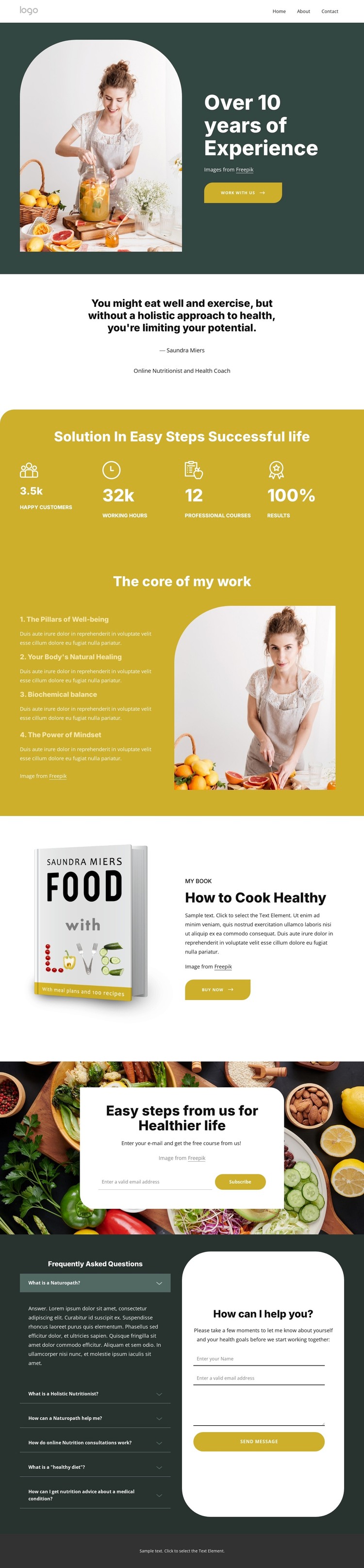
The permanent page content is concentrated in clear editorial areas: the practitioner introduction, the quotation about holistic health, the four wellness principles, and the How to Cook Healthy product presentation. These areas can be treated as stable page-oriented content in a WordPress project, while the footer’s service categories provide a useful relationship between the profile and the offerings being described. The template does not prove that WordPress Posts, categories, or blog structures already exist.
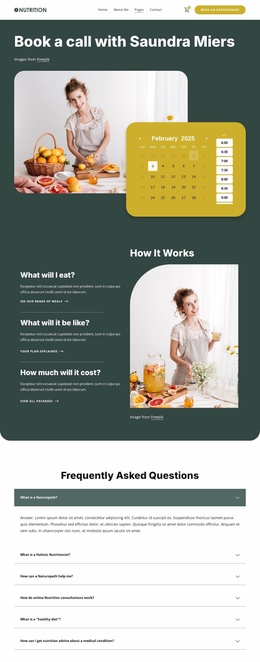
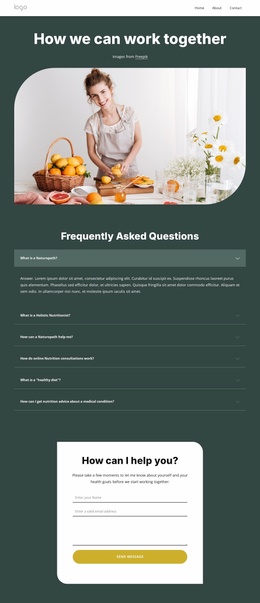
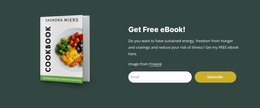
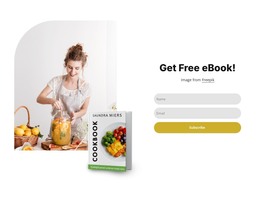
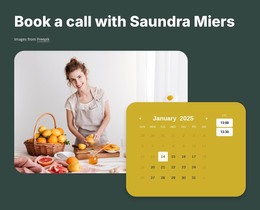
The FAQ and consultation pairing gives the design a different content role. Six questions address naturopathy, nutrition, healthy diets, and consultations, while the adjacent form supports direct communication. The subscription section adds a separate course-oriented response, and the footer newsletter creates another recurring content point. Together, these areas could support a site where permanent practitioner information sits alongside content that is updated or expanded over time.
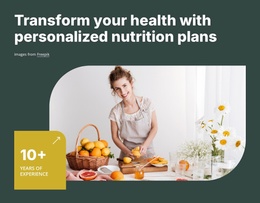
WordPress interpretation therefore centers on how the design separates page content, service information, product content, and visitor responses. The dark green, mustard, and white visual direction can remain consistent around those areas, while the shared header and footer give the site a recognizable framework. A WordPress Plugin or Pages feature may support implementation, but the template-specific value comes from its actual content relationships rather than from a generic CMS claim.
Customize with Nicepage
Open this ready-made template in the WordPress Website Builder and customize it visually in the Nicepage editor. Replace demo content, edit page sections, and adapt the design to your project without rebuilding the template from scratch.
Manage and Edit This Theme in WordPress
Customize and Install the WordPress Theme
Start with this ready-made theme instead of building the WordPress design from scratch. Customize its layout, content, typography, images, sections, and other design elements visually in Nicepage editor, then export and install the WordPress Theme, Plugin, and Pages on your WordPress site. The Nicepage WordPress Plugin lets you continue working with the site after installation.
Edit the Theme Directly in WordPress
After installation, you can edit the WordPress Theme directly in WordPress with the Nicepage WordPress Plugin. Use Site Style to customize site Colors, Fonts, Header, Footer, Blog, and Post Page Templates while working within your WordPress website.
Edit WordPress Pages Visually
Use the Nicepage WordPress Plugin to edit page content directly from the WordPress admin area. Open a WordPress Page with Nicepage and visually change its text, images, sections, and other page elements while continuing to manage the Page through WordPress.
WordPress Content and Theme Integration
Use the customized theme with WordPress Pages, Posts, Blog and Post Templates, menus, widgets, and other CMS-managed content. Shared theme elements such as Colors, Fonts, Header, Footer, Blog, and Post Page Templates can be managed as part of the overall site design, while WordPress provides the CMS environment for managing site content.
This workflow combines a ready-made WordPress Theme with visual customization, direct theme editing in WordPress, and continued content management through the Nicepage WordPress Plugin.