Lower food cost WordPress Theme



Edit Template Offline
2. Create new page and search for id 4298248
Edit Template Online
Create Awesome Websites


Free Nicepage Builder
Keywords
Menu Content and Repeated Food Cards Fit a Page-Oriented Theme
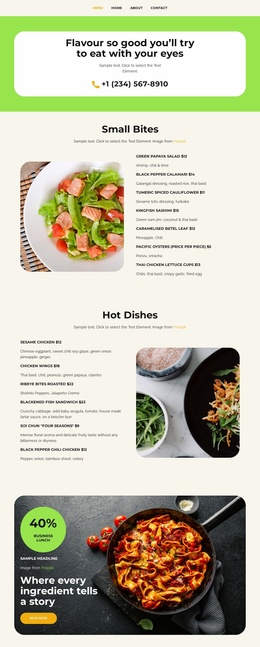
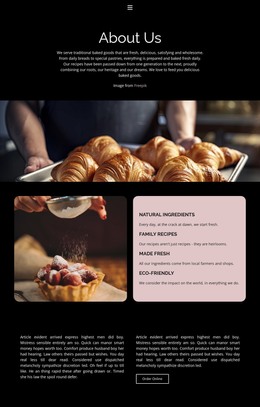
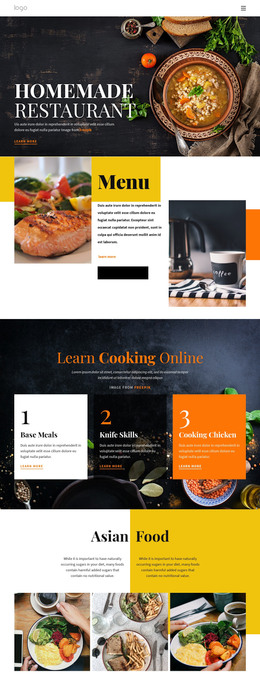
The design separates permanent restaurant information into recognizable page-oriented areas. The navigation identifies Home, Landing, About, Menu, Team, and Contact, while the capability tiles provide a concise overview of Food Sourcing, Menu Development, and Restaurant. The three featured dish sections offer another useful content pattern: each combines a food image with a dish name, description, and price, making the relationship between visual presentation and menu information easy to preserve.
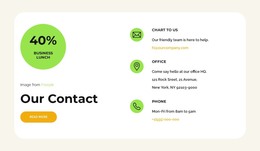
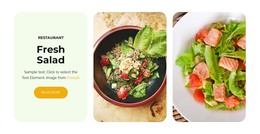
The four repeated category cards for Hot pizza, Salads, Dessert, and Drinks can support broader menu content, while the three-image gallery provides a separate visual area for food-focused presentation. The subscription form and the email, office, and phone cards then give the page distinct communication content rather than mixing response details into the menu groups. In a WordPress-managed project, these areas can be interpreted as permanent page content alongside future publishable material, while the dark visual direction and shared navigation keep the site recognizable. The template does not independently verify WordPress Posts, categories, widgets, or blog structures; those should not be presented as existing components. This separation also leaves room to organize changing restaurant information around the established page content without treating sample prices or contact details as real business data.
Customize with Nicepage
Open this ready-made template in the WordPress Website Builder and customize it visually in the Nicepage editor. Replace demo content, edit page sections, and adapt the design to your project without rebuilding the template from scratch.
Manage and Edit This Theme in WordPress
Customize and Install the WordPress Theme
Start with this ready-made theme instead of building the WordPress design from scratch. Customize its layout, content, typography, images, sections, and other design elements visually in Nicepage editor, then export and install the WordPress Theme, Plugin, and Pages on your WordPress site. The Nicepage WordPress Plugin lets you continue working with the site after installation.
Edit the Theme Directly in WordPress
After installation, you can edit the WordPress Theme directly in WordPress with the Nicepage WordPress Plugin. Use Site Style to customize site Colors, Fonts, Header, Footer, Blog, and Post Page Templates while working within your WordPress website.
Edit WordPress Pages Visually
Use the Nicepage WordPress Plugin to edit page content directly from the WordPress admin area. Open a WordPress Page with Nicepage and visually change its text, images, sections, and other page elements while continuing to manage the Page through WordPress.
WordPress Content and Theme Integration
Use the customized theme with WordPress Pages, Posts, Blog and Post Templates, menus, widgets, and other CMS-managed content. Shared theme elements such as Colors, Fonts, Header, Footer, Blog, and Post Page Templates can be managed as part of the overall site design, while WordPress provides the CMS environment for managing site content.
This workflow combines a ready-made WordPress Theme with visual customization, direct theme editing in WordPress, and continued content management through the Nicepage WordPress Plugin.