Contacts of our restaurants WordPress Theme


Edit Template Offline
2. Create new page and search for id 5707813
Edit Template Online
Create Awesome Websites


Free Nicepage Builder
Keywords
Page content and reservation communication fit a restaurant-focused WordPress theme structure
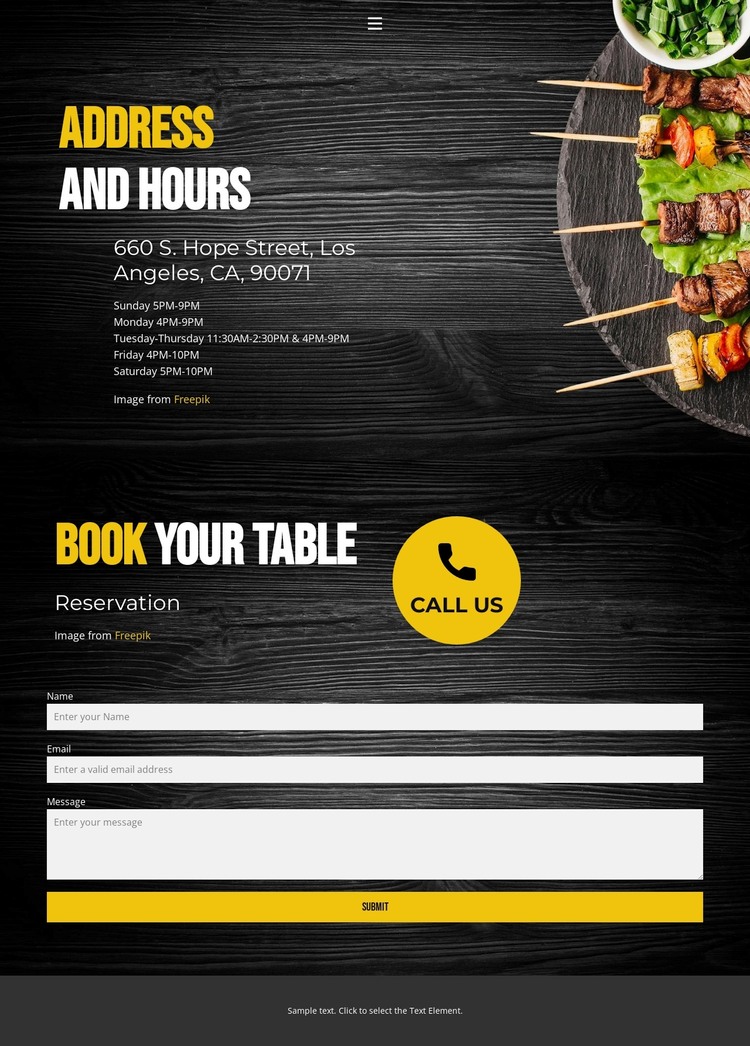
The design divides its content into areas that can remain stable as a restaurant site is maintained. The navigation connects Home, Landing, and Contact, while the collapsible mobile menu provides a compact way to reach those page destinations. Address and Hours forms the main page-oriented information area, showing 660 S. Hope Street, Los Angeles, CA, 90071 and a schedule that runs from Sunday through Saturday. This is the kind of permanent contact content that can sit alongside other restaurant pages without depending on the reservation interaction.
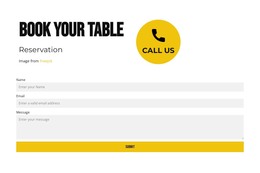
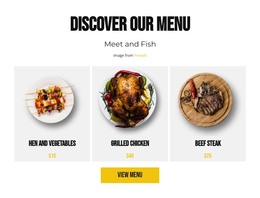
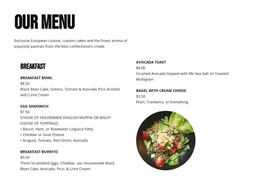
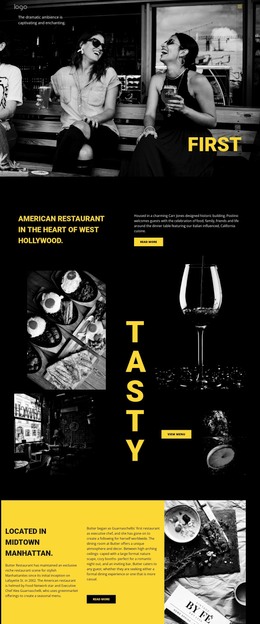
The reservation section has a different content relationship. The “Reservation” label, “book your table” heading, and “call us” prompt frame the form as a communication endpoint, and the fields for name, email address, and message give the inquiry a defined structure. In a WordPress-managed project, those page areas could remain visually coordinated while the surrounding site later incorporates other maintained content; the analysis does not verify posts, blog sections, categories, or WordPress-specific elements in this template. Food imagery and dark wood-toned backgrounds preserve the restaurant character, while yellow-and-white typography helps separate headings and form prompts from the darker surfaces. The theme interpretation therefore comes from the relationship between permanent contact information, navigation, and a repeatable reservation area, not from simply attaching a CMS label to the design.
Customize with Nicepage
Open this ready-made template in the WordPress Website Builder and customize it visually in the Nicepage editor. Replace demo content, edit page sections, and adapt the design to your project without rebuilding the template from scratch.
Manage and Edit This Theme in WordPress
Customize and Install the WordPress Theme
Start with this ready-made theme instead of building the WordPress design from scratch. Customize its layout, content, typography, images, sections, and other design elements visually in Nicepage editor, then export and install the WordPress Theme, Plugin, and Pages on your WordPress site. The Nicepage WordPress Plugin lets you continue working with the site after installation.
Edit the Theme Directly in WordPress
After installation, you can edit the WordPress Theme directly in WordPress with the Nicepage WordPress Plugin. Use Site Style to customize site Colors, Fonts, Header, Footer, Blog, and Post Page Templates while working within your WordPress website.
Edit WordPress Pages Visually
Use the Nicepage WordPress Plugin to edit page content directly from the WordPress admin area. Open a WordPress Page with Nicepage and visually change its text, images, sections, and other page elements while continuing to manage the Page through WordPress.
WordPress Content and Theme Integration
Use the customized theme with WordPress Pages, Posts, Blog and Post Templates, menus, widgets, and other CMS-managed content. Shared theme elements such as Colors, Fonts, Header, Footer, Blog, and Post Page Templates can be managed as part of the overall site design, while WordPress provides the CMS environment for managing site content.
This workflow combines a ready-made WordPress Theme with visual customization, direct theme editing in WordPress, and continued content management through the Nicepage WordPress Plugin.