Nutrition price list WordPress Theme


Edit Template Offline
2. Create new page and search for id 6438006
Edit Template Online
Create Awesome Websites


Free Nicepage Builder
Keywords
Package Content and Editorial Questions Support a WordPress Theme Structure
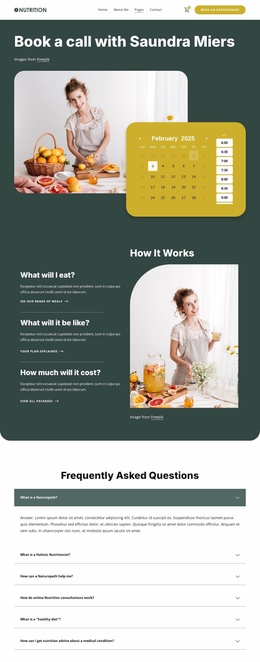
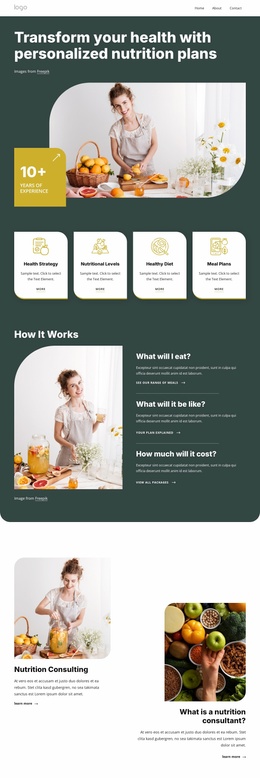
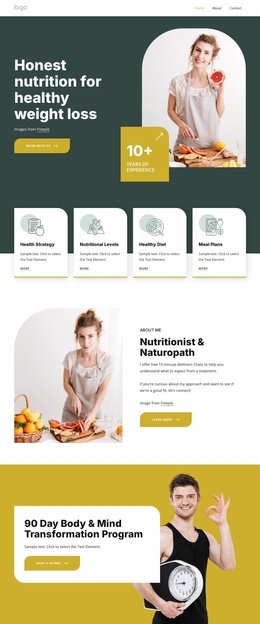
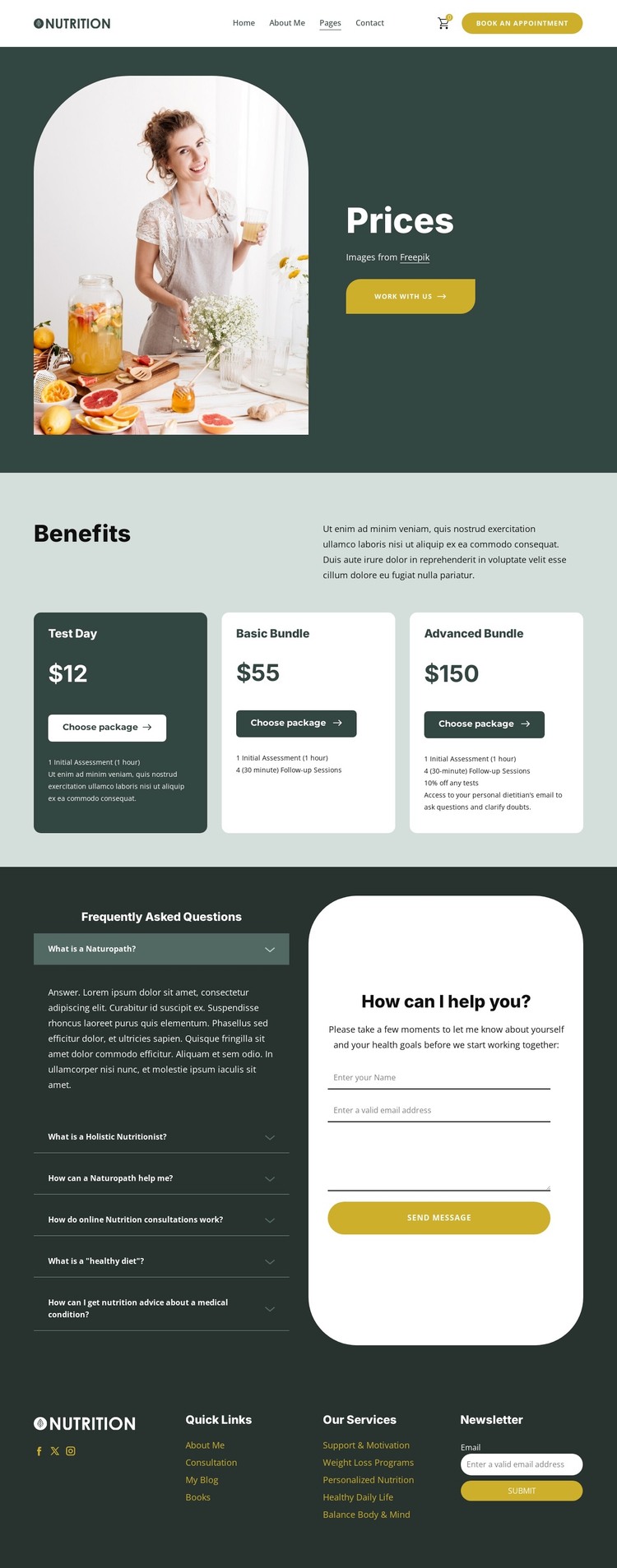
The design provides several clear page-oriented content areas that can work together in a WordPress-managed wellness site. The Prices introduction establishes the subject with a rounded photograph, heading, and work with us action, while the Benefits section organizes Test Day, Basic Bundle, and Advanced Bundle into three repeated package cards. Their displayed prices of $12, $55, and $150 give the page a stable comparison structure, and the Advanced Bundle includes a 10% discount on tests as a specific offer detail.
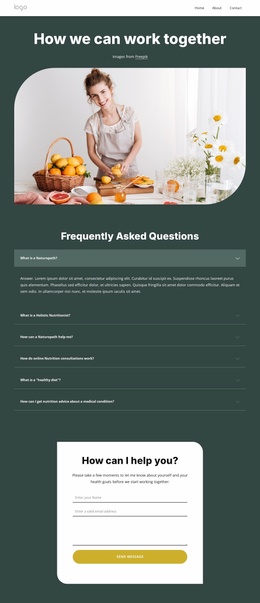
The FAQ area adds a different kind of content relationship. Six questions cover naturopathy, holistic nutrition, online Nutrition consultations, healthy diets, and nutrition advice about medical conditions. Beside this explanatory content, the consultation panel requests a name, email address, and message. Together, the questions and form can support a page where visitors first review guidance and then submit a personal inquiry, without claiming that WordPress posts or blog content already exist in the template.
The shared header and four-column footer provide reusable site elements around that page content. Appointment navigation, cart access, Facebook, Twitter, Instagram, Quick Links, Our Services, and Newsletter content can remain part of the same visual system as additional site sections are developed. The dark green, pale green, white, and mustard palette, along with rounded cards and bold headings, gives WordPress-managed pages a consistent design character while the nutrition-specific content remains the central focus.
Customize with Nicepage
Open this ready-made template in the WordPress Website Builder and customize it visually in the Nicepage editor. Replace demo content, edit page sections, and adapt the design to your project without rebuilding the template from scratch.
Manage and Edit This Theme in WordPress
Customize and Install the WordPress Theme
Start with this ready-made theme instead of building the WordPress design from scratch. Customize its layout, content, typography, images, sections, and other design elements visually in Nicepage editor, then export and install the WordPress Theme, Plugin, and Pages on your WordPress site. The Nicepage WordPress Plugin lets you continue working with the site after installation.
Edit the Theme Directly in WordPress
After installation, you can edit the WordPress Theme directly in WordPress with the Nicepage WordPress Plugin. Use Site Style to customize site Colors, Fonts, Header, Footer, Blog, and Post Page Templates while working within your WordPress website.
Edit WordPress Pages Visually
Use the Nicepage WordPress Plugin to edit page content directly from the WordPress admin area. Open a WordPress Page with Nicepage and visually change its text, images, sections, and other page elements while continuing to manage the Page through WordPress.
WordPress Content and Theme Integration
Use the customized theme with WordPress Pages, Posts, Blog and Post Templates, menus, widgets, and other CMS-managed content. Shared theme elements such as Colors, Fonts, Header, Footer, Blog, and Post Page Templates can be managed as part of the overall site design, while WordPress provides the CMS environment for managing site content.
This workflow combines a ready-made WordPress Theme with visual customization, direct theme editing in WordPress, and continued content management through the Nicepage WordPress Plugin.