
Workflows HTML Templates
Operational teams need process pages that make stages, responsibilities, approvals, and handoffs easy to trace. Ready-made HTML structures give those details a predictable hierarchy, while responsive sections keep each workflow readable across devices.






More HTML Templates from Industrial Category



























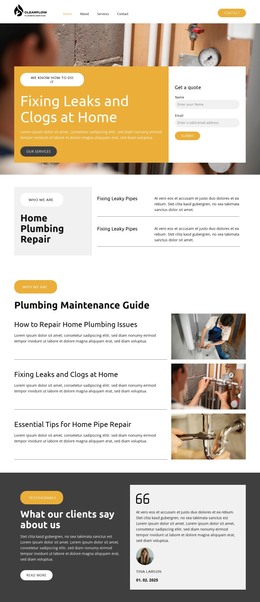
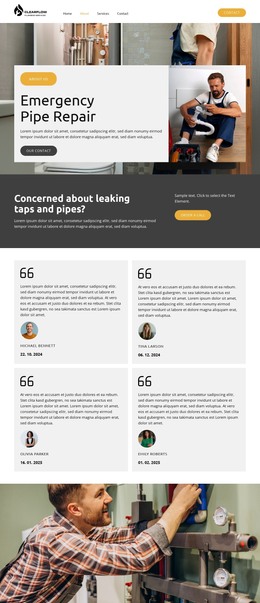


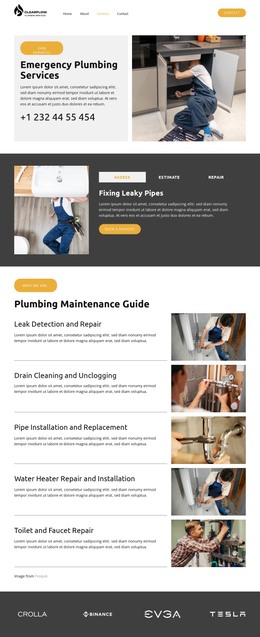








Other Industrial HTML Templates
Customizable Workflows HTML Templates
A team that documents an approval route usually knows every step by heart and still loses a day fighting the layout. Workflows HTML templates take that day back. You browse the collection, open a demo whose sections already run in sequence, and replace the sample text with your own stage names, owners, and status labels. The underlying markup is editable, so anything the visual controls omit can be handled in the source instead.
Stage Sections You Can Rename and Reorder
What separates these layouts from an ordinary content template is that their sequence is built in. Every block is prepared to hold one step, and copying a block adds a step without disturbing the steps on either side.
A stage block usually carries a few elements worth keeping:
- The step name plus a short line describing what happens inside it;
- The owner or team responsible for moving the work forward;
- A status label such as pending, in review, or complete;
- The handoff that follows, including any decision that splits the route.
Short Approvals Versus Long Onboarding Workflows
Two processes of similar length can call for opposite layouts. An approval route lives on its decision points, where approve, reject, and revise send the same request down three different branches, so a compact template with four visible steps covers all of them. Onboarding runs longer and flatter, starting with a request and a review.
Setup and approval follow, and only then does the new hire actually begin, which is why repeatable sections and room for supporting notes matter more in those areas. Service delivery sits between the two, moving from intake to processing, where quality checks decide whether the work ships or goes back a stage.
Cards, Timelines, Numbered Steps on Narrow Screens
The visual format is worth picking on purpose. Numbered steps read well for a short procedure, cards suit stages that each carry several fields, and a vertical timeline holds a long route together without cramming it sideways. The Nicepage Grid Element keeps stage cards aligned within responsive cells, and the Responsive Web Design guide covers controls for adapting content across screen widths.
Order is the thing to watch on a phone, because a row of stages turns into a column, and the sequence has to survive the move. Dependencies suffer first when that happens, since a step nobody can start yet still looks available once it loses its neighbors. Open a demo on a narrow screen before you commit, and check whether step four still reads as step four.