
Plumber HTML Templates
Emergency calls depend on fast access to service types, coverage areas, trust details, and a clear phone action. A ready-made plumber HTML structure keeps those sections readable across desktop and mobile without turning the page into a CSS-first project.




More HTML Templates from Industrial Category
















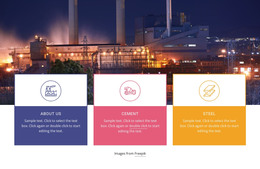





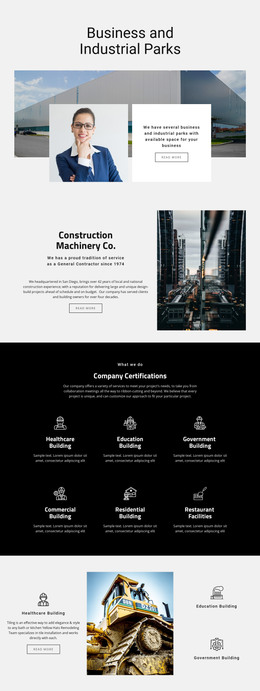
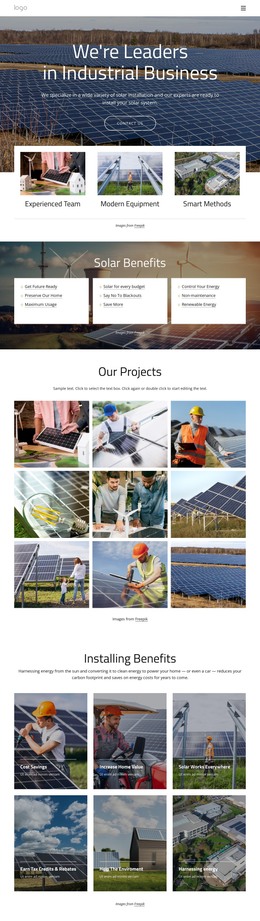





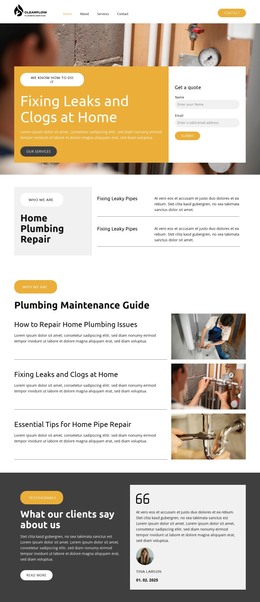
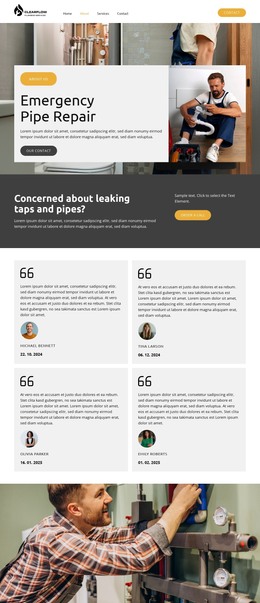


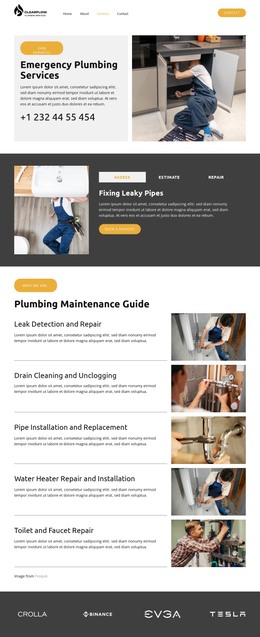


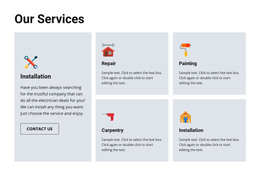
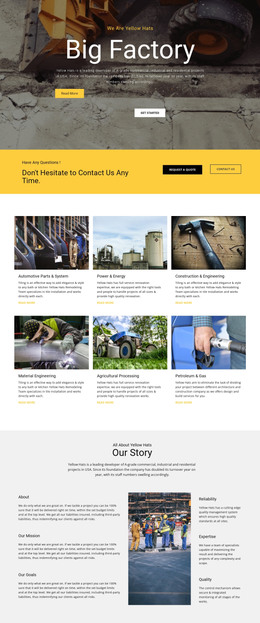





Other Industrial HTML Templates
Plumber HTML Templates for Exportable Static Websites
A plumber HTML template is a practical starting point when you need a website that can be exported and maintained as standard web files. Customize the pages in Nicepage, export the project, and work with the resulting HTML documents together with the CSS, JavaScript, images, and other assets used by the design. The finished site can then be uploaded to standard hosting or handed to a developer for further integration.
Work With Exported HTML Files
The value of an HTML template becomes clearer after export. Instead of rebuilding common plumbing pages from scratch, you start with prepared markup for the content the business actually needs.
A typical project may include:
- an emergency service section with a prominent contact action;
- reusable blocks for drain cleaning, pipe repair, water heater service, and other jobs;
- service-area content for towns or neighborhoods;
- contact or estimate-request forms;
- navigation between service, company, and contact pages.
After export, these sections become part of the site's HTML documents and can be inspected or maintained like other web files. A developer can review headings, links, form markup, page structure, and asset references without depending on the visual editor for every change.
Inspect the Generated Markup
Generated source is especially relevant when the site will later connect to services outside the original project. Analytics scripts, third-party widgets, custom form handlers, or deployment tools may all require access to the exported files.
Check that headings follow a sensible hierarchy, navigation links point to the correct pages, and important contact information is easy to identify in the document structure. Repeated service sections should also remain consistent enough to maintain without turning every new plumbing service into a separate code-cleanup task.
Visual changes are usually easier to keep inside the Nicepage project before export, while code-level integrations can be planned around the generated files.
Deploy the Site to Standard Hosting
Nicepage HTML export creates files that can be published outside Nicepage Hosting. This makes HTML templates suitable for plumbing businesses or agencies that already have their own hosting environment.
After the first upload, verify that internal links work from their final location, images and other assets resolve correctly, and every exported page opens as expected. If the website is placed inside a subdirectory, relative paths deserve particular attention.
Choose a plumber HTML template when ownership of the exported website files matters. The main advantage is not simply the demo's appearance, but the ability to turn that design into a conventional static website that can be hosted, inspected, integrated, and maintained through standard web development workflows.