
Storage HTML Templates
Customers compare more than square footage when they look for storage: vehicle access, handling options, and location can decide the fit. These HTML page foundations help present those facts in clear, reusable sections.
-

-

-
-
-
-
-
-
-
Free Website Builder SoftwareDownload
-
-
-
-
-
-
-
-
-
-
-
-
-
-
-
-








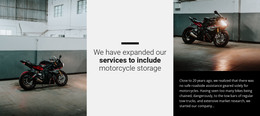




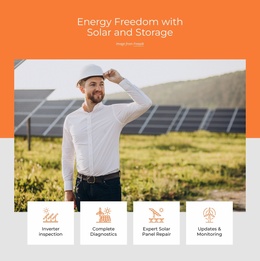
More HTML Templates from Industrial Category
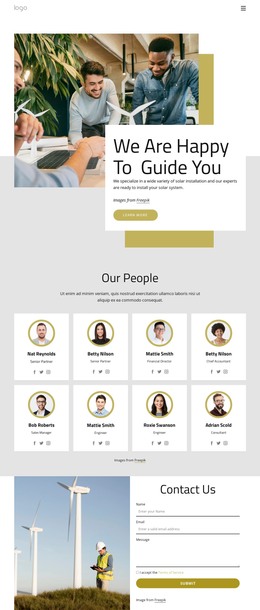


















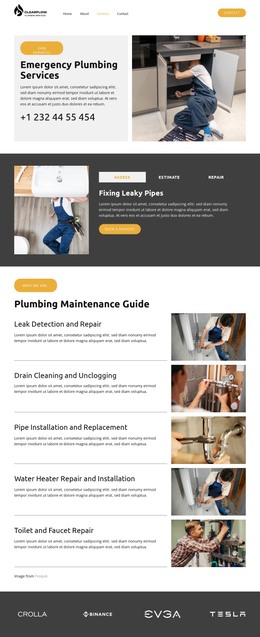



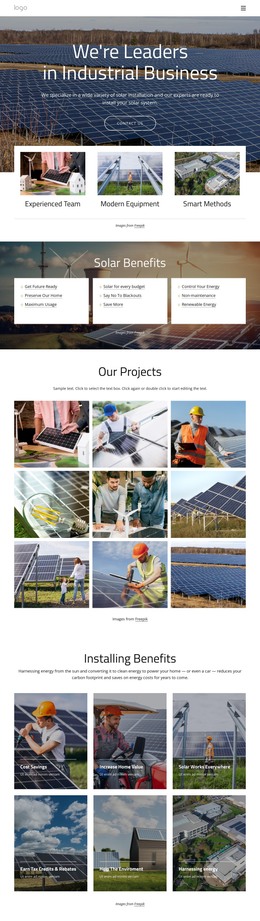


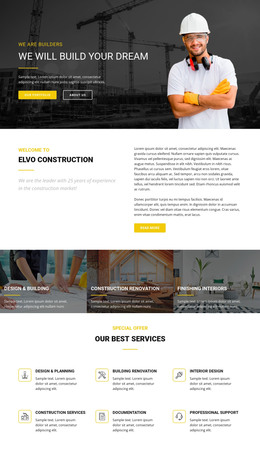


Other Industrial HTML Templates
Advanced Storage HTML Templates
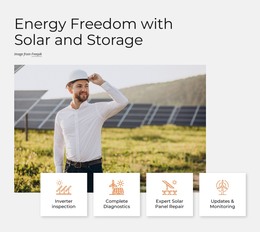
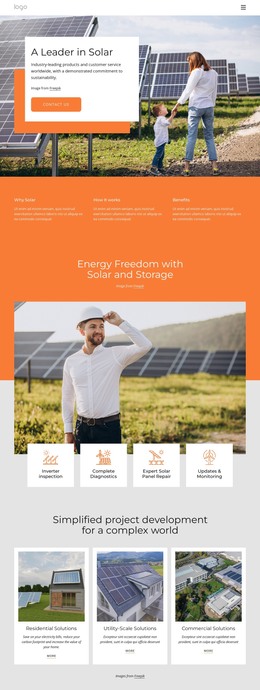
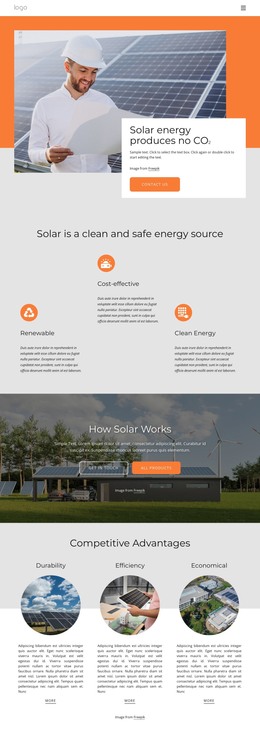
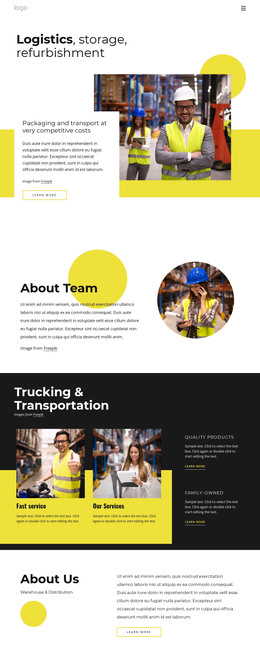
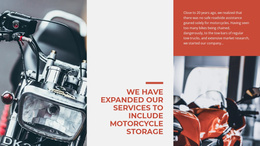
Storage HTML templates are ready pages and blocks you can edit, export, and publish on hosting of your choice. Many target storage facilities and logistics firms, offering everything from monthly unit rentals to cargo handling—a few cover other storage types, such as home solar setups with battery backup.
What the First Screen Gives Away
The opening screen tells you what the layout is for. A self-storage layout usually leads with a brief offer and quickly gets to unit sizes. A logistics layout gives more room to service sections and delivery coverage.
Before settling on a demo, look for sections like these:
- unit or plan cards with room for a size, a description, and a starting price
- separate blocks for pickup, packing, or delivery
- a quote form placed near the offer
- an address block with space for hours
None of these has to match perfectly, because any block can be rewritten, moved, or replaced afterward. Hours are the usual snag in self-storage projects, since many facilities keep separate office and gate access hours, while a demo block requires a single schedule.
How Unit Cards Behave on Phones
A typical unit card holds a size, a short note on what fits inside, and a reserve button. On a phone, these cards usually stack, with the size on top and the button at the bottom. Size charts are trickier, as a table of sizes, rates, and availability can turn into sideways scrolling on a narrow screen. Demos tend to show a few neat units, while a real facility may list far more, so duplicate a card and see how the grid copes.
Editing Before Handing Over Files
Once the layout fits, the Nicepage editor lets you rearrange blocks and swap demo photos for your own. You can also adjust colors and fonts, and phone and tablet views show changes before export.
Export produces the HTML files, scripts, and images the site needs. A ZIP archive or folder keeps everything in one place, and FTP sends it straight to an existing server. Folder and FTP export exist only in the desktop app, as the guide to HTML export explains.
A storage company often provides its services and hands the files over to whoever runs its hosting. Those files stay open to direct editing, so a developer can later embed a rental form from the facility's management software.
Rates and access terms still need one last check before launch. A layout is a safe pick once its sections resemble your offer, its cards survive a phone screen, and its export route suits your server.