

Industrial HTML Templates
Procurement engineers need more than photographs of fabricated components. Industrial HTML templates provide structured specification tables, links to identifiable documents, and clear technical descriptions for each product variant.




























































More HTML Templates from Industrial Category

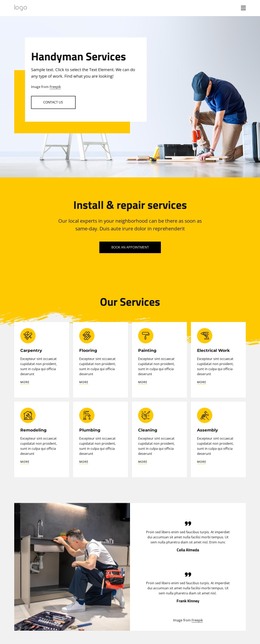






Other Industrial HTML Templates
Ready-to-Use Industrial HTML Templates
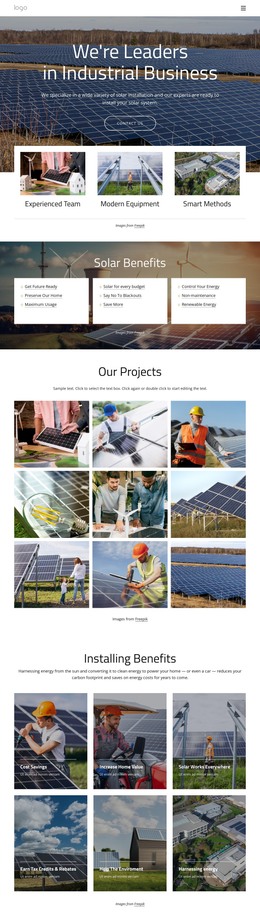
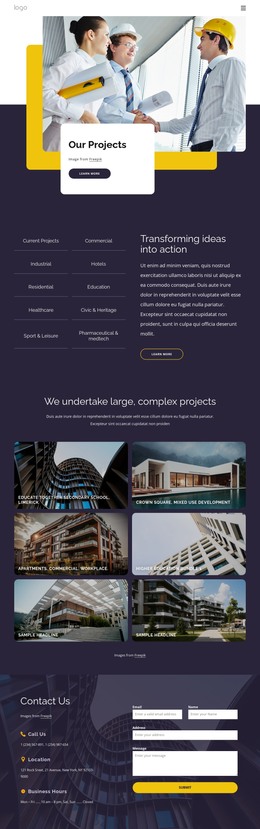
Industrial HTML templates give factories, equipment makers, and engineering firms finished layouts to fill with their own products and services. Many include plant photography, service blocks, and contact areas, so you can start adding your content. Once you adapt the design in Nicepage, it exports as plain HTML files that run on the company's own server.
Choosing a Layout That Matches the Business
The category covers companies that share little beyond heavy machinery. A compressor manufacturer needs room for several product lines, while a maintenance firm sells response times and service regions. Before settling on a demo, a few practical points tell you more than its color scheme:
- Sections that already fit your material, for example, equipment cards or photos of the production floor.
- A card layout that can be copied across a whole product series and still line up.
- Tables that stay readable on a phone, where long rows of figures tend to wrap awkwardly.
Specification Tables and Equipment Cards
Technical data separates industrial layouts from generic business designs. An equipment card usually pairs a photo with a model name and a few headline figures, while the table below it holds dimensions, materials, and operating ranges. A pump maker can build one card and repeat it for every series. Keep units beside their values, because a narrow screen can push the unit onto its own line and leave a pressure rating as a bare number.
Drawings and datasheets are easier to find when you place them next to the product they describe. Get familiar with this Hyperlink Element guide so that you can link a button or text to a PDF, a downloadable file, or another section of the page. A label that names the drawing number tells an engineer what will open before the click.
Exporting Files to Your Own Server
You don't have to edit the source to customize a template. You can change text, photos, and tables visually in Nicepage, and the project exports as HTML files along with the scripts and images it uses. The desktop app can save the export to a local folder or upload it over FTP to a server your IT contractor already manages. A developer can still manually adjust the exported files.
Exported pages have no database behind them, so they won't track stock or filter a large catalog on their own. After the upload, check each datasheet link on the live server, since files kept in a separate folder break most often. A demo that already resembles your product range will need the fewest edits before going live.