
Plastic HTML Templates
Plastic manufacturers often present materials, production methods, applications, and detailed product properties on the same site. A structured HTML foundation separates this industrial content into clear sections that can be reused across product families.
-

-

-
-
-
-
-
-
-
-
-
Free Website Builder SoftwareDownload
-










More HTML Templates from Industrial Category








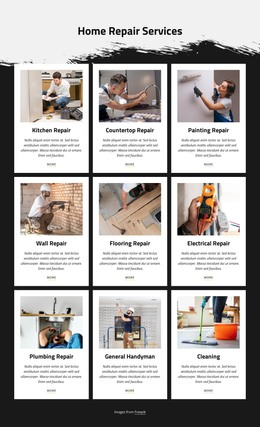






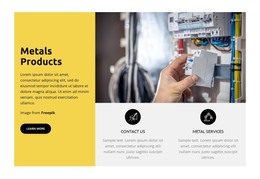






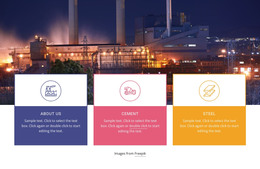























Other Industrial HTML Templates
Professional Plastic HTML Templates for Industrial Product Content
Plastic HTML templates give manufacturers ready-made industrial pages to fill with real parts, grades, and technical data. Swap the demo photos and numbers, keep the sections that fit your catalog, and export the finished files to your own hosting. The layouts are responsive, and every section stays editable down to the last table cell.
One Housing, Top to Bottom
Picture the page for an injection-molded housing, with sections in the order an engineer reads them:
- a photo of the part with its name and the resin it is molded from;
- a specification table covering dimensions, tolerances, and grade data;
- a short note on the molding process and the industries the part serves;
- a request form for quotes or samples.
Every other product then follows that model. A polypropylene cap or a nylon gear reuses the same markup pattern, and only the photos, figures, and application notes change. Engineers moving between those pages find the tolerances in the same spot each time.
The fixed order also settles a quiet argument between readers. Purchasing wants availability near the top, an engineer looks for material data, and a prospective customer wants proof that you can mold the part at all. Only one of them gets the top, and the section order makes that call once for the whole catalog.
Where Demos Hide Their Weak Spots
Resin families and component lines usually sit in rows of cards, and Nicepage's Grid Element handles those repeated groups. Three details separate a workable plastic template from a pretty demo:
- cards with enough room for long grade names;
- sections that duplicate cleanly, so a new compound follows the last one with its own data;
- a responsive layout that keeps property tables readable when a buyer checks them on a phone.
Grade names trip up more catalogs than you'd expect. Demo cards carry short placeholder titles, while a real name like flame-retardant, glass-filled PA66 can wrap into an awkward stack.
Custom Embeds, Exported Files
Most of a product page comes from standard blocks edited visually. Sometimes a part needs something no block offers, such as an embedded 3D viewer for a molded housing. That code goes into a single HTML Element, and the surrounding blocks behave as usual. Exported files remain available for direct editing, which lets a developer adjust the markup by hand.
The most demanding product in the catalog makes the best test. If its longest grade name and fullest property table fit the layout after a plain swap of text and photos, the other pages should follow without a fight.