
Pipe Tube HTML Templates
Engineers assessing stainless tubing or carbon steel pipe need exact sizes, units, and applicable standards. Pipe tube HTML templates arrange technical descriptions, dimensional tables, and material notes into readable sections that adapt to smaller screens.
-

-

-
-
-
-
-
-
-
Free Website Builder SoftwareDownload
-







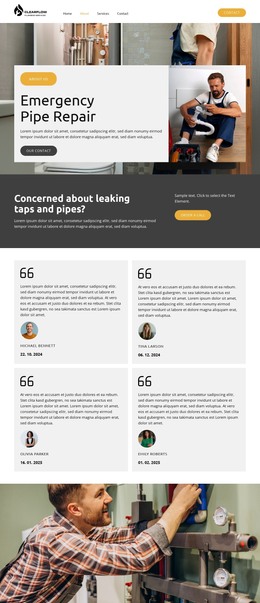



More HTML Templates from Industrial Category













































Other Industrial HTML Templates
Flexible Pipe Tube HTML Templates
Pipe tube HTML templates help present product specifications and repair services in pages you can export and host as HTML. The finished project is exported from Nicepage as HTML files with scripts and images, ready for your server or a developer. A tubing page built this way lets an engineer check the outside diameter, wall thickness, or applicable standard on the spot. A repair page in this format can describe the service and its coverage area.
Tube Specifications in Clear Sections
Each product page should follow a single data structure, so a buyer comparing two tubes never has to hunt for a value. The title needs to distinguish seamless stainless steel tube from welded carbon steel pipe. The specification below it reads best in labeled groups:
- Material data, such as grade and surface finish.
- Geometry, with units in the headers, such as Outside Diameter (mm).
- Standards and tolerances that actually apply, noted below the table.
- Links to real certificates or test reports, if those exist.
Nominal size and outside diameter need separate labels because an NPS 2 pipe measures more than 2 inches in diameter. Mark sizes as stocked only if someone keeps that current, since an exported table does not update itself.
Size Charts on Narrow Screens
On a phone, every value has to stay next to its label. Nicepage's documentation describes horizontal scrolling for tables wider than the screen, so confirm how that looks in your template. A chart with several dimension columns cannot simply be squeezed into narrow cards without losing its headers. Test it with real data, including fractional sizes, long standard names, and weights with units in the header. After export, check that the header row is coded as headers, and have a developer fix it if not. Keep the Pipe Leak Detection section description, service area, and request link together in that order.
Exporting HTML Pages to Your Hosting
The Publish dialog exports the project as a ZIP archive, while folder and FTP export need the desktop application. After uploading, open a tube page and confirm that its photos, linked pages, and certificate files load. A diameter selector on an exported page only looks like a filter until it's connected to real product data. A Request a Quote form also needs to work, so send a test request and confirm it arrives. Edits to the exported code do not flow back into the Nicepage project, so decide early where changes will live. A pipe tube HTML template suits the job when it keeps specifications readable, service details clear, and exported pages usable after publication.