
Distribution Warehouse Website Templates
Warehouse buyers need to verify a provider's storage options, handling capacity, and service region before asking for a quote. A complete website gives each capability its own page and links it to facility details and a clear path to inquiry.














More Website & HTML Templates for Distribution Warehouse


More Website Templates from Industrial Category


























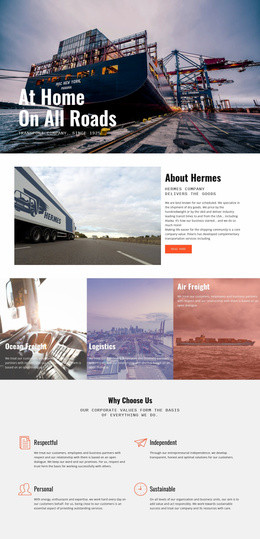




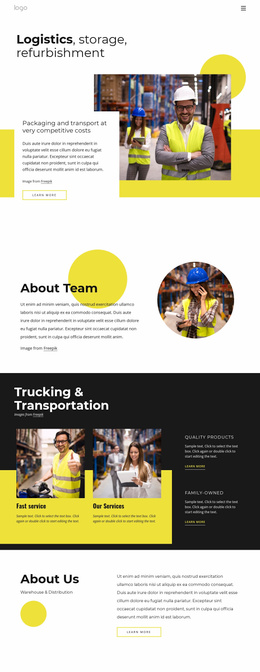

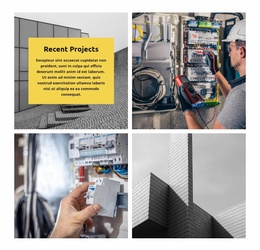


Other Industrial Website Templates
Focused Distribution Warehouse Website Templates
A shipper comparing storage partners usually wants two answers quickly: whether an operator can handle the freight and where its buildings are located. Distribution Warehouse Website Templates give a 3PL or contract warehouse a designed starting point for answering both. Depending on the layout, the homepage may already include service blocks and facility sections linked through the menu. The demo copy and photos are placeholders, so the real test is whether your own capacity, sites, and service region fit those sections.
Matching Layout Sections to Your Freight Services
Overflow storage and daily fulfillment raise different questions, so check whether a layout has sections you can adapt for these:
- Storage cards with room for pallet positions, minimum terms, and excluded cargo.
- A fulfillment block where order processing, packing, and dispatch read as one sequence.
- A coverage area that names delivery regions and partner carriers.
- Repeatable facility cards, so a second building gets the same treatment as the first.
A contract warehouse with long-term storage agreements relies on facility pages that show docks and floor space, while a 3PL selling bundled services needs stronger service pages. Either way, a procurement manager should be able to move from a service to the building that offers it, then on to a quote request.
Facility Locations and Quote Requests
Some layouts make an address easy to spot, and others bury it in the footer. Buyers check distance and carrier access early, so the address, service region, and receiving hours work best in one section. Nicepage's Google Maps Element lets you place an address or map right there. A map only shows location, so capacity and coverage still belong in the text beside it.
Repeating quote buttons on the homepage and beside each service description shortens the path for a buyer who has already decided. With the Nicepage Contact Form Element, you can add fields for cargo type, pallet count, and collection region. The form starts a sales conversation and does not replace an order system.
What a Demo Preview Should Reveal
Click through the live preview as a shipper would, checking whether the service list scans easily and quote buttons stay visible. Then switch to a phone view, since drivers may look up a gate address or receiving hours from the road.
Try replacing a demo photo and a heading, and see whether sections can be reordered without breaking the layout. A one-page design can suit a single-building operator with a short service list. If your services fit the existing cards and a new facility adds a duplicate section, the template fits your operation.