
Gun HTML Templates
Course prerequisites and range safety notices deserve more than a decorative web page. A clear HTML structure separates eligibility rules, class information, and check-in instructions while keeping essential details readable on different screens.


More HTML Templates from Industrial Category


























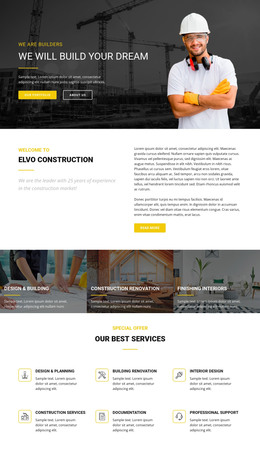

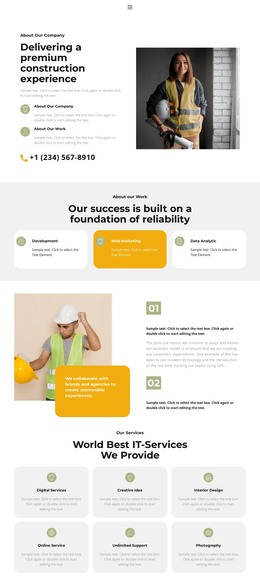

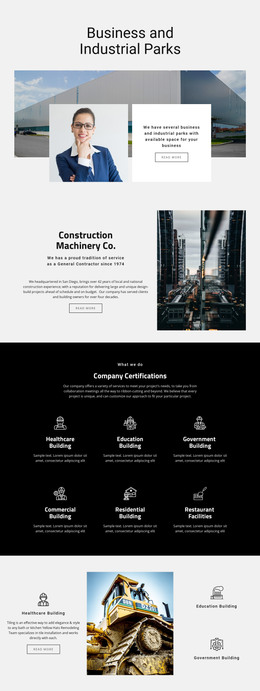
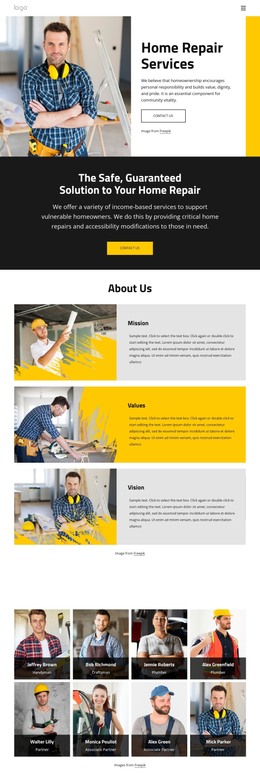

Other Industrial HTML Templates
Clean Gun HTML Templates
Gun HTML templates are ready-made layouts for gun stores, ranges, and firearms instructors that you edit in Nicepage and then export as HTML. The export carries the images and scripts the pages need, ready for your own server or for a developer to keep building on. For a small club or a gunsmith working alone, a handful of these pages may be the entire site.
Sections Built Around Courses and Repairs
Replacing demo content is easiest when the sections already fit what you publish. Most gun businesses need some mix of three kinds of pages:
- A course detail page, where the program, who it is for, and the prerequisites each get their own subheading. It can also stand alone when an instructor promotes one weekend class.
- A gunsmith service page with a list of repairs, a note on how drop-off works, and photos of finished jobs.
- A store category page built from product cards. Carts and payments are a separate matter worth checking in the chosen design.
If your class has a gear list and the demo block holds two lines of filler, the Text Element documentation shows how to add headings and lists to it. Ranges also field the same few questions about lane rentals or steel-core ammunition, which an FAQ section can answer in one place.
Editing in Nicepage Before Export
A typical project moves from demo to live pages like this:
- Text, photos, and section order change in the Nicepage editor without opening the code.
- The project is exported as HTML from the desktop app or the online editor, and the desktop app can also upload it over FTP.
- A developer can then edit the files directly or add a booking script.
Edits made by hand after export do not flow back into the Nicepage project, so pick one working copy early. That matters most for lines that change often, like a gunsmith's turnaround estimate, which moves with the backlog.
Final Checks on Live Pages
A form in the layout can look finished long before it delivers a single message. Test it on the live server, since it may still need a supported submission option or a custom handler. A class calendar can list dates, but it cannot take reservations without a booking system behind it.
On a phone, every section should still be there, links should lead where their labels promise, and the reading order should work for a newcomer.
A design is ready for export once its sections match the courses or services you offer. Every block you add later means more edits to the files.