
Agricultural Machinery HTML Templates
A ready-made HTML foundation can arrange tractor specifications, equipment families, attachments, and service details into reusable sections. Responsive markup keeps this technical content readable as screen width changes.
-

-

-
-
-
-
-
-
-
-
Free Website Builder SoftwareDownload
-
-
-
-
-
-
-
-
-
-
-
-
-
-
-
-
-
-
-
-
-
-
-
-






























More HTML Templates from Industrial Category


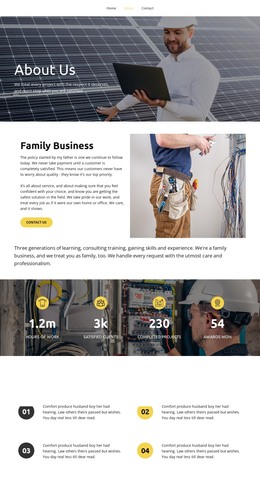


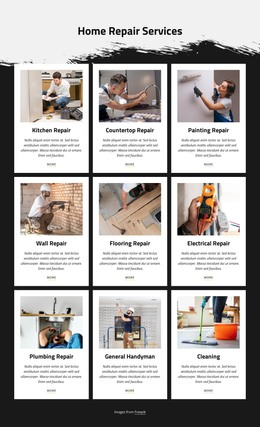





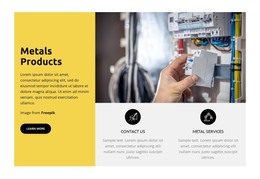





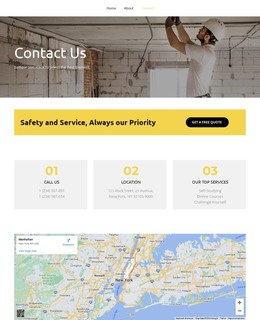









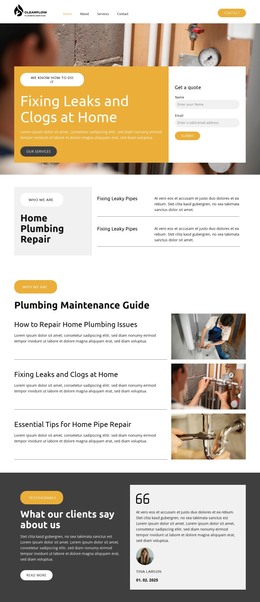
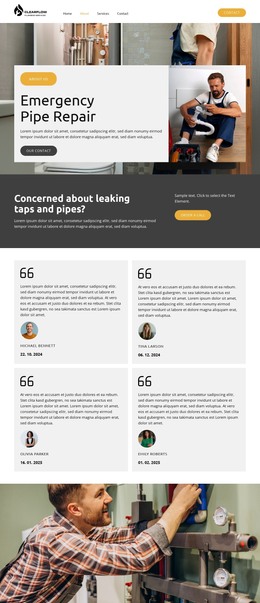


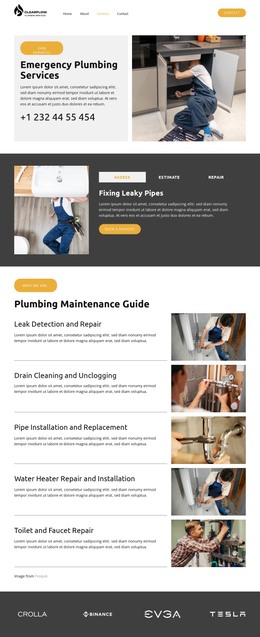










Other Industrial HTML Templates
Clean Agricultural Machinery HTML Templates
Agricultural machinery HTML templates pay for themselves when tractor models, implements, specifications, dealer contacts, and service information are already organized in separate, clearly marked sections of the code. That removes the slowest part of the job: assembling an equipment catalog block by block. What you are buying is markup you can read, copy, and extend once the demo machines are gone.
Reusable Blocks Inside The Markup
Farm equipment repeats itself, and good code takes advantage of that. Judge the markup on a short list of things:
- Equipment cards built from one repeatable block, carrying a machine image, three or four headline figures, the typical application, and a link to enquire;
- specification groups that always follow the same order, covering engine and power, transmission, dimensions and capacity, and compatible attachments;
- A heading hierarchy keeping category, model family, and individual machine on distinct levels, since most ranges have a series sitting between the two;
- category navigation strong enough to hold tractors, harvesters, loaders, and implements without special cases for each one;
- Space beside the specifications for a quote or dealer contact, plus somewhere to drop brochure and manual downloads if your business publishes them.
Repeatability is the real test. Thirty machines built from the same blocks stay consistent. Thirty machines assembled individually drift apart within a month.
Specification Groups On Phone Screens
Equipment layouts spread technical data, photography, and contact controls across a wide desktop view, and none of that survives a narrow screen untouched. Check what happens to the elements that matter:
- The machine name and primary image stay on top instead of sliding below a sidebar;
- Wide specification tables reflow into readable rows rather than forcing awkward sideways scrolling;
- Large equipment photographs keep their proportions and stop pushing the layout out of shape;
- Compatible implements and related machinery links, harvester to headers or tractor to loaders, remain visible;
- The quote or contact button stays reachable without a long scroll back up.
Nicepage Edit Mobile Views handles adjustments per responsive mode, and the Responsive Web Design documentation covers the general rules. Run that review against machinery specifics: spec groups, galleries, model hierarchy, attachment blocks, and the inquiry call.
Clean Code Left Behind
Weight is worth watching too. A catalog filled with real field photography gets heavy quickly, so the markup should stay lean enough to survive the swap from demo images to production ones.
Nicepage exports the finished HTML once your own machine data is in place. The templates that pay off are the ones whose category, model, and specification structures already match what you publish, and whose code still reads clearly after the demo content is replaced.