
Artisans HTML Templates
Buyers considering a handwoven runner or carved stool need to know who made it, what materials were used, and whether it can be commissioned. Artisans HTML templates organize these craft records with headings and reusable item sections.

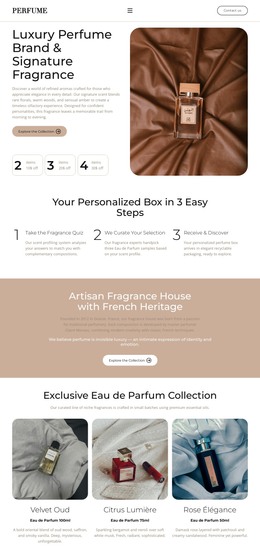

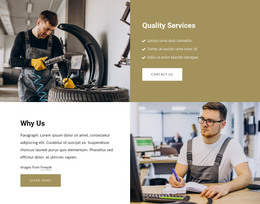
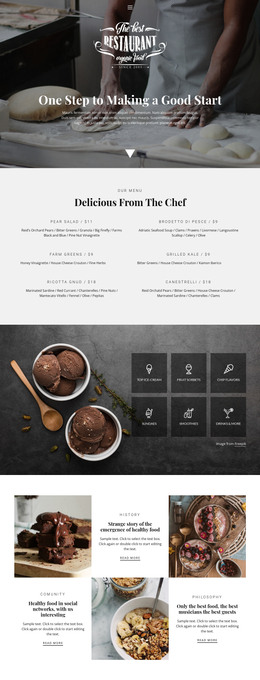

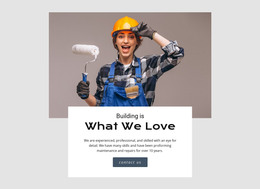


More HTML Templates from Industrial Category
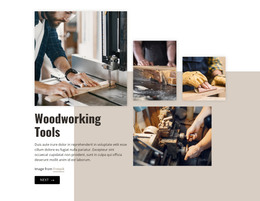






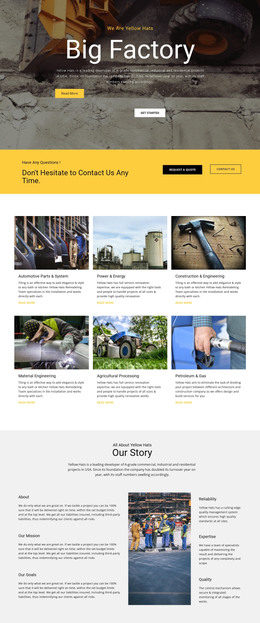
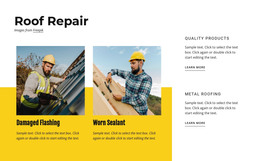
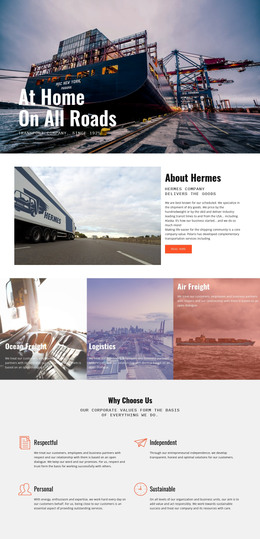
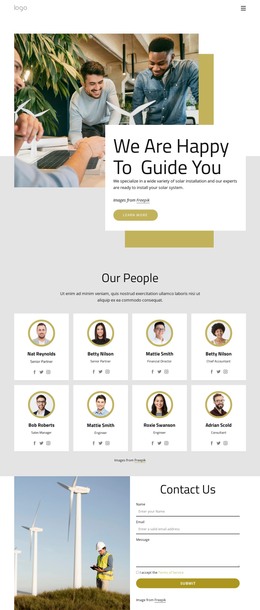








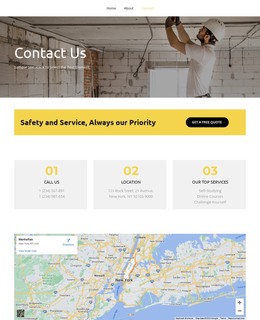



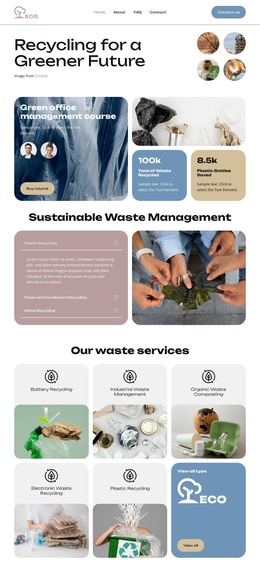




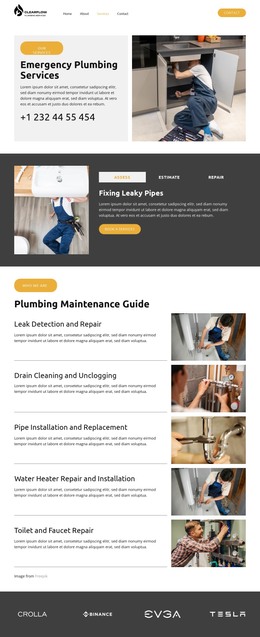



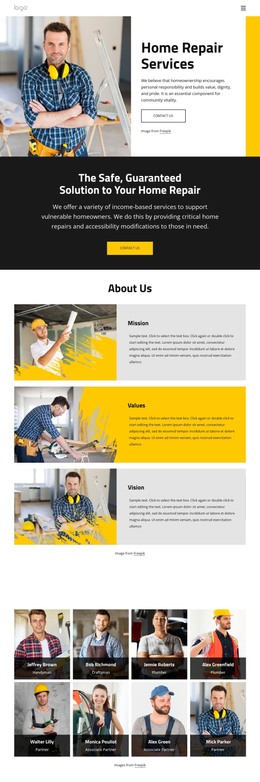


Other Industrial HTML Templates
Premium Artisans HTML Templates for Craft Workshops and Makers
Artisans HTML templates give workshops a ready layout to showcase finished work, describe services, and explain how to order. A joinery shop that builds fitted cabinets needs a site where photos of completed jobs do much of the selling, and a blacksmith who installs railings does, too. does, too. Visitors usually want the result first, then the method, and only then a way to discuss their own project.
Choosing Layouts for Artisan Work and Services
A weaver selling handwoven linen runners needs room for close photos and size options. A smith who forges garden tools may now take mostly gate commissions, so finished jobs have to appear at their real scale. When comparing demos, check how each handles what visitors ask first:
- A short section about the maker, ideally with a process photo, builds trust without turning into a biography.
- Project blocks should keep each photo beside its material and technique, plus size notes for custom jobs.
- Finished stock, pieces made to order, and past commissions need to look different, so nobody asks to buy a cabinet built for someone else's kitchen.
A stair maker who picks a template built for small product cards squeezes every project into a thumbnail, and visitors can't tell a staircase from a shelf. If you mostly show completed work, favor a large gallery with notes per job. If custom orders pay the bills, keep your terms and a quote request close to the examples.
Adapting the Template to Real Projects
According to Nicepage's Grid Repeater element guide, changing one project card updates the rest, while each card keeps its own photo and text. A compact grid suits a jeweler with dozens of small pieces, and wide photos with a paragraph per job suit a metalworker with five big installations.
The SEO Alt field in Nicepage's Image Element can describe a dovetail joint or a woven pattern, but the piece's name and key facts belong in visible text. On phones, a photo of a finished gate can drift from its caption once columns stack. Setting a different Grid Repeater column count for each Responsive Mode keeps a dense grid readable on narrow screens.
Testing a Demo Before You Commit
Before settling on a design, fill a copy with your photos and longest project description. Check that the text still fits beside the image and the contact area stays easy to find. The demo quote form provides the layout, and where requests land depends on your submission settings. When a demo already follows how your workshop sells, setup means adding projects instead of moving sections around.