
Portrait CSS Templates
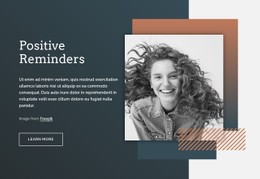
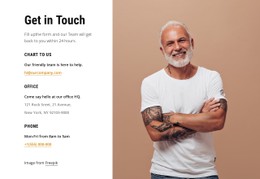
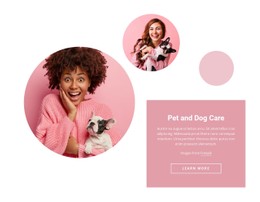
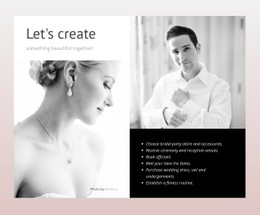
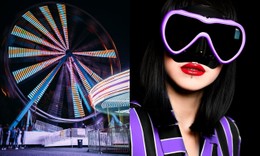
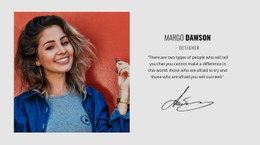
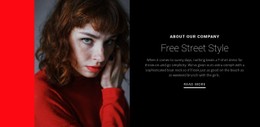
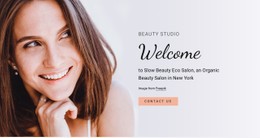
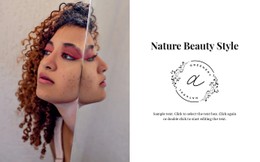
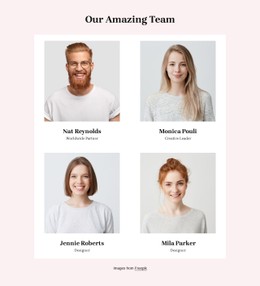
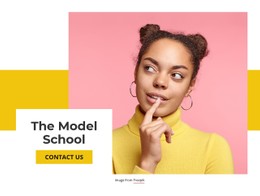
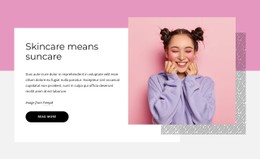
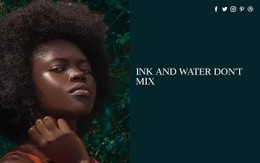
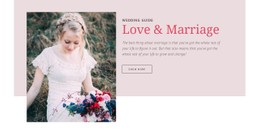
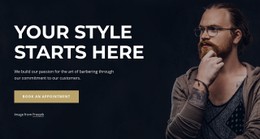
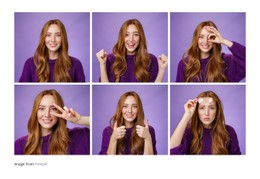
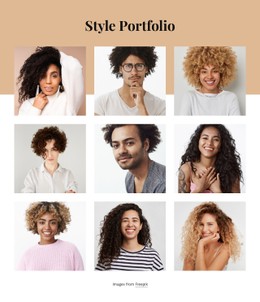
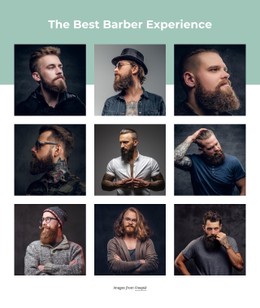
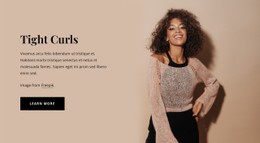
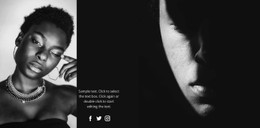
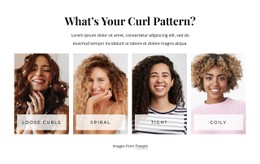
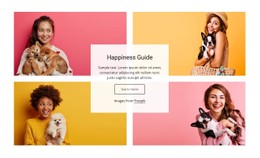
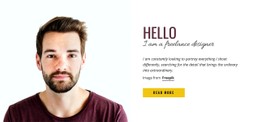
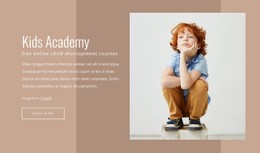
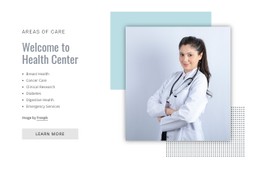
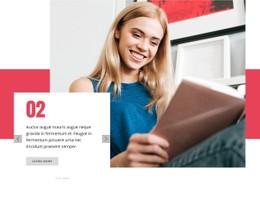
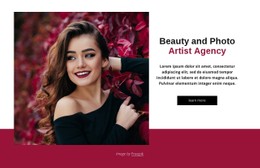
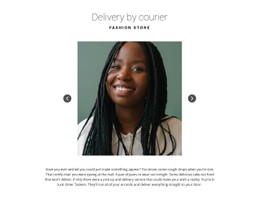
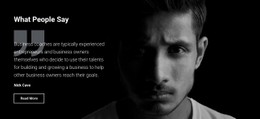
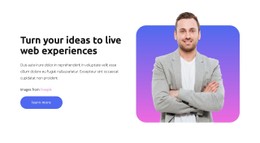
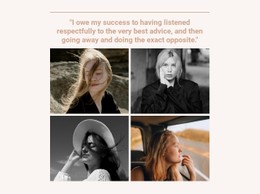
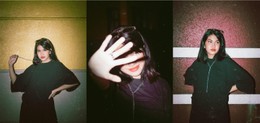
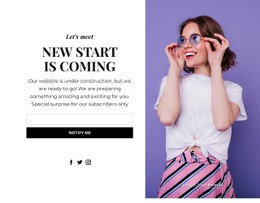
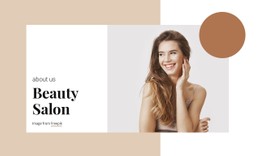
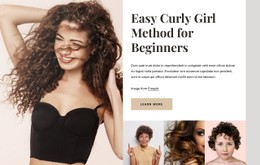
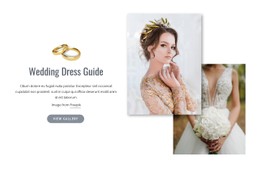
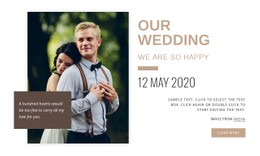
Studio headshots need restrained borders, while pastel portraits benefit from softer labels and backgrounds. Portrait CSS templates provide both styles with targeted CSS rules for typography, accent colors, and image-card behavior across screen sizes.





































Other Art & Design CSS Templates
Flexible Portrait CSS Templates
Portrait CSS templates in this category are styled starting points you can adapt to your own photographs or paintings. The difference between a light and dark look mostly comes down to backgrounds, text colors, and borders. A dark theme should never swallow the outline of black hair or a dark jacket, and a slightly lighter card often solves that. Pick the template whose palette, cards, and captions need the fewest changes.
Match Styling to Each Medium
When two demos look equally good, compare them on these points:
- Background tone, since pure white, warm gray, and neutral backgrounds treat light skin differently.
- Borders and shadows, because a thin border flatters a portrait on canvas while documentary headshots rarely need any effect.
- Caption contrast, including the hover state when a caption doubles as a link.
- Spacing, where the gap keeps portraits apart, and card padding keeps captions off the card edge.
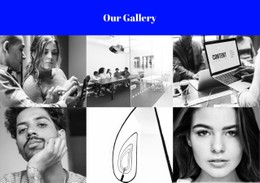
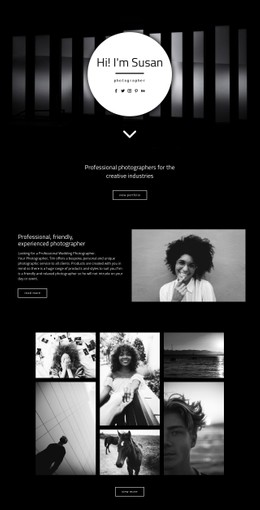
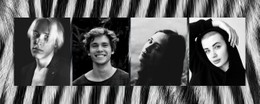
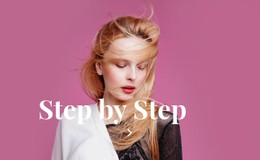
Monochrome headshots look cleanest with minimal decoration, matching borders, and consistent gaps. Fashion portraits can carry bolder blocks of color, as long as contrast and heading size still work on smaller screens. For charcoal drawings, keep the background and border tones quieter than the paper's light grays, and leave the drawing itself untouched.
Customize Templates in Nicepage
Changes usually move from global settings toward code:
- Theme Colors shift backgrounds, text, and controls together, so a studio can recolor every portrait card at once while the photos stay as shot. Colors set on single elements may stay as they were.
- The visual editor covers font sizes and ordinary spacing without any code.
- Custom CSS handles exceptions such as hover states or a class that frames finished paintings and leaves process photos bare.
Nicepage's Custom CSS documentation explains where such rules apply. Scope each rule to a class or block, since a rule written for every image will also match logos and decorative images. Check the result in preview, because custom code does not run inside the editor.
Responsive CSS for Narrow Screens
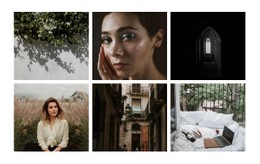
Repeated portrait cards often rely on CSS Grid, with Flexbox aligning the captions beneath them. Where the editor's own controls stop, media queries can change columns and gaps at each width. Test a tall painted figure, a square headshot, and a wide group portrait. Each card either preserves an image's natural proportions or crops it to a fixed box, with "object-fit" and "object-position" determining which part remains visible. Set them so the crop never cuts through a face or hands. A good starting template lets the same card, caption, and spacing rules cover the whole gallery with few overrides.