370 Team CSS Templates










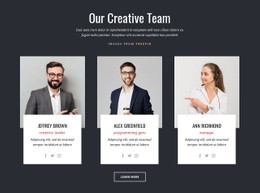



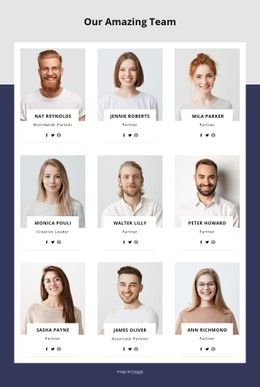


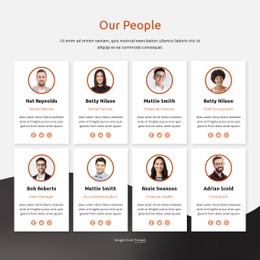




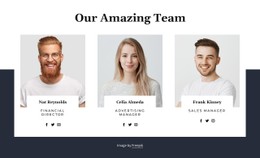





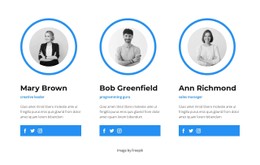

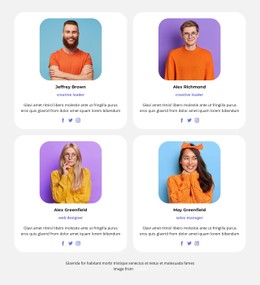



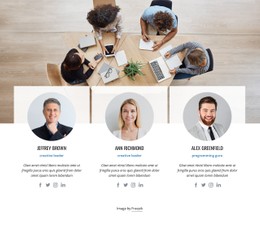

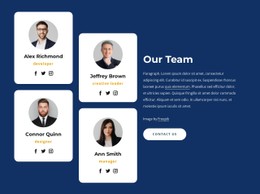






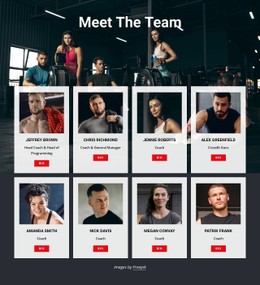
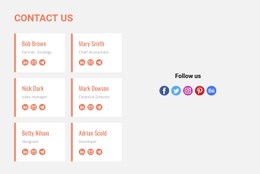
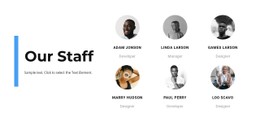
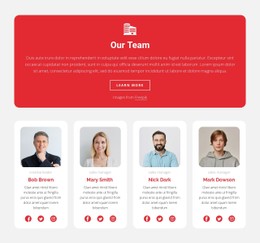


























Customizable Team CSS Templates with Ready-Made Profile Styles
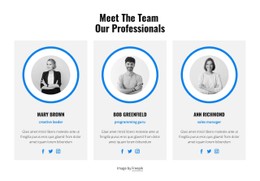
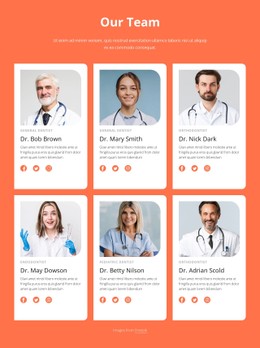
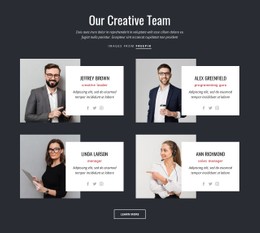
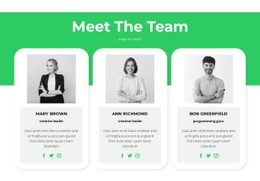
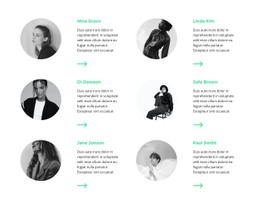
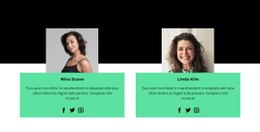
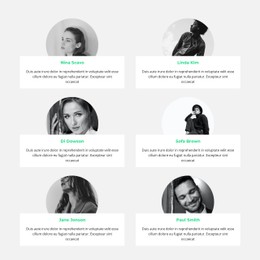
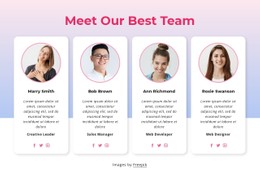
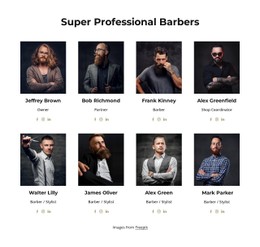
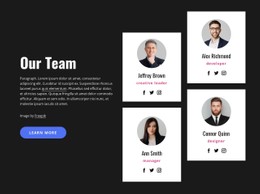
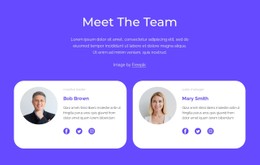
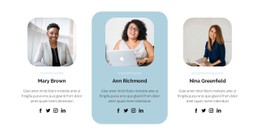
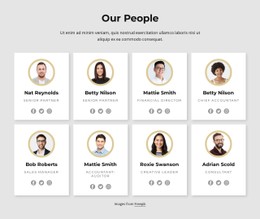
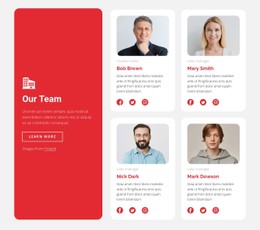
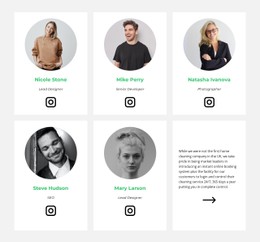
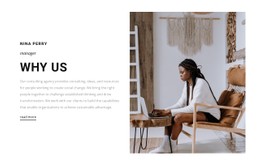
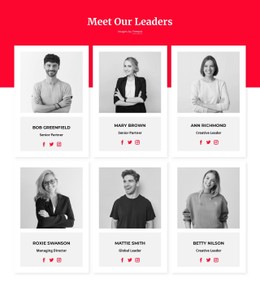
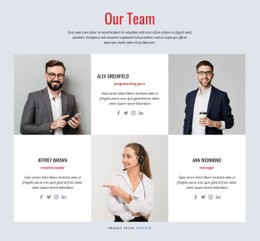
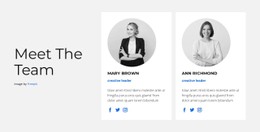
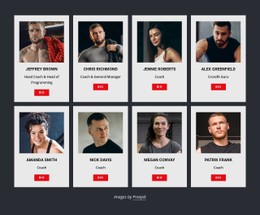
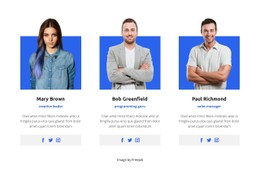
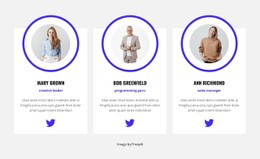
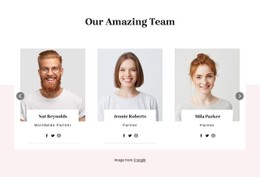
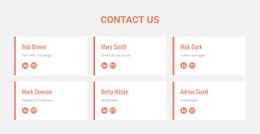
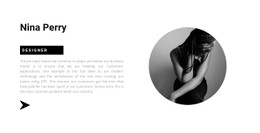
Team CSS Templates let you browse ready-made visual treatments for staff-profile sections. Compare portrait framing, typography, role labels, card backgrounds, borders, and spacing before changing any styles yourself. Choose a finished Team design that already fits the look of your page and gives each person's name and responsibility a clear place.
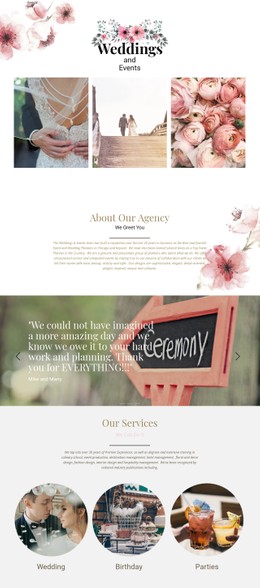
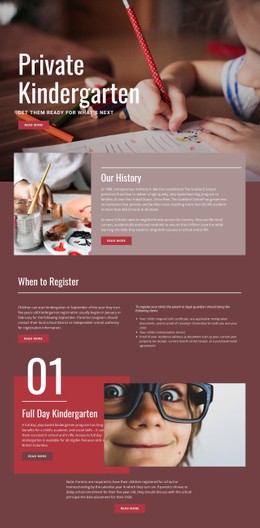
Compare the Look of Ready-Made Team CSS Designs
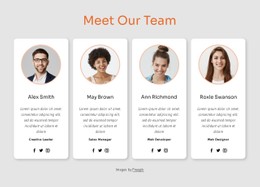
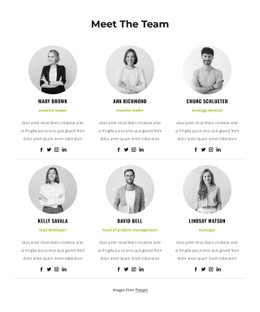
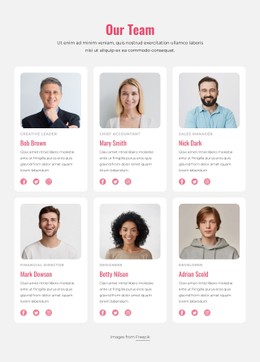
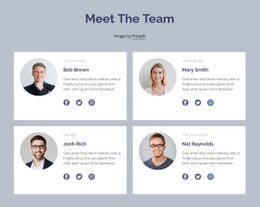
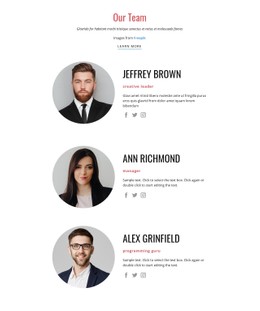
Two Team sections can contain the same portraits and biographies yet feel quite different. One might favor plain cards and generous white space; another may use visible borders, stronger background contrasts, or more prominent name typography. Evaluate the prepared appearance first rather than treating custom CSS as the main purpose of the collection.
A successful design keeps individual profiles distinct while still feeling like part of one group. Consider whether the styling helps visitors recognize people or draws too much attention to decorative details.
Which Profile Styling Details Matter Most?
Compare available designs by the visual treatment they actually show:
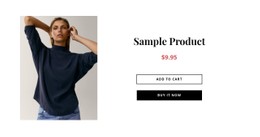
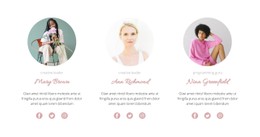
- Portrait shape and crop: Circular, rectangular, or other visible treatments.
- Name hierarchy: How easily a name stands out from the role and biography.
- Role-label contrast: Whether job titles are legible without competing with names.
- Card backgrounds and borders: How strongly each person is separated from neighbors.
- Spacing and text density: Whether longer titles and shorter biographies remain comfortable to read.
These features are visual criteria, not guarantees that each treatment is available as a named catalog filter. A design with closely spaced cards may suit short staff summaries; a roomier option can accommodate more detailed specialist profiles.
Choose a Finished Style Before Customizing It
Start with the ready-made Team section whose portrait treatment, typography, and card balance best suit your website. Compare it with other visible options using the same realistic names and biographies. Nicepage's Grid Repeater Element helps maintain consistent card styling while each person's content differs.
If the selected design needs project-specific refinements, Nicepage also supports Custom CSS. The Custom CSS guide and Grid Repeater documentation cover those optional tools. Custom code is not required to choose and personalize a prepared Team section.
Team Styling Versus Generic Cards
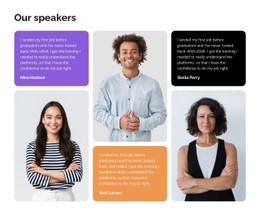
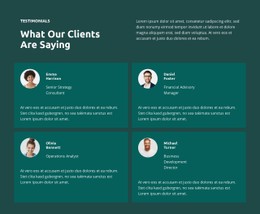
Team sections are defined by recognizable people, names, roles, and personal introductions. Testimonials may also use portrait cards, but they emphasize attributed feedback. When choosing a CSS-oriented Team style, check that the design gives member identity and responsibilities more prominence than decorative quotations or generic content blocks.
A related community section can describe shared activities, while the styled Team profiles introduce the individuals behind them.
Frequently Asked Questions About Team CSS Templates
Do I need to write CSS to use a Team CSS Template?
No. Start from a ready-made Team section. Nicepage's styling tools and optional Custom CSS can help refine a selected design, but hand-written CSS is not a starting requirement.
How do I compare two Team profile styles?
Use the same portraits and text in both. Compare name prominence, role labels, card backgrounds, image treatment, and spacing to see which finished look fits the page.
Which style works when job titles vary in length?
Choose a design with enough room for the longest role label and with consistent spacing between names, titles, and biographies.
Find a Ready-Made Style for Your Team Profiles
Browse Team CSS Templates for the appearance you want, then personalize the chosen staff section in Nicepage. Compare finished styles first, and use additional CSS only when you need a specific adjustment.