
320 Text & Button CSS Templates



























Responsive Text & Button CSS Templates for Focused CTA Styling
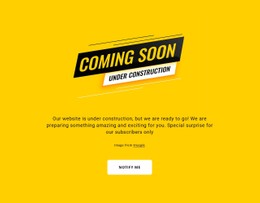
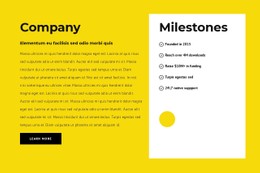
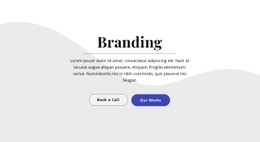
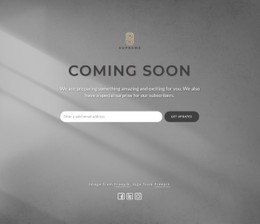
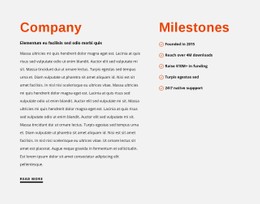
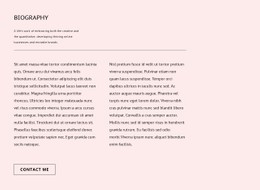
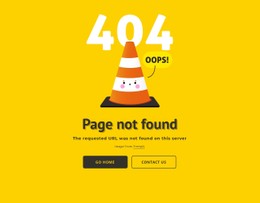
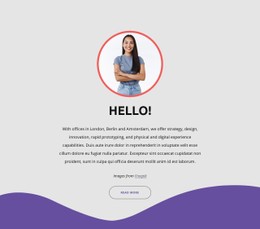
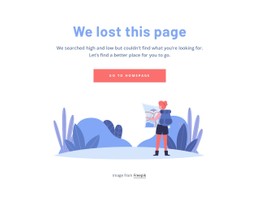
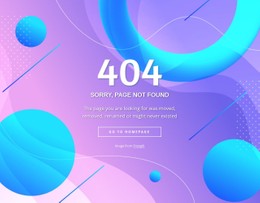
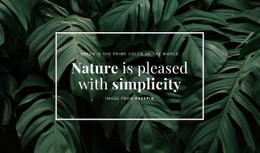
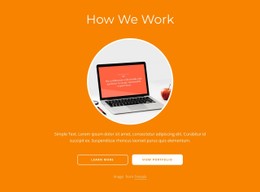
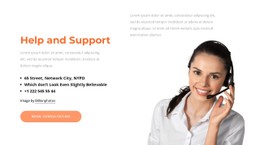
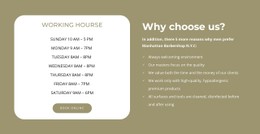
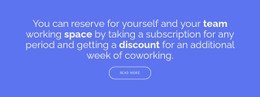
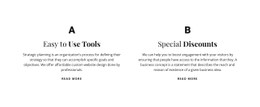
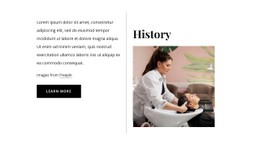
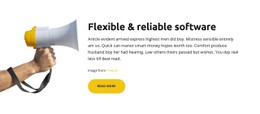
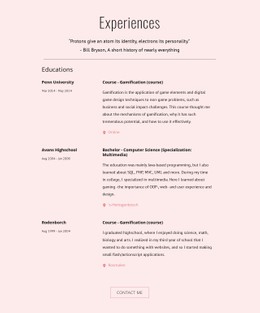
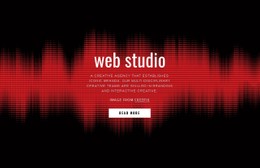
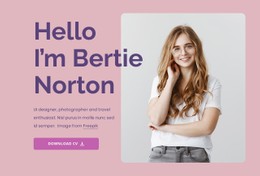
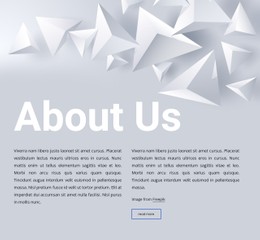
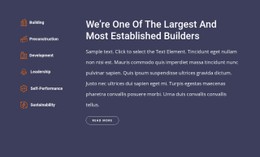
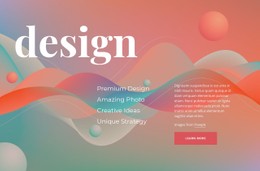
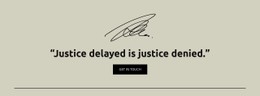
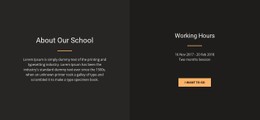
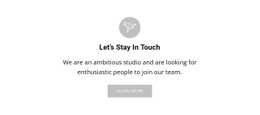
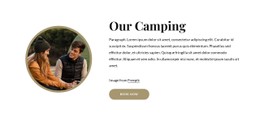
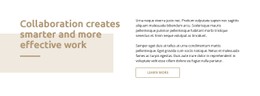
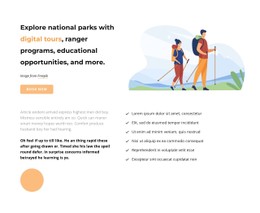
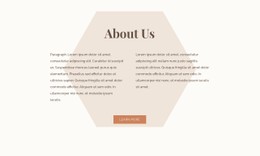
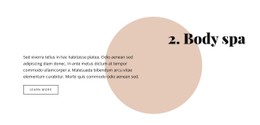
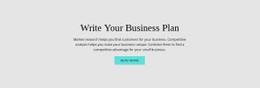
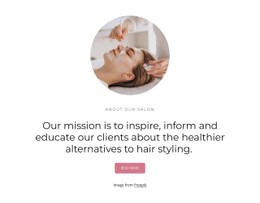
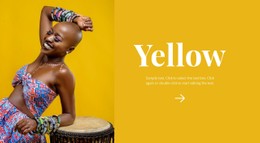
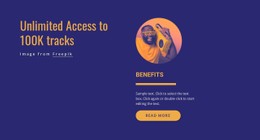
Text & Button CSS Templates provide ready, reusable layouts with distinct visual treatments for concise copy and a CTA. Browse examples with different typography, button treatments, spacing systems, borders, backgrounds, and alignment, then choose a template whose styling already fits the page direction.
After selection, refine the CSS-oriented details that matter most to the block: text hierarchy, CTA contrast, spacing, and visual states.
Compare Ready Text & Button CSS Template Styles
Start with the elements that determine how visitors read and respond to the block. The headline needs enough emphasis to introduce the message, supporting copy should remain comfortable to scan, and the button should be visually recognizable as the next action.
Useful styling decisions include:
- headline typography that establishes the first level of hierarchy;
- readable supporting text with appropriate size and line spacing;
- CTA color and contrast that distinguish the action;
- spacing that keeps the button connected to its supporting copy;
- borders, backgrounds, and other treatments that support the composition;
- consistent visual states for the action where applicable.
The Nicepage Button Element provides the action that defines the section. Its visual treatment should reinforce what the surrounding text asks visitors to do.
Browse Reusable CSS Template Treatments
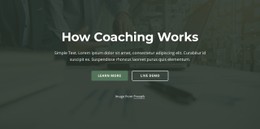
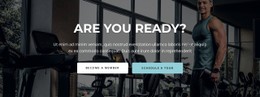
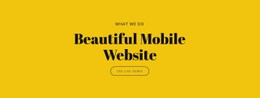
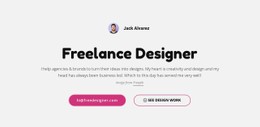
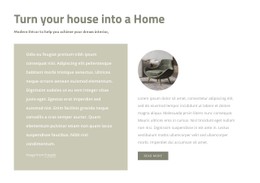
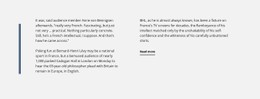
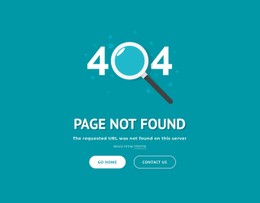
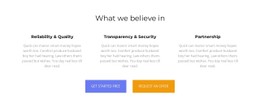
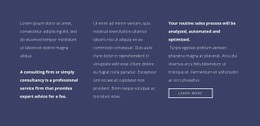
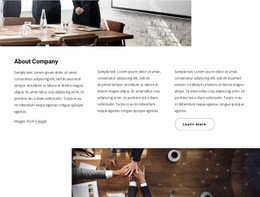
Text & Button CSS Templates can differ through typography systems, spacing scales, button states, borders, backgrounds, alignment, and contrast. Compare ready treatments by the visual result they create rather than approaching the page as a general styling tutorial.
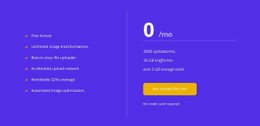
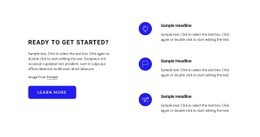
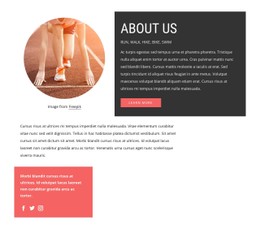
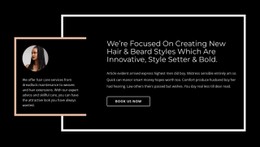
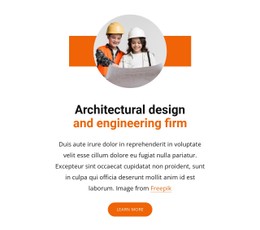
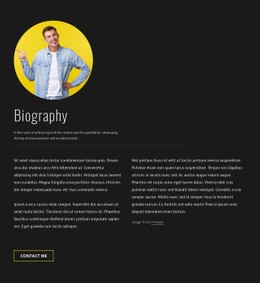
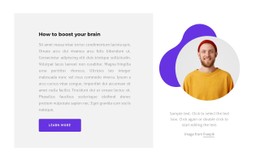
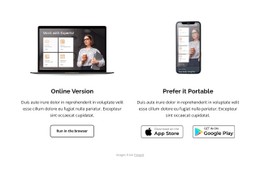
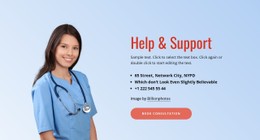
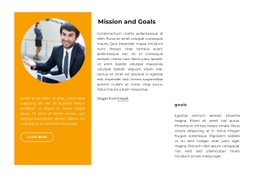
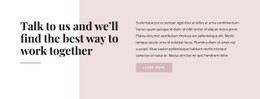
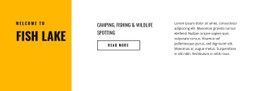
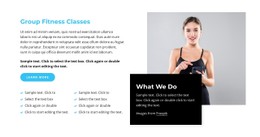
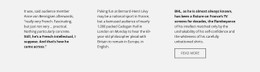
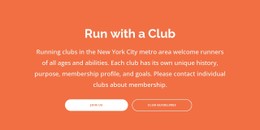
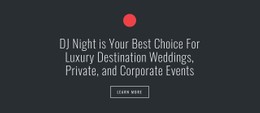
A layout with the CTA toward the bottom of its content area is one reusable pattern; other templates may keep the action inline, centered, or aligned beside the text.
Select a Template by Styling System
Useful selection criteria include:
- type hierarchy and text scale;
- button size, border, fill, and interaction states;
- spacing between related elements;
- section background and contrast treatment;
- alignment and responsive presentation.
Choose the CSS template whose styling system best matches the desired visual language, then customize the details for the project.
Balance Typography, Spacing, and Button Appearance
Each visual property affects how visitors interpret the section. A headline that dominates the entire block can push supporting copy into the background, while an understated button can make the intended action difficult to find.
Before settling on the styling, check whether:
- the headline remains the visual entry point;
- supporting copy is readable without competing with the headline;
- the button is clearly identifiable as an action;
- button styling matches its importance in the content hierarchy;
- spacing visually groups the CTA with the relevant message;
- colors and backgrounds preserve sufficient visual distinction;
- the overall section remains coherent at different widths.
The goal is not to maximize contrast everywhere. The goal is to create a controlled sequence in which visitors can recognize the proposition, its supporting context, and the next action.
Keep the CSS Intent on Presentation
The CSS-template page should stay centered on ready visual treatments and reusable styling patterns. Markup implementation and project-specific HTML extensions belong to the HTML Code page, so they do not need another detailed comparison here.
Text & Button CSS Templates FAQ
Can I change the appearance of the button in a Text & Button section?
Yes. You can adapt the Button Element as part of the section design. Keep its appearance consistent with its functional importance so visitors can recognize it as the explicit next action connected to the surrounding copy.
Can I review the styled section at different screen sizes?
Yes. Nicepage supports Responsive Modes for Large Screens, Desktops, Laptops, Tablets, and horizontal and vertical phones. Use them to review text hierarchy, spacing, button placement, and the overall section presentation at different widths.
What is the difference between CSS styling and HTML Code for text and buttons?
CSS-oriented work focuses on visual presentation such as typography, spacing, colors, and button appearance. HTML Code is a closer fit when the section requires custom markup or a functional extension rather than styling alone.
What should I compare between CSS template examples?
Compare typography, CTA contrast, spacing, alignment, backgrounds, borders, and the overall visual weight of the section before choosing a template to customize.
Refine the CTA Without Losing the Message
Choose a Text & Button block whose content structure already matches the required action. In the Nicepage editor, adapt the headline and supporting copy, refine the Button Element, adjust the visual hierarchy and spacing, and review the section at the widths relevant to the page.
The styling should strengthen one functional sequence: read the message, understand the context, recognize the action.






















































