
Social CSS Templates











































Modern Social CSS Templates with Styled Profile Connections
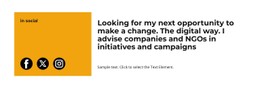
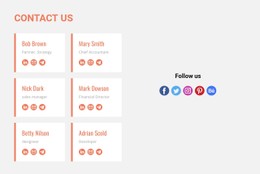
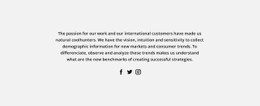
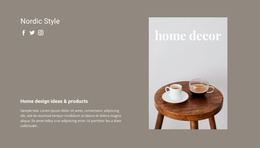
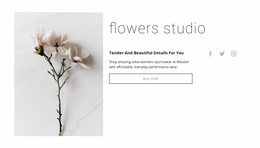
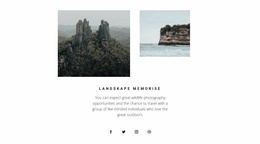
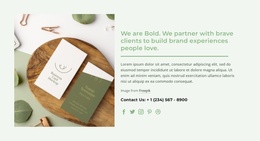
Social CSS Templates focus on the visual presentation of a section that connects visitors with external social platforms. Icon size, spacing, colors, and supported effects can shape how profile links are perceived, while handles and follow or share prompts keep the block centered on social interaction.
How Should Social Icons Be Styled?
Styling should make individual platforms recognizable without allowing decorative choices to obscure the section's purpose. The icon group needs enough visual consistency to read as one Social block while keeping separate destinations easy to distinguish.
A styled Social section can combine:
- social icons with a consistent visual treatment;
- profile links connected to the appropriate external accounts;
- icon spacing that separates individual destinations;
- social handles when account identification is useful;
- follow or share prompts positioned near the relevant actions;
- supporting text that complements rather than overwhelms the icon group.
Nicepage's Social Icons Element provides direct controls for this content. You can adjust the element size and spacing between icons while keeping each icon connected to its required social destination.
Flexible Colors and Effects for Social Icons
The CSS Templates angle is primarily about presentation. Instead of changing the Social block's functional identity, styling choices determine how strongly the icon group stands out and how it responds visually within the section.
Useful presentation choices include:
- changing Social Icon colors to suit the surrounding design;
- adjusting icon size according to the block's visual importance;
- increasing or reducing spacing between individual platforms;
- using a consistent treatment across the icon group;
- adding supported hover animation where interaction needs additional visual feedback;
- applying supported scroll animation when it fits the section presentation.
Nicepage supports color customization for Social Icons as well as scroll and hover animation. These options provide styling flexibility without changing each social link's destination or functional role.
Keep Styled Social Icons Functionally Distinct
Visual styling alone does not determine the Block Type. Similar icons, colors, or hover effects can appear in other sections, so the visitor action remains the stronger semantic boundary.
Keep the functional roles separate:
- Social — external social profiles, platform links, handles, follow prompts, and share actions;
- Brands — clients, partners, sponsors, and other affiliation or recognition content;
- Contacts — email addresses, phone numbers, locations, and direct communication channels.
A styled platform icon linked to an external social profile remains Social. A company logo with similar visual treatment is still Brands when its purpose is affiliation, while a styled email icon belongs more naturally to Contacts when it starts direct communication.
Balance Social Icon Styling with Content Clarity
A Social section does not need aggressive styling to make its links visible. Presentation should support recognition and interaction rather than compete with the actual platform destinations.
When adapting the block, consider:
- how prominent the Social section needs to be;
- whether icon colors remain clear against the section background;
- whether spacing makes each destination easy to distinguish;
- whether the icon size matches nearby content;
- whether hover effects provide useful interaction feedback;
- whether handles or supporting copy need additional emphasis.
The result should keep the visual treatment and functional content working together. Styling can make the Social block more distinctive, but the external platform connection is why the section exists.
Social CSS Template Questions
What can I customize in Social Icons?
Nicepage allows you to adjust the size and spacing of the Social Icons Element and change Social Icon colors. These controls help the icon group fit the visual presentation of the surrounding section.
Can Social Icons have hover effects?
Nicepage supports hover animation for Social Icons. Scroll animation is also available, giving the icon group additional supported visual behavior when it fits the section design.
Does styling change what belongs in a Social section?
No. A Social section remains focused on external social profiles, platform links, handles, and follow or share actions. Colors, spacing, icon size, and effects change its presentation, not its function.
Style a Focused Social Block in Nicepage
Start with the social destinations and actions visitors actually need, then adapt their visual presentation. Focus on:
- keeping only relevant social platforms;
- assigning the correct profile links;
- choosing an appropriate icon size;
- adjusting spacing between destinations;
- adapting Social Icon colors to the section;
- using supported hover or scroll animation where it improves the presentation.
The result is a functional Social section, not a generic CSS design or a complete website template. CSS-oriented styling shapes how the block looks and responds visually, while external social connection remains its core purpose.





















































