
Product List CSS Templates
-
-

-
-
-
-
-
-
-
-
-
-
-
-
-
-
-
-
-
-
-
-
-
-
-
-
-
-
-
-
-
-
-
-
-
-
-
-
-
-
Build Website with no CodingDownload
-
-
-
-
-
-
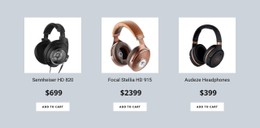
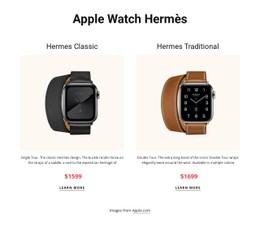
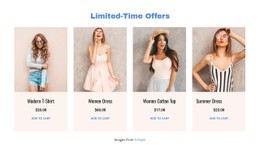
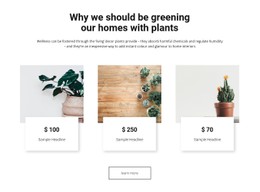
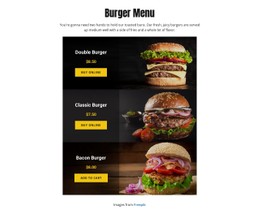

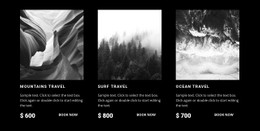
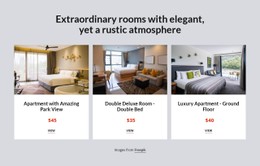
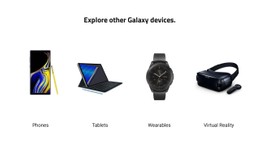
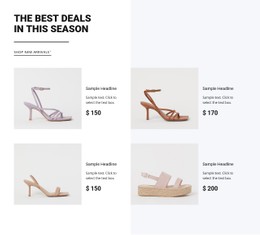
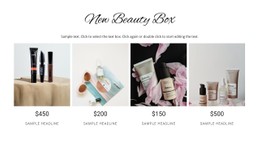
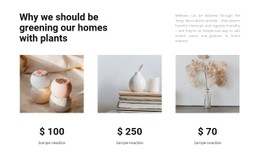
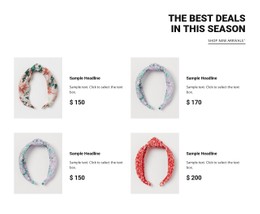

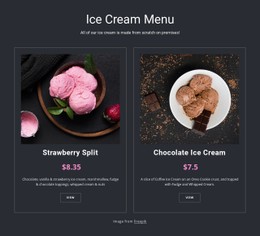
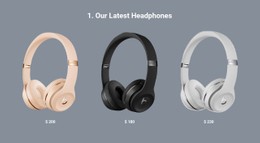
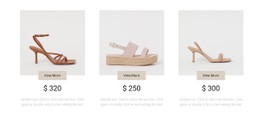
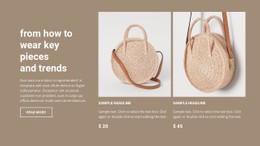
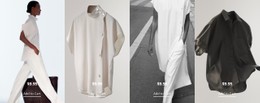
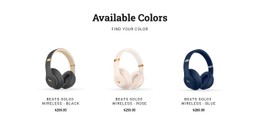
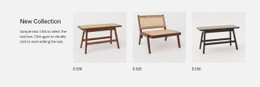
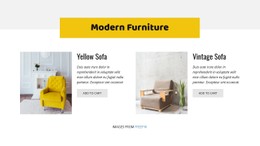
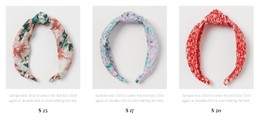
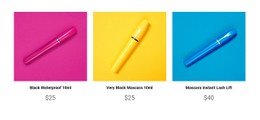

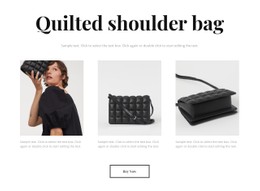
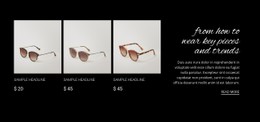
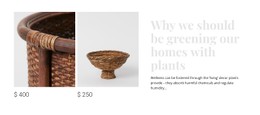
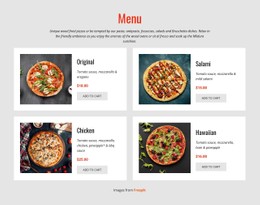

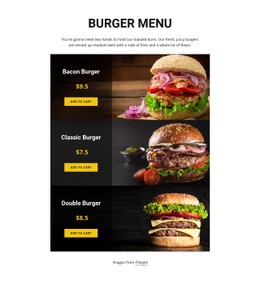
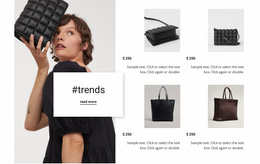
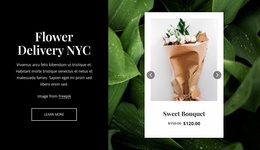
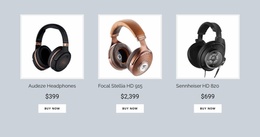
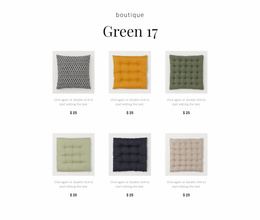
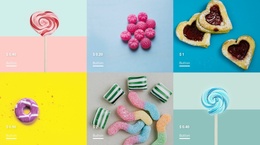
Creative Product List CSS Templates for Card Spacing and Price Styling
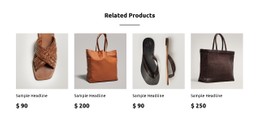
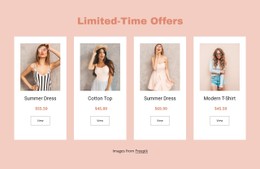
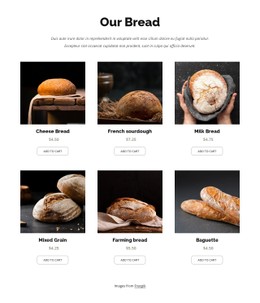
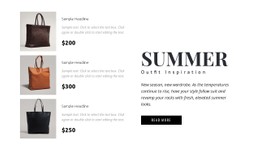
Product List CSS Templates give merchandise collections a consistent visual structure through coordinated images, titles, prices, and product actions. Styling affects how easily visitors distinguish neighboring items, whether prices stand out, and how much space each card takes up. The goal is to make repeated product information readable without letting borders, backgrounds, or decorative effects distract from the merchandise.
How Does CSS Styling Improve a Product List Section?
CSS styling controls the visual relationships between repeated product cards. Consistent image proportions, readable price typography, and predictable gaps help visitors scan merchandise without having to adjust to a different presentation for every item.
A Product List section is especially sensitive to these details because several products compete for attention within the same viewing area. A price placed too close to the title may be overlooked, while excessive padding can make a small collection occupy unnecessary space.
Good styling reinforces the hierarchy already established by the product content.
Professional Product Card Styling for Merchandise Collections
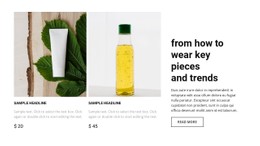
The biggest styling problems often appear only after real products replace the sample content. A long title such as “Water-Resistant Lightweight Travel Jacket” can stretch one card while the neighboring “Linen Shirt” stays short. Mixed portrait and landscape photos may create uneven image areas, and a discount badge can compete with the price. Treat CSS as the tool for correcting these specific presentation issues. **
- Grid gap: Set predictable horizontal and vertical spacing so neighboring products remain distinct.
- Image fit: Use consistent aspect ratios and an appropriate
object-fittreatment when source images have different proportions. - Price hierarchy: Give current prices stronger visual weight; keep struck-through previous prices legible but secondary.
- Hover and focus states: Make product links or buttons visibly interactive for mouse and keyboard users.
- Responsive columns: Reduce density at narrower breakpoints instead of shrinking every card until labels become difficult to read.
Nicepage's Product List Element already offers layout presets and Spacing Between Cells. Start with the built-in spacing, layout, and styling presets. If the images and prices already align, there is no need for additional CSS. Use targeted styling when long names, mixed image proportions, or unusual discount treatments still look inconsistent.
Applying Custom CSS to Product List Elements
A CSS template is a ready-styled Product List starting point. Custom CSS is a separate way to refine an existing section. The first saves initial styling work; the second addresses requirements such as a special sale-price treatment or a brand-specific card border.
Nicepage supports Custom CSS through assigned classes at element, page, or site level. Use the narrowest scope that achieves the change. A price rule for one collection should not unexpectedly restyle prices elsewhere.
The Product List Element documentation covers native layout settings. The Custom CSS guide explains where to assign classes and add rules.
Custom CSS is not executed inside the Nicepage editor. Preview the finished result, including hover behavior and mobile widths. In a broader commerce layout, consistent image treatment and price visibility matter more than decorative effects.
Why Product List Styling Differs From a Grid Repeater
A Grid Repeater can display many kinds of repeated content. Its styling priorities depend on whether the items contain articles, testimonials, services, or other information.
A Product List has a specific merchandise hierarchy. Product images, titles, prices, and actions require recognizable positions because visitors use them to distinguish and compare products.
For that reason, adjusting product card CSS involves more than matching cell dimensions. Price visibility, image treatment, and action styling deserve particular attention.
The strongest product collection designs keep these relationships consistent even when individual merchandise entries have different amounts of text.
Frequently Asked Questions About Product List CSS Templates
Can I add custom CSS to a Product List in Nicepage?
Yes. Nicepage supports Custom CSS for individual elements, pages, and entire websites. Assign a CSS class to the relevant element and apply the required rules through the documented styling controls.
Can I change spacing between Product List cards?
Yes. The Product List Element includes a Spacing Between Cells property for adjusting gaps between columns. The Grid layout also supports column and row settings.
Can Product List images change on hover?
Yes. Nicepage documents a Second Image on Product Hover option. When enabled and configured with suitable product images, the alternative image can appear in Preview or on the live website.
Why is my custom CSS not visible in the Nicepage editor?
Nicepage does not execute custom CSS directly in the editor to avoid potential conflicts. The resulting styles can be reviewed in Preview or on the published page.
Which CSS detail matters most for mixed product photos?
Give photos of different products a consistent display area so a tall bottle and a wide handbag do not pull adjacent cards out of alignment. An appropriate image-fit treatment keeps the collection orderly without forcing every original photo to match identical dimensions.
Refine the Styling of Your Product Collection
Choose a Product List block with an arrangement that suits your merchandise. Open it in the Nicepage editor, adjust the built-in styles and spacing, then apply targeted Custom CSS where necessary. Preview the section to confirm that images, prices, and product actions remain visually consistent across the collection.






















































