Table CSS Templates
-
-

-
-
-
-
-
-
-
-
-
-
-
-
-
-
-
-
-
-
-
-
-
-
-
-
-
-
-
-
-
-
-
-
-
-
-
-
-
-
-
Build Website with no CodingDownload
-





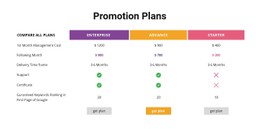
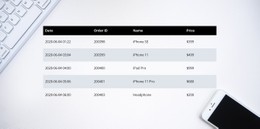
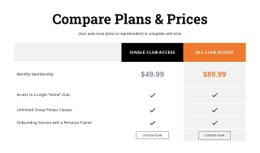






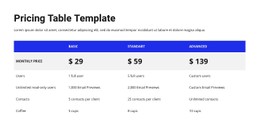
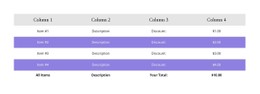
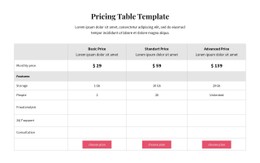
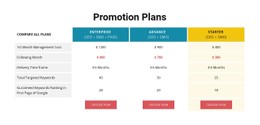
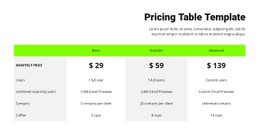
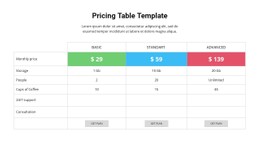
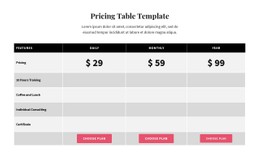
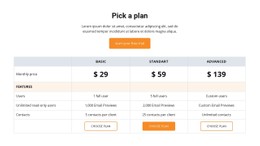



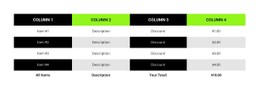

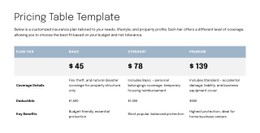
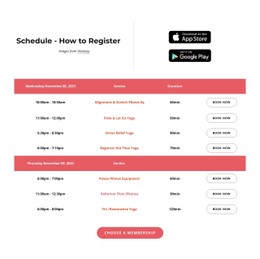
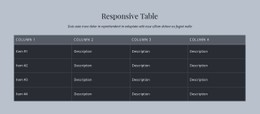
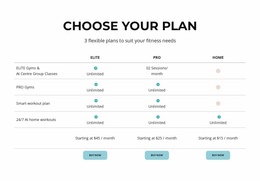
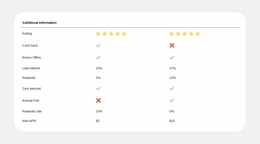
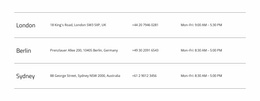
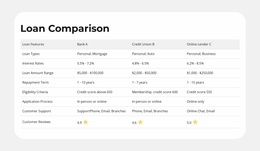
Creative Table CSS Templates for Distinct Header and Row Styling
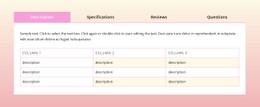
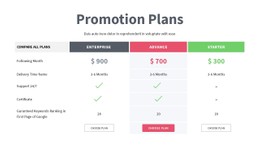
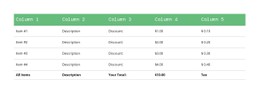
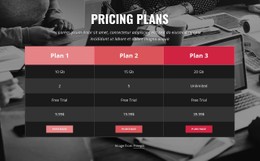
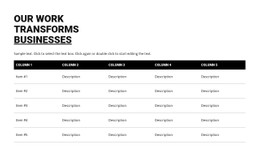
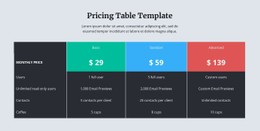
Table CSS Templates offer ready-made table designs whose visual character comes from borders, background colors, typography, padding, and contrast. A light, almost borderless schedule conveys a different mood from a strongly divided technical comparison, even if both contain similar information.
Choose a style that clarifies the data and matches the broader page. Nicepage provides visual table styling, with additional CSS available when a particular design treatment needs finer control.
Explore CSS-Oriented Table Treatments
Prepared Table CSS Templates offer different visual treatments for the same kind of factual content. Compare these finishes before choosing a design:
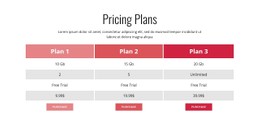
- Borderless or lightly divided tables give short schedules and restrained reference sections an open appearance.
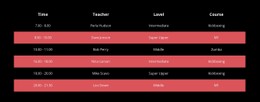
- Striped-row designs help visitors track longer sequences of records.
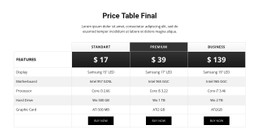
- Outlined cells emphasize distinct measurements in a dense comparison.
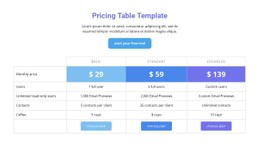
- Contrasting headers clearly separate labels from values across several columns.
- Compact, closely spaced rows keep detailed reference information within a smaller area.
Look specifically at borders, padding, row striping, and header backgrounds. Concepts such as border-collapse and nth-child describe familiar CSS treatments, but choosing a prepared style does not require writing CSS.
Apply Table Styling With Visual Controls
The Table Element in Nicepage offers controls for header, first-column, body, and footer formatting. Alternating backgrounds, row dimensions, and cell padding can give a ready-made section a more specific treatment without manual CSS.
For a dense reference table, consistent padding and row separation may be enough. Longer records can benefit from alternating row styling, while a strong header treatment can clarify the structure of a wide comparison. Use the native settings when they meet your needs.
Refine a Selected CSS Style Only When Needed
Nicepage's native formatting covers typical cell padding, background, and divider adjustments. Custom CSS can support a particular treatment where visual controls are insufficient, but it should remain secondary to the choice of ready-made styling.
Border behavior such as border-collapse, selective row treatments using nth-child, and spacing adjustments may describe the intended finish. Choose the style for the clarity of its finished rows, borders, and headings, not for the number of rules it could require.
Review Row Styling Across Screen Sizes
For wide comparisons, Nicepage supports horizontal scrolling on narrow screens; overflow-x is the related CSS concept in custom implementations. Compare ready-made designs by whether header contrast and cell padding remain readable when space is limited.
If a project needs targeted styling, avoid broad selectors that change unrelated tables. The final choice should be a finished CSS-oriented table appearance that remains clear at the intended display sizes.
Table CSS Templates FAQ
Can I style a Nicepage Table without writing CSS?
Yes. The Nicepage Table Element provides built-in settings for headers, rows, columns, cell dimensions, and backgrounds. You can also apply alternating row colors and format different table areas directly in the editor.
Can I add custom CSS to a specific Table section?
Yes. Nicepage supports targeted Custom CSS when a ready-made Table design needs a specific appearance beyond its visual settings. Keep additional styling focused on the selected section.
Does Nicepage show custom CSS changes directly in the editor?
Custom CSS is not shown directly in the Nicepage editor. Inspect the visual result in Preview or on the published page before finalizing the selected Table design.
How should I style a table with many rows?
Use clear column headings, consistent cell spacing, and subtle visual separation. Alternating row backgrounds can help readers track values across a large table without adding heavy borders around every cell.
Style Your Table Section in Nicepage
Choose a Table block that matches your data, then refine its column widths, header formatting, row backgrounds, and cell spacing. Use the native Table Element controls first, adding targeted CSS only when the design requires further adjustments.
A well-styled table should make factual relationships clearer while remaining visually consistent with the surrounding page.