
Tabs CSS Templates


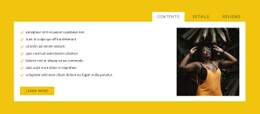
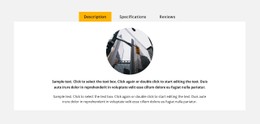
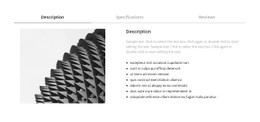
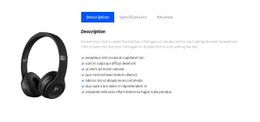

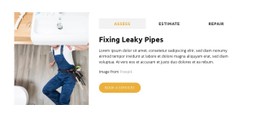


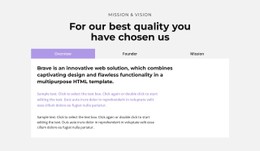
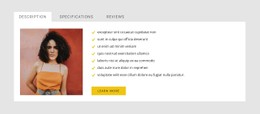
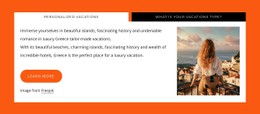
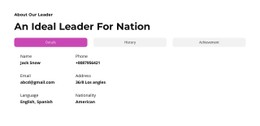
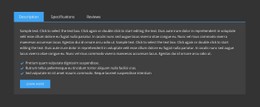

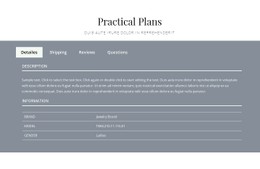

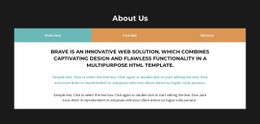







Customizable Tabs CSS Templates for Active, Hover, and Focus States
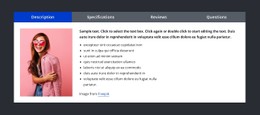
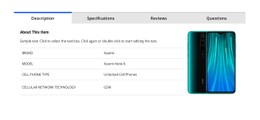
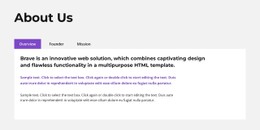
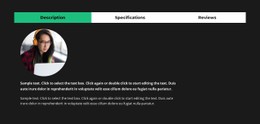
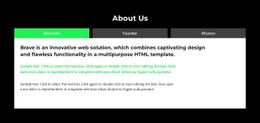
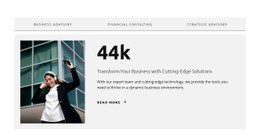
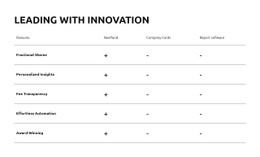
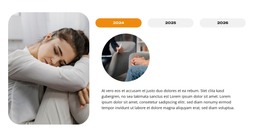
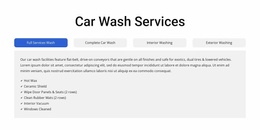
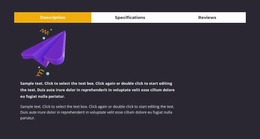
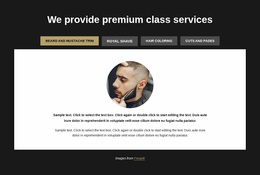
Tabs CSS Templates are primarily about state styling. The selected tab needs to look selected, inactive controls need to remain readable, hover and keyboard focus should be visible, and the content panel should feel connected to the control set.
That gives the CSS-oriented page a clear purpose: refine how the interaction looks without changing what the section fundamentally does.
Style the Active Indicator Clearly
The active state can be communicated in several ways:
- a stronger text color;
- a background change;
- an underline or bottom border;
- a thicker edge or accent line;
- a subtle shape or fill behind the selected control.
Nicepage Tabs block designs provide starting styles, while the standard Tabs controls allow colors and spacing to be adjusted visually.
The active state should be obvious without making the selected tab so dominant that the panel itself becomes secondary.
Add Hover and Focus-Visible Treatment
Hover helps pointer users understand which controls are interactive. Keyboard users need a visible focus state as they move between controls.
For custom styling, consider:
- hover contrast that is noticeable but weaker than the selected state;
:focus-visibletreatment that does not disappear against the background;- clear selected-state styling that remains distinct from focus;
- sufficient spacing so borders or outlines are not clipped.
These states should work together, not compete.
Use Borders, Backgrounds, and Transitions With Restraint
Borders can connect the selected tab to the panel, while backgrounds can make the control group easier to scan. Small transitions may smooth state changes, but they should not delay the interaction or make the selected state ambiguous.
Useful CSS-oriented refinements include:
- active underlines;
- connected panel borders;
- rounded active backgrounds;
- subtle color transitions;
- spacing changes between controls;
- controlled text-weight differences.
Handle Responsive Wrapping
Tab controls that fit on a desktop may wrap or compress on smaller screens. Styling should account for that instead of assuming one fixed row.
When needed:
- allow controls to wrap;
- reduce horizontal padding;
- shorten labels;
- change the control arrangement;
- keep focus and selected states visible after the layout changes.
Nicepage Responsive Modes helps you review these changes before custom CSS is finalized.
Extend Styling With Custom CSS
When built-in visual controls do not cover a project-specific requirement, Custom CSS provides the suffix-specific extension layer. Nicepage supports targeted CSS rules for additional styling.
Use the Custom CSS workflow for additions that genuinely need code, such as a custom focus-visible outline, specific active indicator, or responsive adjustment that goes beyond the standard controls.
Tabs CSS Templates FAQ
What CSS States Matter Most for Tabs?
The most useful states are selected/active, hover, and keyboard focus. They should remain visually distinct so visitors can tell what is selected, what is interactive, and where focus currently sits.
Can I Add Custom CSS for a Tabs Section in Nicepage?
Yes. Nicepage supports custom CSS when additional styling is needed beyond the standard visual controls.
What Should I Do if Tab Controls Wrap on Mobile?
Reduce spacing, allow a more suitable wrapping pattern, shorten labels, or change the arrangement. Make sure the active and focus states remain clear after the controls reflow.
Refine the States Without Overcomplicating the Section
Start with the standard Tabs styling, make the active state clear, then add hover, focus-visible, border, transition, or responsive rules only where they improve the interaction. CSS should sharpen the state system without making the block visually noisy.





















































