
1130 Fashion & Beauty CSS Templates

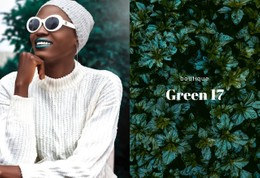
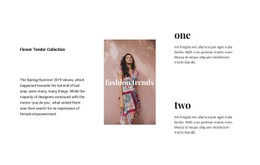
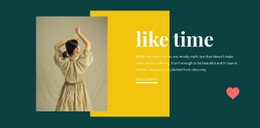
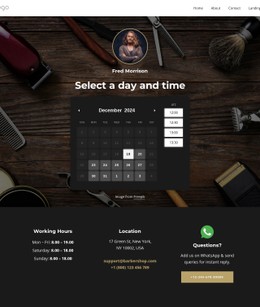




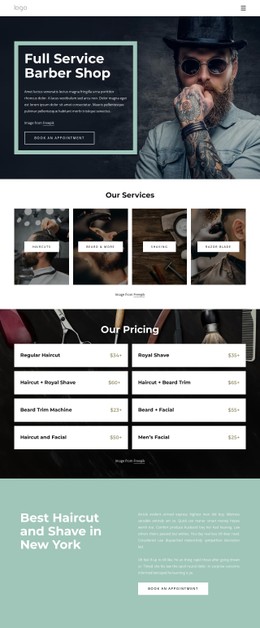
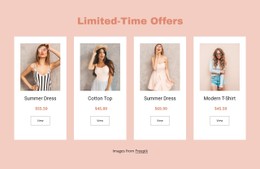
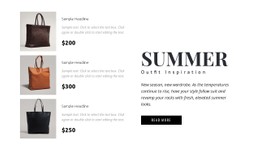

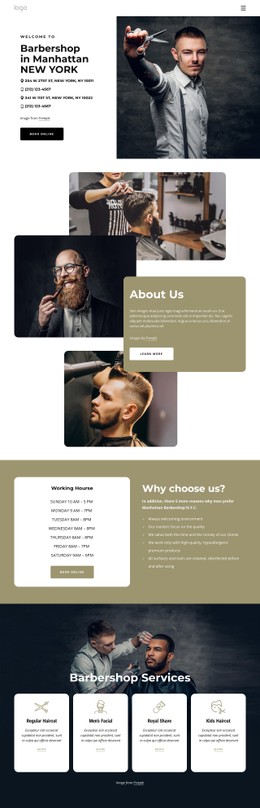

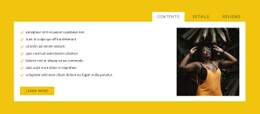
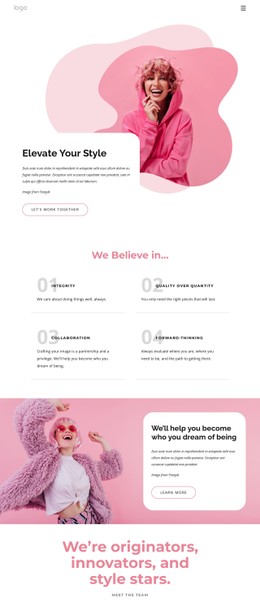

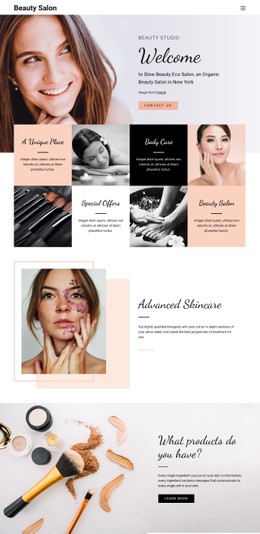
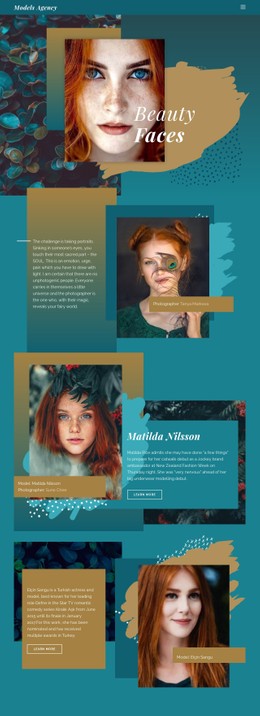
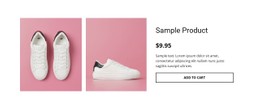
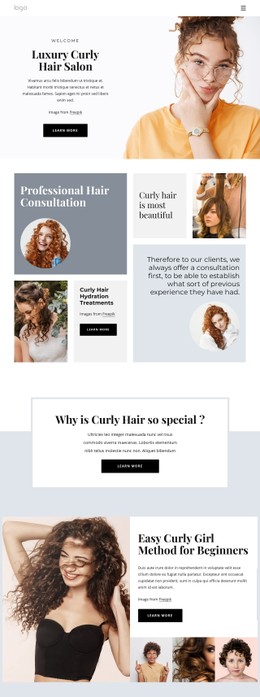
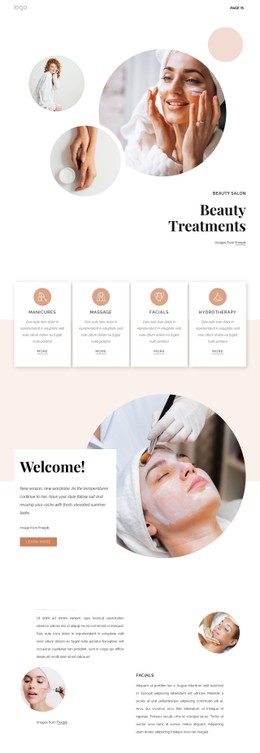

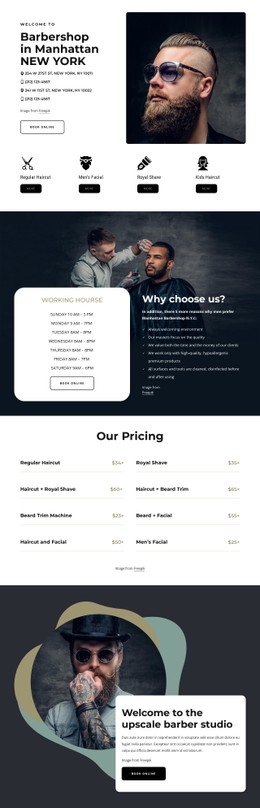
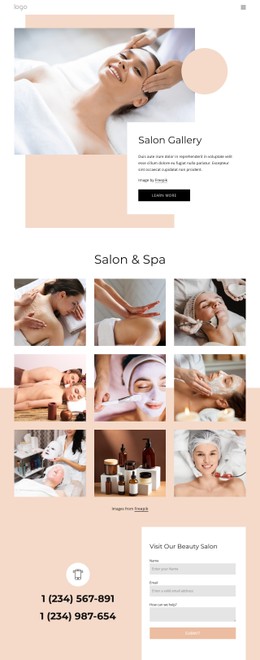


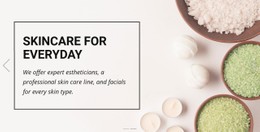
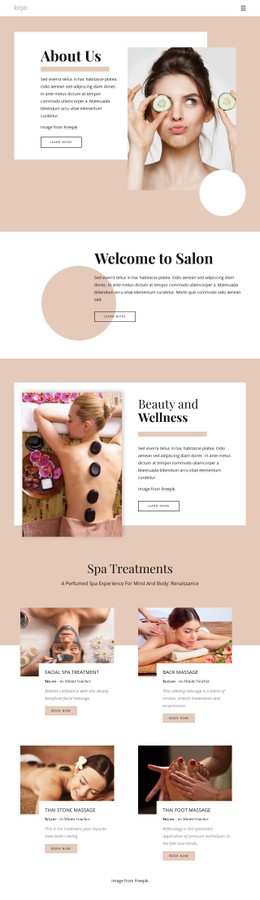
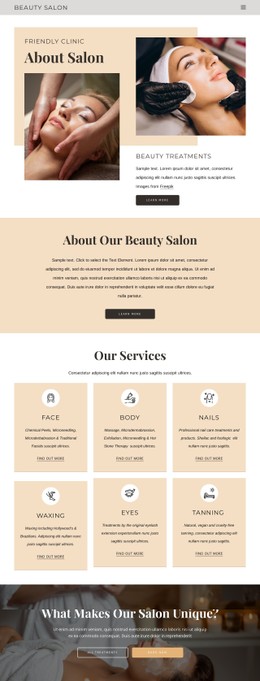
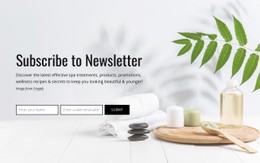
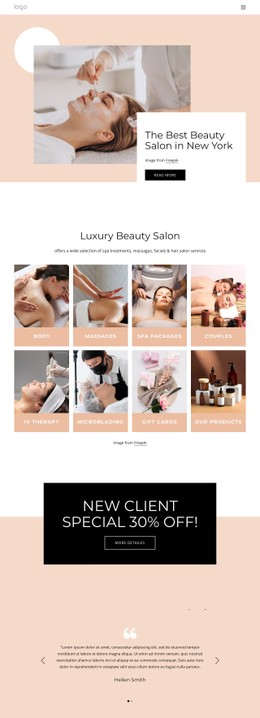
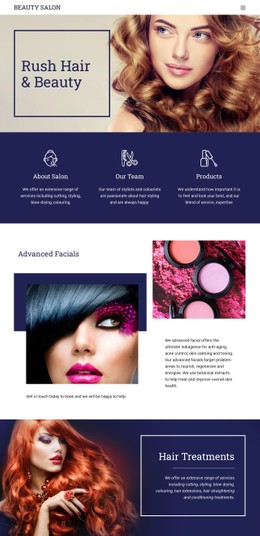
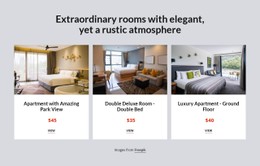
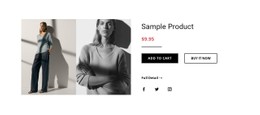
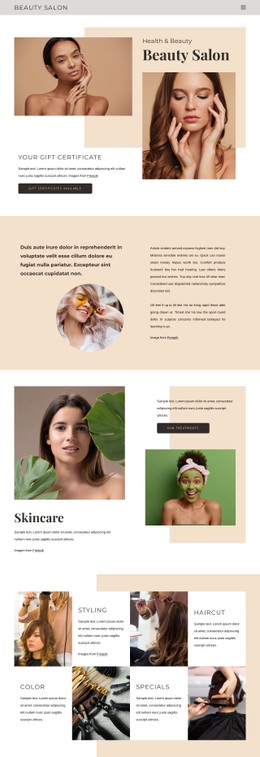

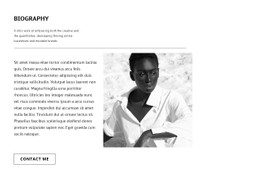
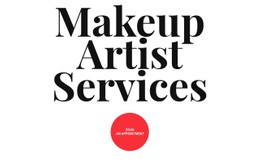
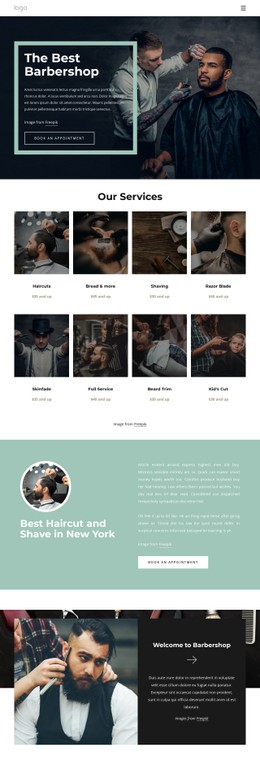
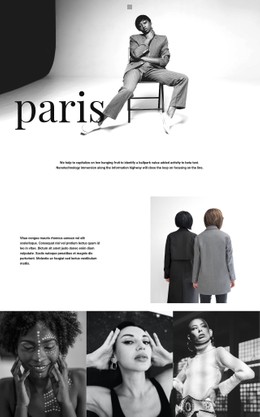
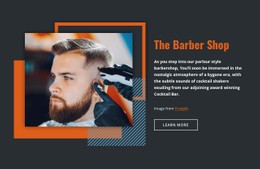



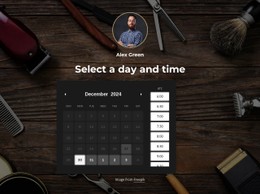
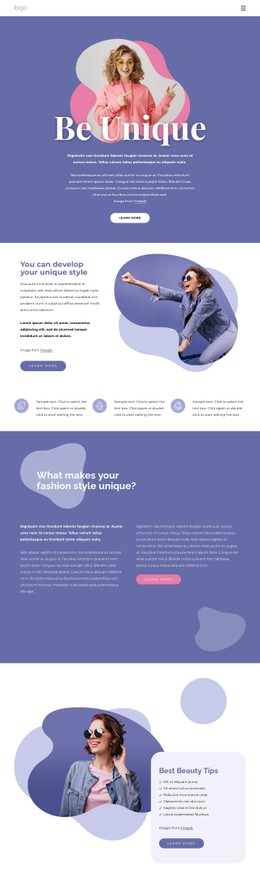
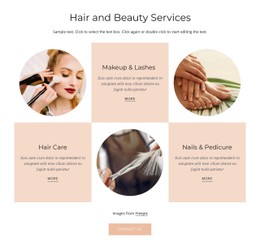
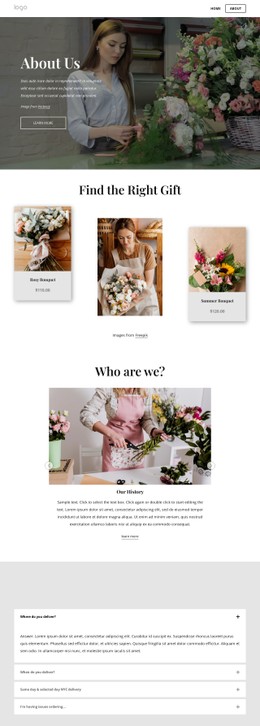
Customizable Fashion & Beauty CSS Templates for Precise Visual Styling
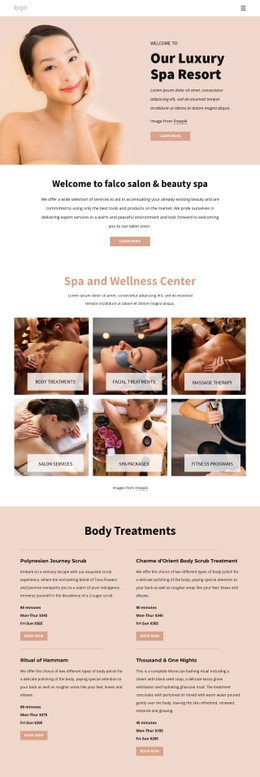
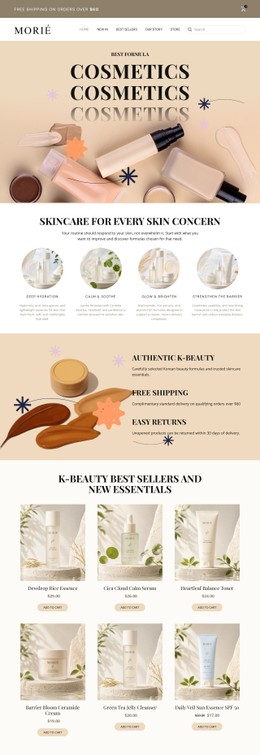
Fashion & Beauty CSS Templates give boutiques, cosmetics brands, shoe labels, and salons a controlled styling system for typography, spacing, product cards, responsive behavior, and reusable visual rules. Nicepage keeps those decisions editable while leaving room for targeted CSS when a project needs more precise frontend control.
What Makes a Responsive Fashion & Beauty CSS System Effective?
A useful CSS system prevents the same styling problem from being solved separately in every section. Instead of adjusting each product card, image, or heading by hand, teams can define repeatable rules and reuse them across the page.
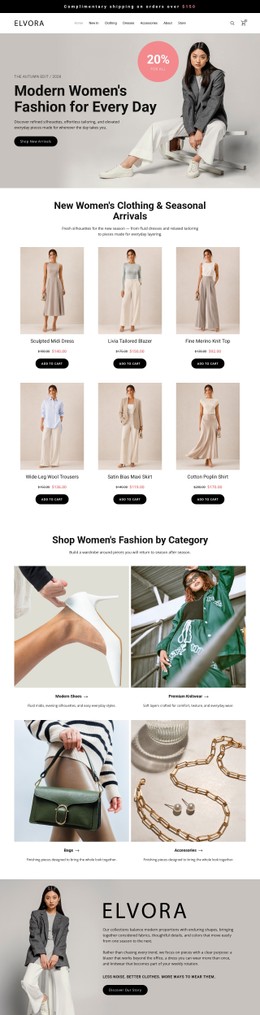
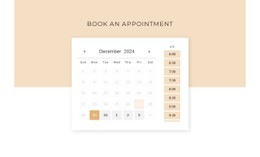
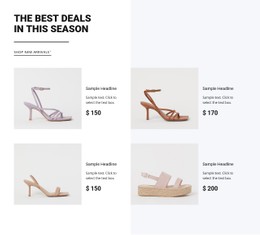
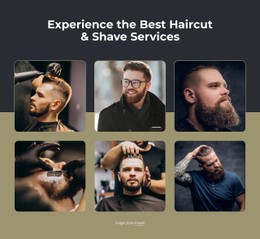
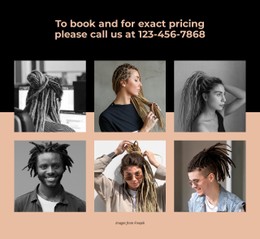
Fashion CSS templates can use shared classes to keep product-card borders, image proportions, typography, and spacing consistent across a collection. Beauty CSS templates can apply the same principle to treatment cards, service lists, testimonials, and appointment sections.
Several practical CSS use cases are especially relevant to image-led fashion and beauty sites:
- Hover states can reveal a secondary product image, change a card border, or emphasize a collection link when visitors interact with it.
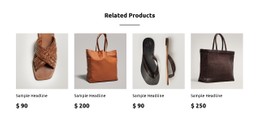
- Product-card borders can use one reusable rule instead of slightly different manual styling across a catalog.
- Responsive spacing can reduce gaps and padding at smaller breakpoints while preserving a more spacious editorial layout on desktop.
- Typography overrides can adjust a promotional heading or campaign label without changing the global type system.
- Custom classes make it possible to reuse the same treatment across several products, services, or content sections.
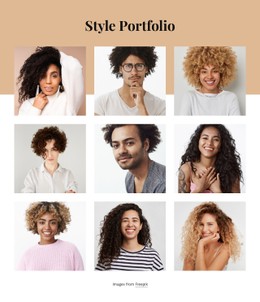
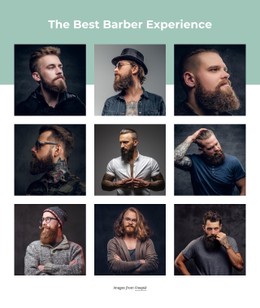
- Image aspect ratio styling helps keep product photography or portfolio thumbnails visually aligned even when original image dimensions differ.
- Reusable style rules reduce duplicated CSS and make later visual updates easier.
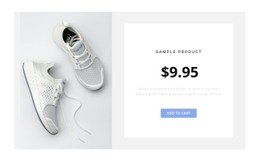
For visual references, elegant website ideas can inform restrained styling. Cosmetics teams can compare beauty product layouts, while footwear brands can use shoe website concepts to plan repeatable product cards and image proportions.
Flexible Features for Fashion & Beauty CSS Styling
Custom CSS Code adds targeted rules through Page Settings and the Property Panel. The Custom CSS guide documents page-level and site-level custom styles.
Grid Element provides a responsive structural base for product cards, service panels, or editorial content. Custom classes and CSS rules can then refine details such as spacing, borders, image behavior, or interactive states without rebuilding the layout.
Color Picker and Theme Colors help maintain repeatable color values, while Border Property provides visual framing for supported Shapes, Groups, and Grids. Typography settings can handle the global type system, leaving custom CSS for exceptions that genuinely need more control.
For example, a cosmetics collection might use one class for all product cards, another rule for image aspect ratios, and a single hover treatment across the collection. If the visual direction changes later, editing those reusable rules is more efficient than correcting every card individually.
Keep CSS Reusable Instead of Page-Specific
Use custom styling where it solves a repeated or clearly defined problem. Avoid creating a separate rule for every product, service, or section when the same visual behavior can be represented by a shared class.
For responsive layouts, adjust spacing and image treatment systematically rather than fixing isolated mobile problems one at a time. Keep global typography in the shared theme where possible, then use targeted overrides for campaign-specific or niche requirements.
After HTML/CSS export, external validation and browser testing can provide an additional check on the finished frontend.
Premium Fashion & Beauty Styling Questions
Can visual effects on a fashion or beauty site hurt SEO?
Visual effects do not automatically create an SEO problem, but media weight and implementation still matter. Keep core text accessible in HTML, optimize media, and use targeted styling rather than unnecessary effects that make the page heavier.
Can I change typography across an entire fashion or beauty site?
Yes. Nicepage Site Settings let you choose and edit the Fonts Scheme and Typography Styles for all pages, with Typography Styles adjustable for individual Responsive Modes.
How can I frame beauty product or shoe cards consistently?
Use a repeatable border treatment across supported Shapes, Groups, or Grids. Nicepage Border Property can provide the base styling, while custom classes or CSS rules can extend the treatment when the cards need more specific visual behavior.
Easy-To-Use CSS Control With Developer-Ready Output
Build the visual system around repeatable rules rather than correcting the same details page by page.
- Establish shared typography, spacing, colors, and card treatments.
- Add custom classes for recurring hover states, image ratios, borders, or responsive adjustments.
- Keep exceptions targeted so the stylesheet remains easier to maintain.
- Export HTML/CSS when the project needs developer handoff or external hosting.
Fashion & Beauty CSS Templates are most useful when the styling itself needs to remain reusable, predictable, and open to precise frontend refinement.





















































