
100 Pricing CSS Templates
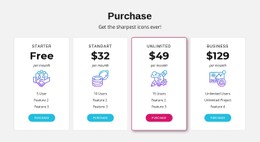
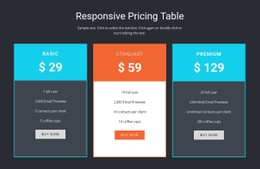


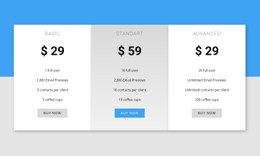

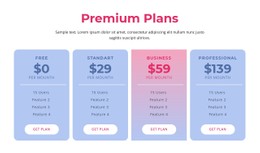

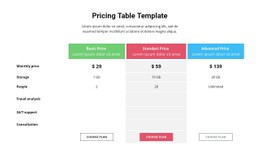

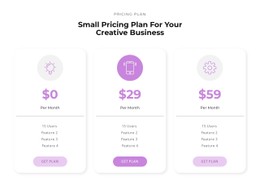
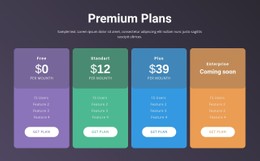
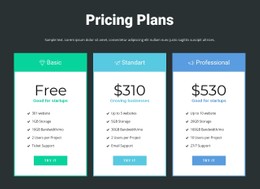










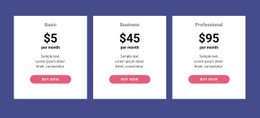
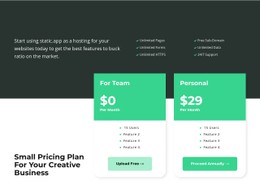
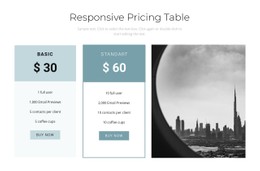


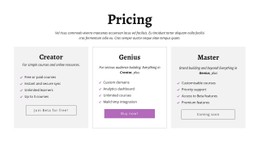







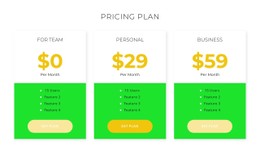
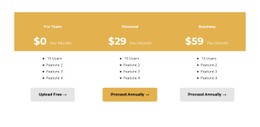
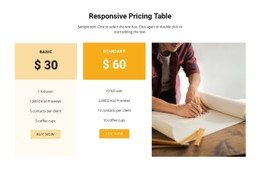
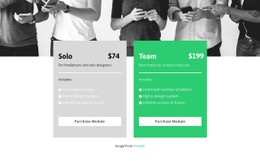

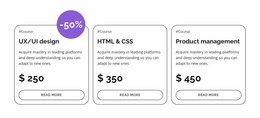
Minimal Pricing CSS Templates for Consistent Plan Card Styling
Pricing CSS Templates emphasize the styling behavior of plan sections: consistent card alignment, flexible spacing, responsive columns, and predictable button placement. Use Nicepage's visual controls for ordinary changes and Custom CSS where a specific layout rule is necessary. The focus is CSS implementation choices, not generic advice about what plans contain.
CSS matters most where the visual treatment affects how prices and features are understood. Borders can separate offers, background colors can distinguish a recommended tier, and typography can clearly link the amount, billing period, and included value.
CSS Layout Choices for Pricing Cards
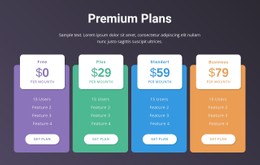
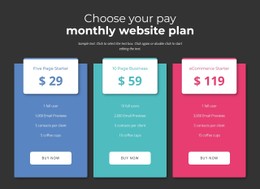
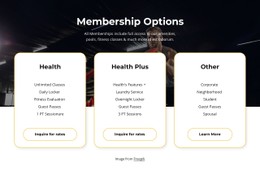
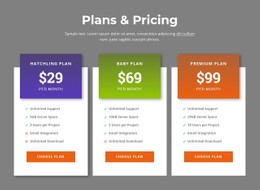
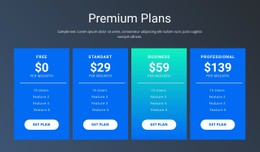
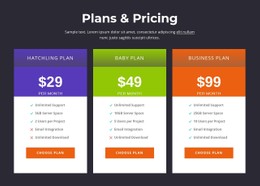
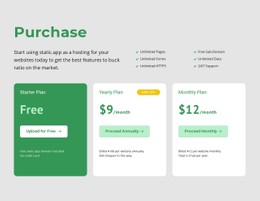
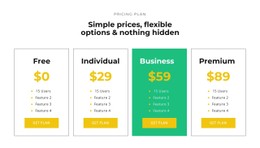
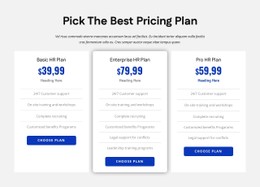
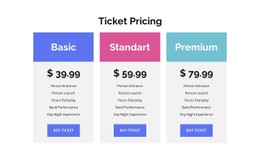
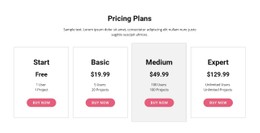
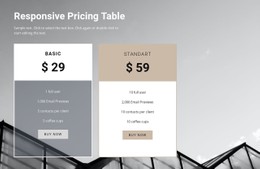
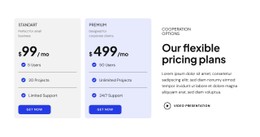
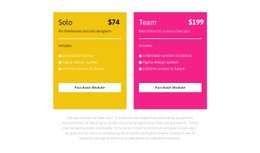
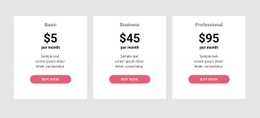
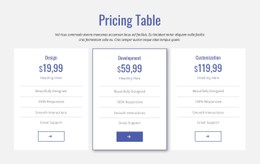
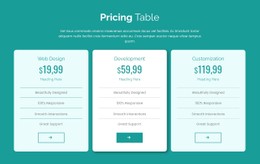
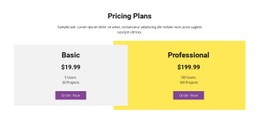
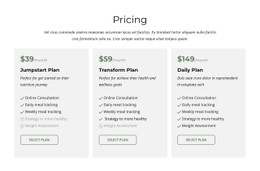
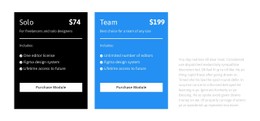
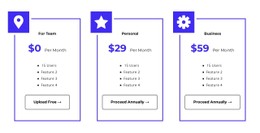
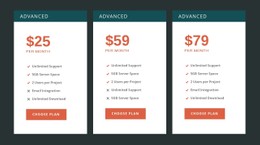
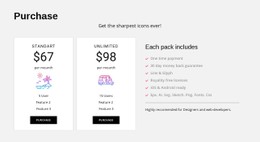
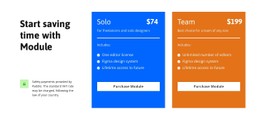
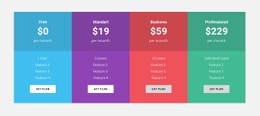
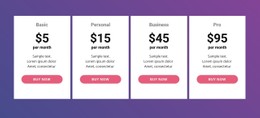
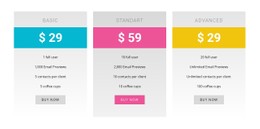
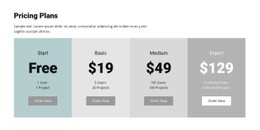
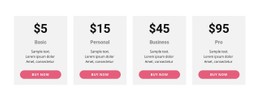
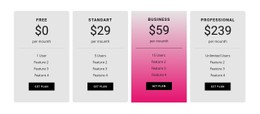
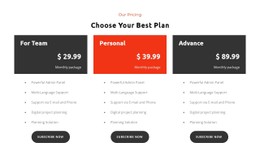
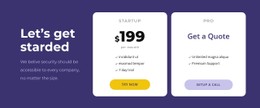
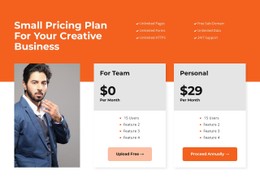
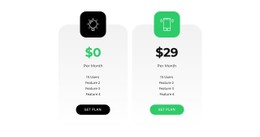
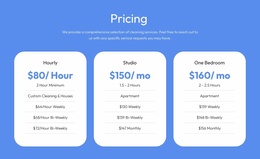
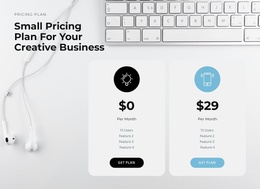
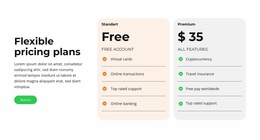
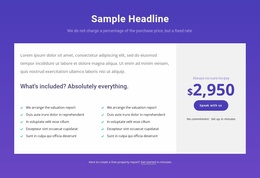
Start by comparing ready-made pricing card styles for spacing, borders, emphasis, button treatments, and their appearance at narrow widths. Pricing CSS Templates are most useful when the design needs consistent layout behavior across cards and screen sizes, not just decorative colors. With CSS Grid, a designer can establish repeating columns using grid-template-columns and control the distance between cards with gap. Flexbox can organize content inside a card so longer benefit lists do not push selection buttons into unpredictable positions; padding sets internal breathing room and responsive media queries can stack columns on narrow screens.
Before editing any styles, compare prepared pricing-card treatments by padding, spacing, borders, accent states, hover treatment where present, button emphasis, and readable responsive breakpoints. Choose a style pattern that already matches the intended visual rhythm; implementation details come later.
Useful CSS-focused decisions include:
- Grid versus Flexbox: arrange several plan columns with a grid, while managing vertical groups inside a card with flexible layout.
- Card alignment: use consistent padding and internal spacing so prices and billing terms occupy comparable positions.
- Action placement: reserve enough room for each button without shortening necessary feature details.
- Responsive breakpoints: move from multi-column comparisons to readable stacked offers when space becomes tight.
- Visual states: maintain legible link and button contrasts, including interaction states.
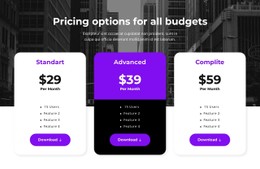
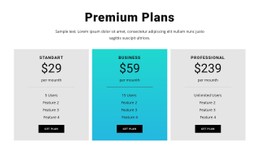
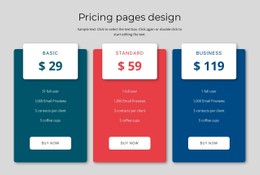
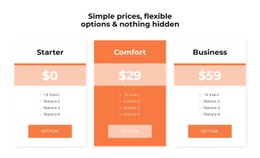
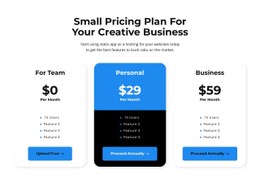
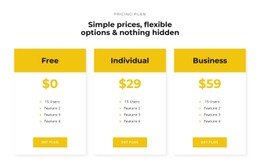
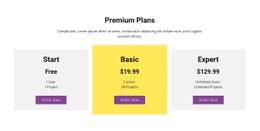
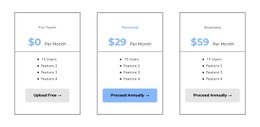
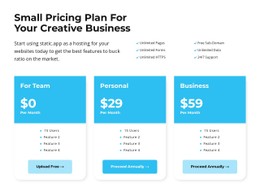
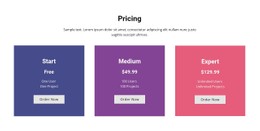
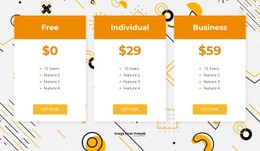
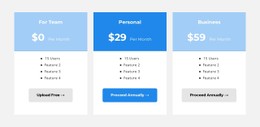
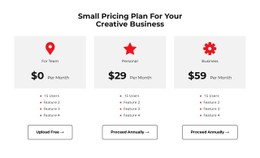
For a three-card layout, a practical approach is a responsive grid for the outer columns, with flexible vertical content inside each card so the selection buttons remain consistently placed. A featured tier can gain a stronger border without changing the placement of its price or conditions. This describes styling choices rather than requiring a pasted code fragment. Nicepage's normal visual controls cover many common changes to typography, backgrounds, and spacing. Custom CSS is appropriate when a specific layout behavior or reusable styling rule cannot be achieved cleanly with those controls. The resulting behavior needs checking in preview.
Clean Pricing Cards and Table Styling
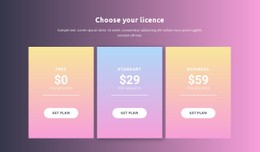
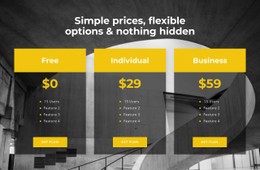
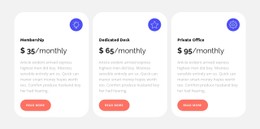
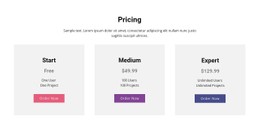
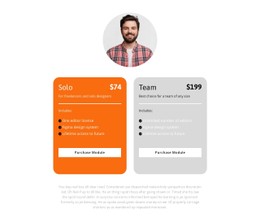
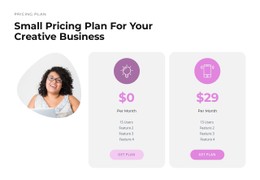
Compare the visual treatments already available in prepared designs—card spacing, border weight, accent colors, and button treatment—before considering style overrides. Individual pricing cards work well when each plan needs a short summary. Their visual structure typically places the title above the price, followed by included features and a selection button.
Start by comparing visual treatments in ready-made layouts: consistent card spacing, button treatment, and accent color should be apparent before custom overrides are considered. This is a presentation choice, not a custom widget or HTML integration; a better-suited table is more suitable when visitors need to evaluate many shared attributes across several plans.
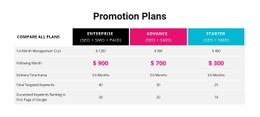
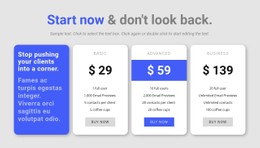
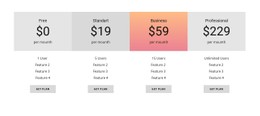
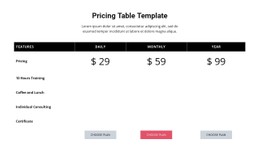
Nicepage's Table Element supports pricing-oriented tables with editable rows, columns, cell dimensions, and styling properties. Alternating row backgrounds and distinct header styling can help organize detailed comparisons.
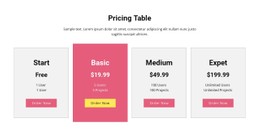
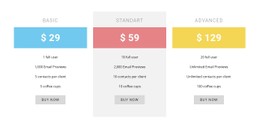
For card-based arrangements, keep corresponding elements visually aligned. A highlighted tier might use a stronger border or contrasting background, but its price and feature information should follow the same basic hierarchy as the other options.
A general Table section organizes structured data. Pricing is different because its layout must connect costs, included benefits, and plan-selection actions.
Customize Pricing Styles With CSS in Nicepage
Nicepage provides visual styling controls for elements, while Custom CSS supports additional project-specific rules.
Use the built-in Nicepage controls first for common typography, spacing, color, and card backgrounds. Reserve Custom CSS for specific layout rules, responsive behavior, or styling that cannot be achieved cleanly through these settings. Custom CSS can be applied to individual elements, a particular page, or the website as a whole. For a pricing section, you can style cards without changing unrelated content.
A practical approach is to:
- Select a pricing block whose card or table structure suits the available plans.
- Adjust standard styling properties such as colors, spacing, and typography.
- Add Custom CSS when specific visual treatment requires additional rules.
- Review the preview to confirm that the custom styling renders as intended.
Nicepage does not execute custom CSS directly inside the editor. Its effect is visible in the preview or published output. Custom rules can also conflict with existing styles, so changes should be checked carefully.
Keep Pricing Styles Readable Across Screen Sizes
A pricing section may display several columns on desktop but require a more compact arrangement on a phone. Card spacing, price typography, and button dimensions should remain practical when the available width changes.
Long feature descriptions deserve particular attention. If one plan contains considerably more text than another, forcing identical dimensions may reduce readability.
The same considerations apply to licence-related plan comparisons, where pricing periods, included access, and terms need to remain associated with the correct offer.
Visual consistency should clarify differences, not conceal them. The goal is a pricing section that remains easy to scan even when individual plan details vary.
Pricing CSS Templates FAQ
Can I add custom CSS to a Nicepage pricing section?
Yes. Nicepage supports Custom CSS for individual elements, pages, and the entire website. You can use element-specific classes to apply additional styling to pricing cards or other parts of a comparison section.
Why might my custom CSS not appear inside the Nicepage editor?
Nicepage does not execute custom CSS directly inside the editor to avoid potential conflicts. You can review the rendered result in the page preview or after publishing. If styling behaves unexpectedly, check whether custom rules conflict with existing element properties.
Should all pricing cards use identical CSS styles?
They should share consistent typography, spacing, and content hierarchy. However, they don't need identical backgrounds or borders, as long as they add visual emphasis and visitors can still compare prices, features, and selection actions across all options.
Refine Your Pricing Section Styling in Nicepage
Choose a pricing block with the right number of offers, then adjust the typography, spacing, card backgrounds, and selection buttons. Use Custom CSS when the section requires styling beyond the available visual controls, and check the result in the preview.
Select a ready-made CSS-oriented pricing design with the desired card styling first; then make any necessary changes through visual settings or Custom CSS.
The finished design should keep plan prices, included features, and next actions visually connected, with CSS supporting a clearer comparison rather than adding unnecessary decoration.





















































