
Accordion CSS Templates
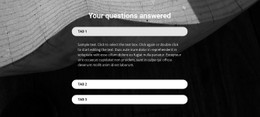
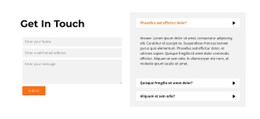
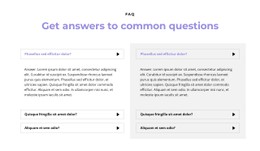
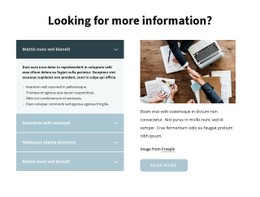


























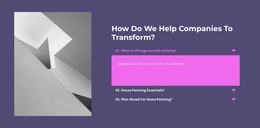
Customizable Accordion CSS Templates for Clear Open and Closed Panel States
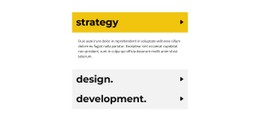
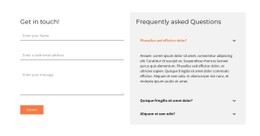
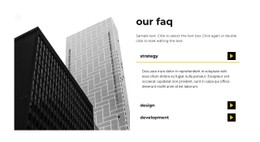
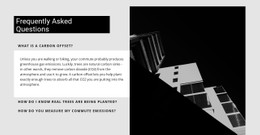
Accordion CSS Templates focus on ready visual styles for stacked expandable panels. Instead of treating styling as a general CSS exercise, the practical task is to choose an Accordion look that already fits the project and then refine the details that make its expand/collapse behavior easy to read.
The section still depends on progressive disclosure. Styling determines whether visitors can distinguish headings, panel boundaries, revealed content, and open or closed states at a glance.
Choose a Ready Accordion Visual Style
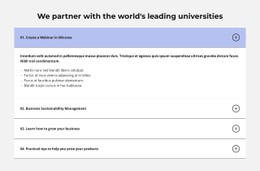
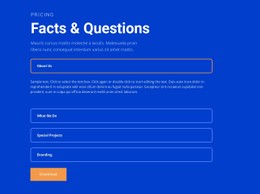
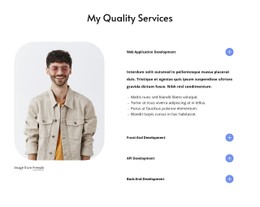
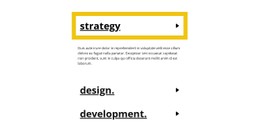
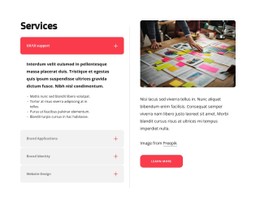
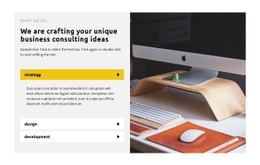
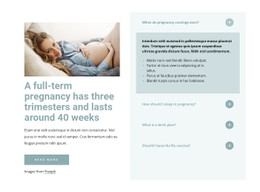
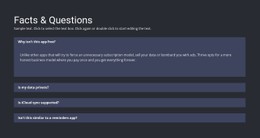
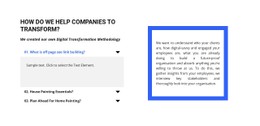
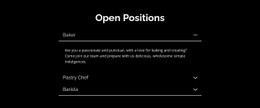
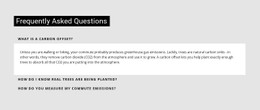
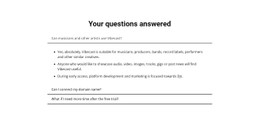
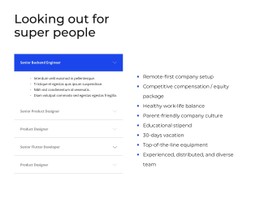
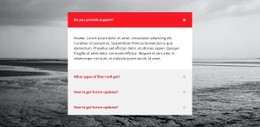
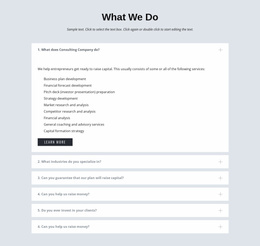
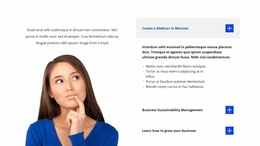
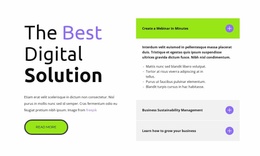
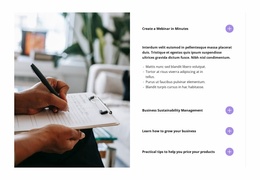
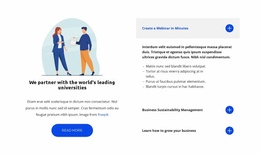
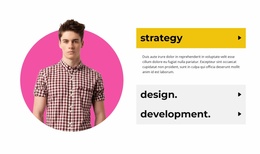
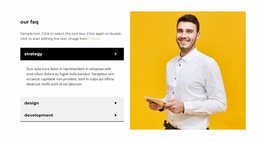
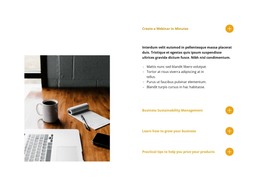
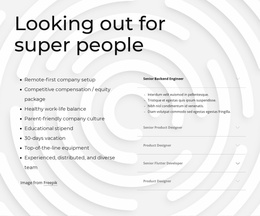
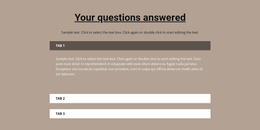
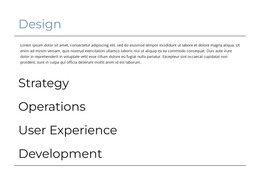
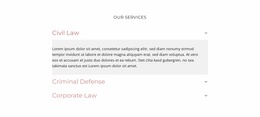
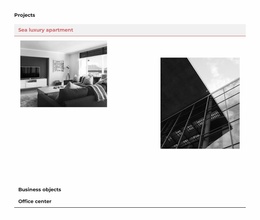
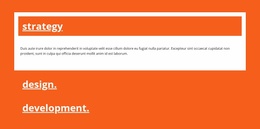
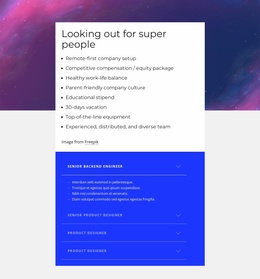
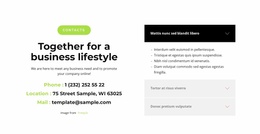
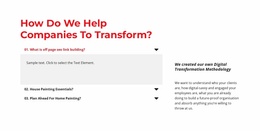
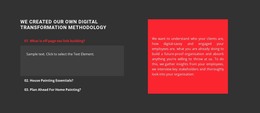
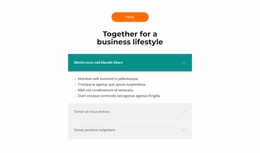
A strong starting template should make the vertical stack clear before any panel opens. When comparing Accordion visual styles, look at:
- Typography for heading emphasis and readability.
- Spacing between stacked items and inside expanded bodies.
- Borders and backgrounds that define panel boundaries.
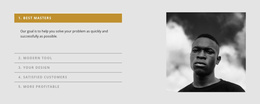
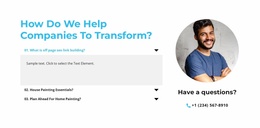
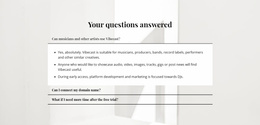
- Open and closed states that make the interaction visible.
These are Accordion-specific presentation choices. The goal is not to explain CSS generally, but to select a style whose visual logic already supports expandable content.
Adapt Expandable Panel States
The Nicepage Accordion Element provides the core expand/collapse interaction. Once you choose a ready visual style, refine it without breaking the sense that all items belong to one connected Accordion.
Keep heading treatment stable across the stack. Use predictable gaps between items, consistent panel edges, and readable text treatment inside expanded bodies.
A useful visual system should work in both moments:
- Before interaction, visitors should recognize the clickable headings and panel boundaries.
- After interaction, the opened body should feel connected to its heading and remain easy to read.
The style can be minimal, card-based, bordered, or more expressive, but the relationship between heading and expandable body should stay obvious.
Add Custom CSS Where More Specific Control Is Needed
Nicepage supports Custom CSS when additional styling is required. For an Accordion, that extra control is most useful after a suitable visual template has already been selected.
Custom rules can refine presentation details such as typography, spacing, borders, backgrounds, or other visual properties without changing the section's core purpose. The Accordion Element should remain responsible for progressive disclosure and stacked panel interaction.
CSS should extend the chosen Accordion style, not turn the page into a general styling tutorial.
Accordion Styling Is Different From Tabs Styling
Accordions and Tabs can both reveal content after interaction, but their styling priorities are different.
Accordion needs a clear vertical rhythm across multiple stacked items. Open and closed states, panel boundaries, heading emphasis, and spacing all repeat down the section.
Tabs rely on persistent tab controls and one shared content area. Their key visual problem is distinguishing active and inactive controls rather than managing a sequence of expanding vertical panels.
FAQ is different again. Its identity comes from question-and-answer content; an Accordion can contain many other types of information while using the same expand/collapse interaction.
Accordion CSS Template FAQ
What should I compare when choosing an Accordion CSS template?
Compare heading typography, spacing, panel boundaries, backgrounds, and how clearly the design distinguishes open and closed states.
Can I add Custom CSS to an Accordion section in Nicepage?
Yes. Nicepage supports Custom CSS when additional project-specific styling is needed beyond the existing visual settings.
Which visual details matter most in an Accordion?
Focus on heading typography, spacing between stacked items, panel boundaries, backgrounds, and clear differences between open and closed states.
Should every open panel use a different style?
Usually no. A consistent open-state treatment makes the stack easier to understand and keeps the panels visually connected as one interaction.
How is Accordion styling different from Tabs styling?
Accordion styling follows a vertical sequence of expandable items, while Tabs styling focuses on persistent controls and the active content panel in one shared area.
Refine the Chosen Accordion Style
Choose an Accordion visual template whose stacked items already suit the amount of content you need, then adapt the states, spacing, borders, backgrounds, and typography in the Nicepage editor. Use Custom CSS only where more precise control is required, keeping the Accordion interaction and panel relationships clear throughout the section.





















































