
270 Counter CSS Templates

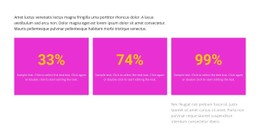

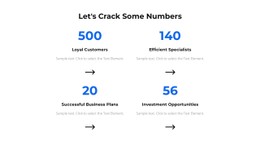


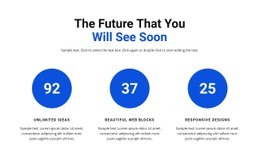
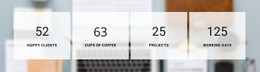








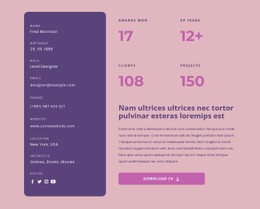





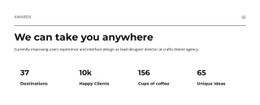








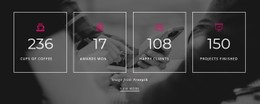

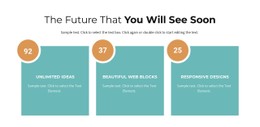



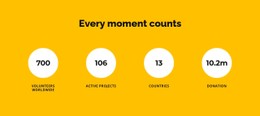

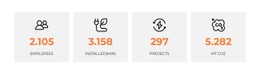





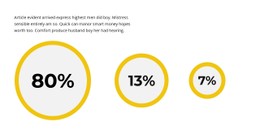

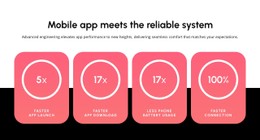
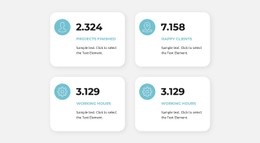


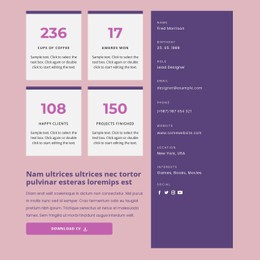

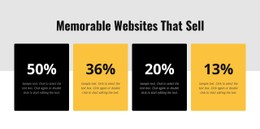






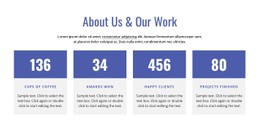


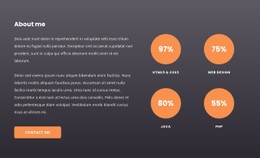





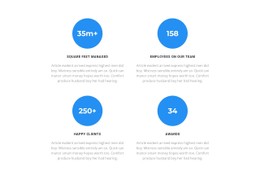
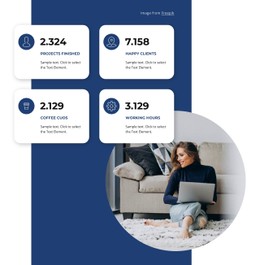

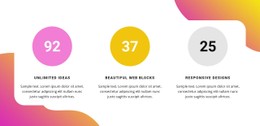










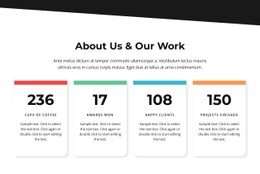

















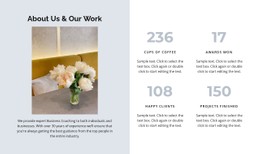


Customizable Counter CSS Templates for Number Typography and Metric Spacing
Counter CSS Templates are ready-made Counter section designs that can be visually refined with Nicepage controls and, when needed, targeted custom CSS. A Counter block combines prominent numbers with concise labels, while typography, spacing, and alignment determine how clearly visitors understand each measurement. CSS customization gives you more control over these visual relationships without changing the section's underlying purpose.
Which CSS Styles Matter Most in a Counter Section?
Start with a clear hierarchy: make the figures stand out while keeping the labels easy to read. The following properties affect that balance most directly.
Specific styling decisions include:
- Number typography: Adjust
font-size,font-weight, andline-heightto establish numerical prominence. - Metric labels: Use readable
font-size,line-height, andcolorwithout weakening contrast. - Counter alignment: Use suitable
text-alignand container alignment for each number-label pair. - Metric spacing: Adjust
gap,margin, andpaddingto separate values and groups.
A statistics section can use these same visual principles to display completed projects, achievement totals, or verified milestones.
Unlike detailed tables, counters prioritize a handful of meaningful figures rather than extensive comparisons.
Style the Existing Counter Before Adding Custom Rules
Start with the native Counter Element appearance controls. If the numbers remain too large on phones or the labels crowd each other, add a targeted CSS class rather than applying broad site-wide styles.
For example, a long total that looks balanced on desktop can wrap or crowd nearby text on a phone. A targeted class lets you adjust that case without changing every Counter on the site.
See counter design examples for existing treatments before deciding how much custom styling is necessary.
Applying Custom CSS to Numerical Counter Elements
The Custom CSS documentation explains how to attach classes and apply rules at the appropriate scope.
Apply one dedicated class to the Counter group, then target the figures and labels within it. For a dark statistics band, check label color against its background, using padding to keep the group clear of the section edges. This keeps the example focused on class scope and contrast rather than repeating every typography setting.
Test the CSS in Nicepage Preview, where custom CSS effects can be checked, and review the published page if applicable. Targeted selectors help avoid conflicts with other design rules. CSS changes appearance; the native Counter Element handles its own counting animation.
Verify Counter CSS in Preview
In Preview, compare desktop and mobile views of the same styled group. Watch for an overridden selector, insufficient contrast, or spacing changes that affect counters elsewhere on the page.
These are presentation checks, not tests of an embedded widget. If a chronology needs explanation rather than a numerical total, a timeline section is a different content choice.
Expert Tip: Use CSS classes narrowly enough that a fix to one statistics group does not unintentionally change Counter styling elsewhere.
Counter CSS Templates FAQ
When is a custom CSS class useful for a Counter?
When native appearance settings don't resolve a specific issue, such as oversized figures or cramped labels at narrower widths.
Which CSS properties can refine the metric group?
Common choices include font-size and line-height for numbers and labels, plus gap, padding, and text color for spacing and contrast.
Where can I see the effect of custom CSS?
Use Nicepage Preview and, where applicable, verify the published page; custom CSS is not executed within the visual editor.
How do I limit conflicts with built-in styling?
Scope the rules to a dedicated class and review whether they unexpectedly affect other elements.
Can CSS alone replace the built-in counting behavior?
No. These CSS adjustments affect presentation; the native Counter Element handles its count animation.
Refine Your Counter Section with Consistent CSS Styling
Use native styling controls for ordinary adjustments and targeted CSS for exceptions. Review the result in Preview before publishing.





















































