620 Contact Form CSS Templates












































Contact Form CSS Templates for Responsive Input Styling
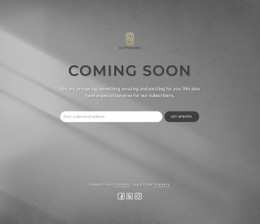
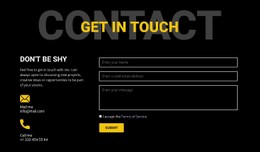
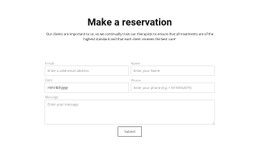
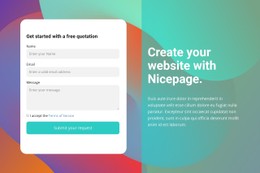
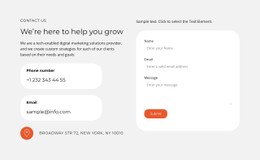
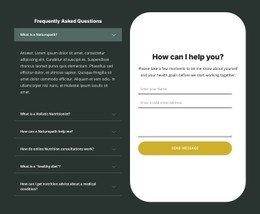
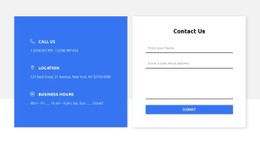
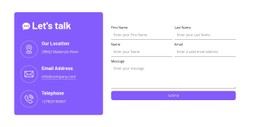
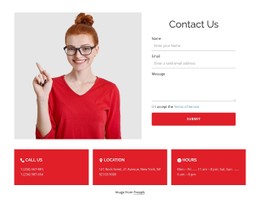
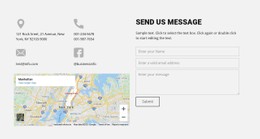
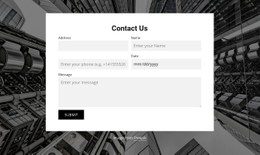
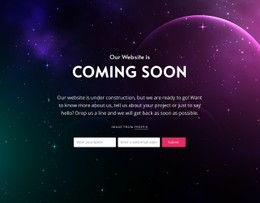
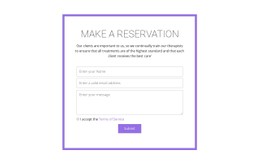
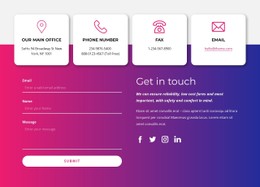
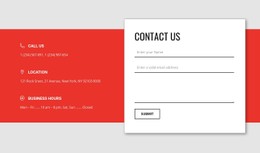
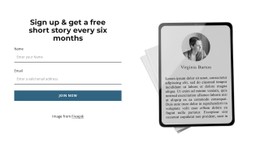
Explore ready-made Contact Form CSS Templates for field styling, button appearance, spacing, and responsive layout. Outlined inputs, filled form panels, and split-field arrangements offer different visual treatments for the same contact task. CSS explains those visible differences without requiring you to build the design from scratch.
Different styles can suit the same contact task. Base your choice on the surrounding page and the form's legibility, not decorative effects alone.
Compare CSS-Based Contact Form Styling Approaches
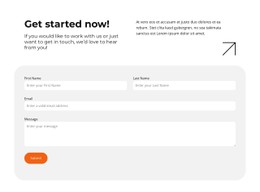
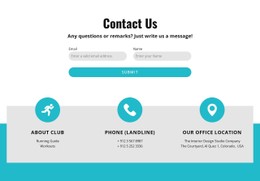
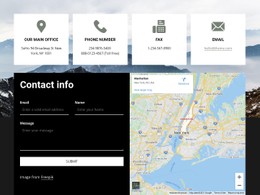
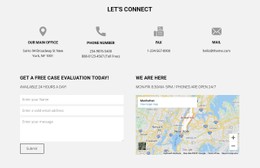
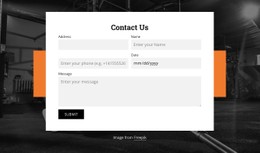
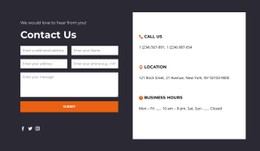
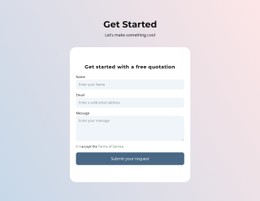
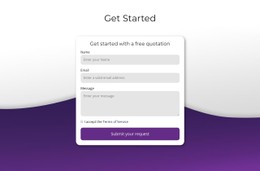
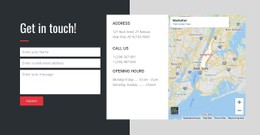
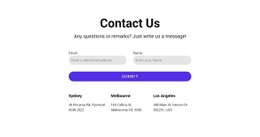
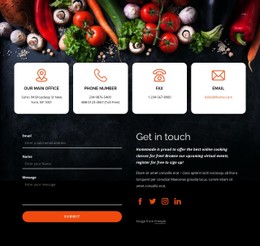
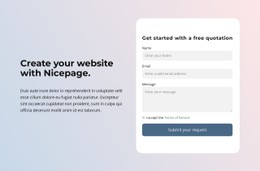
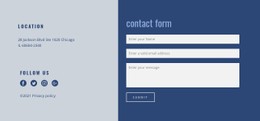
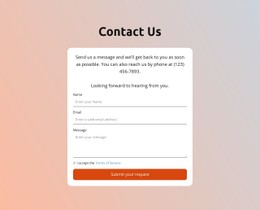
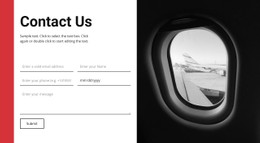
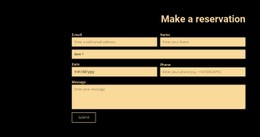
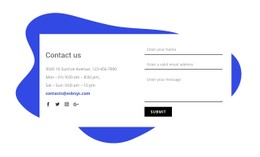
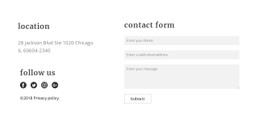
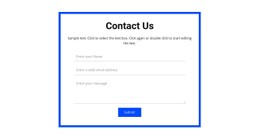
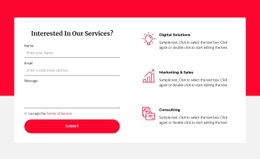
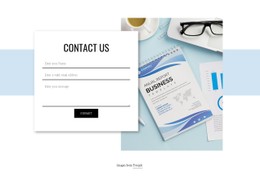
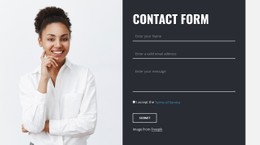
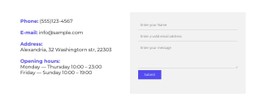
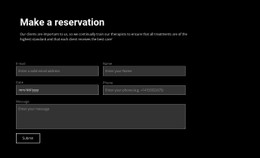
- Outlined minimal form: Clear field boundaries and generous whitespace create a light, precise look, often using restrained
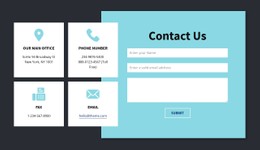
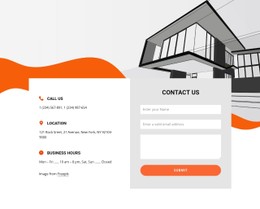
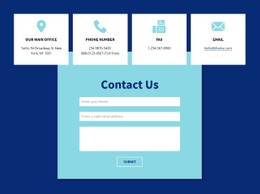
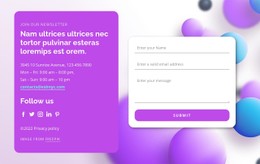
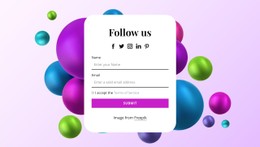
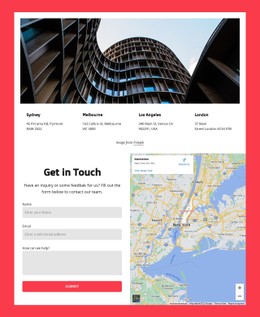
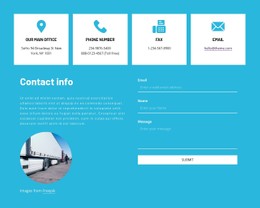
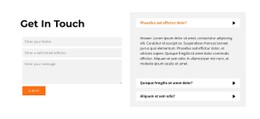
borderstyling. - Filled card form: Tinted inputs inside a distinct panel create a softer, more prominent contact area;
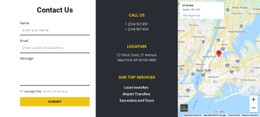
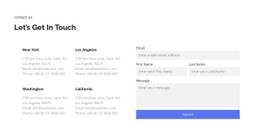
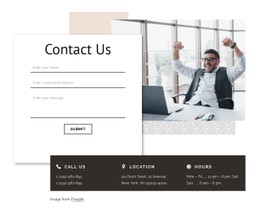
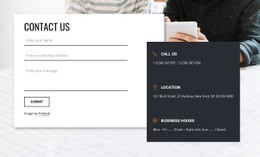
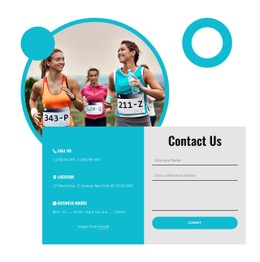
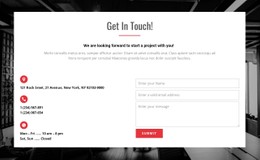
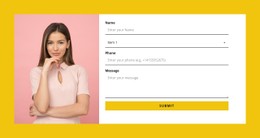
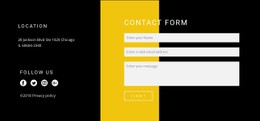
background-colorhelps establish that contrast. - Responsive split form: Short inputs share a balanced row on wide screens and stack neatly on mobile;
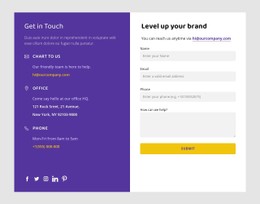
grid-template-columnsandgapsupport this arrangement.
All three collect the same kind of request. Compare their field density, contrast, supporting content, and mobile presentation to find the style that already matches the page.
Compare Responsive Contact Form CSS Designs
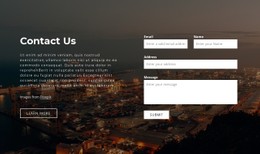
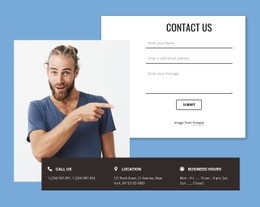
On a wide screen, a split design can place short fields side by side, while outlined and filled designs can use a single vertical stack. On mobile, compare how each ready-made section preserves readable labels, message space, and a clearly placed submit button.
Focus and error styling should remain clear in either arrangement. The criterion is how usable the design looks across screen sizes, not which individual CSS selectors it uses.
Keep Styling Separate from Submission Behavior
When selecting a CSS template, compare the field borders, panel background, button treatment, and space required by the finished form. CSS controls appearance, not message delivery. Nicepage provides a Contact Form element and custom CSS for supported visual adjustments; for another input task, see Form templates.
Contact Form CSS Templates FAQ
What is the difference between outlined and filled form styles?
Outlined forms define fields mainly through borders; filled forms use contrasting input surfaces. Either can work as long as labels and controls stay clear.
Can CSS make a two-column form responsive?
Yes. Responsive grid rules can stack short fields in one column when the available width becomes limited.
Which CSS Contact Form Style Should I Choose?
Choose an outlined design for a restrained look, a filled design when the form needs a distinct visual panel, or a split design when paired fields suit the available width. Check the mobile version before selecting.
Can I use custom CSS with Nicepage?
Nicepage supports custom CSS for project-specific styling in supported workflows; verify the final form behavior separately.
Choose a CSS Form Style That Fits Your Page
Browse ready-made form appearances and select one with suitable input surfaces, responsive grouping, and visible interactive states. Keep the submitted inquiry—not the visual effect—as the primary action.