
530 Education CSS Templates

























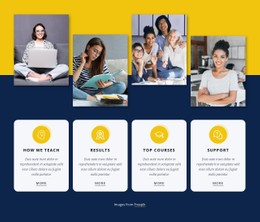



























Flexible Education CSS Templates for Structured Learning Pages
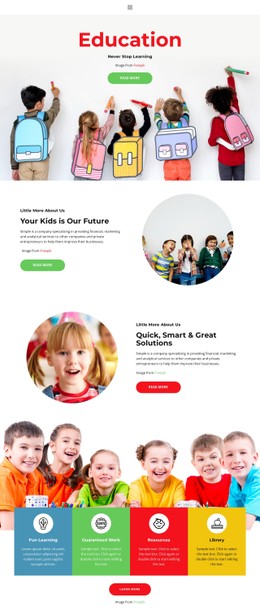
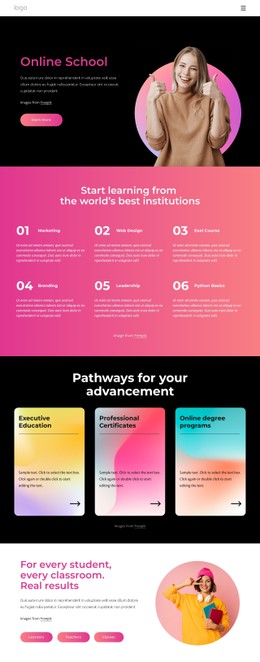
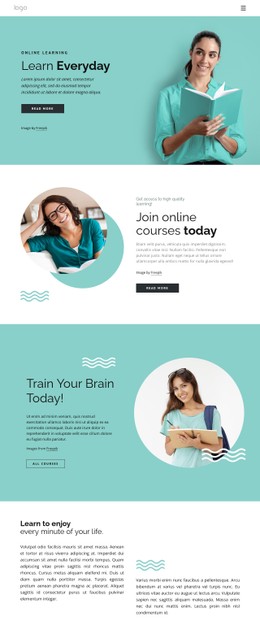
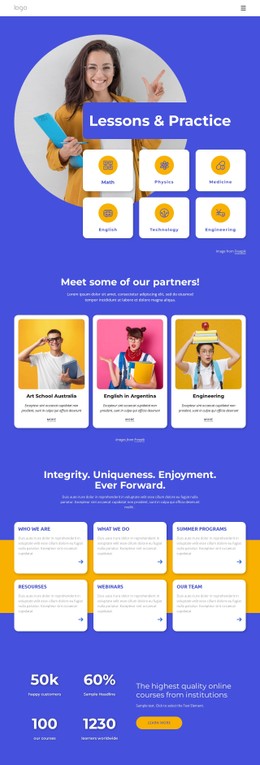
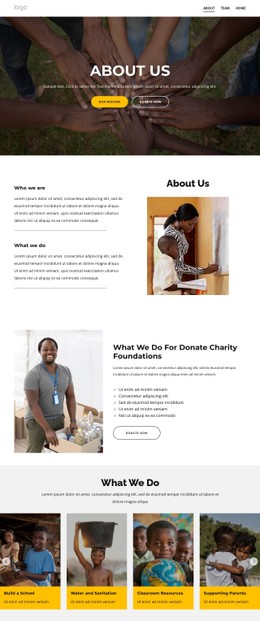
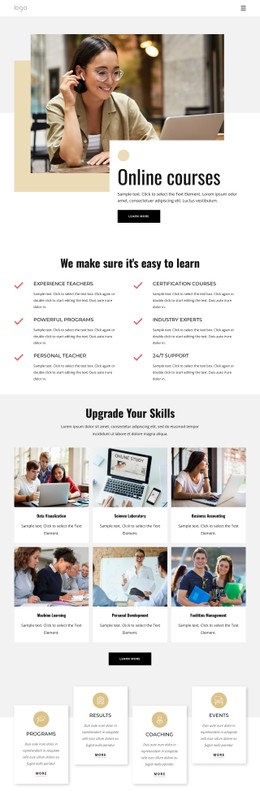
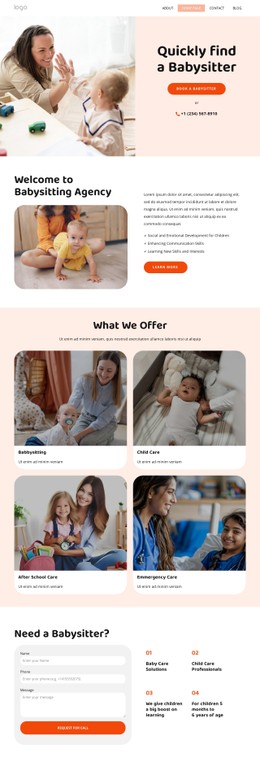
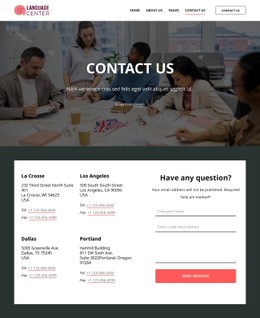
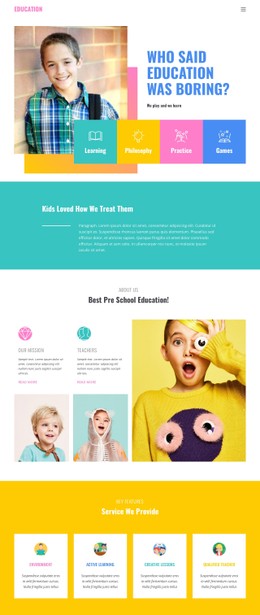
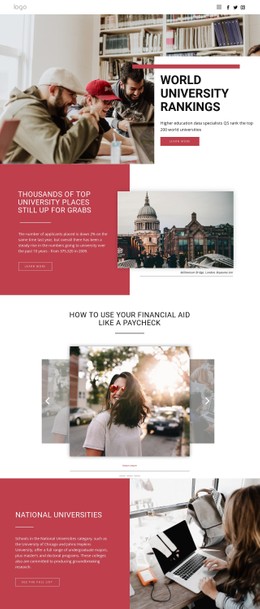
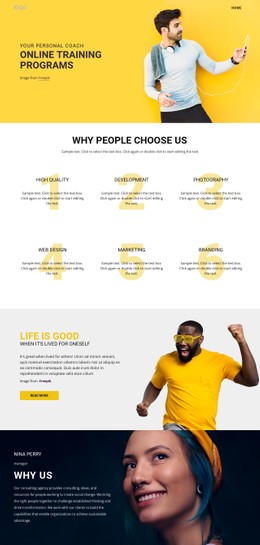
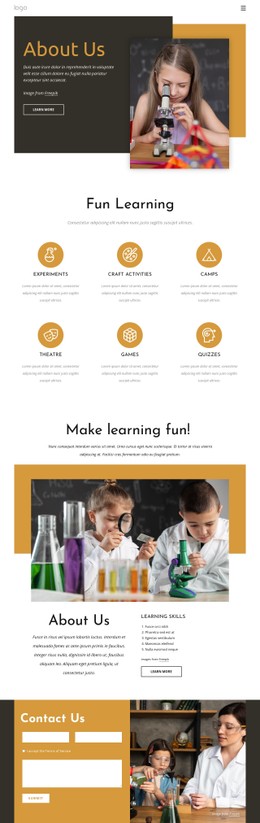
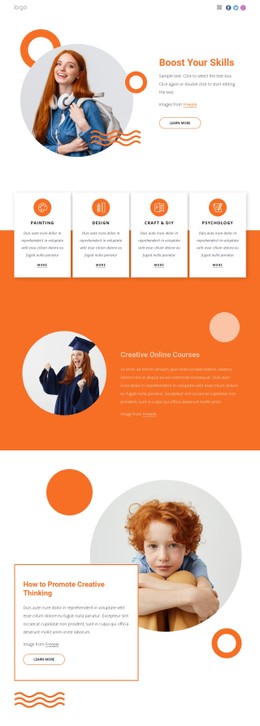
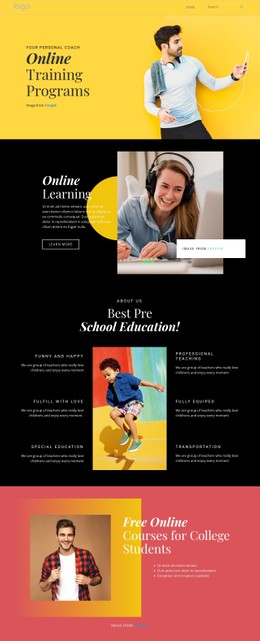
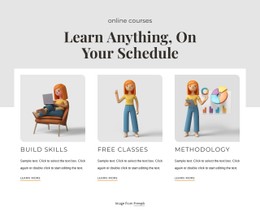
Education CSS templates are most useful when recurring academic components need consistent styling across screen sizes. Course catalogs, weekly timetables, faculty directories, enrollment forms, and lesson navigation all benefit from reusable rules for grids, spacing, states, typography, and responsive behavior. The emphasis stays on how education content looks and adapts, rather than on generating a complete HTML site.
In this context, CSS controls how recurring education components are styled and adapt across screens; it does not define the underlying academic content or replace the HTML page structure.
CSS Patterns for Real Education Interfaces
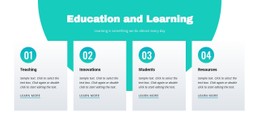
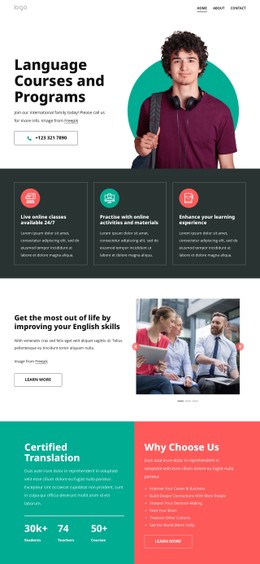
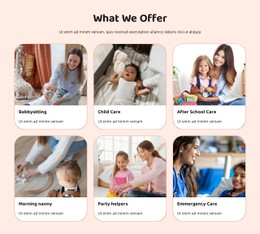
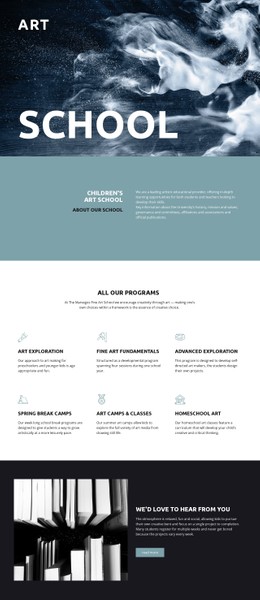
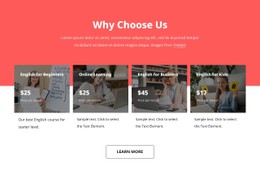
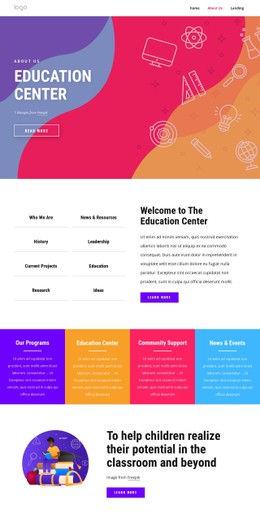
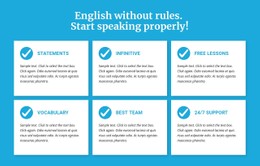
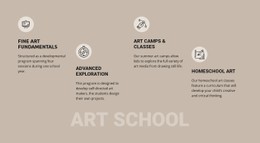
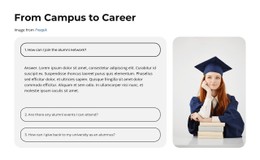
A course catalog often needs cards with a subject, level, duration, delivery format, and short action. CSS grid rules can keep those cards aligned on desktop, reduce columns on tablets, and stack them on phones without changing the information order. The same pattern can support a visual bookshelf section when books or reading lists need predictable rows and consistent card dimensions.
A timetable has different requirements. On wider screens, days and lesson periods can remain in a structured grid; on smaller screens, the same information may need clearer spacing, larger touch targets, or a stacked arrangement that avoids a cramped table. Reusable classes for subject labels, time slots, room details, and status markers help the schedule remain consistent across departments or courses.
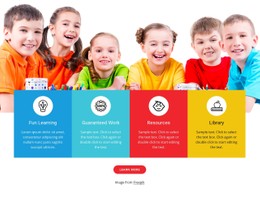
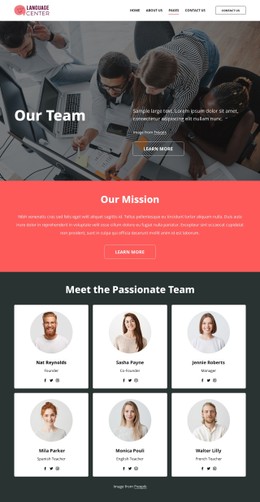
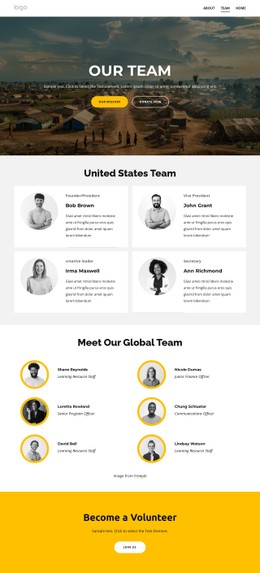
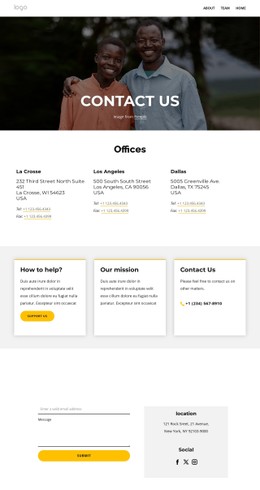
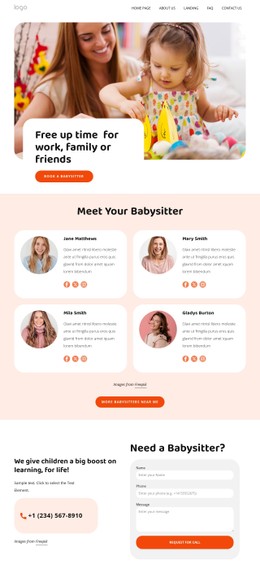
Faculty directories and lesson libraries benefit from another repeatable pattern. Teacher cards may reserve stable areas for a portrait, name, department, expertise, and contact action, while lesson or resource cards can prioritize topic, difficulty, file type, or completion state. A mathematics area can group practice material around a focused numbers section, while a note-pad content area may use denser text cards and simpler styling for notes, worksheets, or revision material.
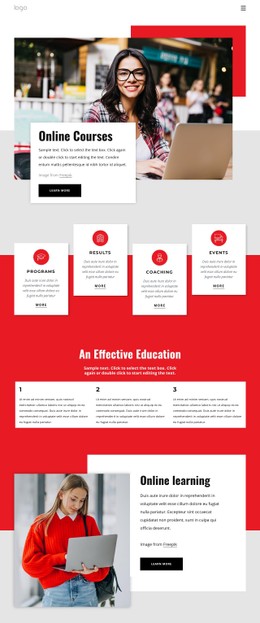
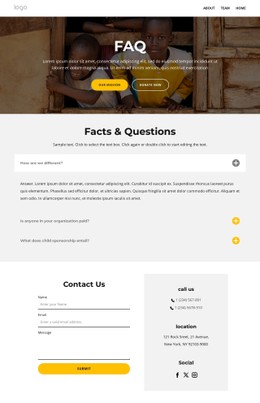
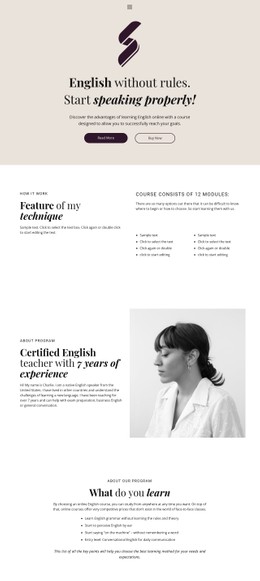
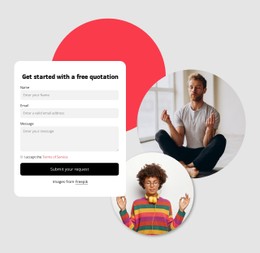
Enrollment forms need their own visual states for labels, required fields, validation messages, and primary actions, while lesson navigation should make previous, next, module, and progress controls easy to recognize. CSS customization can keep those controls consistent with course cards and faculty profiles without turning them into the same component.
Use Nicepage Styling Controls Where They Add Value
Nicepage provides visual controls for building these patterns before custom styling is required.
- Grid Element places content into responsive cells and can move cells under one another on smaller screens. The Grid Element works well for course cards, faculty listings, and resource collections.
- Custom CSS Code can extend standard controls when a project needs its own selectors, spacing behavior, states, or component rules.
- Site Fonts keep typography consistent across course titles, timetable labels, faculty information, and longer learning content; the Site Fonts settings can also vary typography by Responsive Mode.
- Export Minimal CSS Per Page can prepare a stylesheet containing only the rules required by an individual page when that output option fits the project.
The practical advantage is controlled reuse. Once you define the styling for a course card, timetable row, teacher profile, enrollment form, or lesson navigation state, related education components can follow the same visual system without identical markup or page structure.
Education CSS Template Questions
How Can a Course Catalog Stay Readable on Mobile Screens?
Use a responsive grid that reduces columns as the viewport becomes narrower, then stack cards when needed. Keep the course title, level, duration, and primary action in a predictable order so the card remains easy to scan.
Can I Use Different Styling for Timetables and Lesson Cards?
Yes. They serve different content models, so they do not need the same layout. A timetable may rely on rows, columns, and time labels, while lesson cards can use flexible blocks with topic, status, and resource details.
Can I Style Enrollment Forms and Lesson Navigation Separately?
Yes. Custom CSS can extend individual form fields, validation states, buttons, lesson links, or navigation controls while the rest of the education layout continues to use Nicepage elements and responsive settings.
Keep the Styling Tied to the Academic Content
Choose the styling pattern according to the education component being presented. Course catalogs need comparable cards, schedules need dependable alignment, faculty directories need repeatable profiles, enrollment forms need clear states, and lesson navigation needs recognizable progress controls. CSS is most useful here as the customization layer that keeps those different components visually coherent.





















































