
280 Pets & Animals CSS Templates







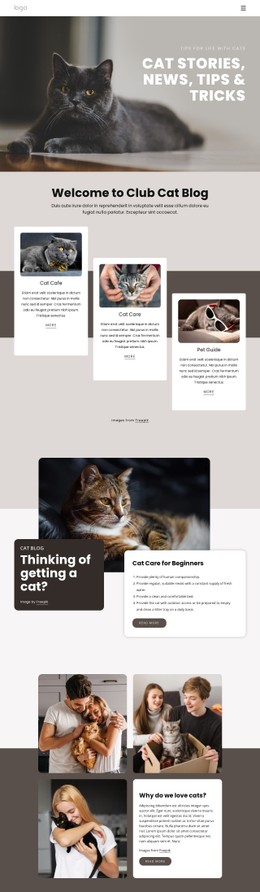

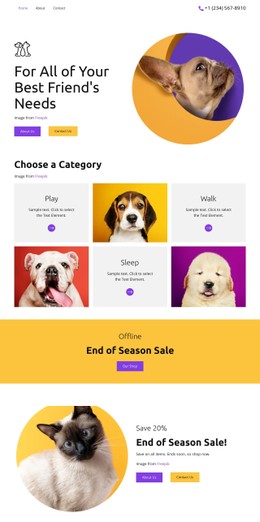

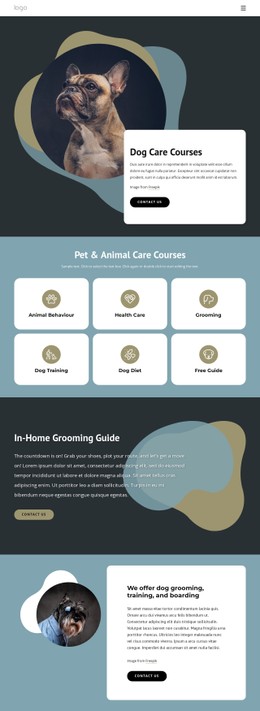


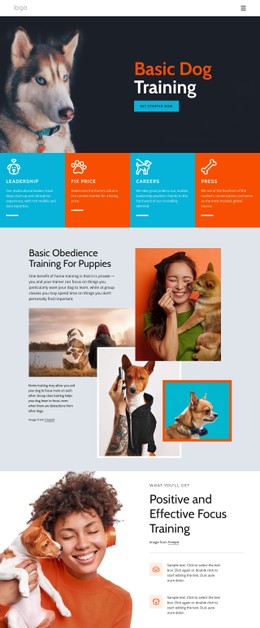
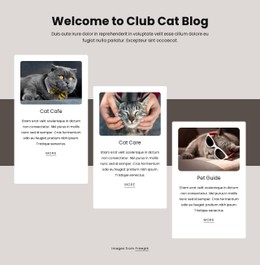
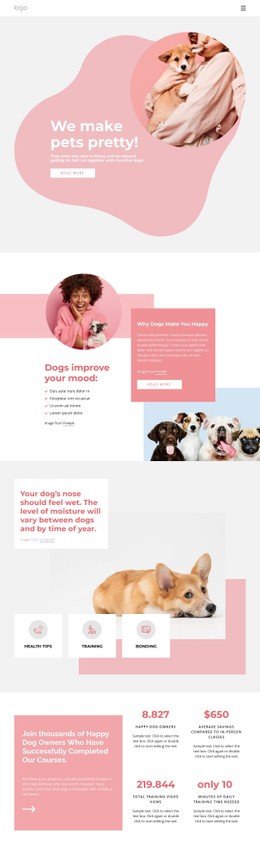
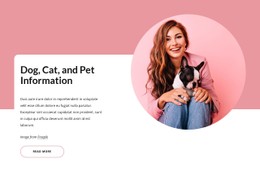


















Pets & Animals CSS Templates for Reusable Presentation Rules
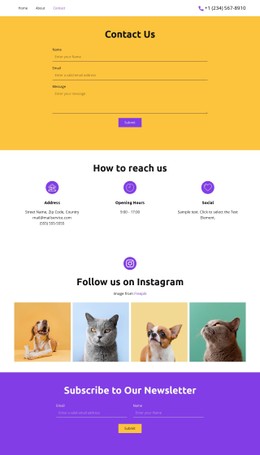
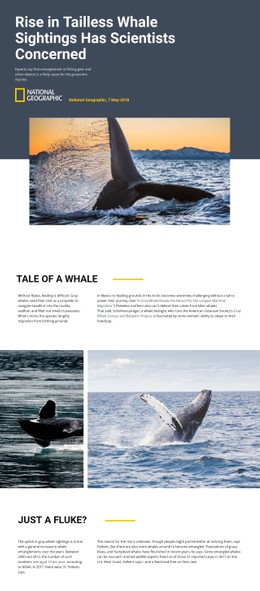
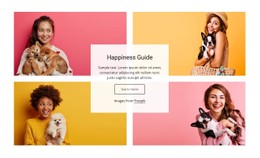
Pets & animals CSS templates belong to the presentation layer. They control how existing content looks and behaves visually; they don't define the document's content structure. That keeps this intent separate from HTML Templates, where the main deliverable is a complete static project with pages and assets.
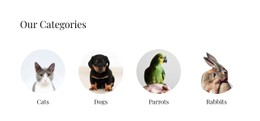
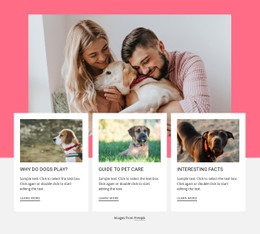
A practical example is a pet-care site with dozens of repeated profile cards. If the team decides that every availability badge needs more contrast and every profile button needs extra spacing on phones, a shared class can update the pattern across the project instead of forcing card-by-card fixes.
Keep Shared Styles Predictable
The goal is not to create the most complicated stylesheet. Repeated components should use reusable classes; selectors should be easy to override when necessary; and responsive changes should occur at deliberate breakpoints rather than through a collection of unrelated exceptions.
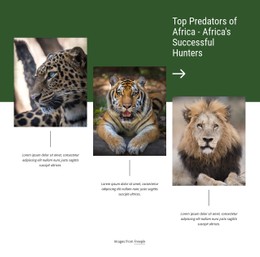
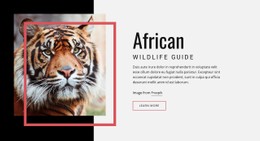
A wild animal design direction can supply the content context. The CSS work begins when species cards, headings, labels, and actions need a stable visual system across different pages and screen widths. Inheritance can carry shared typography or color where appropriate, while hover, focus, active, and disabled states can make interactive elements easier to understand.
For example, imagine a rescue site changing its profile cards after launch. The team wants a calmer background, slightly tighter headings, a clearer focus state for keyboard users, and two columns instead of three at a certain width. Those are presentation changes. The animal names, descriptions, and document hierarchy can remain untouched while CSS rules handle the visual update.
Nicepage Controls That Support CSS Work
Custom CSS Code can add class-based rules in Page or Site Settings and apply them to selected elements. Grid Columns can provide alignment guides; the Grid Columns controls are useful when a layout needs consistent positioning.
The Grid Element may help create repeated layouts, but it is a component rather than the definition of CSS intent. More important is how shared rules behave when those cards stack, resize, or change state. Site-wide colors can complement those rules, and the Site Colors workflow helps coordinate palette changes across the project.
Export Minimal CSS Per Page can create a separate stylesheet containing the rules needed for a page when that option fits the delivery workflow.
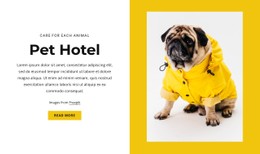
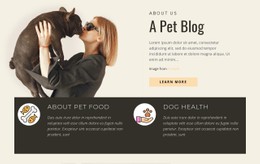
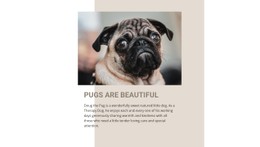
A pug-focused website might reuse one visual treatment for breed-care cards and another for service actions. A hunting-oriented design direction may use a different tone, but the maintenance principle is the same: shared classes first, local exceptions only when the design really needs them.
CSS Templates vs HTML Templates
CSS Templates focus on presentation: typography, spacing, color, layout behavior, responsive changes, and interaction states. HTML Templates focus on the complete document and file structure those styles apply to. A front-end team can therefore restyle an existing animal page without redefining its content hierarchy.
CSS Questions for Pet and Wildlife Interfaces
What is the main difference between CSS Templates and HTML Templates?
CSS Templates focus on presentation rules. HTML Templates represent the complete source structure and project files. CSS can restyle existing markup without redefining the page's content hierarchy.
Why does selector specificity matter in a repeated animal-card design?
Very specific selectors can make later changes harder because each new rule needs an even stronger override. Reusable classes with predictable selectors are usually easier to maintain across many similar cards.
How should responsive CSS be handled for profile grids?
Choose breakpoints from the actual content and adjust column count, gaps, image sizing, and text wrapping where the layout begins to feel crowded. Test intermediate widths instead of checking only a few device presets.
Can I reuse the same visual treatment across repeated cards?
Yes. Assign a shared class to the repeated elements and keep genuine exceptions separate. That makes later visual changes more predictable than patching individual cards one by one.
Where can I configure global settings for a pets-and-animals site?
Use Site Settings in the Top Bar on the Dashboard to configure global website properties. Site-wide color and typography choices can complement custom CSS when the same visual rules apply across the project.
Make the Next Visual Change Easier
A good CSS layer proves its value later, when the site changes. If one class can update twenty profile cards cleanly, responsive behavior remains understandable, and exceptions stay easy to find, the presentation system is doing its job.






















































