
100 Wedding CSS Templates
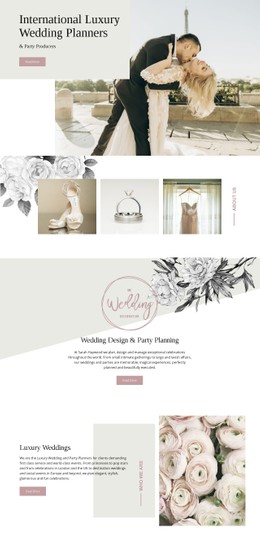
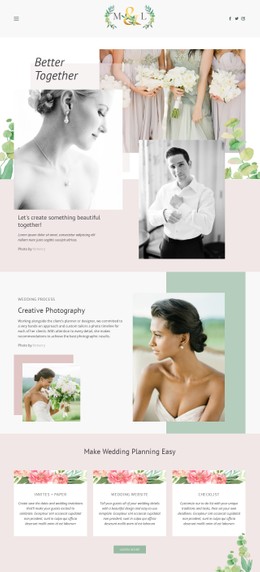

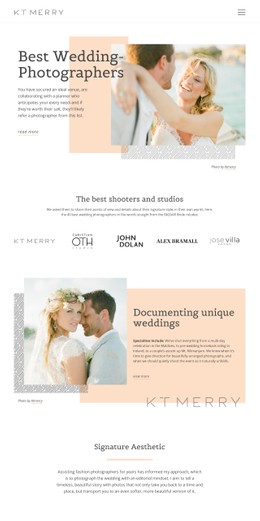
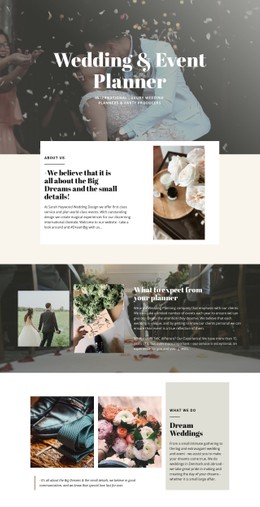



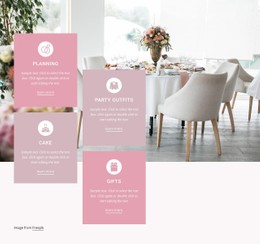
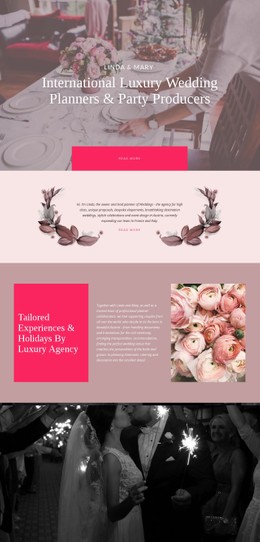
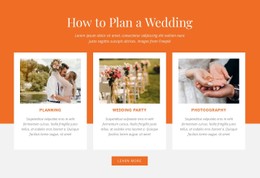
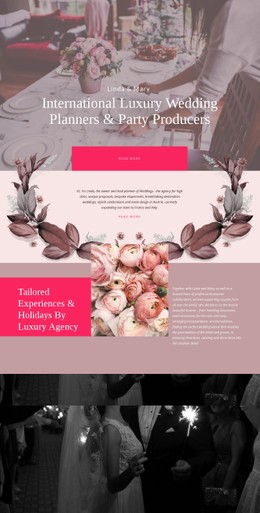
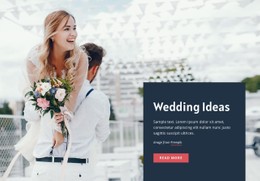

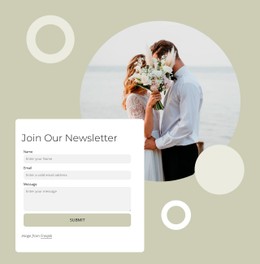
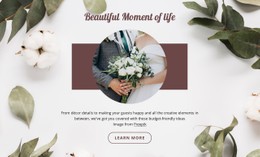
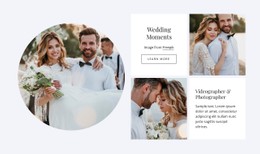

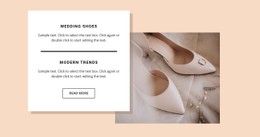
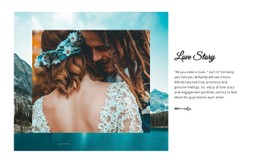
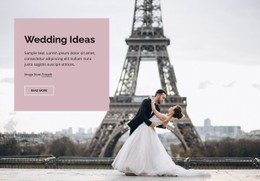

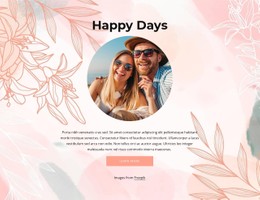
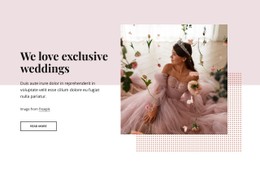
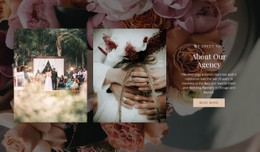
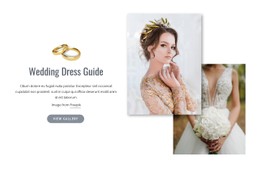
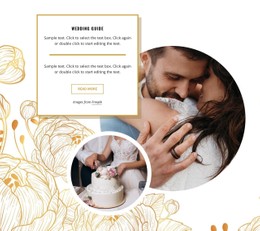
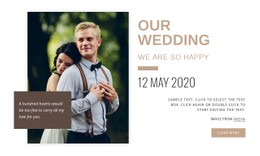
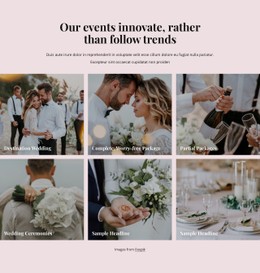
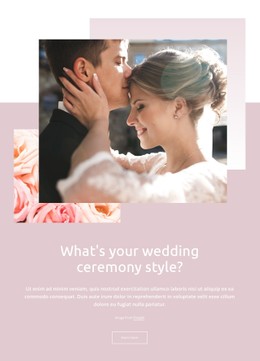
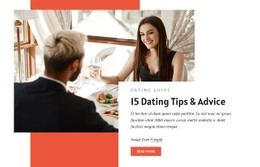
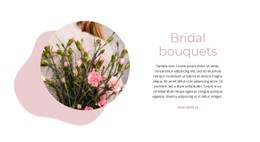

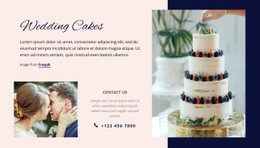
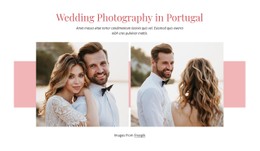


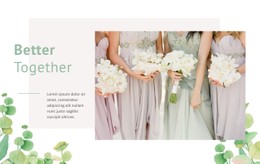

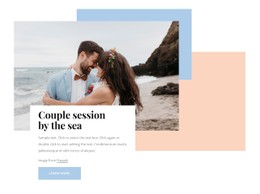
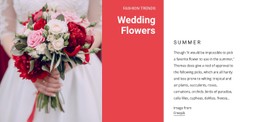

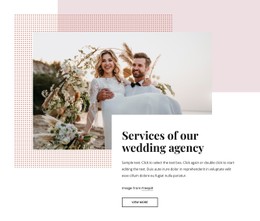
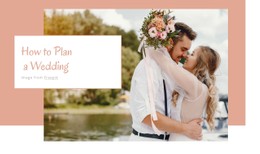
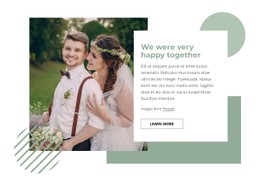
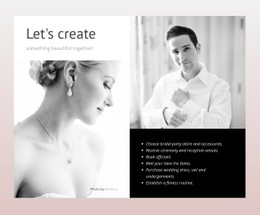
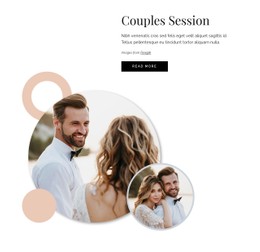


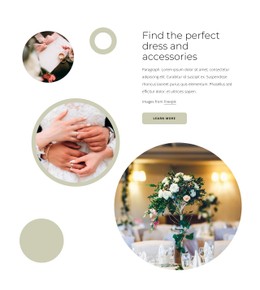
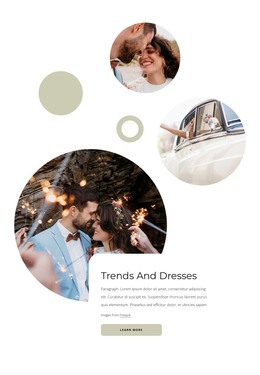
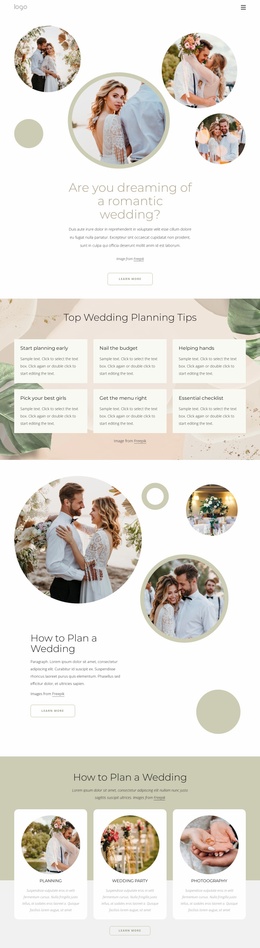

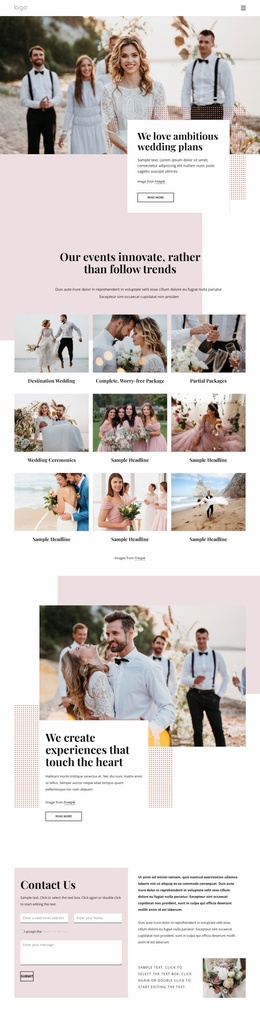




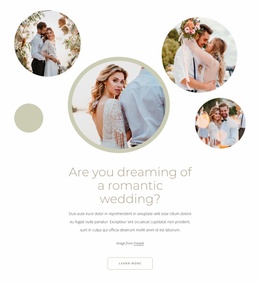
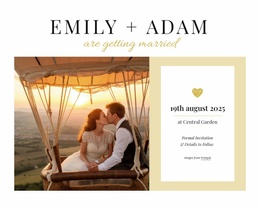
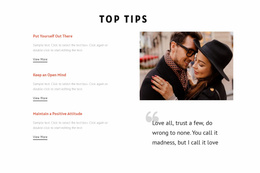
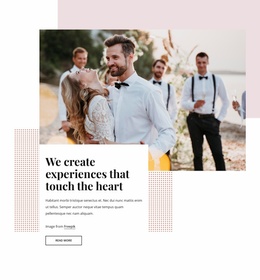
Responsive Wedding CSS Templates
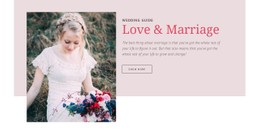
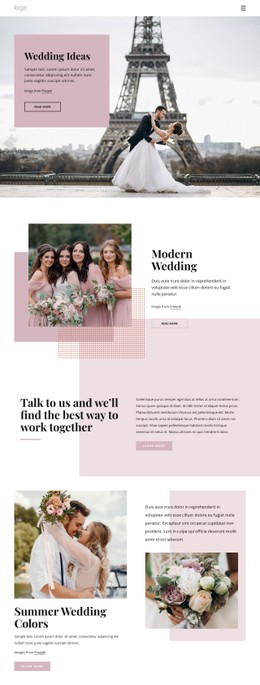
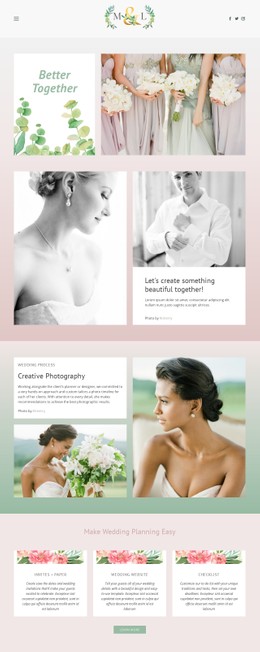
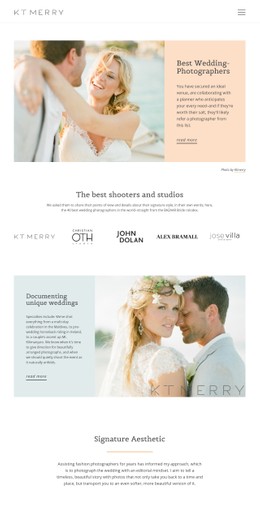
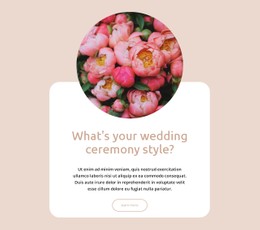
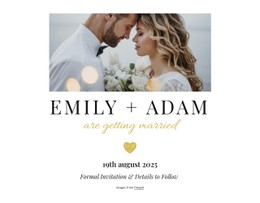
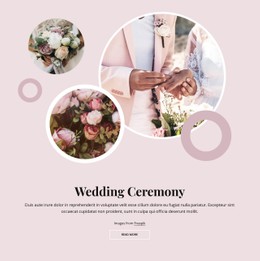
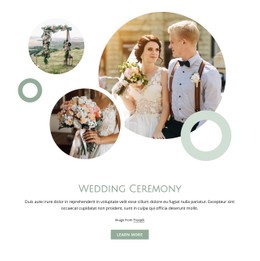
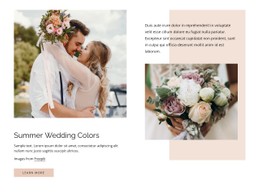
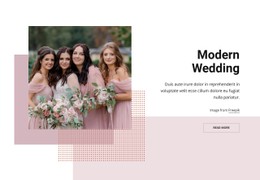
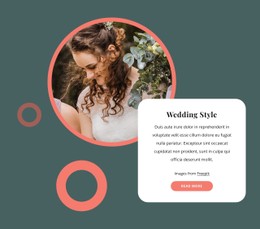
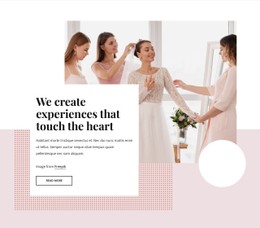
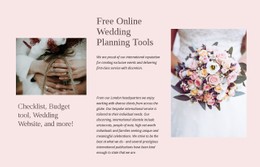
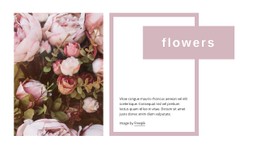
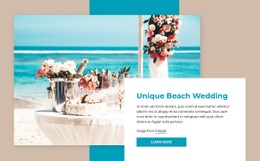
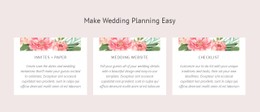
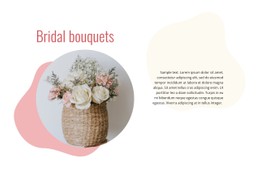
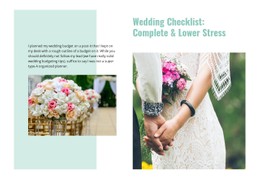
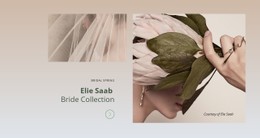
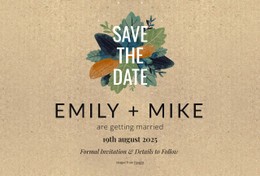
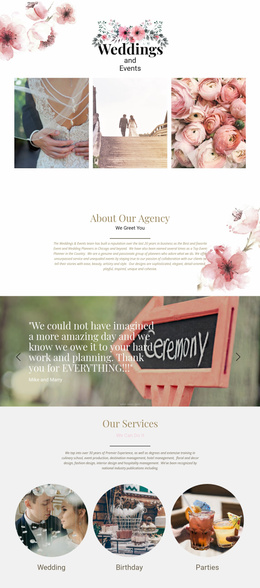
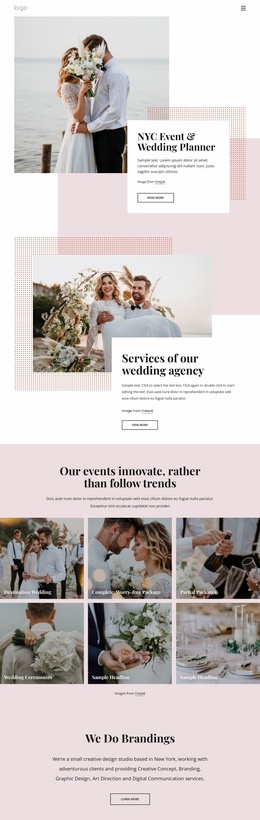
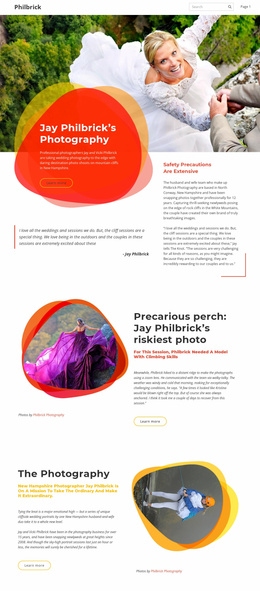
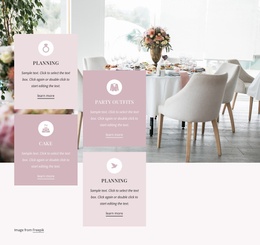
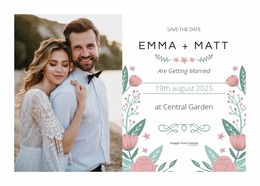
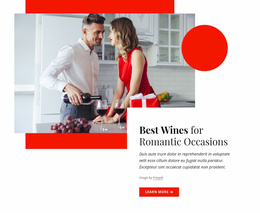
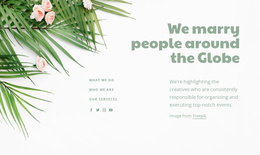
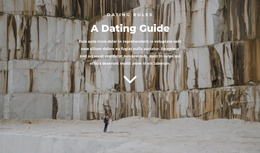
Wedding CSS templates provide a styled front-end starting point, with the visual system already organized around reusable layout and presentation rules. In a wedding context, that means invitation-inspired typography, ceremony colors, floral or photographic treatments, gallery spacing, schedule blocks, and RSVP states can feel coordinated across the site while still adapting to different screen sizes.
What Makes a Clean Wedding CSS Layout?
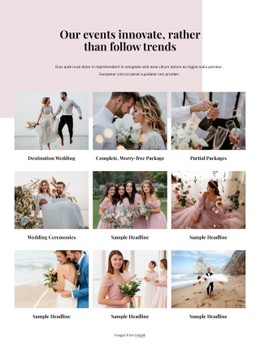
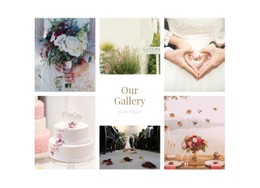
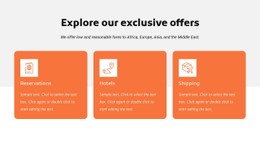
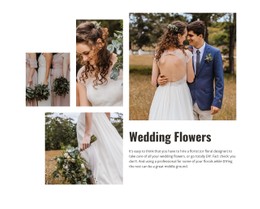
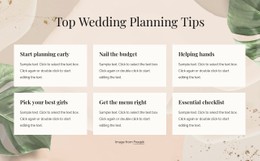
A strong wedding styling system gives both decorative and practical content recognizable treatment. Ceremony cards need calm spacing, image galleries need controlled proportions, schedules need readable alignment, and RSVP buttons or form states need clear emphasis. Typography can echo invitations, accent colors can follow the ceremony palette, and borders or floral details can support the visual theme without reducing legibility.
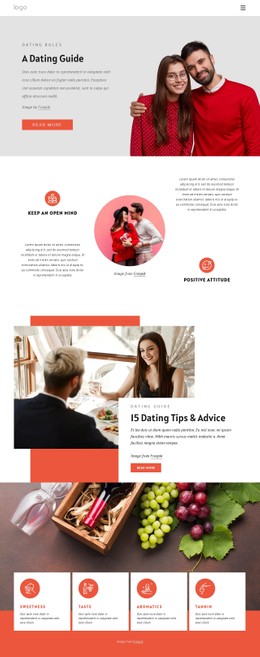
When choosing a CSS-oriented template, look at the styling system as a whole rather than at a single page. Check how headings, buttons, forms, cards, galleries, images, and responsive spacing work together. The value is not CSS in isolation but a reusable visual layer that can be applied consistently to the wedding pages you customize.
Advanced Features for Wedding Visual Styling
Nicepage combines visual controls with technical options that suit this kind of front-end work:
- Grid Element organizes ceremony facts, gallery groups, schedules, and venue information into controlled rows and columns.
- Grid Columns provide alignment guides for consistent element placement; the documented Grid Columns controls help define the visual grid used during page design.
- Width in Percentages supports flexible element widths when photographs, text blocks, or RSVP areas should adapt rather than depend on fixed dimensions.
- Responsive Modes let you refine the wedding styling for large screens, desktops, laptops, tablets, and phone views.
- Theme Colors and Site Fonts help connect the web design to invitation typography and the ceremony palette.
- Custom style rules can extend image treatments, button states, form details, or other visual elements when the standard controls do not cover a specific requirement.
- Export Minimal CSS can create a separate stylesheet for each page containing only the rules required for that page through Export Minimal CSS Per Page.
That last option is useful when wedding pages differ substantially. A photo-heavy gallery, a detailed event schedule, and an RSVP page can share a single visual identity without requiring exactly the same page-level styling.
Professional Wedding CSS Questions
What should I look for in a wedding CSS template?
Look for a coherent styling system for typography, colors, buttons, forms, galleries, cards, and responsive spacing. The template should make those elements feel related across different wedding pages.
Can wedding CSS styling match invitations and ceremony colors?
Yes. Site Fonts, Theme Colors, borders, image treatments, and custom style rules can be used to echo invitation typography, the ceremony palette, and other visual details.
How can I align ceremony cards or schedule blocks consistently?
Use Grid Columns or the Grid Element as structural guides. Grid Columns help align elements within the visual layout, while Grid containers are useful when ceremony information, schedules, venue cards, or gallery content need a repeatable row-and-column structure.
Flexible Control Over Wedding Styling
Select a wedding front-end concept, then evaluate the visual system behind it: typography, palette, image treatment, card spacing, RSVP states, and responsive behavior. Open the design in the Desktop App or Online Builder, refine those rules, and prepare the required HTML/CSS output or publish when the styling is ready. Start for free and treat CSS templates as a styled front-end option within the wider HTML/CSS template family rather than forcing an artificial separation from HTML layouts.






















































