
Modal Popup CSS Templates

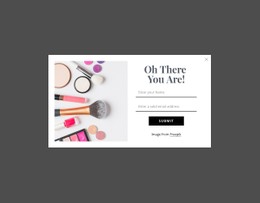
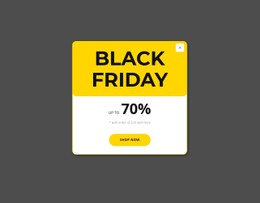
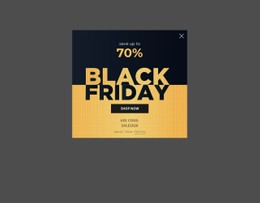
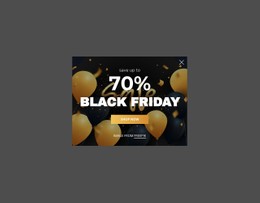
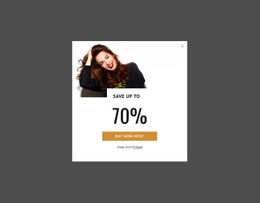
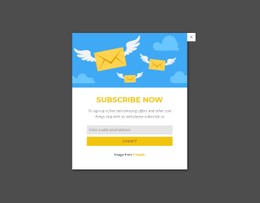
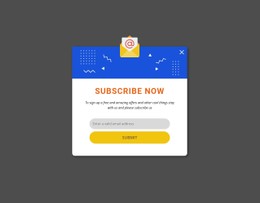
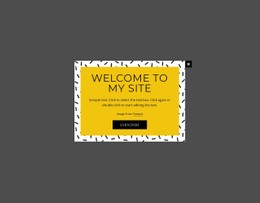
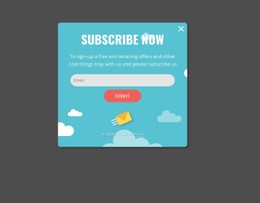

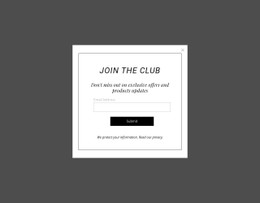
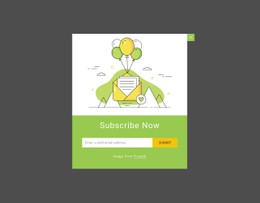
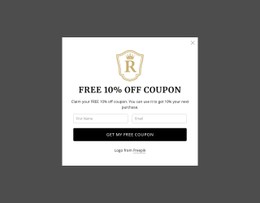
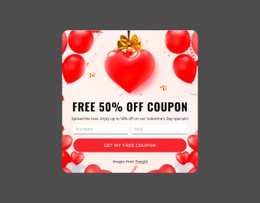
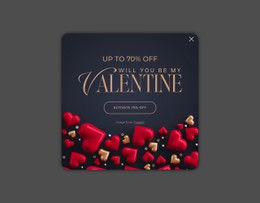

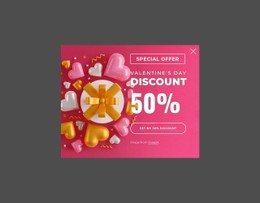
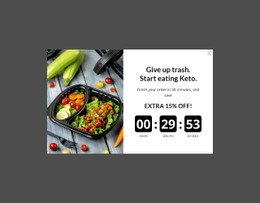
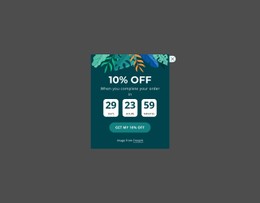


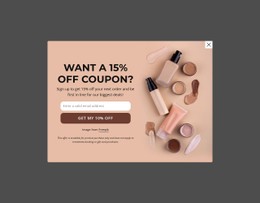
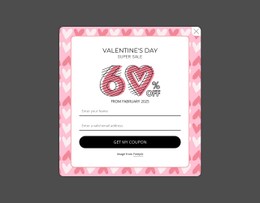
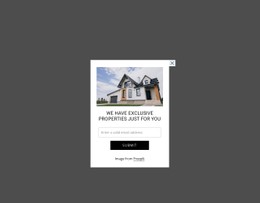
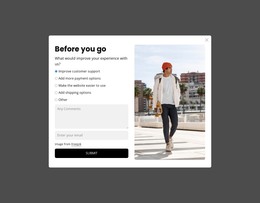
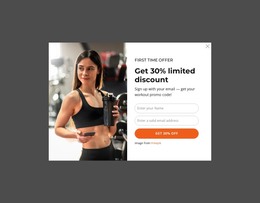
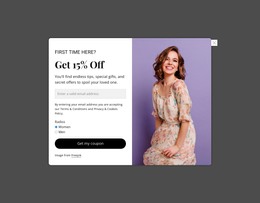
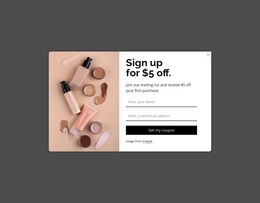
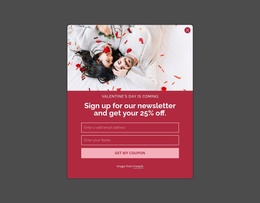
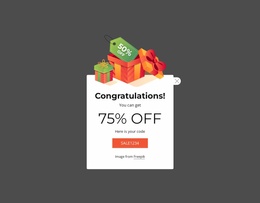
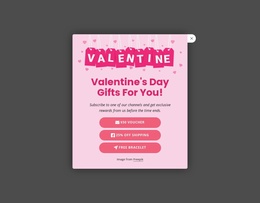

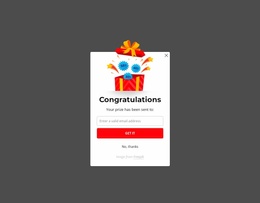
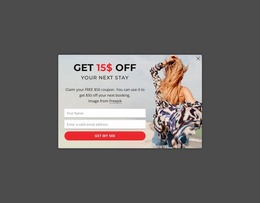
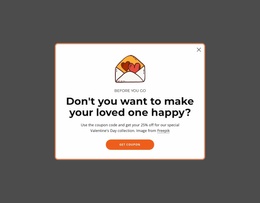
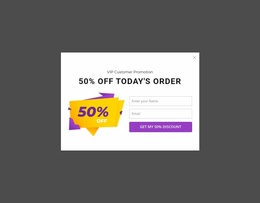
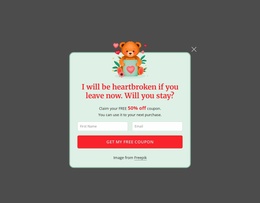
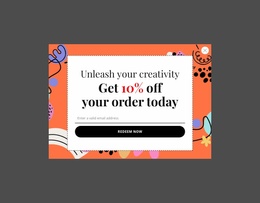
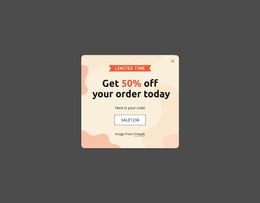
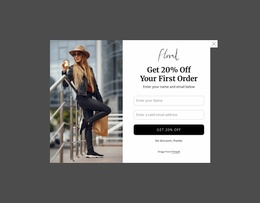
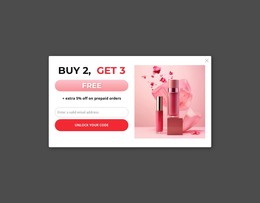
Lightweight Modal Popup CSS Templates for Precise Overlay Styling
The visual boundary of a Modal Popup CSS Templates block has a functional job: it must separate temporary content from the page underneath while keeping the message, form, media, detail, or CTA easy to read. CSS-focused work therefore centers on the actual overlay—its spacing, typography, background treatment, borders, alignment, and visual states—rather than on generic site styling.
Which CSS Details Matter Most in a Modal Popup?
Modal-specific CSS usually concentrates on: - overlay and backdrop styling for foreground separation; - positioning, dimensions, and max-width so the dialog fits the viewport; - spacing, overflow, and responsive sizing for denser content; - transitions, animation treatment, and visual states where the design calls for them. These are presentation decisions. Trigger logic and custom opening or closing behavior belong to the functional code layer rather than the CSS-template intent.
Start with the relationship between the popup container and its content. Internal spacing should give the headline, supporting copy, form fields, media, or action enough separation to establish hierarchy without making the temporary layer feel unnecessarily large.
Typography also affects how quickly visitors understand why the overlay appeared. The main message should have clear priority, while supporting text remains subordinate. Background and border treatment can define the popup against the underlying page, but decoration should not overwhelm the content that needs temporary focus.
The styling task is specific to a modal because the component appears above existing page content rather than occupying a permanent position in the document flow.
Mobile-Friendly Styling for a Focused Overlay
A popup can contain several element types inside a relatively constrained area, so consistency between them matters. Text alignment, control spacing, button treatment, image proportions, and container edges should feel coordinated within the same overlay.
Nicepage Modal Popup provides the direct interaction pattern for this block. Styling should support that behavior rather than imitate a normal content card. A form or promotional panel may look similar in isolation, but without the temporary overlay relationship, it belongs to a different functional pattern.
When the standard visual controls are not enough for a project-specific detail, Custom CSS can provide additional styling control. Use it for a defined visual requirement instead of adding CSS merely because the category has a CSS suffix.
Modal Popup CSS vs Website Design
CSS Templates and Website Design overlap visually, but they own different decisions. Website Design covers the project's broader visual language: shared identity, typography, colors, and reusable design rules.
Modal Popup CSS focuses more narrowly on implementing the appearance of this specific overlay. That includes spacing within the popup, border or background treatment, content alignment, typography relationships, and the visual treatment of actions or states.
A consistent site identity can guide those choices, but the CSS task remains local to the functional component.
Keep Styling Connected to the Popup Interaction
Visual refinement should make the temporary state easier to understand. A heavily decorated popup that hides its primary message or makes the dismiss/action hierarchy unclear works against the component's purpose.
Review each rule against the overlay task: does it clarify the focused content, separate related elements, or make the temporary interaction easier to read? If not, the style may be unnecessary.
Modal Popup CSS Templates FAQ
Can I add custom CSS in Nicepage?
Yes. Nicepage supports custom CSS when you need additional styling so that project-specific rules can supplement the standard visual setup.
Is Modal Popup CSS the same as custom HTML?
No. CSS changes presentation, such as spacing, typography, backgrounds, borders, alignment, and visual states. Custom HTML belongs to the markup and functional-extension workflow.
Should a popup use the same styling as a normal content card?
Not necessarily. Both can share a broader visual language, but the popup needs styling that supports its temporary overlay state and keeps the focused content distinct from the page underneath.
Refine the Overlay With Purposeful CSS
Choose a Modal Popup design whose content model matches the interaction, adapt its core layout in the Nicepage editor, and refine the visual rules around the overlay itself. Use Custom CSS only where additional control is required, keeping every styling decision tied to the popup’s temporary focused state.





















































