
150 Tiles CSS Templates




















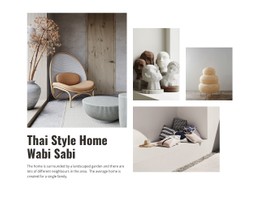
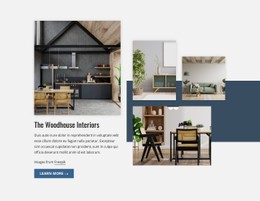


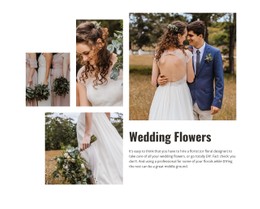
















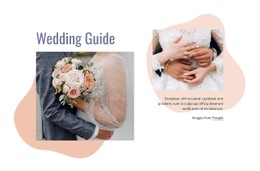

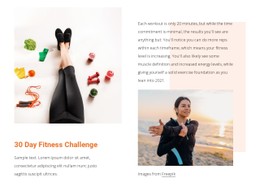









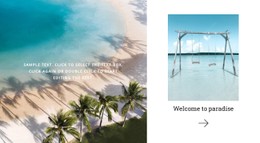
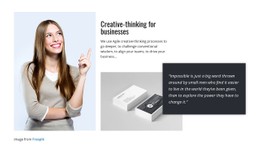





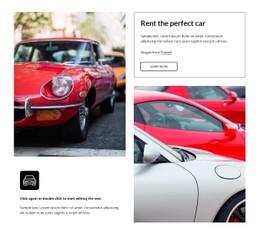
































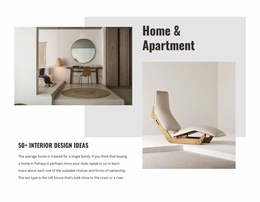


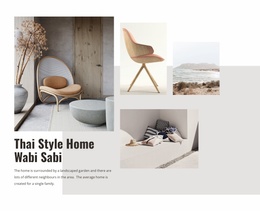

Customizable Tiles CSS Templates for Panel Styling and Visual Separation
Tiles CSS Templates focus on the styling rules that make a tiled composition work: gaps, spans, aspect ratios, image crops, overlays, interaction states, and responsive changes. This page is about how the panels behave and look in CSS rather than how their HTML markup is structured.
Control Tile Gaps, Spans, Crops, and Overlays With CSS
CSS gives a tiled composition its practical behavior. Typical styling tasks include:
- setting grid gaps and panel spans for even or mosaic arrangements;
- controlling aspect ratios and image cropping so visuals fill tiles cleanly;
- positioning captions or overlays without hiding important image areas;
- defining hover and focus states for clickable panels;
- changing spans, stacking, or spacing at responsive breakpoints.
Typography also matters. Short labels and titles need enough contrast and hierarchy to remain readable against image-backed or colored panels. Where tiles include supporting text, its size and spacing should keep the main choice recognizable, rather than turning the panel into a dense content card.
Borders, overlay opacity, alignment, and reusable classes can then keep the styling consistent across multiple tiles. The CSS should keep the layout predictable while preserving deliberate differences in size or emphasis.
Create Reusable CSS Rules for Tile Variants
A practical Tiles stylesheet should make common variants easy to maintain. Reusable classes can define a featured panel, an image-led tile, a text-led tile, or an overlay treatment without duplicating the same declarations across every item.
The Grid Element provides the underlying spatial organization when several tile areas need controlled placement. CSS then controls the visible behavior: gaps, spans, crops, caption positioning, and breakpoint changes.
Refine Tile Appearance With Custom CSS
The CSS-specific workflow becomes useful when the standard visual setup needs project-specific styling. Nicepage supports Custom CSS, which can be used where additional CSS rules are required.
For Tileskeep, custom styling connects to the block's visual relationships. It may refine panel spacing, background treatment, text presentation, borders, or other appearance details that help preserve tile identity.
This is different from the HTML Code angle. CSS changes appearance and visual presentation; custom HTML focuses on markup and functional extensions. Keeping those roles separate prevents a styling page from becoming a generic coding discussion.
Handle Responsive Tile Changes With CSS
Responsive Tiles often need more than proportional shrinking. A wide featured panel may span fewer columns on a tablet, image crops may change, and a multi-column mosaic may stack into a simpler sequence on a phone.
Keep those changes deliberate so the same content remains readable and clickable without carrying desktop-only proportions into narrower layouts.
Tiles CSS Templates FAQ
Can I add custom CSS in Nicepage?
Yes. Nicepage supports custom CSS when additional project-specific styling is needed.
Do I need a developer to customize tile styling?
For most projects, you don't need a developer. Development help may be useful for complex non-standard logic or individual web design requirements.
Which CSS details matter for responsive Tiles?
Common details to review include gaps, panel spans, aspect ratios, image cropping, overlay positioning, and breakpoint-specific stacking or sizing.
Style the Choices, Not Just the Cells
Choose a tile design whose panel structure already fits your content, then refine its imagery, colors, typography, spacing, and boundaries in the Nicepage editor. Use Custom CSS only where the section needs additional styling control, while keeping every tile easy to recognize and browse.





















































