
1010 Travel & Hotels CSS Templates











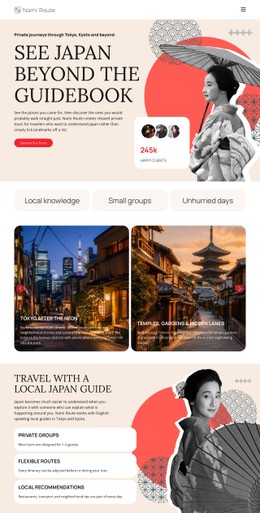
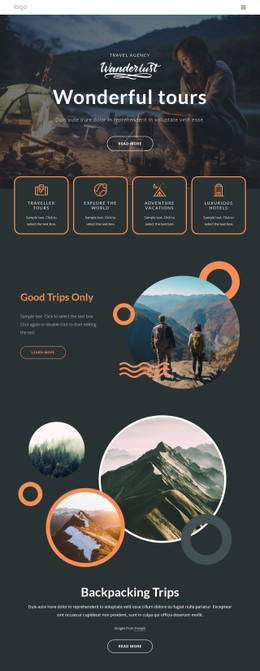
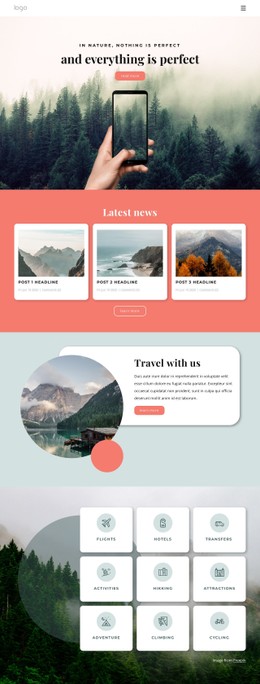
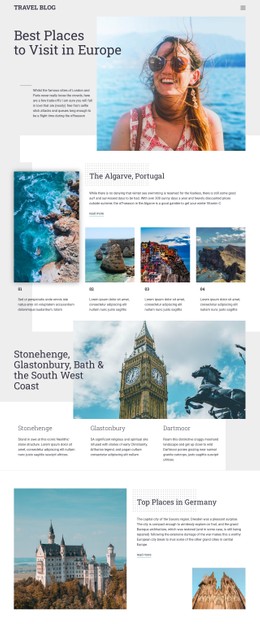
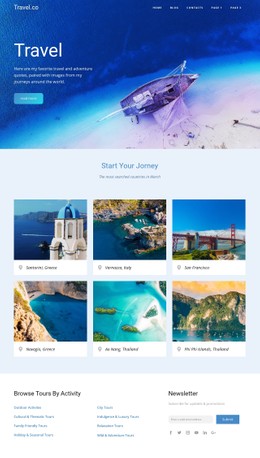


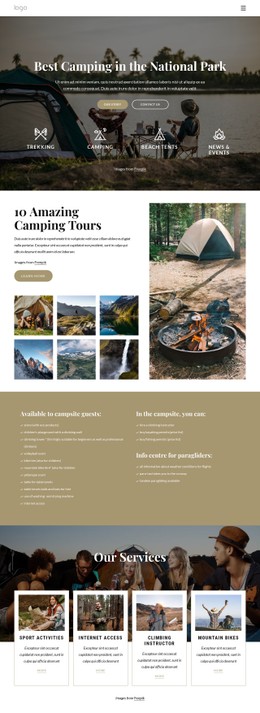
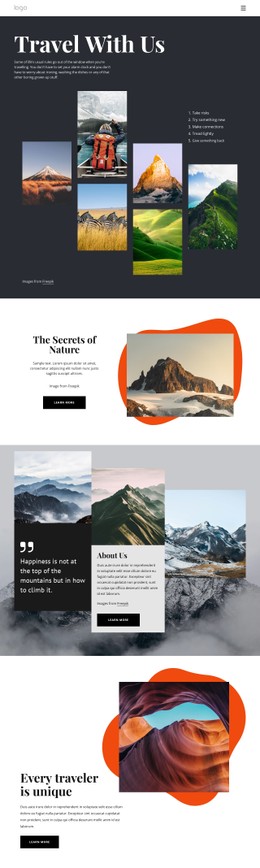

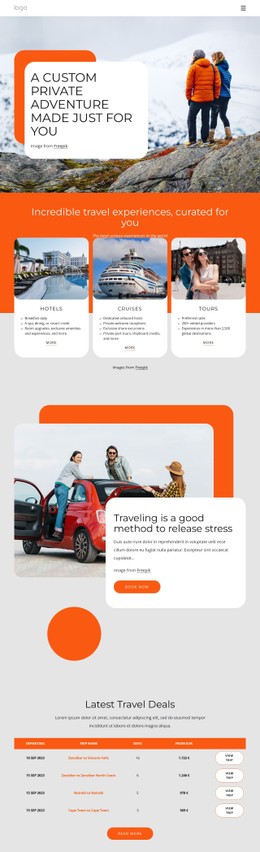
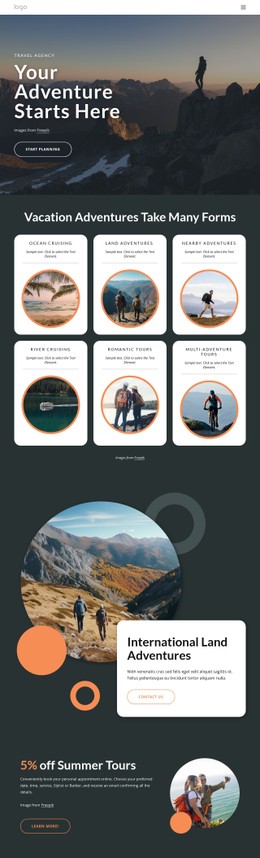
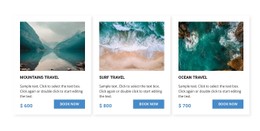
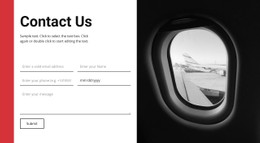

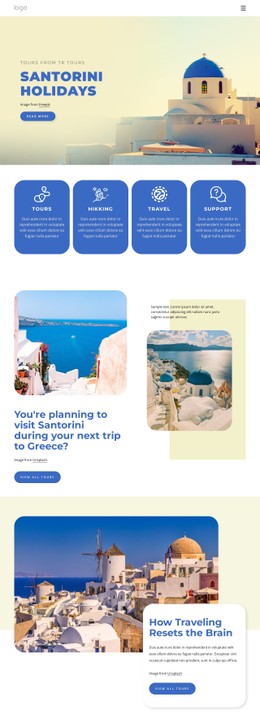
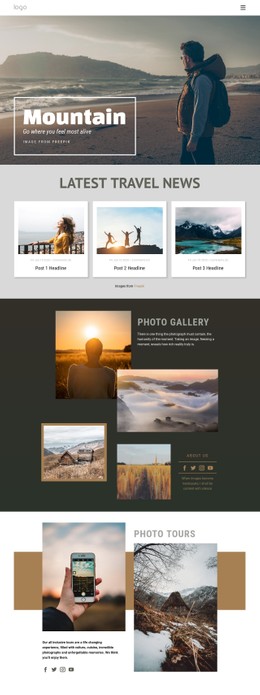
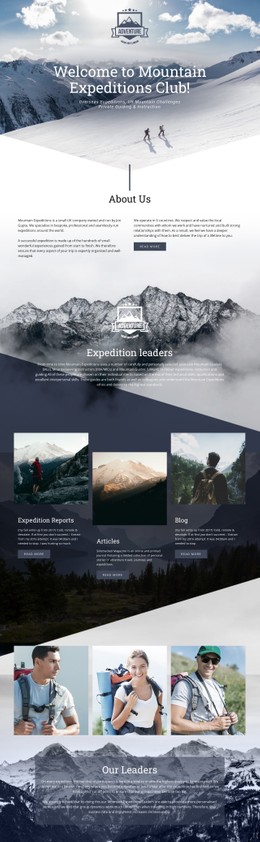
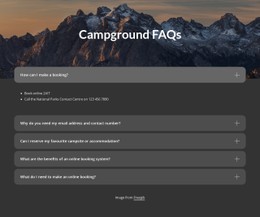
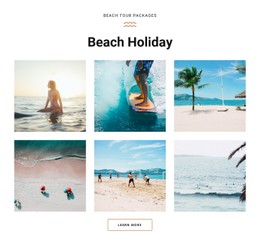
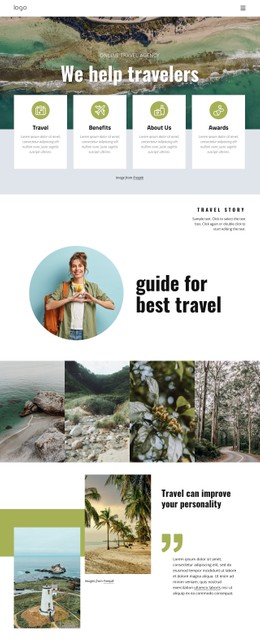
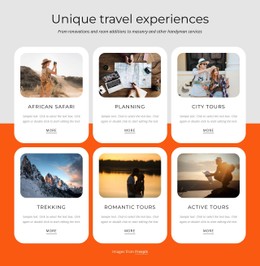
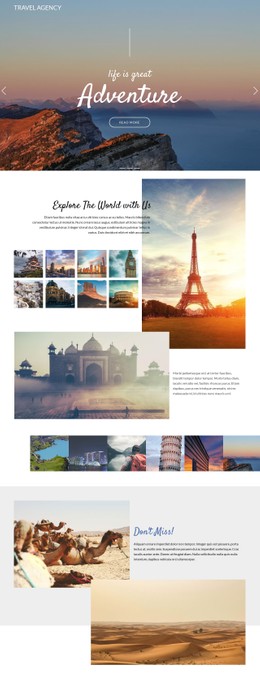
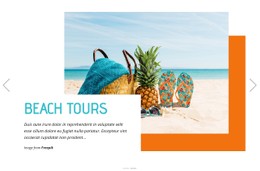
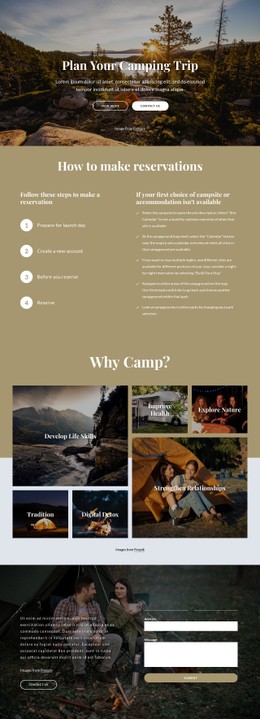
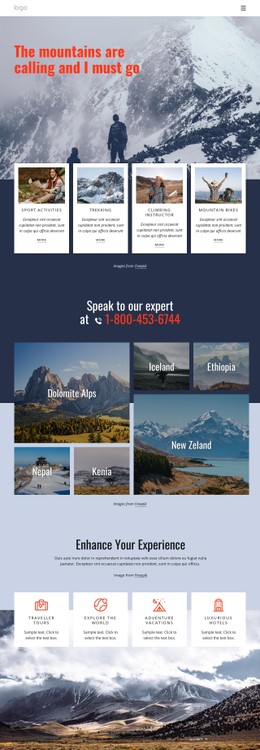



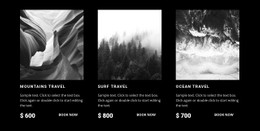
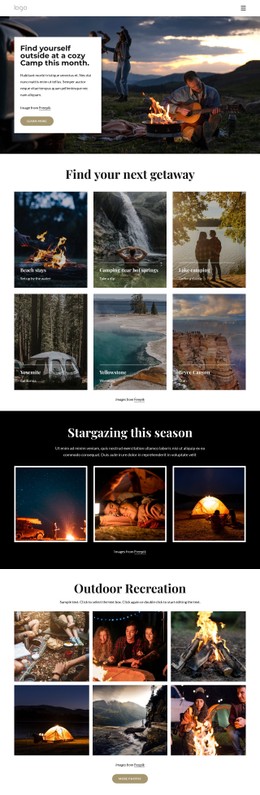
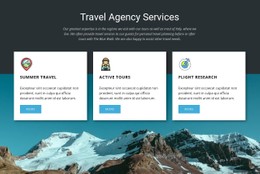


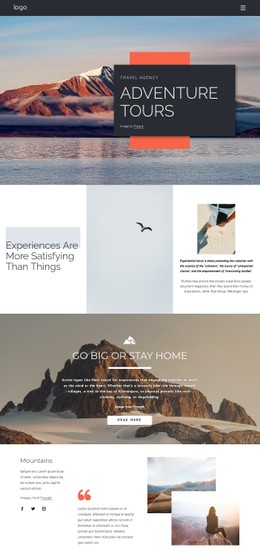
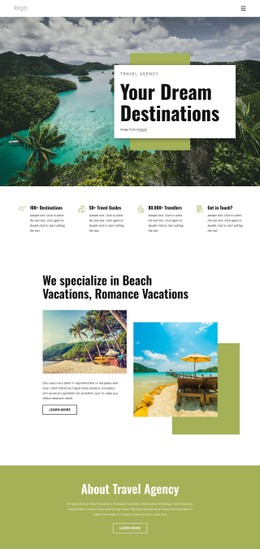

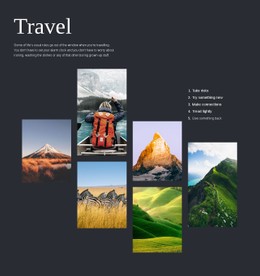
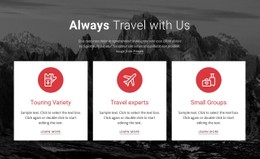
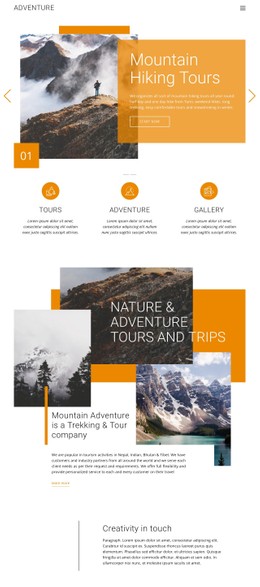
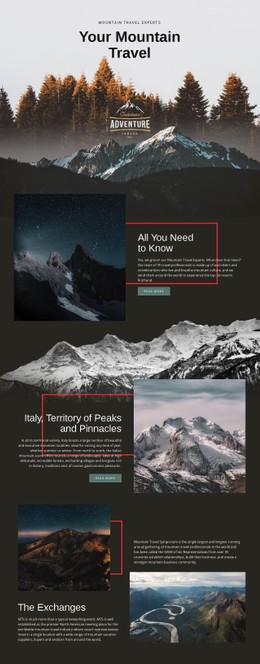
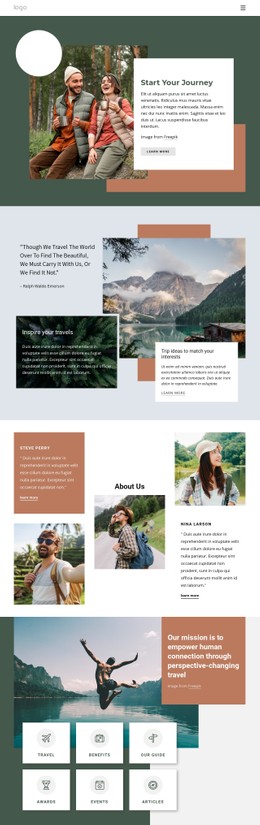
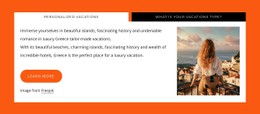
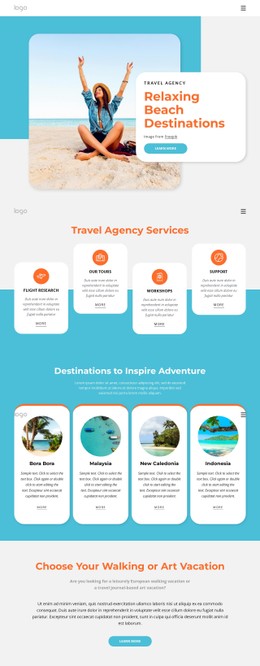

Responsive Travel & Hotels CSS Templates
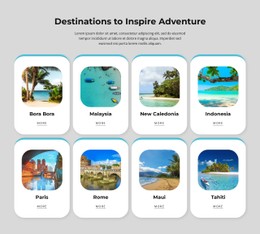
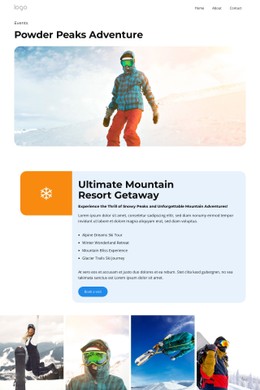
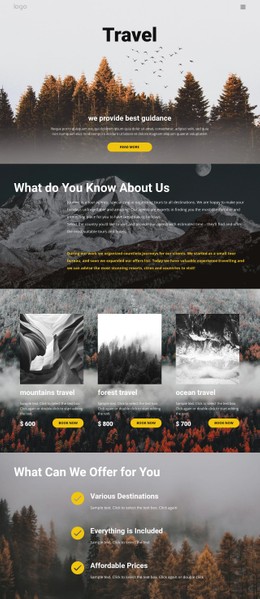
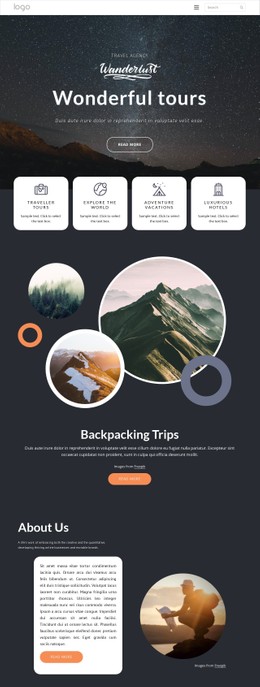
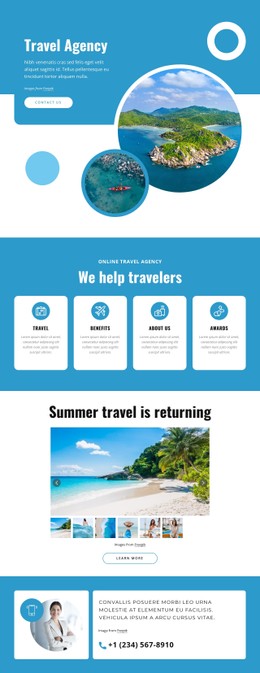
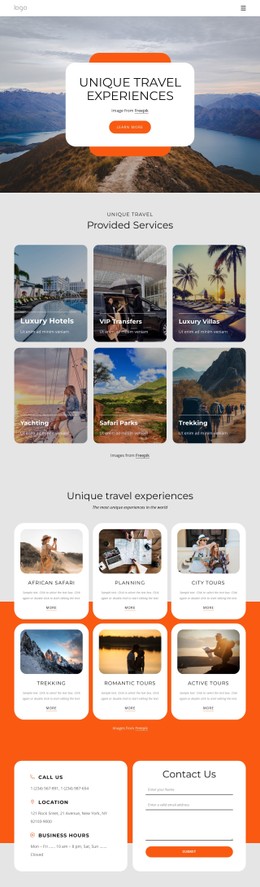
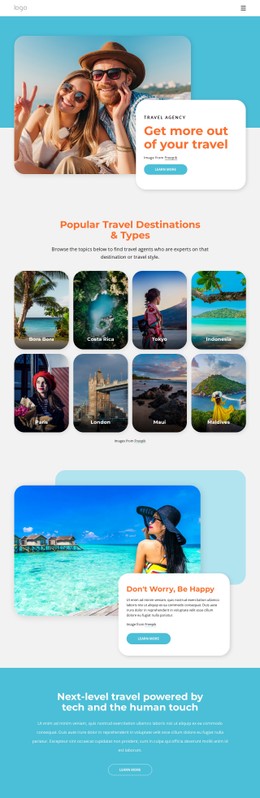
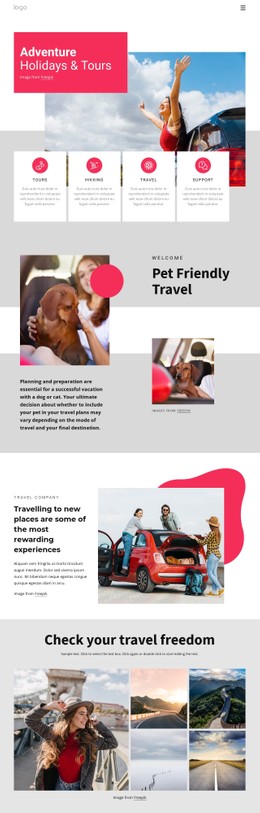
Set a clear visual hierarchy, protect airline and hotel brand consistency, and give travel teams direct control over color, spacing, and type. Travel & hotels CSS templates provide a practical base for route pages, hotel offers, journey details, and destination sections while the visual editor keeps layout changes accessible.
What Makes an SEO friendly Travel CSS Layout?
A strong travel CSS layout combines visual styling with responsive structure:
- Hotel and airline pages need consistent brand rules.
- Route and journey sections need clear spacing.
- Mobile visitors need adaptive content order.
- Developers need predictable Flexbox/Grid layouts and custom CSS rules.
For route-led projects, airline website ideas can help define fare sections, destination cards, service details, and travel calls to action before final styles are applied. In Nicepage, choose a design, open it in the visual page editor, refine the layout, then export the site or publish it online.
Customizable Styling Features for Travel Pages
Theme Settings: Control shared Colors, Fonts, Typography, Header, Footer, and Menu styles, allowing a hotel chain or airline to maintain the same visual identity across pages. The Site Colors settings let you define a global Color Scheme instead of correcting individual sections one by one.
Grid Element: Place hotel offers, route options, or trip highlights inside cells that stack one under another on smaller screens. This gives responsive design a structural base for Flexbox/Grid-style page composition.
Edit Mobile Views: review Desktop, Laptop, Tablet, and Phone versions separately and adjust each Responsive Mode when route cards, images, or hotel offers need a different hierarchy.
Custom CSS Code: add CSS classes in Page Settings and assign them through the Property Panel when a travel project needs a rule beyond the standard controls.
Export Minimal CSS Per Page: Output only the styles required for a particular page when that option suits the project. The minimal CSS export option helps keep page-specific style files lean for hotel, airline, or journey content.
A journey website direction can supply useful content patterns for itineraries, transport notes, destinations, and trip stages while the design system keeps typography and spacing consistent.
Modern Travel CSS Questions
Can a travel website use Google Fonts in Nicepage?
Yes. Nicepage provides access to over 1300 Google Fonts in the Desktop Applications, WordPress Plugin, and Joomla Extension, so travel brands can select typography that fits their visual identity.
Do visual effects on airline or hotel pages automatically hurt SEO?
No. Effects do not inherently damage SEO when media is lazy-loaded, code remains clean, and core text stays in HTML. Nicepage handles many of these technical details automatically.
How can I reduce unnecessary CSS on a travel page?
Enable Export Minimal CSS Per Page in Site Settings. Nicepage then creates a page-specific CSS file that contains only the styles required for that page, which is useful when separate hotel, route, or destination pages have different visual needs.
No-code Control for Travel CSS Design
Keep the visual system under your control from concept to output:
- Use airplane website ideas to plan aviation sections and content hierarchy.
- Refine colors, spacing, typography, grids, and mobile views in the Nicepage design software.
- Start for free, add custom CSS only where required, then export or publish the finished travel site.





















































