
150 Music & Entertainment CSS Templates


















































Lightweight Music & Entertainment CSS Templates for Reusable Styling
Music & entertainment CSS templates are most useful for designers and front-end developers who need to maintain visual rules for recurring interface components. The central job is not to deliver the finished site package. It is to make styling reusable, scoped, and predictable when release cards, tour dates, artist blocks, media wrappers, and calls to action appear in multiple places.
Start with Reusable Entertainment Components
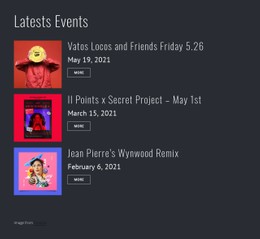
Think in components before thinking in individual pages. A music project may repeat patterns such as '.release-card', '.tour-date', '.artist-card', '.media-wrapper', and '.ticket-button'. One shared release-card style can control artwork ratio, title spacing, metadata, and CTA alignment across multiple releases, rather than having to make those decisions on each page.
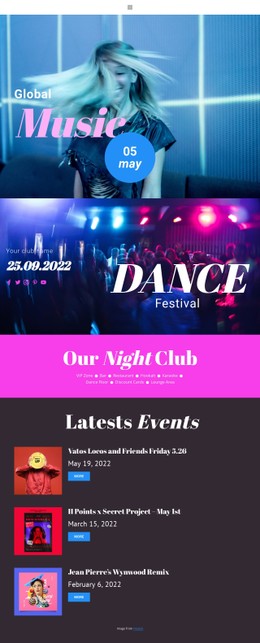
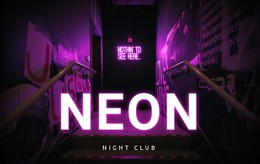
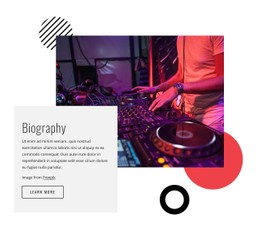
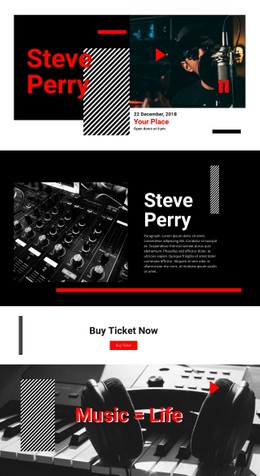
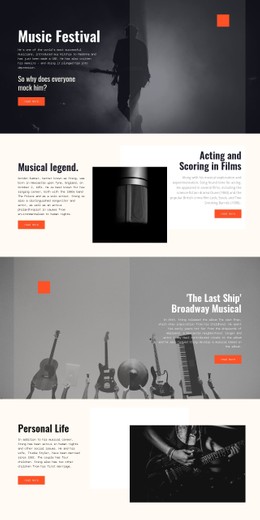
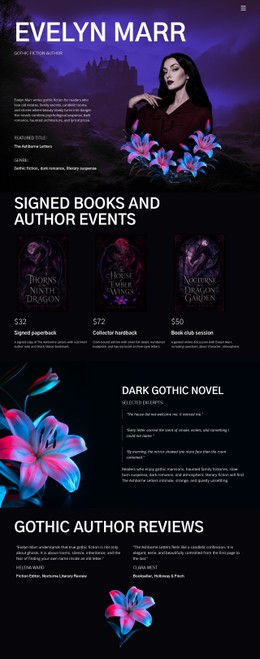
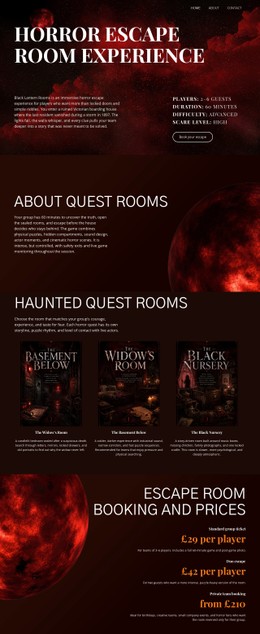
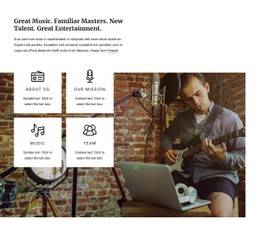
An album website direction can provide the content context for cover art, tracks, credits, and promotional areas. The CSS concern arises when those patterns repeat: which values should remain shared, which modifier should create a variation, and which rule applies only to a single exceptional instance?
Style Component States, Not Only Static Blocks
A maintainable stylesheet also defines how the interface behaves. Ticket buttons may need default, hover, focus, and disabled states. Navigation can distinguish the active destination. Release cards may use a hover treatment without shifting their layout. Player controls or media buttons should retain visible focus when operated from a keyboard.
These states are a strong reason to centralize styles. If the same button appears in a hero, tour section, and checkout prompt, one reusable state model is easier to update than three page-specific versions that gradually drift apart.
Control Scope, Cascade, and Specificity
Custom CSS Code can target project classes when preset styling needs an adjustment, but the rule should be scoped to the component that actually needs it. Prefer a low-specificity reusable selector over a chain that depends on a fragile DOM position.
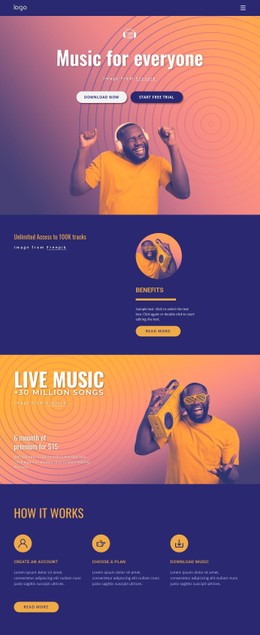
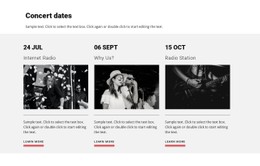
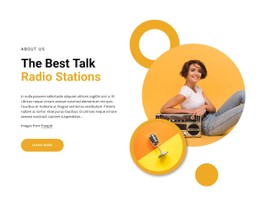
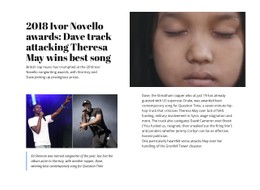
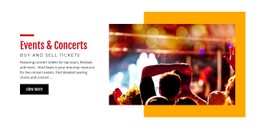
For example, if tour cards appear on both the homepage and the Events page, give them a single shared class rather than separate page-specific selectors. Otherwise, a later redesign may fix spacing in one location while leaving the other version behind. Musician website ideas can help identify repeated performer, biography, release, and booking components where shared styling provides the most value.
Keep global rules, component rules, and page-specific exceptions visibly separate. That makes it easier to understand why a declaration wins in the cascade and reduces the temptation to solve every conflict with higher specificity.
Maintain Responsive Rules by Component
Responsive CSS should describe how a component adapts, not become a collection of emergency patches. A release grid might reduce its column count at narrower widths; a tour-date row may stack venue information under the date; a ticket button may become full-width on a phone. Keep those breakpoint changes next to the component logic they modify.
Grid Columns can provide alignment guides in the visual editor, and the Grid Columns documentation explains how to use them. The CSS task is different: maintain the rules that change columns, gaps, alignment, and spacing as available width changes.
Put Minimal Per-Page CSS Near the Center of the Workflow
The most distinctive Nicepage feature for this use case is Export Minimal CSS Per Page. It creates a separate stylesheet containing only the styles required for a particular page. That can reduce unnecessary CSS delivery and make page-level output easier to inspect when a larger entertainment site contains multiple component sets.
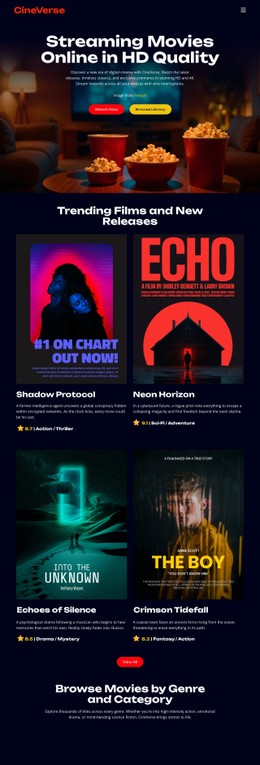
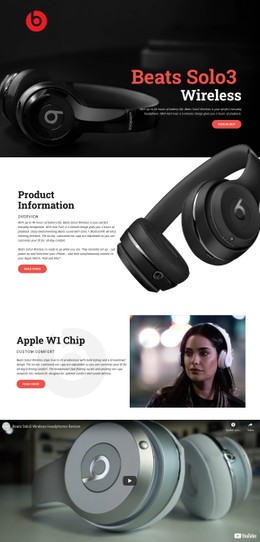
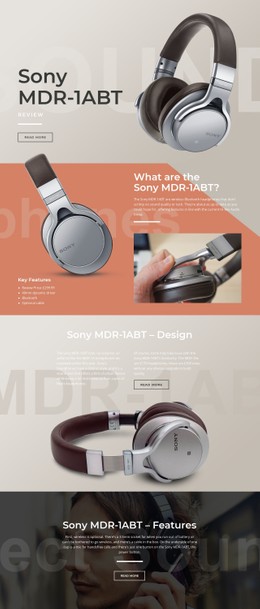
A video website concept may include a player, poster image, text, and CTA. From a CSS perspective, the important questions are whether the media wrapper keeps a predictable aspect ratio, whether spacing rules are reusable, whether button states remain consistent, and whether page-specific overrides stay smaller than the shared component layer.
CSS Maintenance Questions for Entertainment Projects
Why are shared component classes useful on a music site?
They let repeated patterns such as release cards, tour rows, artist blocks, and buttons use one styling source. A redesign can then update the shared component rather than fixing several near-duplicate selectors individually.
How should hover, focus, and active states be handled?
Define states as part of the reusable component rather than as page-specific patches. Keep focus visible for keyboard users, avoid hover effects that change layout unexpectedly, and use modifiers only when a genuine variation is needed.
What does Export Minimal CSS Per Page do?
It creates a stylesheet containing only the styles required for that page. This can reduce unnecessary CSS delivery and make the page-specific styling layer easier to inspect and maintain.
Maintenance Test After a Redesign
After changing the visual direction, inspect the stylesheet rather than only the screenshots. Check whether repeated components still share the same classes, whether obsolete selectors can be removed, whether hover/focus/active states remain complete, and whether breakpoint rules are grouped logically. That technical maintenance value matters when several entertainment pages share components but still need predictable styling changes.





















































