370 Contacts CSS Templates






























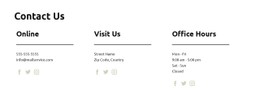

Ready-Made Contacts CSS Templates With Flexible Visual Styles
Contacts CSS Templates offer ready-made contact section designs with varied styling of phone and email links, labels, borders, spacing, and responsive groups. Compare what these finished styles do for real contact values; the CSS label describes a styling-oriented catalog context, not a requirement to write styling rules yourself.
Much of the assortment may overlap with HTML Templates. The useful difference in presentation is the visual treatment of prepared contact layouts, not a promise of exclusive CSS-only block types.
Compare the Styling of Ready-Made Contact Elements
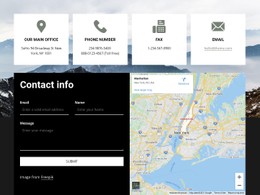
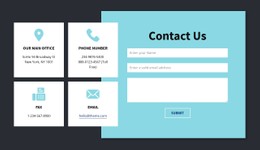
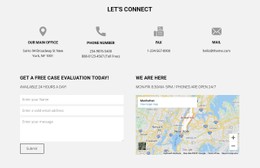
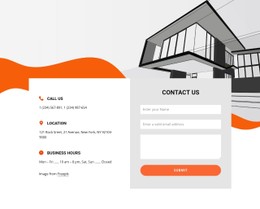
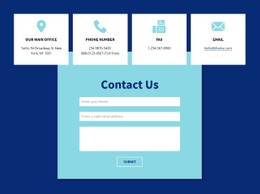
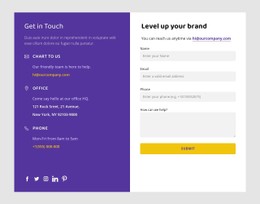
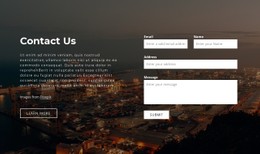
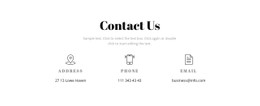
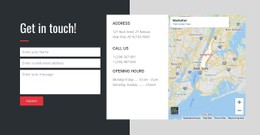
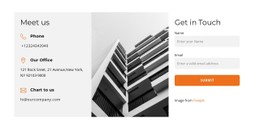
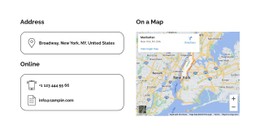
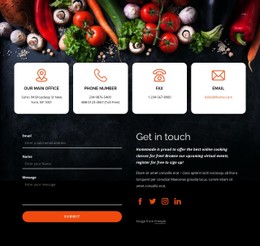
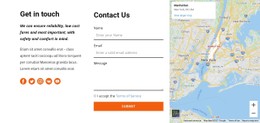
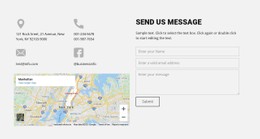
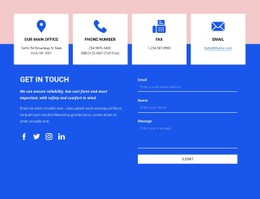
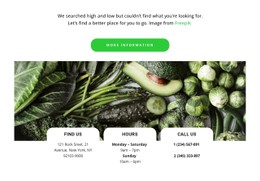
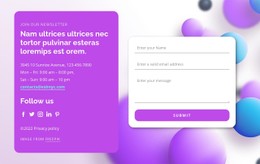
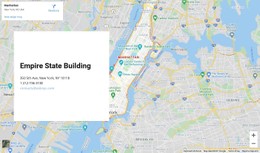
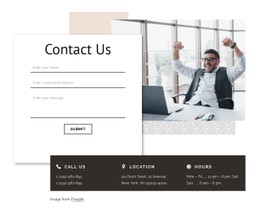
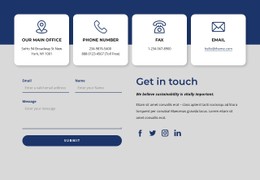
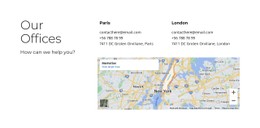
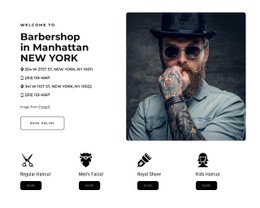
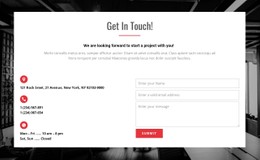
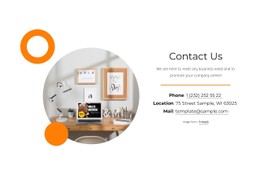
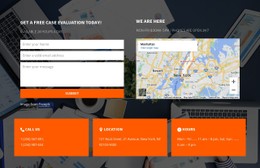
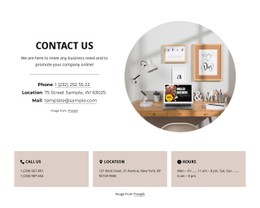
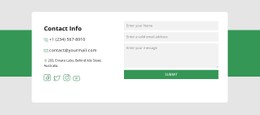
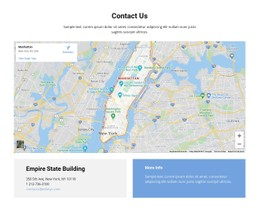
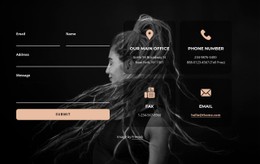
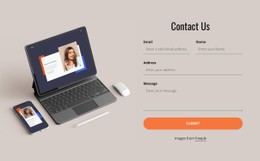
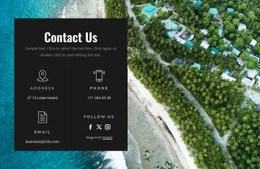
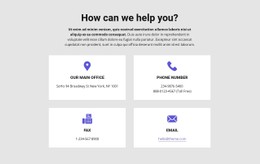
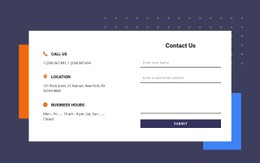
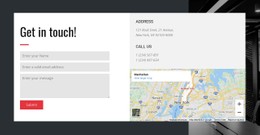
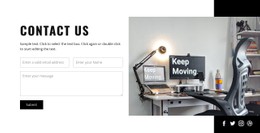
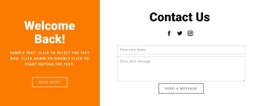
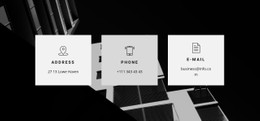
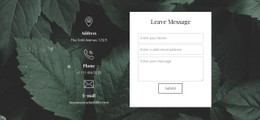
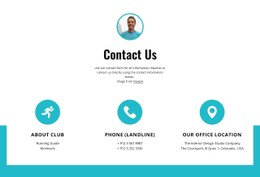
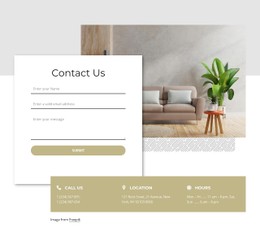
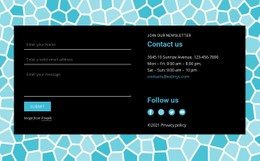
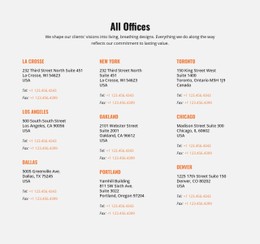
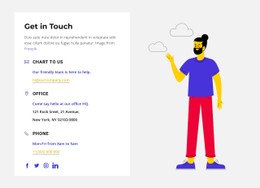
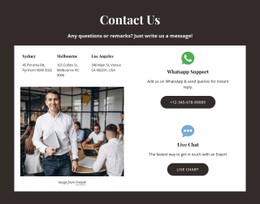
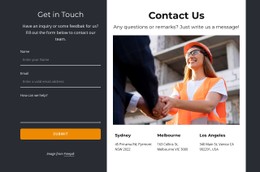
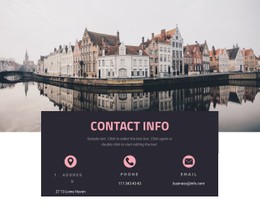
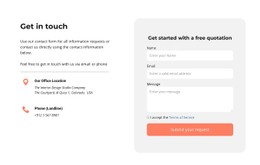
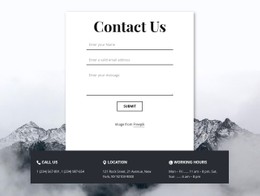
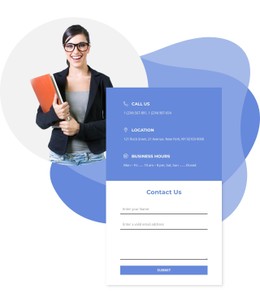
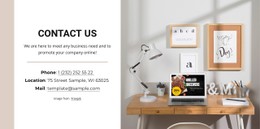
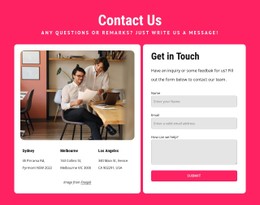
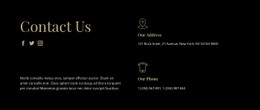
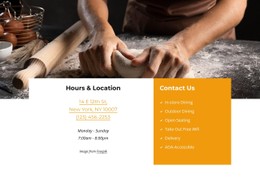
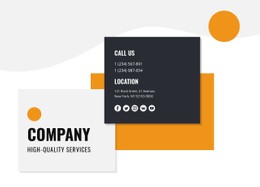
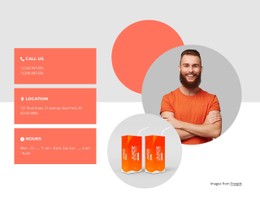
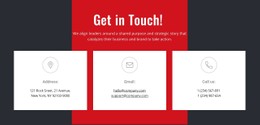
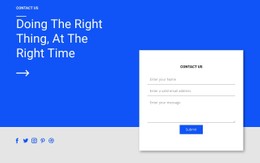
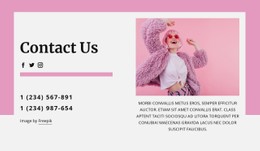
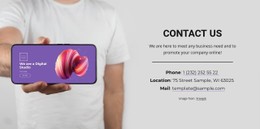
Compare the styling of the contact elements themselves. The same phone, email, and office address can appear as subtle text links, icon rows, or prominent cards with borders and contrasting backgrounds.
CSS styling can reinforce these relationships:
- Phone and email links: Give direct contact methods readable color and clear emphasis.
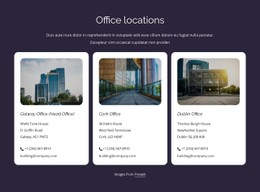
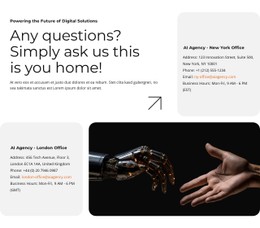
- Office cards: Separate branches with borders, backgrounds, or spacing.
- Icon rows: Keep symbols aligned with their contact labels.
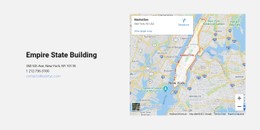
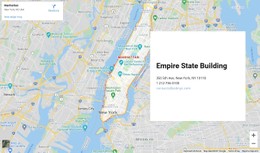
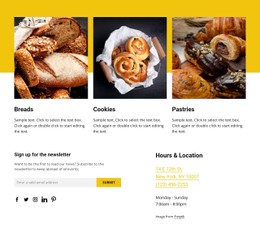
- Address blocks: Allow space for multi-line street details and hours.
Prioritize designs whose visible styling keeps direct contact links identifiable and separates related addresses and office hours.
Compare Styling Details in the Prepared Designs
Once you have shortlisted a layout, compare its group spacing, border separation, link appearance, and treatment of long addresses. Two similarly arranged contact sections may differ in whether their styling remains usable with real phone numbers and office details.
These are prepared treatments of individual contact elements—the border around an office card, the spacing of an address group, or the contrast of a phone link—not instructions to hand-style every block.
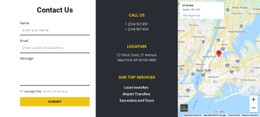
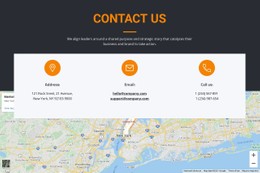
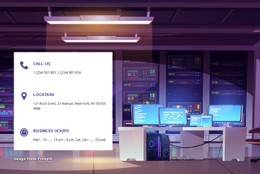
Compare two blocks containing the same phone, email, and address: one may keep the email link distinct against a colored background; another may better separate several addresses through consistent padding and borders. The CSS-oriented choice concerns observed styling behavior with contact values, not the mere presence of cards or maps.
For address-heavy content, address section designs provide a related layout direction. When telephone communication needs stronger emphasis, call-focused blocks offer another useful reference.
You can select a completed visual style before considering any optional custom CSS.
Adapt a Selected Contacts CSS Design
Nicepage provides ready-made Contacts blocks described in its Block Basics documentation. Select the composition first, then refine the styling if needed.
For additional needs, Custom CSS is available. It is an optional refinement, not the defining reason to choose the block.
Differences worth judging among the finished designs, when visible in previews or confirmed in the editor, include:
- Link appearance in regular and interactive states.
- Capacity for long text inside cards and panels.
- Responsive arrangement of the visual groups.
You don't need to start by writing rules, assigning classes, or assuming a standalone CSS file accompanies each design.
Check Responsive Contact Styling and Link Readability
A horizontal row of phone, email, and address details may look balanced on desktop but needs stacked groups on mobile. Compare how prepared CSS styles maintain link readability, label spacing, and icon alignment at narrower widths.
When reviewing responsive styling, check that:
- Long contact values remain readable rather than overlapping nearby elements.
- Padding and spacing preserve the distinction between separate information groups.
- Link colors maintain sufficient contrast against their backgrounds.
- Address details remain associated with the correct location.
The mobile appearance is a useful comparison between ready-made CSS designs, not a separate technical lesson.
Contacts CSS Templates FAQ
Which ready-made Contacts CSS designs can I compare?
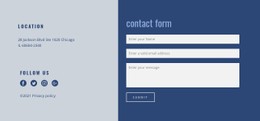
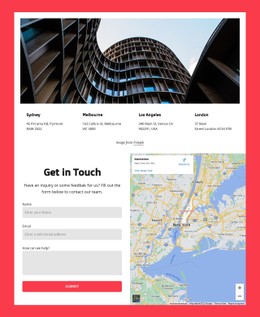
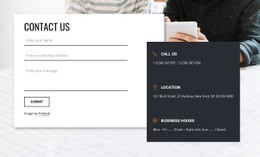
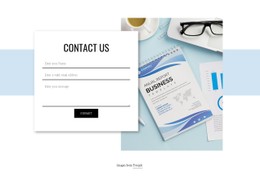
Compare minimal text layouts, bordered contact cards, contrasting location areas, and compact rows where available. They differ mainly in appearance and visual arrangement.
Can I customize a selected CSS contact design?
Yes. Nicepage offers visual controls and optional Custom CSS for additional requirements. Select a prepared design before deciding whether you need special styling.
Should I choose contact cards or a horizontal panel?
Cards can distinguish several locations or departments, while a horizontal panel is usually better for a short communication reference.
Which contact details benefit most from separate CSS styling?
Phone numbers, email links, multi-line addresses, and business hours often benefit from distinct typography and spacing. Keep related details in recognizable groups, and use borders or background differences to separate offices or departments clearly.
Select and Refine a CSS Contact Template in Nicepage
Compare Contacts CSS Templates by phone and email styling, card borders, icon alignment, background contrast, and responsive readability. Select a suitable prepared style, then refine it if needed.
The finished block should make contact information easier to identify and use, with CSS supporting the content rather than becoming the main attraction.