
Blog Posts CSS Templates

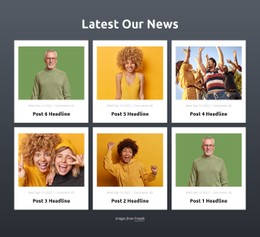
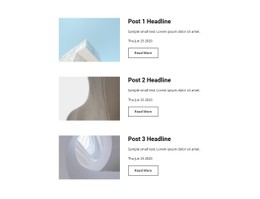
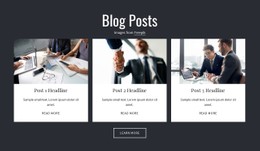
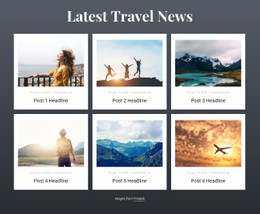
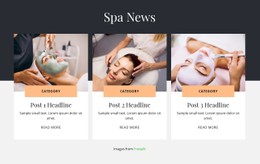
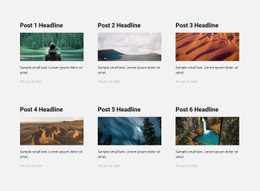
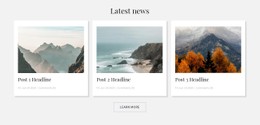
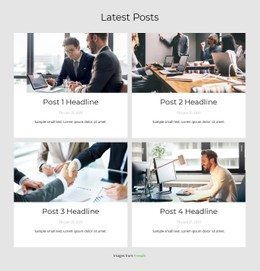
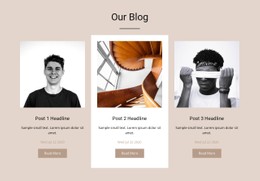

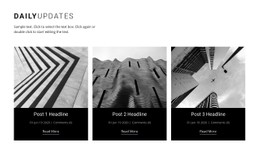
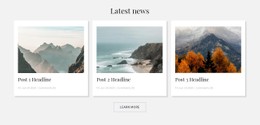
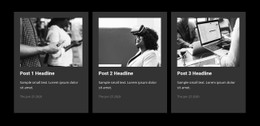
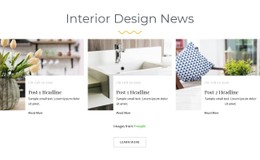
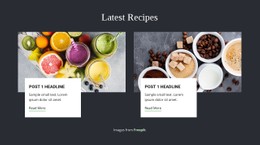
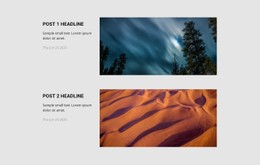
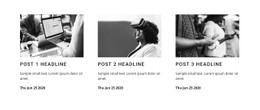


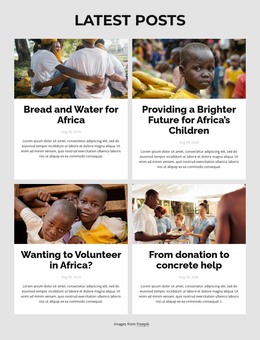
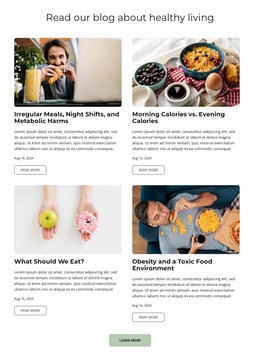
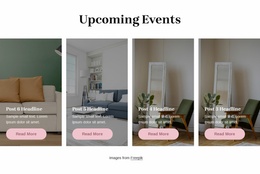
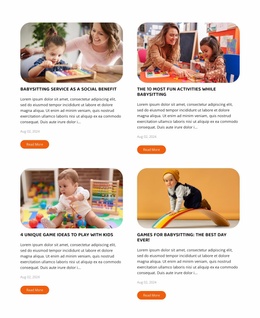
Customizable Blog Posts CSS Templates for Post Card Styling and Typography
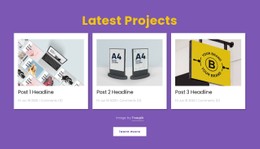
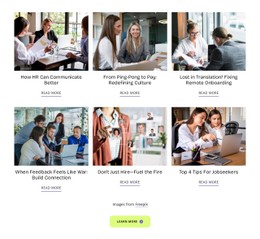
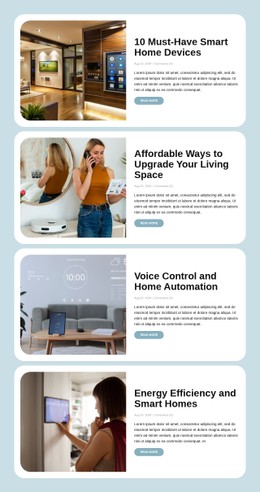
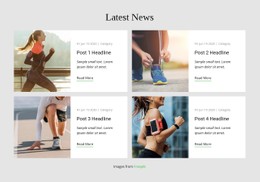
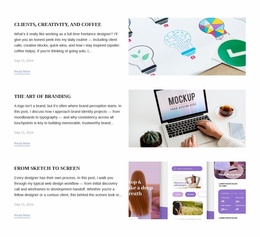
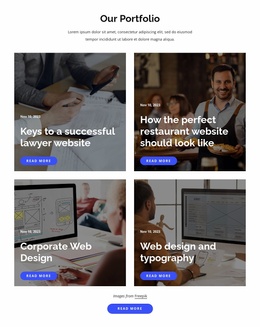
Blog Posts CSS Templates help control how published articles appear within an editorial section. Each repeated preview combines a headline, featured image, excerpt, publication details, and a link to read the full article. CSS styling determines how these elements relate visually, from spacing between post cards to the typography of article titles. The result should be a readable collection where visitors can distinguish stories and navigate to complete articles.
How Does CSS Styling Affect a Blog Posts Section?
CSS controls the presentation of editorial previews without changing their underlying purpose. Article titles remain the primary reading reference, while images, summaries, and publication metadata provide supporting information.
In a multi-column feed, consistent spacing helps readers recognize where one article ends and another begins. Typography distinguishes headlines from excerpts, and link styling identifies the action that opens a full post.
Unlike a general Grid, which arranges different content types, Blog Posts uses an article-specific structure. Every preview belongs to a publication with its own title, metadata, and reading destination.
The CSS rules should reinforce these relationships rather than treat the entries as unrelated decorative cards.
Essential Styling Rules for Blog Post Previews
For blog post cards, prioritize readable multi-line headlines, consistent image sizing, and enough spacing to separate neighboring entries. Keep publication metadata visually quieter, and make reading links recognizable. Nicepage’s Blog Posts Element provides the base layout; use scoped CSS for details the standard controls do not cover.
Apply Targeted CSS to Article Cards
Blog Posts CSS Templates are about the styling of article listings: card spacing, title scale, image ratios, and links that remain recognizable across states. For a custom-built article-card layout, CSS Grid can distribute columns, Flexbox can align card contents, and media queries can adjust the layout for narrow screens. Those implementation choices do not mean Nicepage's built-in Blog Posts Element uses your custom class names.
In the Nicepage editor, start with the element's own spacing and styling controls. Use Custom CSS only when the project requires more control, such as link hover and focus states or responsive card adjustments. Scope rules to the intended section, inspect its actual selectors, and check the rendered result in Preview: custom CSS does not execute inside the Nicepage editor.
Keep the CSS discussion about presentation and interaction states; the meaning of HTML5 elements belongs to a separate semantic review.
Keeping a Clean Editorial Feed Across Different Layouts
Article collections may use compact lists, image-led cards, or featured-post arrangements. Their styling should reflect the amount of information each preview contains.
A recent-news feed may prioritize concise headlines and publication dates. A featured-articles section can give more space to images and excerpts.
For additional editorial context, blog layouts illustrate ways to organize article collections. Individual post layouts serve a different role by presenting complete stories.
When reviewing a Blog Posts section, check long headlines, uneven excerpt lengths, image spacing, and reading-link visibility. A consistent CSS approach should accommodate these variations without making the articles difficult to distinguish.
Frequently Asked Questions About Blog Posts CSS Templates
Can I add custom CSS to Blog Posts elements in Nicepage?
Yes. Nicepage supports Custom CSS for individual elements and pages. You can assign a class to an element and add styling rules through the available CSS settings.
Can I use different CSS rules on individual Nicepage pages?
Yes. Nicepage allows page-specific CSS through the CSS tab in Page Settings. These rules apply to the selected page rather than automatically affecting every page in the project.
Which Blog Posts elements benefit most from CSS styling?
Article titles, featured images, excerpts, publication metadata, and reading links are the main styling priorities. Consistent spacing and typography help readers distinguish individual posts in a repeated editorial layout.
Can custom CSS interfere with Nicepage's existing styling?
Yes. User-defined CSS may conflict with existing styles or affect editing behavior. Nicepage recommends checking custom rules carefully, and their rendered result can be reviewed in the page preview.
Refine Your Blog Posts Section With CSS Styling
Select a Blog Posts block and adjust its editorial layout in the Nicepage editor. Review title typography, image spacing, excerpts, metadata, and reading links, then apply targeted Custom CSS where additional control is needed. Check the rendered section in the preview before integrating it into your project.





















































