410 Testimonials CSS Templates
























































Ready-To-Use Testimonials CSS Templates With Distinctive Review Card Styles
Testimonials CSS Templates help control how customer quotations, reviewer names, and supporting details appear inside a testimonial section. Typography, card spacing, background colors, and borders influence whether visitors can read each statement comfortably and identify its author. Styling isn't just decoration; it should make genuine customer experiences clear and recognizable.
A detailed testimonial may need generous whitespace, while several short reviews benefit from consistent card treatments. CSS adjustments allow these differences to be managed without losing the connection between a customer's words and their attribution.
Compare Grid, Gradient, and Slider Treatments
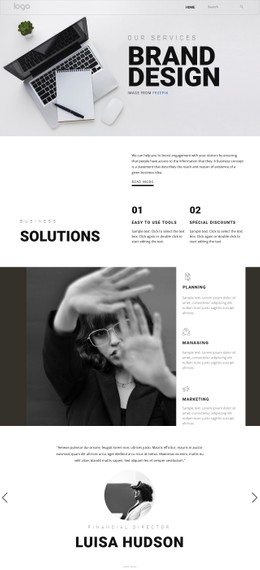
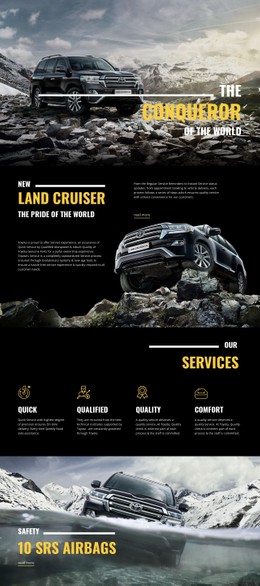
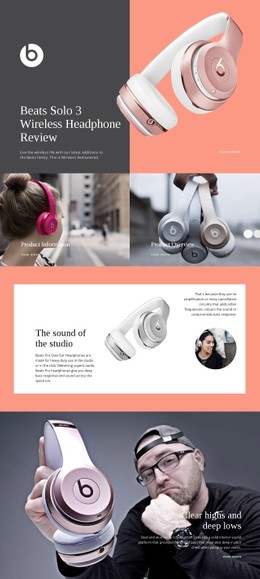
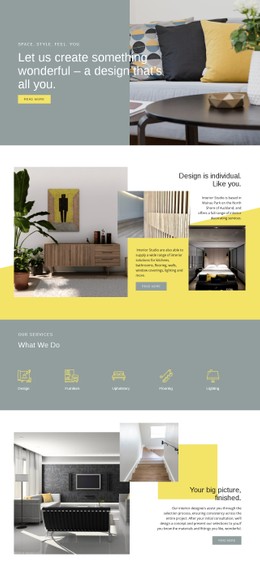
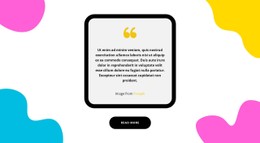
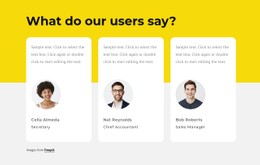
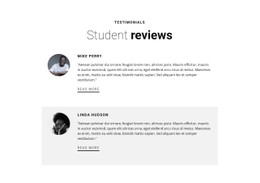
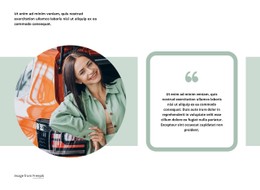
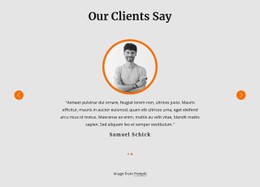
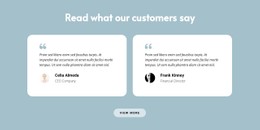
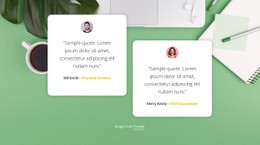
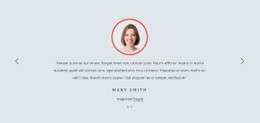
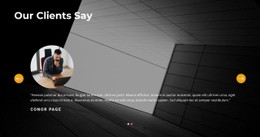
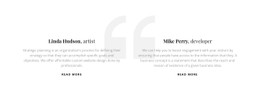
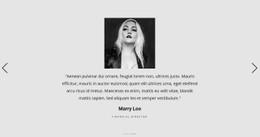
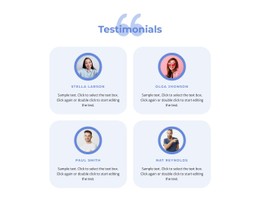
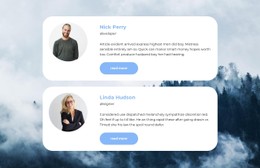
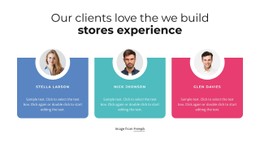
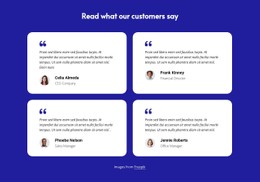
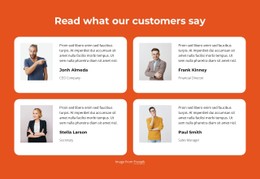
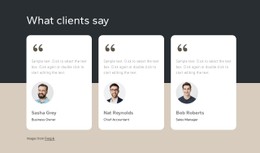
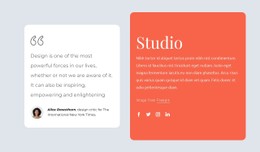
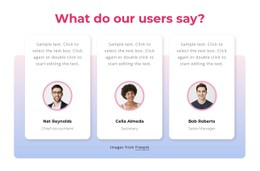
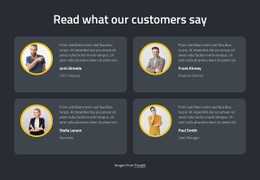
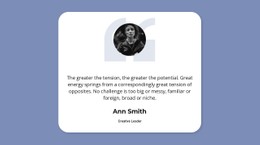
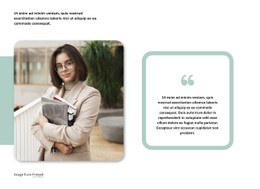
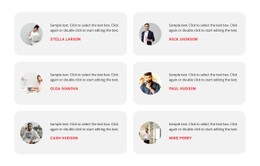
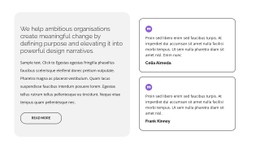
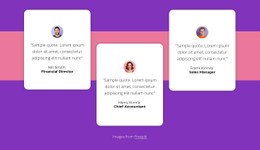
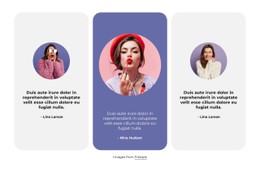
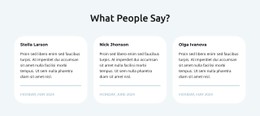
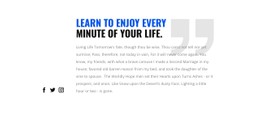
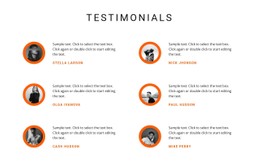
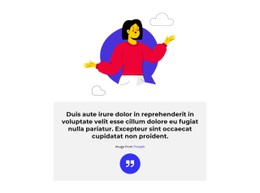
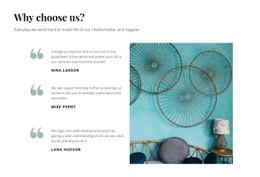
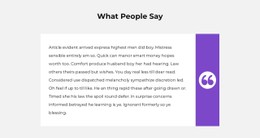
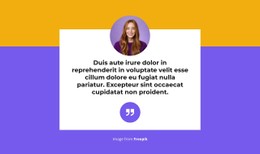
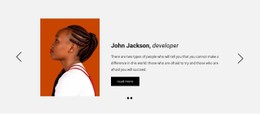
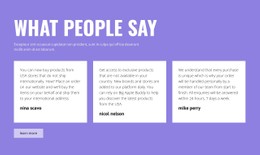
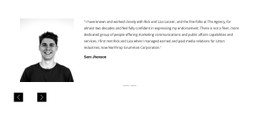
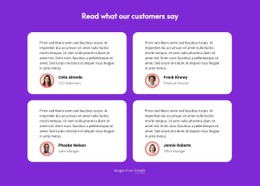
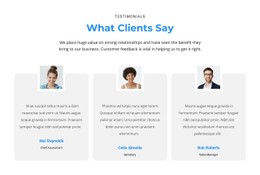
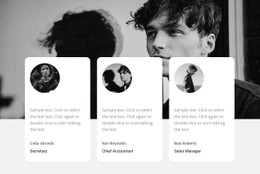
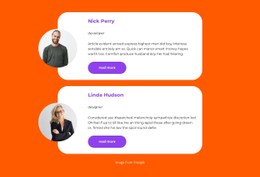
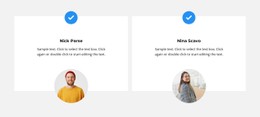
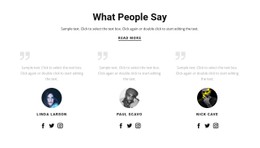
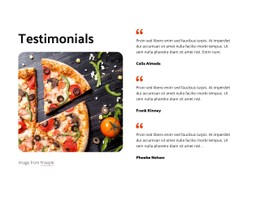
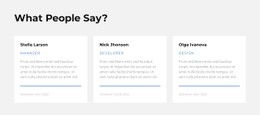
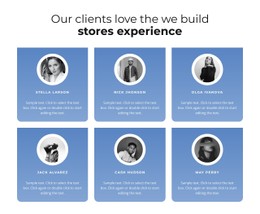
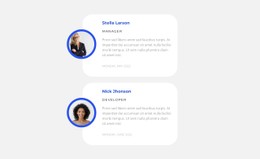
Testimonials CSS Templates offers finished testimonial sections with different styling treatments. Three-column cards, sliders, gradient backgrounds, and colored cells provide visible alternatives where available. Nicepage lets users adjust typography, padding, borders, card backgrounds, and responsive layouts; Custom CSS offers extra control when the built-in styling isn't enough. This is a CSS-oriented design choice, not a guarantee of a separately supplied stylesheet for each block.
The most important styling decisions include:
- Quote typography: Font size, weight, and line spacing should support comfortable reading.
- Author attribution: Names and roles need a clear relationship to the quotation without competing for attention.
- Card backgrounds: Background colors can separate individual reviews from surrounding content.
- Borders and spacing: Consistent padding and subtle boundaries help organize multiple testimonial cards.
- Portrait treatment: Image dimensions and alignment should support the customer statement rather than dominate it.
These relationships matter more than decorative effects. A readable quotation with recognizable attribution is the defining feature of the section.
Card Styling That Holds Different Review Lengths
CSS styling matters most when real quotations vary in length. Card padding, border treatment, line height, and grid spacing give individual reviews a coherent appearance without forcing the text into identical dimensions. Compare those component-level details in the available designs, including how the cards rearrange on smaller screens.
The Nicepage Text Element provides typography and formatting controls for customer quotations and attribution. You can adjust text size, weight, color, and styles directly in the editor.
When several testimonials appear together, focus on:
- Consistent internal padding to give each review enough breathing room.
- Readable quotation widths that prevent uncomfortable line breaks.
- Clear attribution spacing to keep customer names connected to their statements.
- Balanced card treatments that accommodate short and long reviews.
The testimonial layout examples provide additional directions for organizing customer statements. Whatever design you choose, avoid sacrificing readability merely to make all cards appear the same height.
These styles solve different presentation needs: grids keep multiple short reviews in view, sliders conserve space, and gradient or colored-cell layouts establish a stronger visual accent. A chosen design can be adapted in Nicepage; Custom CSS is an optional extra rather than the main subject of this catalog.
Keep Review Styling Readable Across Devices
A testimonial layout that works on a wide screen may become crowded on mobile. Long quotations, portrait images, and supporting author details can compete for limited space.
Responsive styling should preserve:
- Comfortable text width for customer quotations.
- Readable attribution beneath or beside the correct statement.
- Sufficient spacing between separate review cards.
- Balanced portrait dimensions when images are included.
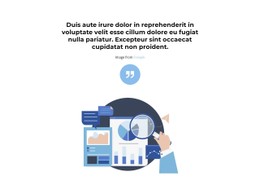
A quote-focused design may inspire an expressive typography treatment, but a testimonial needs more than a decorative quotation. The customer statement must remain clearly associated with an identifiable source.
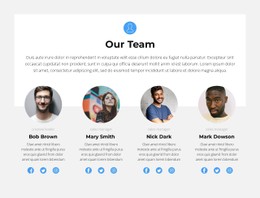
This also distinguishes Testimonials from Brands or Team sections. Brand logos communicate affiliations, while staff profiles introduce organizational members. Testimonial styling supports personal customer feedback.
Testimonials CSS Templates FAQ
Can I customize testimonial typography in Nicepage without writing CSS?
Yes. Nicepage Text Elements provide visual controls for font family, size, weight, color, and text styles. These options can be used to distinguish customer quotations from author names and supporting information without manually writing CSS.
Can I add custom CSS to an individual testimonial element?
Yes. Nicepage supports Custom CSS for individual elements. You can assign a class and use the Edit CSS option to apply additional styling. Check the result in the page preview because custom CSS is not executed inside the Nicepage editor.
Which CSS-oriented testimonial design suits several short reviews?
A multi-column card design can show several brief statements at once. A slider works well in a narrower area where visitors view reviews sequentially. Compare the available previews and choose the one that displays your content comfortably.
How should I style testimonials with different quotation lengths?
Maintain consistent typography, padding, and attribution styling while allowing longer statements enough space. Avoid forcing every quotation into a fixed visual height if doing so reduces readability. The customer's words should determine the space they need, not the decorative card treatment.
Do I need to write CSS to use a prepared Testimonials design?
No. The category offers ready-made visual sections you can select and adapt in Nicepage. Custom CSS is an optional tool for additional styling needs, not a requirement for choosing a testimonial layout.
Style Your Testimonials Section With Nicepage
Choose a Testimonials block that fits your customer feedback, then replace sample quotations with genuine statements and clear author details. Adjust the typography, card spacing, and backgrounds through the Nicepage editor, adding Custom CSS only when the design requires further control.
The finished section should make customer experiences easy to read, visually separated, and properly attributed, with styling that supports the feedback instead of distracting from it.