
2020 Shapes CSS Templates












































































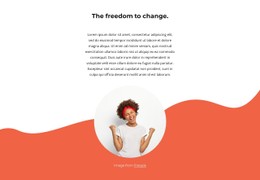









Customizable Shapes CSS Templates for Geometric Web Design
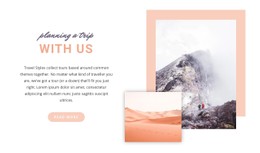
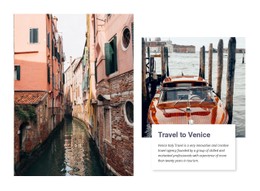
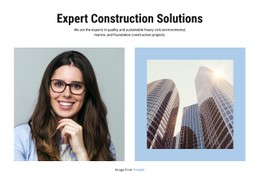
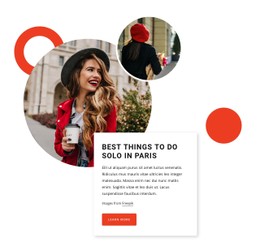
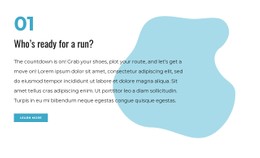
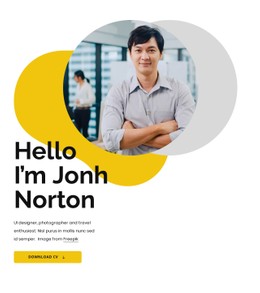
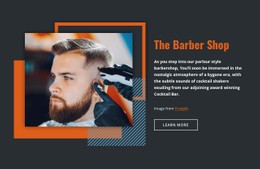
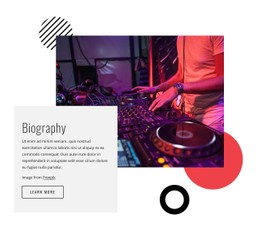
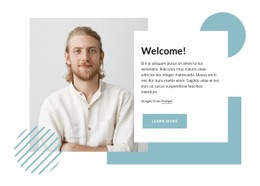
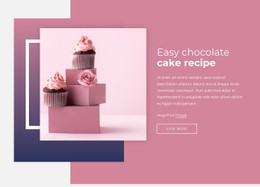
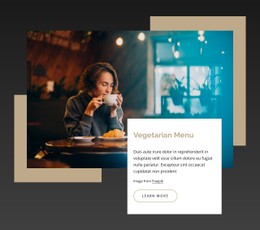
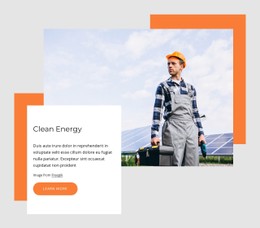
Shapes CSS Templates provide ready-made visual layouts where geometry is already part of the page style and can be customized through presentation-focused controls. Circles, rectangles, abstract forms, and color fields can define backgrounds, frame images, separate content areas, or add stronger visual rhythm without starting from an empty stylesheet.
The main benefit is a prepared combination of layout and styling that can be adapted for real content. You can change colors, dimensions, spacing, borders, and responsive behavior while keeping the original shape-led concept intact.
Choose a CSS Template With the Right Visual Treatment
Start with the design rather than the amount of custom code it may require. ** A useful CSS template should already have a coherent relationship between text, imagery, backgrounds, and geometric elements.
A broader shape design direction can help when you want to compare different geometric treatments. Different treatments can create different effects:
- Rounded forms can soften a visual style.
- Angular elements can make it feel more technical.
- Strong background fields can create dramatic contrast in hero or feature areas.
Customize the Presentation Layer With CSS
CSS is especially relevant when the project needs precise control over how the geometric design looks. The stylesheet can influence:
- background colors;
- border treatments;
- dimensions;
- spacing;
- positioning;
- responsive presentation;
while the HTML structure continues to hold the actual content.
This makes Shapes CSS Templates different from templates chosen primarily for their HTML markup structure. Here, the emphasis is on the presentation layer: how the page looks, how visual states are refined, and how the same content adapts stylistically across screen sizes.
When a template contains editable geometric objects, the Shape Element is only one part of the styling picture. The more important CSS question is how backgrounds, borders, spacing, dimensions, and positioning work together around the actual content.
Refine Backgrounds, Borders, and Spacing
Geometric design often depends on small styling decisions. A background field may need lower contrast behind text, a border can make a light-colored form easier to distinguish, and spacing can determine whether a shape feels connected to an image or detached from it.
Instead of changing many properties at once, refine the visual relationship that matters most. ** You can:
- increase or reduce shape scale;
- adjust the surrounding margins;
- modify a boundary;
- change the background treatment;
until the composition feels intentional.
When standard styling controls do not cover a project-specific requirement, Custom CSS can provide targeted rules. Use it as an additional option for specific cases rather than the starting point for every template adjustment.
Keep the CSS Template Responsive
Responsive layouts are particularly important for shape-heavy designs because large forms and offsets can behave differently on narrow screens. A background circle that works beside desktop text may need to move behind the content on a phone, and a wide abstract field can require a different size or position to avoid crowding the layout.
Nicepage Responsive Modes can be used to adapt layouts for Large Screens, Desktops, Laptops, Tablets, and Horizontal or Vertical Phones. Review the result at each important breakpoint and preserve the hierarchy even when the exact geometry changes.
Keep Shape Styling Focused in CSS
Use CSS to refine the presentation details that give the geometric layout its character: backgrounds, borders, dimensions, offsets, spacing, and positioning. Focus on the properties that control how each shape frames content or balances the composition, especially when the same visual treatment needs to remain coherent across responsive breakpoints.
Shapes CSS Template FAQ
What can I customize in a Shapes CSS template?
You can refine visual properties such as colors, backgrounds, borders, dimensions, spacing, positioning, and responsive presentation while adapting the template to your own content.
Can I add custom CSS when a Shapes section needs targeted styling?
Yes. Nicepage supports custom CSS when you need additional styling. You can use custom rules for project-specific visual requirements not covered by the standard controls.
Can I adjust a shape-led layout for different screen sizes?
Yes. Nicepage supports Responsive Modes for Large Screens, Desktops, Laptops, Tablets, and Horizontal or Vertical Phones, allowing layouts to be adapted for different screen sizes.
How are Shapes CSS Templates different from Shapes HTML Templates?
Shapes CSS Templates emphasize the styling and presentation layer, including backgrounds, borders, spacing, and responsive visual treatment. Shapes HTML Templates place more emphasis on the ready-made markup and layout structure used as the content foundation.
Refine the CSS Where the Design Actually Needs It
Start from the template's existing visual system and change the smallest set of styles that produces the result you need. Confirm the backgrounds, borders, spacing, and geometric placement at the main breakpoints, then reserve targeted Custom CSS for the details that cannot be handled cleanly with the standard controls.





















































