
Real Estate CSS Templates
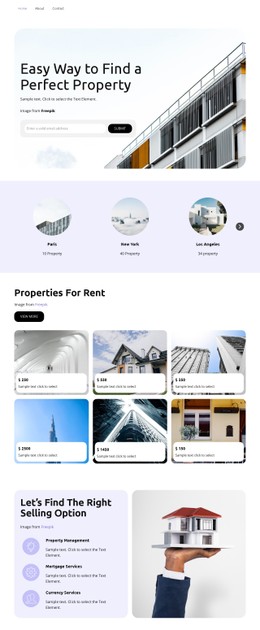

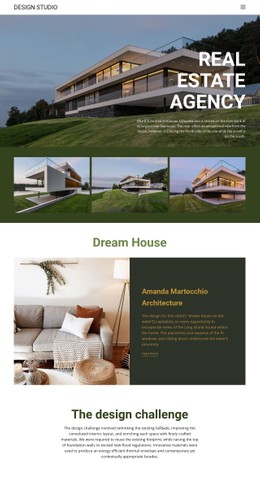
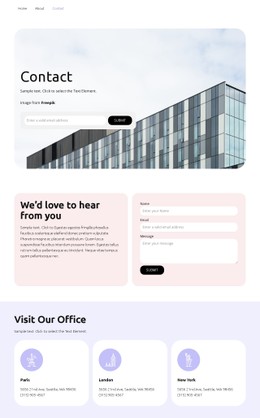

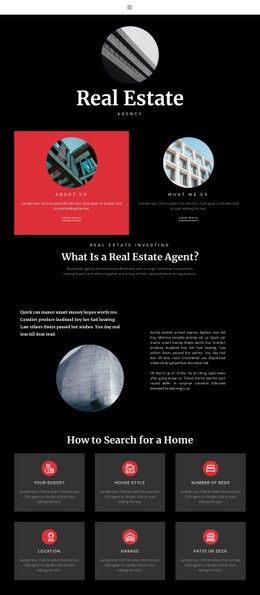
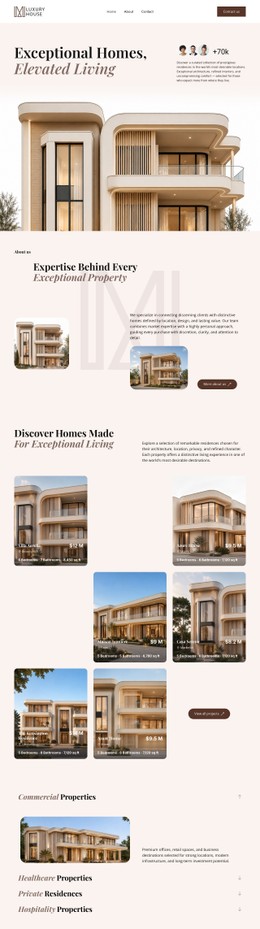
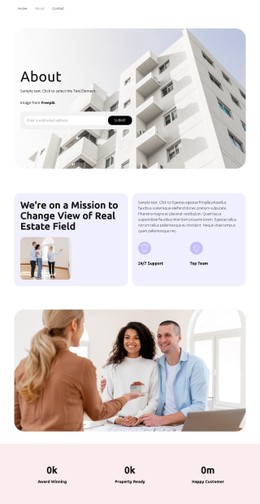
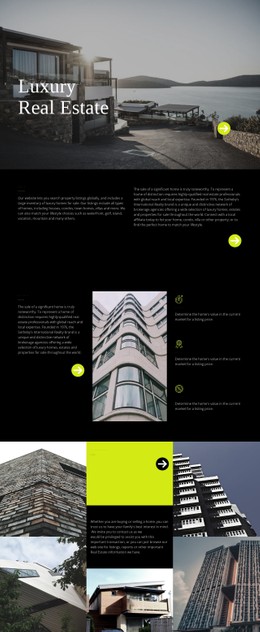


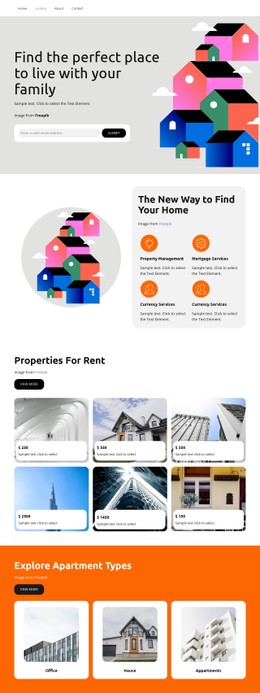

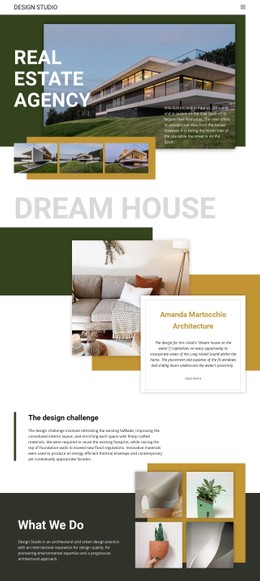
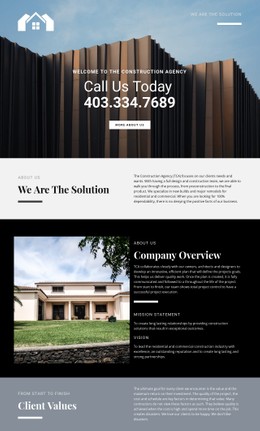
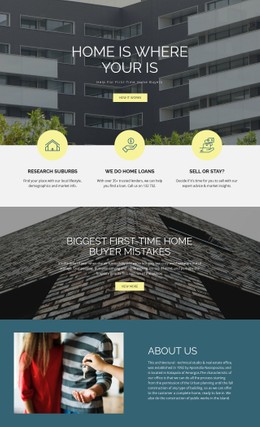

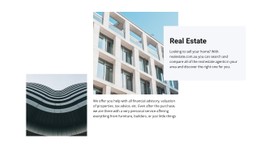

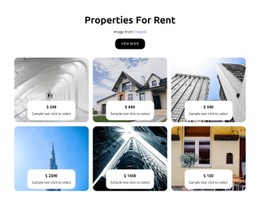
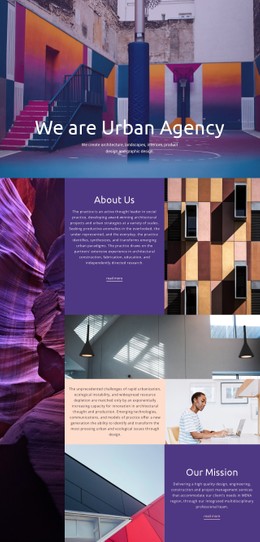

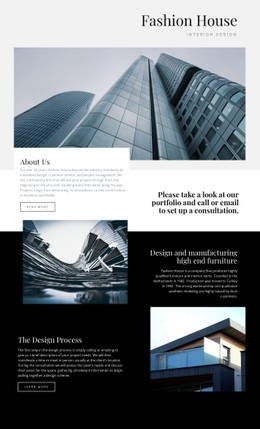

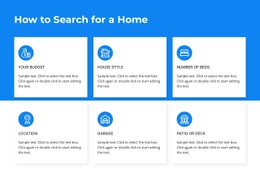






















































Flexible Real Estate CSS Templates for Property UI Styling
Real estate CSS templates belong to the presentation layer. They don't define which pages a property website includes or how the HTML content is structured; they control how recurring property UI patterns look, change state, and respond visually across screen sizes.
Style Repeated Property Components Consistently
The most useful CSS rules are the ones applied repeatedly. A listing card needs stable spacing and typography. A filter control needs clear default, hover, focus, active, and selected states. A property status badge needs a treatment that distinguishes available, reserved, sold, rented, or new listings at a glance.
Responsive CSS can also change presentation without changing the underlying content order. Grid columns can narrow or stack, gaps can tighten, typography can scale, and filter controls can move from a horizontal row to a more compact arrangement.
Reusable Styling Rules for Real Estate UI
A focused property CSS system can concentrate on four areas:
- Card presentation: image ratio, padding, price emphasis, typography, borders, shadows, and hover treatment.
- Filter states: focus indicators, selected controls, active chips, disabled options, and compact mobile styling.
- Status badges: color, contrast, spacing, and visual treatment for available, reserved, sold, rented, or new states.
- Responsive visual rules: grid columns, gaps, type scale, alignment, and control spacing at different breakpoints.
Nicepage supports Grid structures and Responsive Modes for these layouts. Grid Columns provide visual alignment guides for images, property facts, headings, and actions; the Grid Columns feature helps maintain alignment across a page.
When a project needs additional presentation rules, Custom CSS can extend the standard styling for states, spacing, badges, hover effects, focus behavior, or responsive adjustments. Export Minimal CSS Per Page can create a separate stylesheet containing only the rules required for a particular exported page; the Minimal CSS export option is available through Site Settings.
The CSS layer should not decide which property facts come first in the HTML document or which complete pages are included in the site package. Those are structure and product-package questions, not styling questions.
Real Estate CSS Template Questions
Can CSS define hover and active states for property cards and filters?
Yes. CSS can control hover, focus, active, selected, disabled, and other visual states for repeated property interface elements.
Can I style sold or reserved properties differently?
Yes. Status classes can use different visual treatments for available, reserved, sold, rented, or new properties.
What changes should responsive CSS handle?
It can adjust grid columns, gaps, typography, alignment, badge spacing, and control presentation at different breakpoints without changing the underlying content structure.
Keep CSS Focused on Appearance and States
Use CSS templates to control presentation: visual hierarchy, spacing, states, responsive grid styling, typography, badges, and controls. Leave semantic content order to HTML5, and leave full-page architecture to HTML or website template packages.





















































