
FAQ CSS Templates












Clean FAQ CSS Templates for Consistent Question and Answer Styling
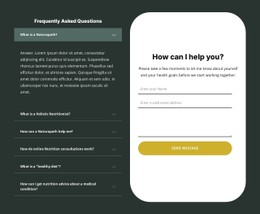
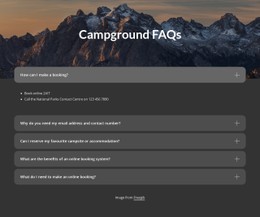
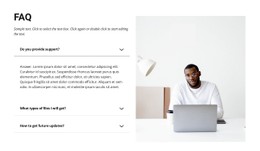
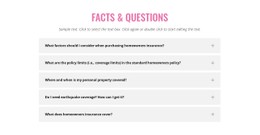
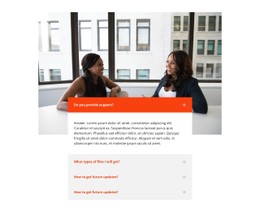
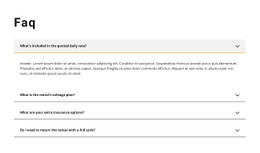
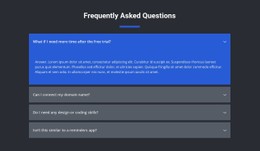
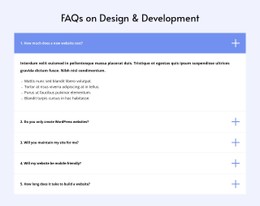
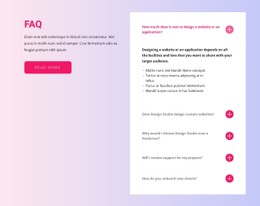
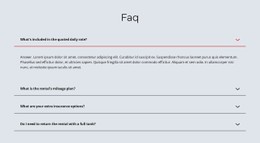
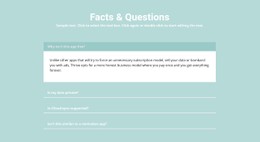
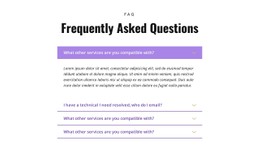
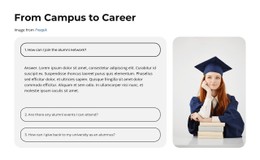
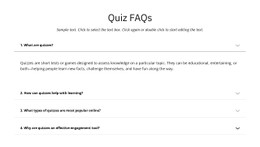
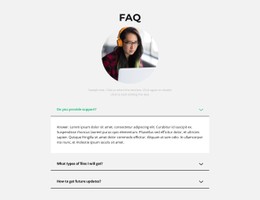
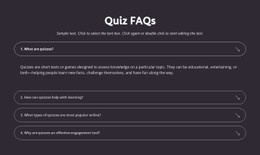
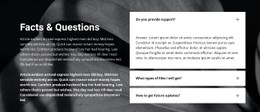
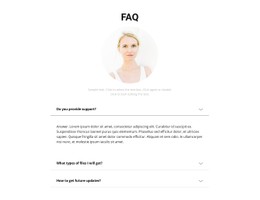
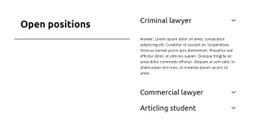
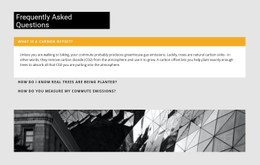
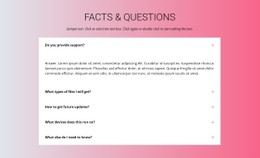
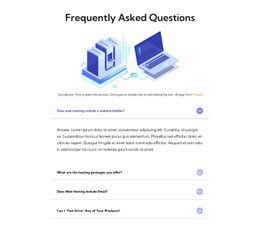
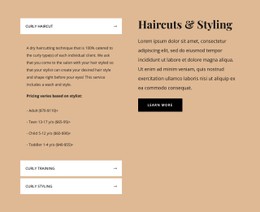
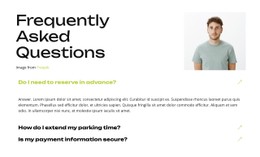
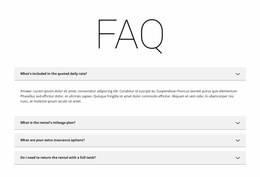
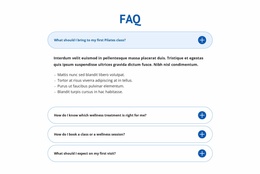
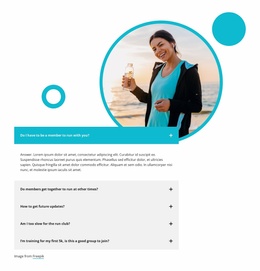
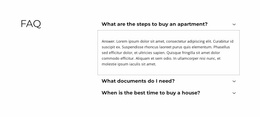
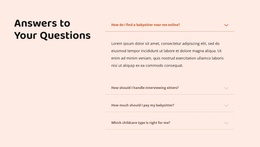
A closed FAQ row, an open row, a hovered question, and a keyboard-focused control each need a recognizable visual state. Good FAQ CSS styling accounts for what visitors do, not just what the section looks like in a static screenshot.
FAQ CSS Templates here are Nicepage FAQ designs whose styling can be adjusted, with Custom CSS available for additional requirements. Do not assume each visual block includes a separate downloadable stylesheet. The key work is aligning states, typography, and responsive behavior without weakening answer readability.
How Does CSS Styling Improve FAQ Question Clarity?
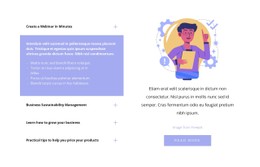
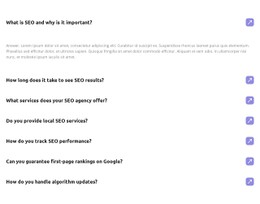
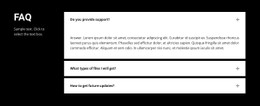
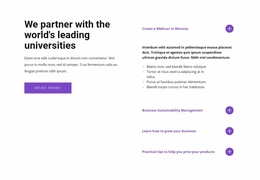
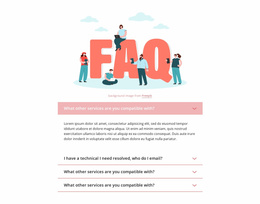
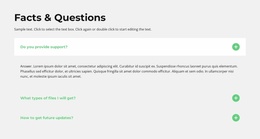
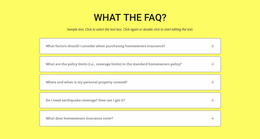
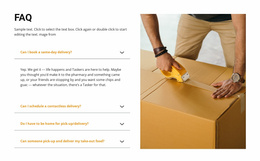
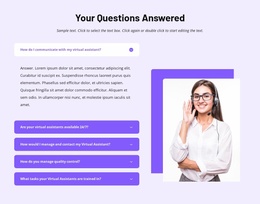
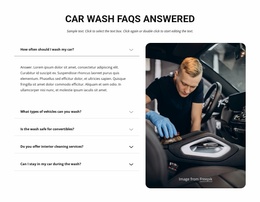
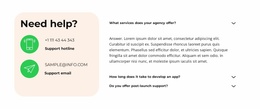
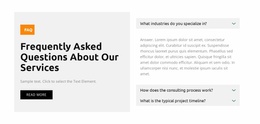
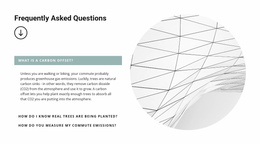
FAQ CSS templates should account for states, not just static borders and font sizes. An expandable question looks different when idle, hovered, focused by keyboard, or opened.
- Default: make the question label and disclosure control clearly identifiable.
- Hover: give pointer users subtle feedback without suggesting that every row is already open.
- Keyboard focus: preserve a visible focus indicator so the active control is easy to locate.
- Expanded state: show which answer is open and keep its visual relationship to the triggering question.
- Responsive breakpoints: allow long labels to wrap and adjust row padding on narrower screens.
For a simple list with permanently visible answers, expanded-state styling may not be needed. The CSS treatment should reflect the actual interaction model.
Use Selectors and States Consistently
FAQ CSS can distinguish a closed question from a hovered, focused, or expanded one. Selectors target the relevant rows and controls; transitions can soften a state change without hiding it. A visible :focus-visible treatment helps keyboard users locate the active trigger.
The Nicepage FAQ Element has built-in settings for colors, typography, spacing, and icon appearance. Begin there before creating overrides. For related question-led visual references, see Question templates.
Keep the same question identity across states: the expanded panel should look attached to its trigger, while hover and focus communicate distinct interactions.
Decide Between Built-In Styling and Custom CSS
Use the built-in FAQ Element settings when you only need to change fonts, colors, icons, or spacing. Nicepage Custom CSS is relevant for a requirement outside those controls—for example, a more specific :focus-visible treatment, a transition, or a layout adjustment at a responsive breakpoint.
- Target the appropriate selector rather than broadly restyling unrelated page elements.
- Check expanded and closed states so the custom rule works in both.
- Review narrow-screen spacing at the breakpoint where labels begin to wrap.
Custom CSS is not executed inside the Nicepage editor; inspect the rendered result in Preview. Custom rules can also conflict with existing styling, so test their scope carefully. These Nicepage blocks are editable FAQ designs, not an implied library of standalone downloadable stylesheets.
Check States at Narrow Screen Widths
A long FAQ question may wrap onto two or three lines on a phone. Check whether the disclosure icon stays aligned, focus remains visible, and an open answer fits the available width. Responsive adjustments should preserve the same interaction cues, even when padding and line lengths change.
CSS cannot compensate for an unclear question heading. Keep the label understandable and apply the extra styling only where it helps readers recognize which answer is available or open.
FAQ CSS Templates FAQ
Can I customize FAQ colors, fonts, and spacing in Nicepage?
Yes. The Nicepage FAQ Element provides controls for colors, fonts, and spacing through its Property Panel. You can adjust the appearance of question rows and answers to create a consistent Q&A section.
Can I add custom CSS to a FAQ section in Nicepage?
Yes. Nicepage supports Custom CSS for individual elements, pages, and the website. Use it for additional styling adjustments when the built-in FAQ properties don't provide the required visual treatment.
Why does my custom CSS not appear inside the Nicepage editor?
Nicepage does not execute custom CSS inside the editor to avoid potential conflicts. You can review the rendered styling in Preview. Custom CSS should also be tested because it may interfere with existing element styles.
How do I keep keyboard focus visible in a styled FAQ?
Check the focused question row in Preview and avoid rules that remove its visible focus indication. If built-in styling cannot meet the requirement, use narrowly targeted Custom CSS and test the rendered result.
Which FAQ interaction states should I check after adding CSS?
Check the default row, pointer hover, visible keyboard focus, and expanded state. Also verify that long question labels wrap naturally at narrow screen widths.
Review the FAQ's Actual Interaction States
Before using the design, check default, hover, focus, expanded, and mobile states in the rendered page. Standard Nicepage appearance controls cover many common needs; targeted Custom CSS can address a specific remaining issue. Avoid styling changes that make the open answer harder to read.





















































