
530 Interior CSS Templates


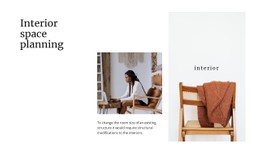


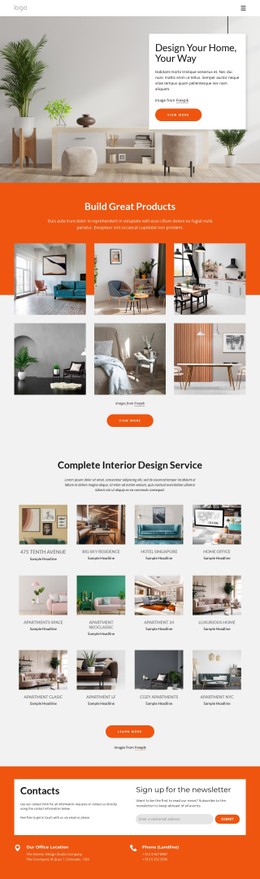
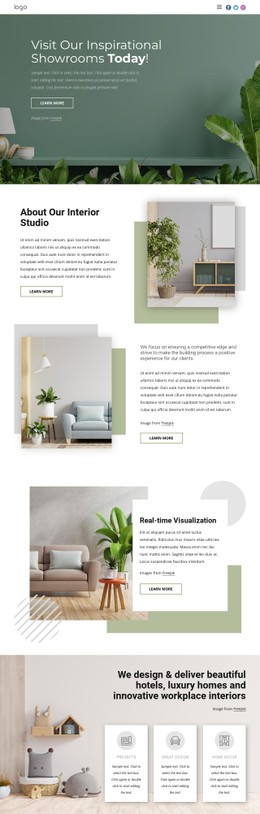

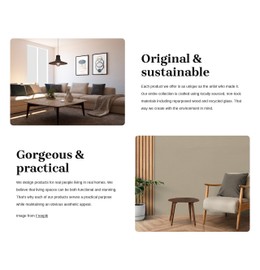
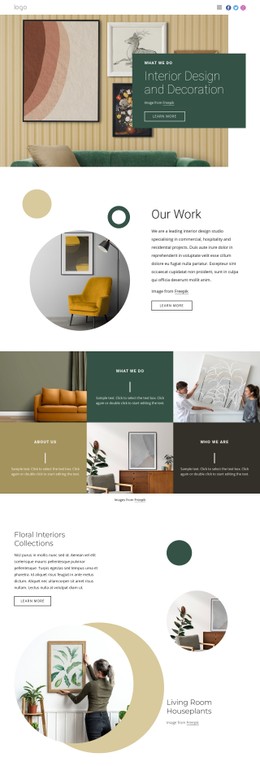

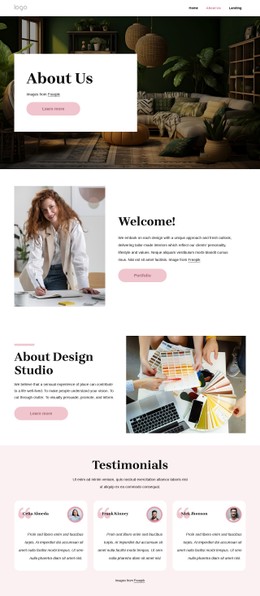
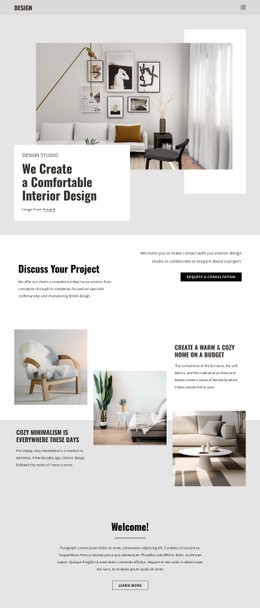
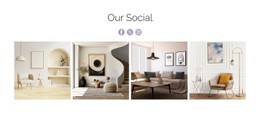
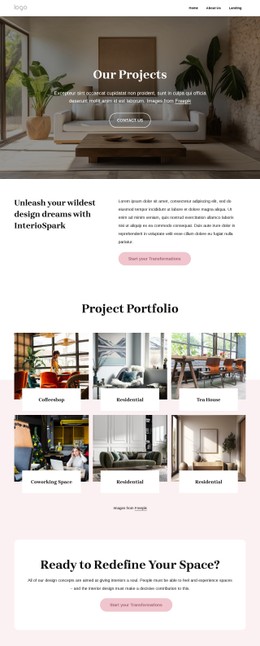
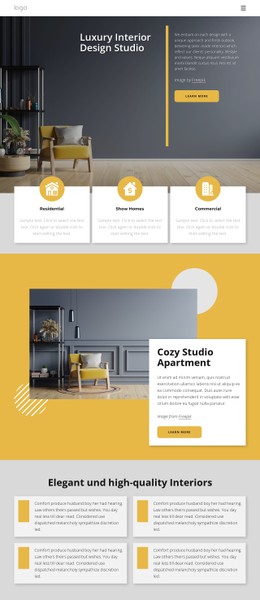
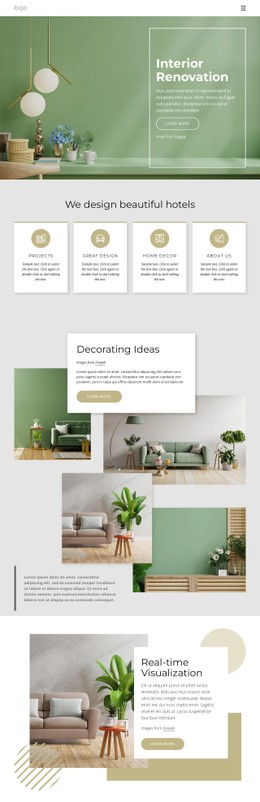

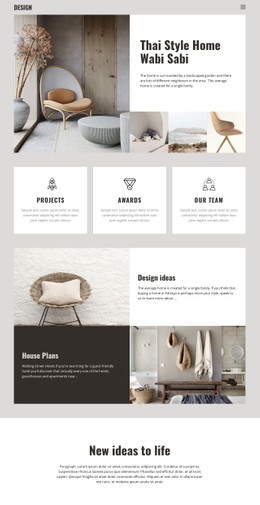
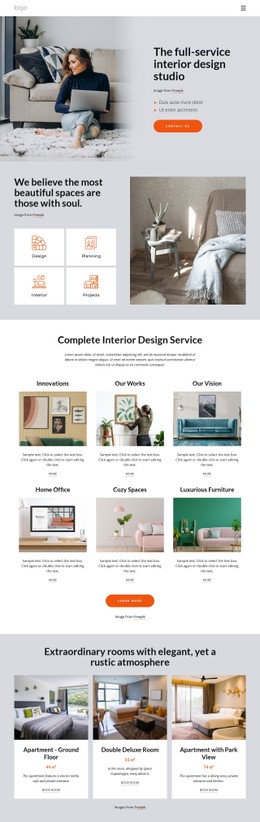
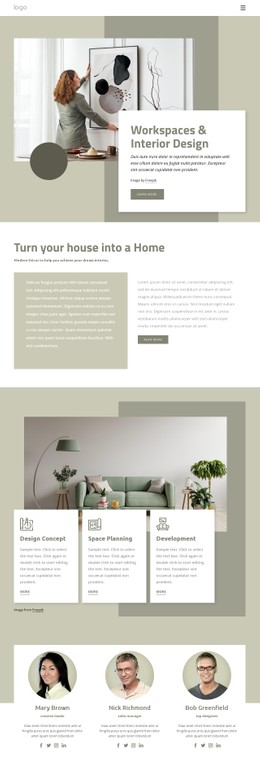

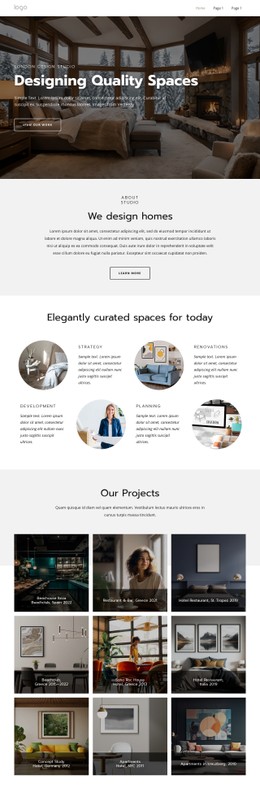
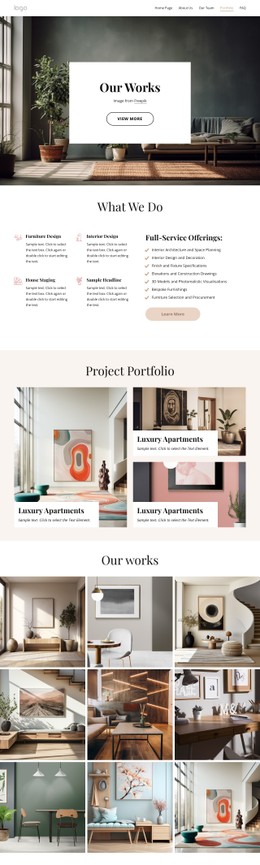








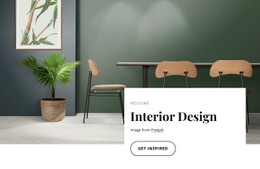
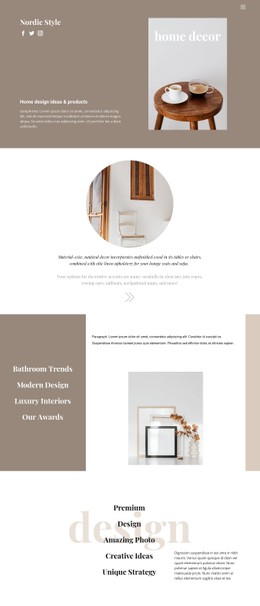
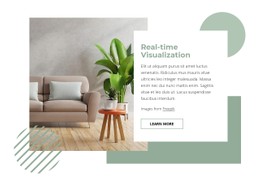

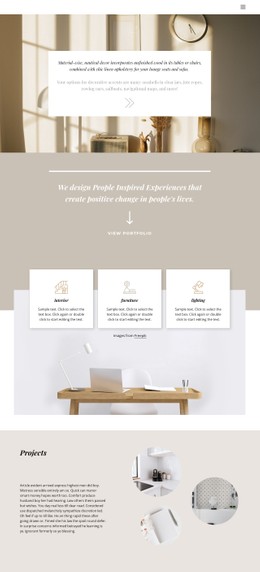









Interior CSS Templates for Responsive Portfolio Styling
Interior CSS templates are useful when the styling layer matters as much as the visual concept. Instead of describing only colors and drag-and-drop features, a CSS-oriented page should focus on how reusable classes, selectors, breakpoints, grid rules, image behavior, spacing scales, and stylesheet output keep an image-heavy interior portfolio consistent across pages and devices.
CSS Rules That Matter for Interior Portfolios
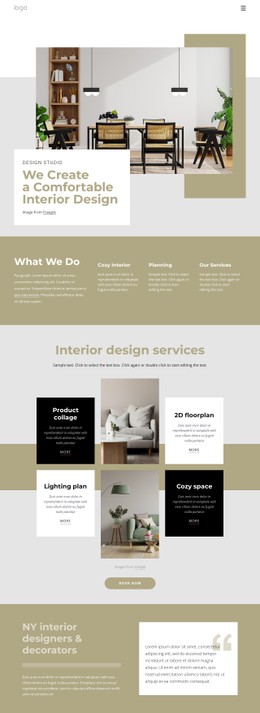
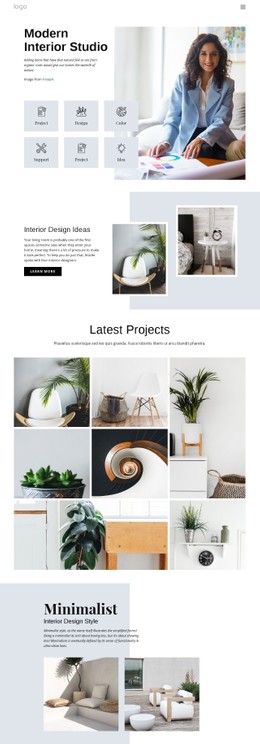
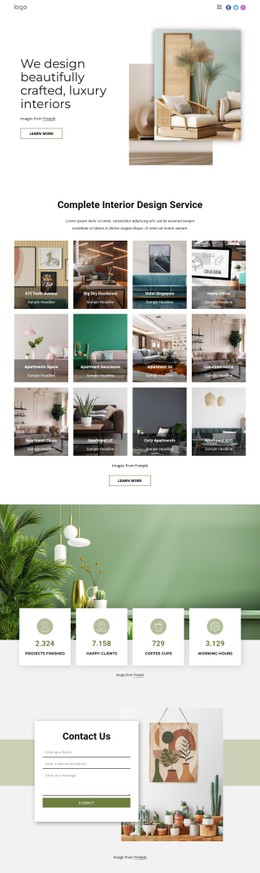
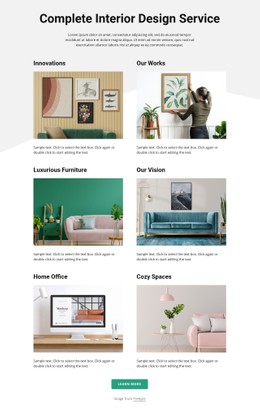
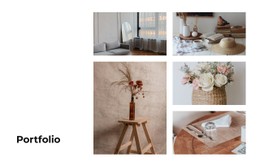
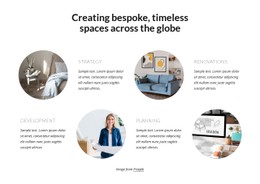
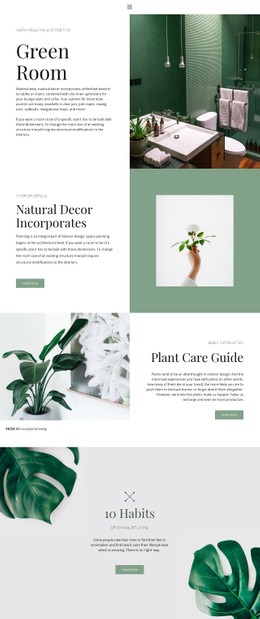
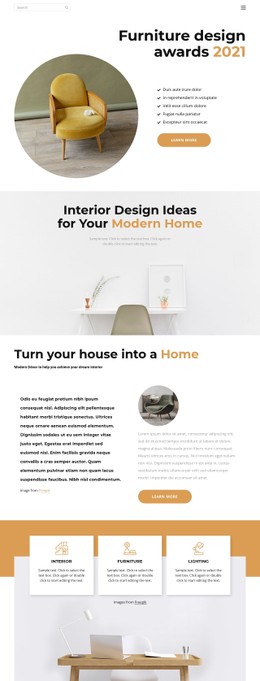
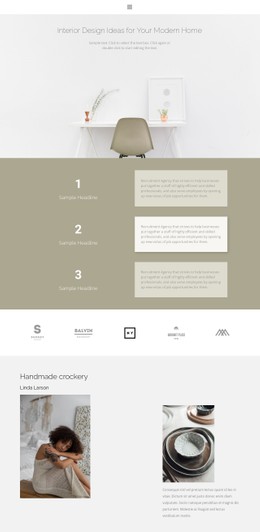
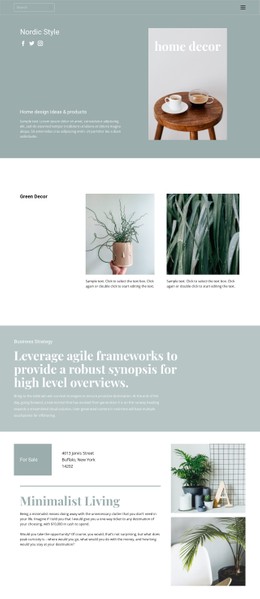
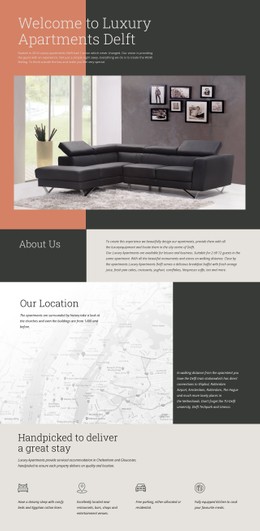
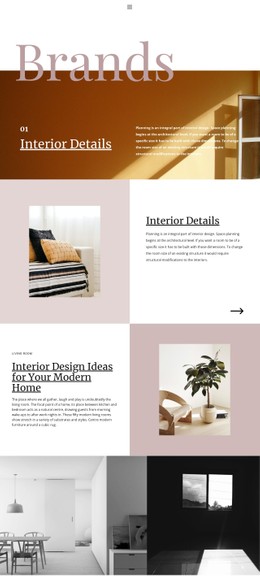
Interior sites regularly combine wide-room photography, portrait details, material close-ups, captions, text overlays, service cards, and responsive galleries. A useful CSS system should establish rules for those patterns instead of styling each page independently.
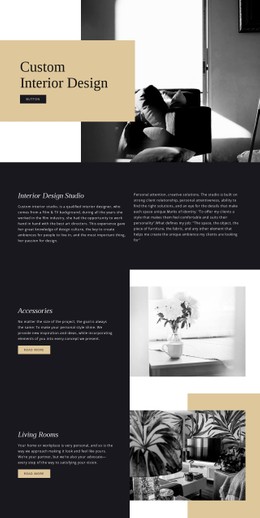
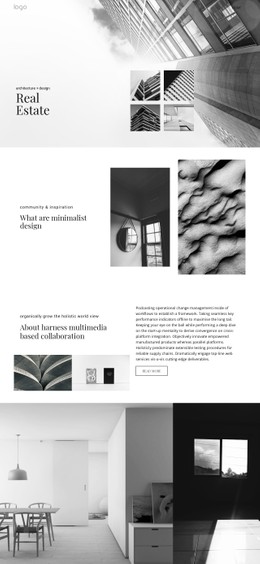
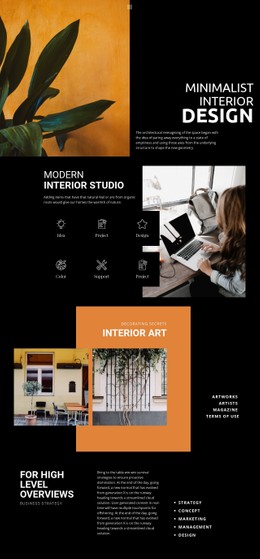
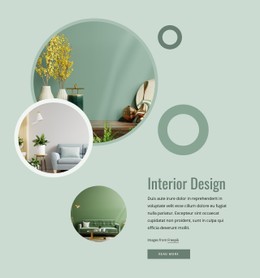
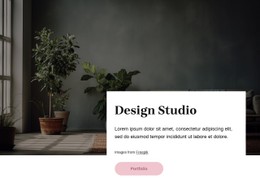
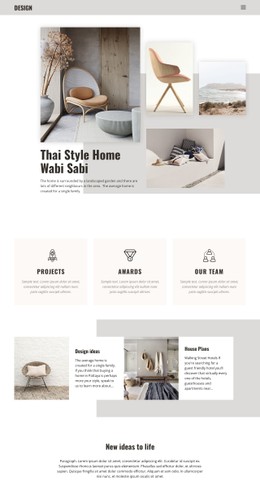
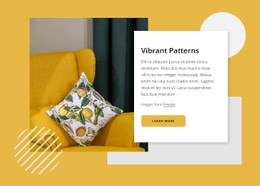
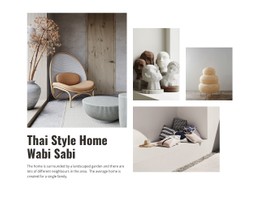
A wallpaper-inspired visual direction can expose common edge cases: busy pattern photography may need stronger text contrast, tighter overlay rules, and carefully controlled cropping. The stylesheet should define those behaviors predictably.
Portfolio grid classes
Use reusable classes for project cards, gallery rows, captions, image wrappers, and content containers. A consistent naming system makes it easier to change spacing or image treatment across many projects without editing each page separately.
Image aspect-ratio rules
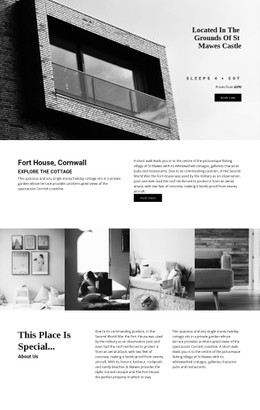
Room photography often comes in mixed proportions. CSS aspect-ratio, object-fit, and overflow rules can keep archive grids stable while still allowing full images in case studies. This prevents one unusually tall or wide photograph from breaking the visual rhythm.
Responsive breakpoints
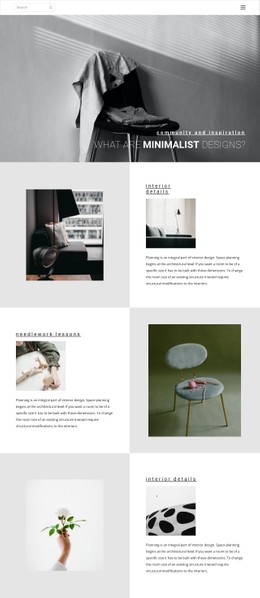
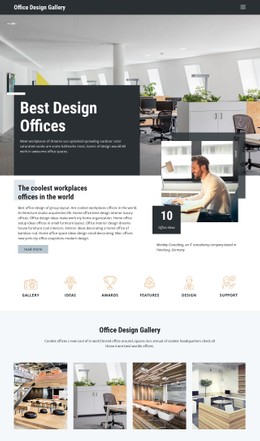
Define how multi-column project grids collapse, when text overlays should become separate text blocks, and how spacing changes at narrower widths. Use a space-focused design reference to test different room categories within the same responsive system.
Typography over imagery
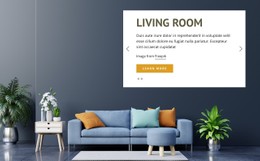
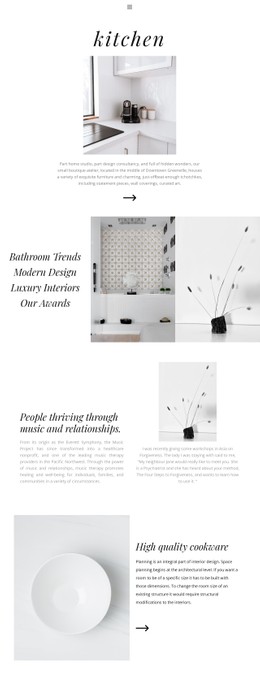
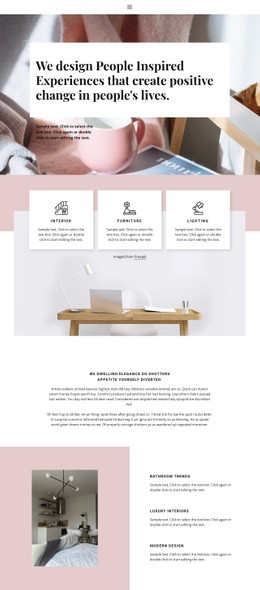
When titles or project metadata sit on top of photos, CSS should control contrast, background treatment, text width, and responsive positioning. Avoid relying on one desktop composition that becomes unreadable on a phone.
Custom CSS and Stylesheet Output
Nicepage supports Custom CSS Code at the element, page, or site level; the documented custom CSS options can handle exceptions when standard visual properties are insufficient. Use those exceptions deliberately: keep reusable rules reusable, and keep one-off styling scoped to the element or page that needs it.
When enabled, the Export Minimal CSS Per Page option creates a separate stylesheet containing only the styles required for that page. The minimal CSS per page option can be useful when a large interior site contains project pages with very different component sets.
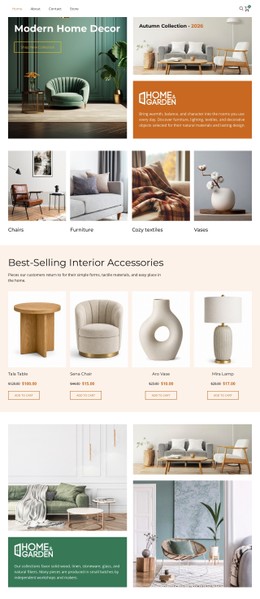
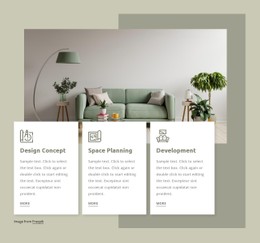
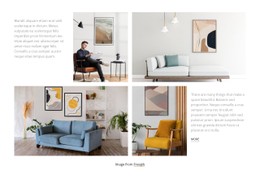
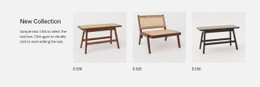
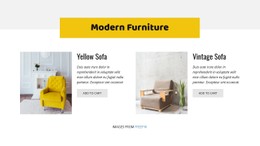
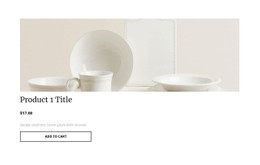
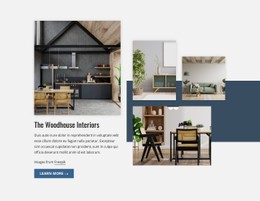
For furniture-heavy pages, a table-focused interior reference can help test whether product-scale details, room context, captions, and service copy remain visually balanced under the same CSS rules.
Keep the Styling Layer Distinct from HTML Structure
CSS templates should describe presentation logic: spacing, breakpoints, grids, states, typography, image rules, and stylesheet organization. That technical focus is especially useful for portfolio-heavy sites where the same visual rules need to work across many project pages, gallery formats, and screen widths.
Interior CSS Template FAQ
What CSS rules are especially useful for interior project grids?
Common rules include consistent gaps, responsive column counts, aspect-ratio for image wrappers, object-fit for predictable cropping, caption spacing, hover states, and breakpoints that preserve reading order on smaller screens.
Can I add custom CSS to a specific interior page or element?
Yes. Nicepage supports custom CSS at the element, page, and site levels, so you can keep special rules scoped to the part of the design that needs them.
How can I reduce CSS output for separate interior project pages?
Enable Export Minimal CSS Per Page in Site Settings. Nicepage can create a separate CSS file for each page that includes only the style rules needed for that page.
Can I import an existing HTML and CSS interior site into Nicepage Editor?
No. Nicepage does not support importing an HTML site or another generated site into the Editor. Instead, you can use its features to recreate the required structure and design.
Build Reusable Rules Before One-Off Exceptions
Start with the shared CSS logic for containers, portfolio grids, image ratios, typography, breakpoints, and component states. Add custom rules only when a particular project needs them, then review the generated stylesheet output before delivery. That keeps the page centered on CSS values rather than repeating a generic builder-feature overview.





















































